
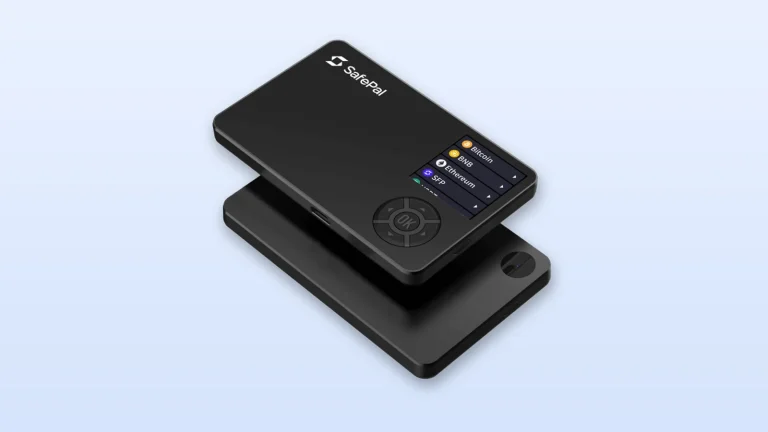
How to Set Up SafePal S1
A plain walkthrough of SafePal S1 setup, from the authenticity check and seed phrase to pairing with the SafePal App and a first test deposit.
A plain walkthrough of SafePal S1 setup, from the authenticity check and seed phrase to pairing with the SafePal App and a first test deposit.
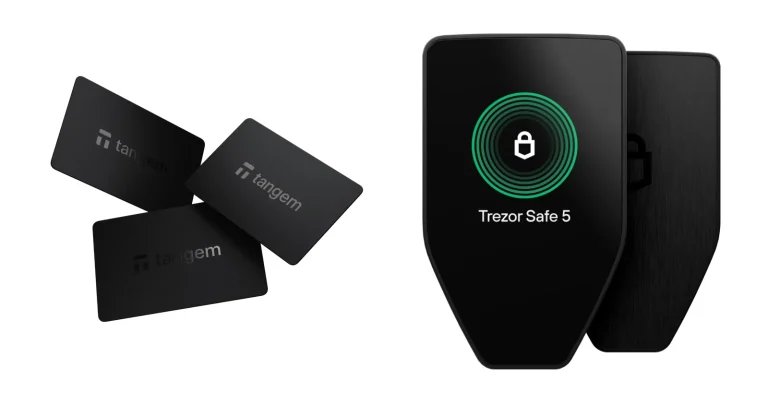
Tangem's 3-card set is $69.90 and the Trezor Safe 3 is $59. We compare screens, chips, firmware, backups, apps and coin support to show which one suits you.
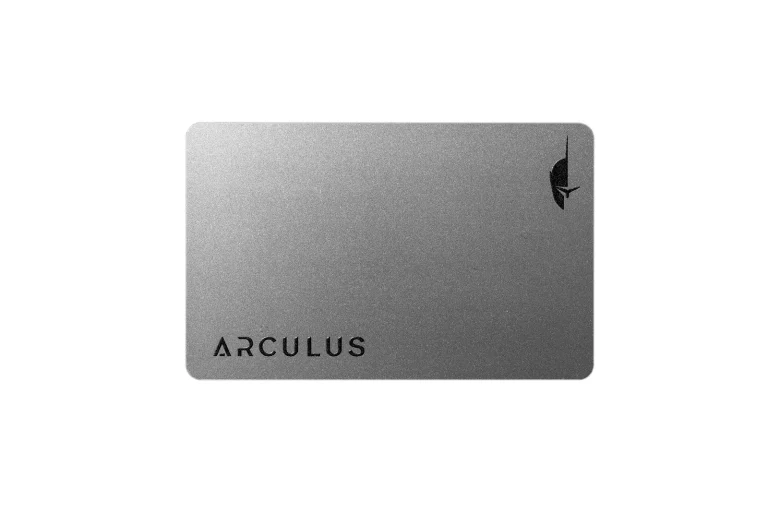
The Arculus wallet puts cold storage on a metal NFC card you tap to your phone; here's what that gets you and what it costs in security.
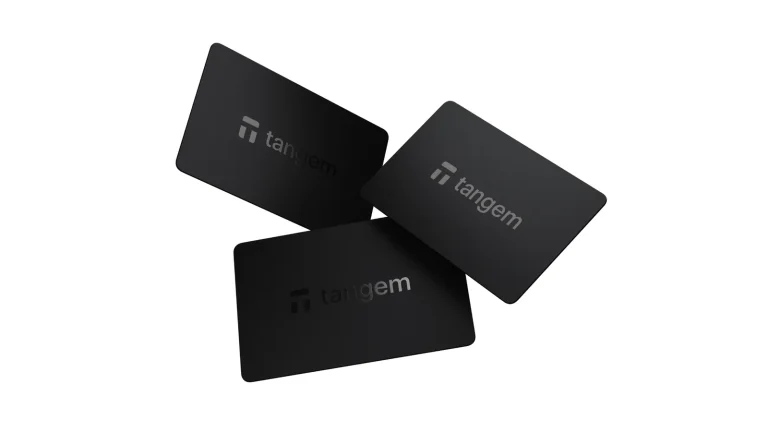
A step-by-step Tangem Wallet setup guide using Tangem's own button labels: the authenticity scan, the seed phrase decision, backing up to your other cards, the access code, and the settings worth changing.
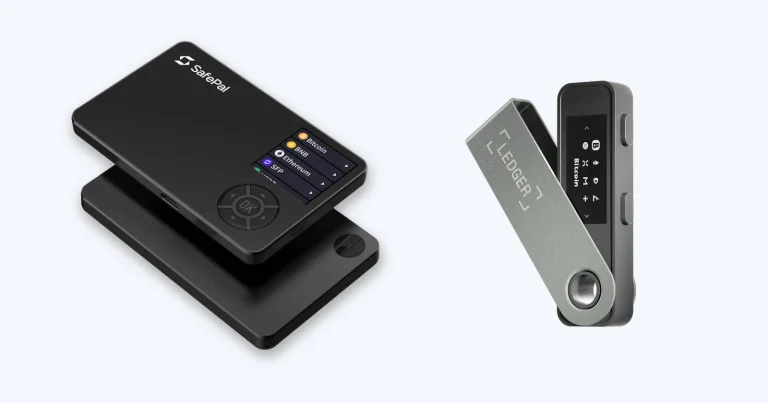
The SafePal S1 signs by QR code and works with iPhones; the Ledger Nano S Plus uses a named EAL6+ chip, supports more coins and runs on desktop. Here is how they compare on security, daily use and price.
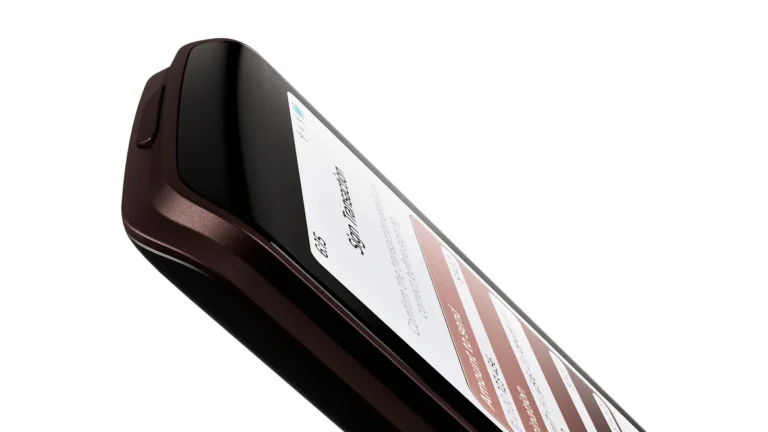
The $349 Passport Prime stores Bitcoin keys, 2FA codes, FIDO security keys and 50GB of encrypted files on one open-source device, with a clean Keylabs audit and a few real gaps.