Most hardware wallets reduce your attack surface. The Ellipal Titan 2.0 tries to eliminate it: no USB data line, no Bluetooth, no Wi-Fi, no NFC. Nothing connects to it, ever. Transactions cross the gap as QR codes on screens. This review looks at what that absolutism buys you in practice, what it costs in convenience, and who should choose it over a Ledger or Trezor in 2026.
Ellipal Titan 2.0
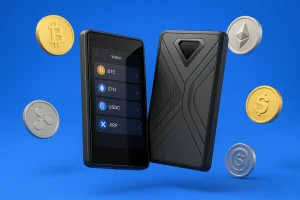
Most hardware wallets reduce your attack surface. The Ellipal Titan 2.0 tries to eliminate it: no USB data line, no Bluetooth, no Wi-Fi, no NFC. Nothing connects to it, ever. Transactions cross the gap as QR codes on screens. This review looks at what that absolutism buys you in practice, what it costs in convenience, and who should choose it over a Ledger or Trezor in 2026.
Product Brand: ELLIPAL
Product In-Stock: InStock
8
Table of Contents
What Is the Ellipal Titan 2.0?
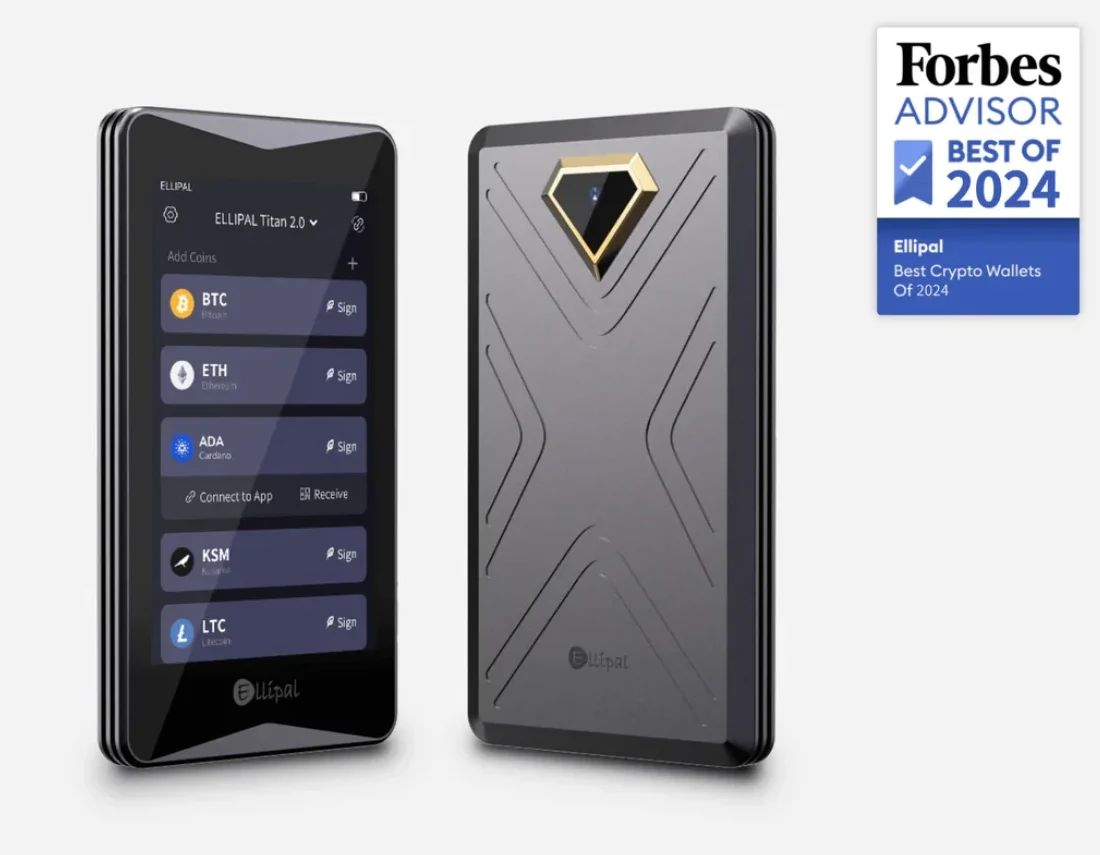
The Titan 2.0 is ELLIPAL’s flagship air-gapped hardware wallet. It is a sealed aluminum-unibody device with a 4-inch color touchscreen, an EAL5+ certified secure element, and one strict rule: data enters and leaves only as QR codes scanned between the device and the ELLIPAL phone app. Even firmware updates arrive offline, on a microSD card.
It usually sells for around $149–$169 from ELLIPAL’s official store. That puts it up against mid-range Ledgers and Trezors, not budget devices.
Key characteristics
Seven design decisions define this device.
1. Fully Air-Gapped Architecture
There is nothing to plug into and no radio to pair with. The charging port carries power only. Attacks that rely on a connection (malicious cables, Bluetooth exploits, USB firmware tricks) are not mitigated here; they are absent.
- No USB
- No Bluetooth
- No Wi-Fi
- No NFC
2. QR-Code Transaction System
To send funds, the app builds an unsigned transaction and shows it as a QR code. The Titan scans it, displays every detail for you to confirm, signs it internally, and shows a signed-transaction QR code for the app to scan back and broadcast. It is slower than tapping a button, and that friction is the point: nothing moves without passing two screens and your eyes.
- Enter the transaction details in the mobile app.
- The app generates a QR code.
- The Ellipal Titan 2.0 scans the QR code and signs the transaction offline.
- The Titan shows a new QR code.
- The app scans it and broadcasts the transaction to the blockchain.
3. EAL5+ Secure Element
Your keys live in an EAL5+ certified secure element and never leave it. Add the air gap, and extracting them would take both physical possession of the device and a defeat of its anti-tamper hardware. At that point the device is designed to wipe itself.
4. Tamper-Proof Metal Unibody
The aluminum unibody is sealed: no service ports, no removable panels. If the device detects intrusion, it erases its keys. Few wallets treat physical toughness as a designed feature rather than an afterthought; this one does.
5. Large 4-Inch Touchscreen
The 4-inch display is the practical star. Entering passwords, checking full addresses, and reading contract interactions all happen comfortably on one screen. That matters because verification quality is security: people skip checks that hurt.
- Easy to read
- Smooth to navigate
- Ideal for QR-code scanning
6. Cryptocurrency Support (10,000+ Assets)
The ELLIPAL app supports roughly 10,000 assets across 50+ blockchains, including native staking on several networks and NFT viewing. The trade-off: ELLIPAL’s app is your only gateway. Third-party wallet integrations are far more limited than with Ledger or Trezor.
- BTC, ETH, LTC, XRP, ADA, SOL, BNB
- ERC-20, BEP-20, TRC-20
- Stablecoins (USDT, USDC, DAI)
- DeFi tokens
- NFTs on Ethereum and supported chains
- Staking (via the app)
Unlike the Ledger Nano X or Trezor Model T, the Ellipal Titan 2.0 never touches a cable or a wireless network. Against connection-based attacks, that puts it in a different category from any wallet that plugs in.
7. Firmware Updates via MicroSD (Offline)
Updates download to a microSD card and install offline, consistent with the no-connections doctrine. That adds a manual step a few times a year, and it means keeping (and not losing) the card and adapter.
- No installer is downloaded over USB
- No external software touches the device
- The update stays offline from start to finish
Benefits and Drawbacks
Here is the honest ledger: what the Titan 2.0 gives you, and what it asks in return.
Ellipal Titan 2.0 vs. Other Hardware Wallets
The comparisons below cover the two rivals people actually cross-shop against the Titan.
Ellipal Titan 2.0 vs Ledger Nano X
Against the Nano X, the philosophies could not differ more. Ledger connects everywhere (USB-C, Bluetooth, mobile); the Titan connects nowhere. The Nano X is cheaper, faster for frequent transactions, and backed by the bigger app ecosystem. The Titan takes every connection-based attack out of the conversation and gives you a far better screen. Choose by temperament: convenience with certified hardware, or isolation with a camera.
 Ellipal Titan 2.0 | 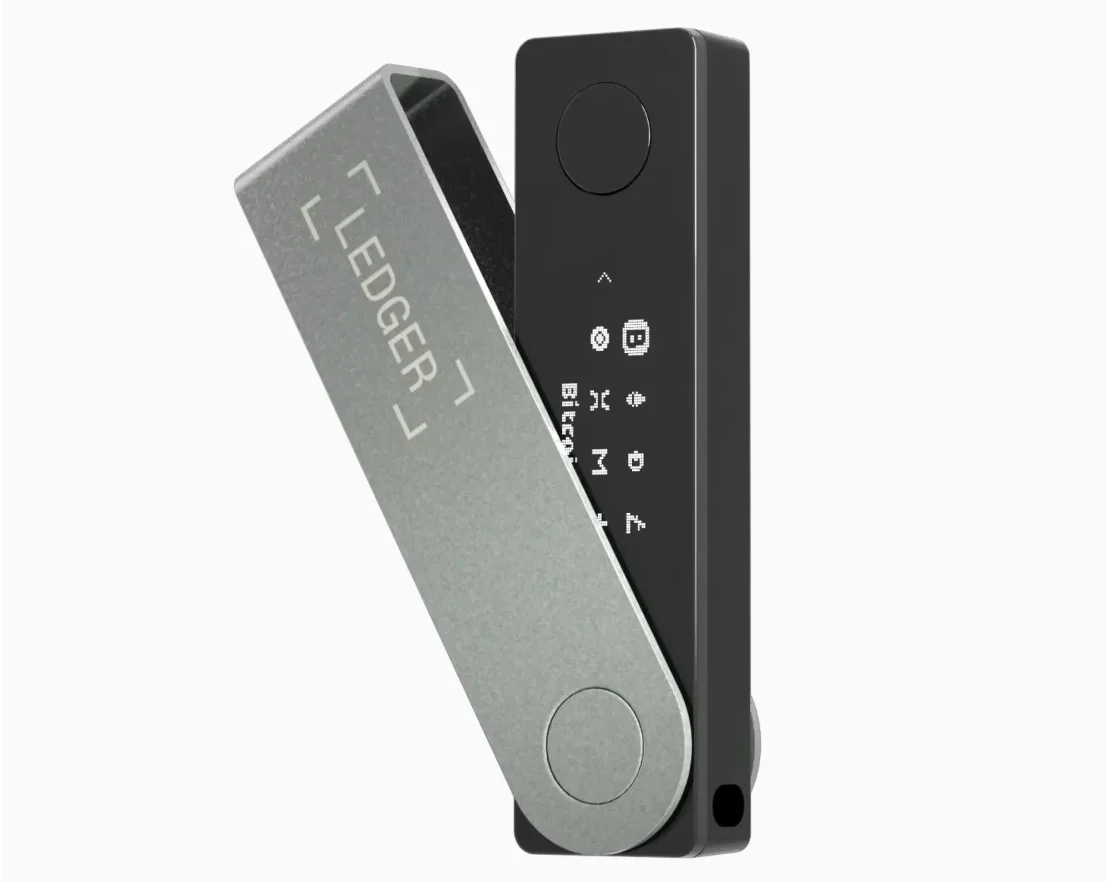 Ledger Nano X | |
|---|---|---|
| Best For | Maximum offline security; | Daily use + integrations; |
| Connectivity | 100% air-gapped (no USB/Bluetooth); | Bluetooth + USB-C; |
| Transaction Method | QR-code signing; | Ledger Live app via USB/Bluetooth; |
| Security Model | Full isolation + secure element + anti-tamper; | Secure element + connected device; |
| Physical Build | Metal unibody, tamper-proof; | Plastic body; |
| Touchscreen | Yes, 4-inch touchscreen; | No touchscreen (two buttons); |
| Firmware Updates | Offline via microSD; | Online via Ledger Live; |
| Charge/Power | Charging cable only; | USB-C cable; |
| Supported Assets | 10,000+ coins/tokens. | 5,500+ coins/tokens. |
Ellipal Titan 2.0 vs Trezor Model T
Both have touchscreens and neither has Bluetooth, but they split on the questions that matter. The Titan is air-gapped and sealed in metal but runs closed firmware. The Model T is open-source but cable-connected, and its legacy design has no secure element. Open-source advocates will not accept the Titan’s closed firmware; air-gap advocates will not accept a USB cable. There is no neutral winner, only your priority.
 Ellipal Titan 2.0 | 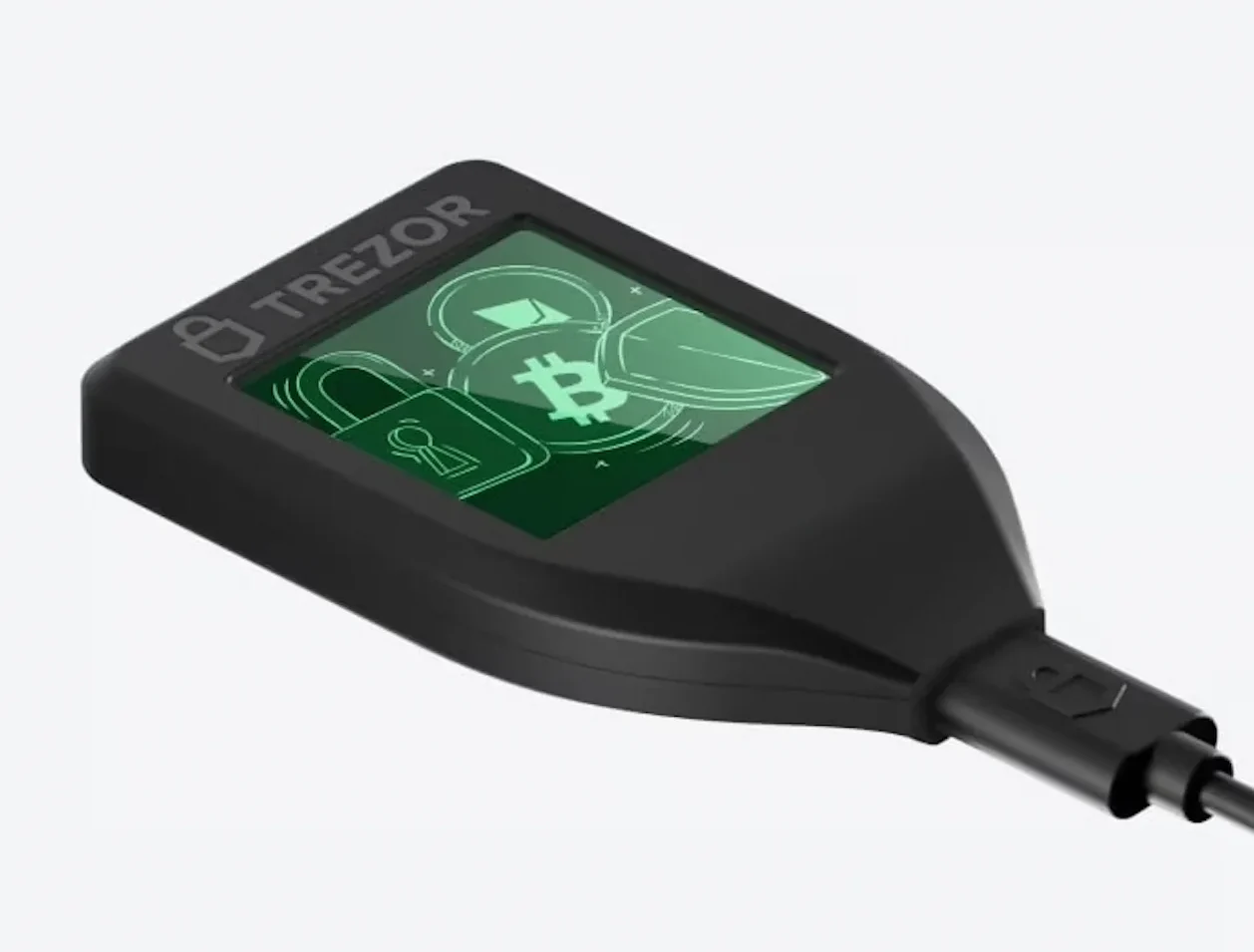 Trezor Model T | |
|---|---|---|
| Best For | High-security offline storage; | Transparency + developer-friendly setups; |
| Connectivity | Fully air-gapped; | USB-C connection; |
| Transaction Method | QR-code signing; | Cable connection via Trezor Suite; |
| Security Model | Offline + secure element + tamper protection; | No secure element (open-source design); |
| Physical Build | Metal body, sealed; | Plastic body; |
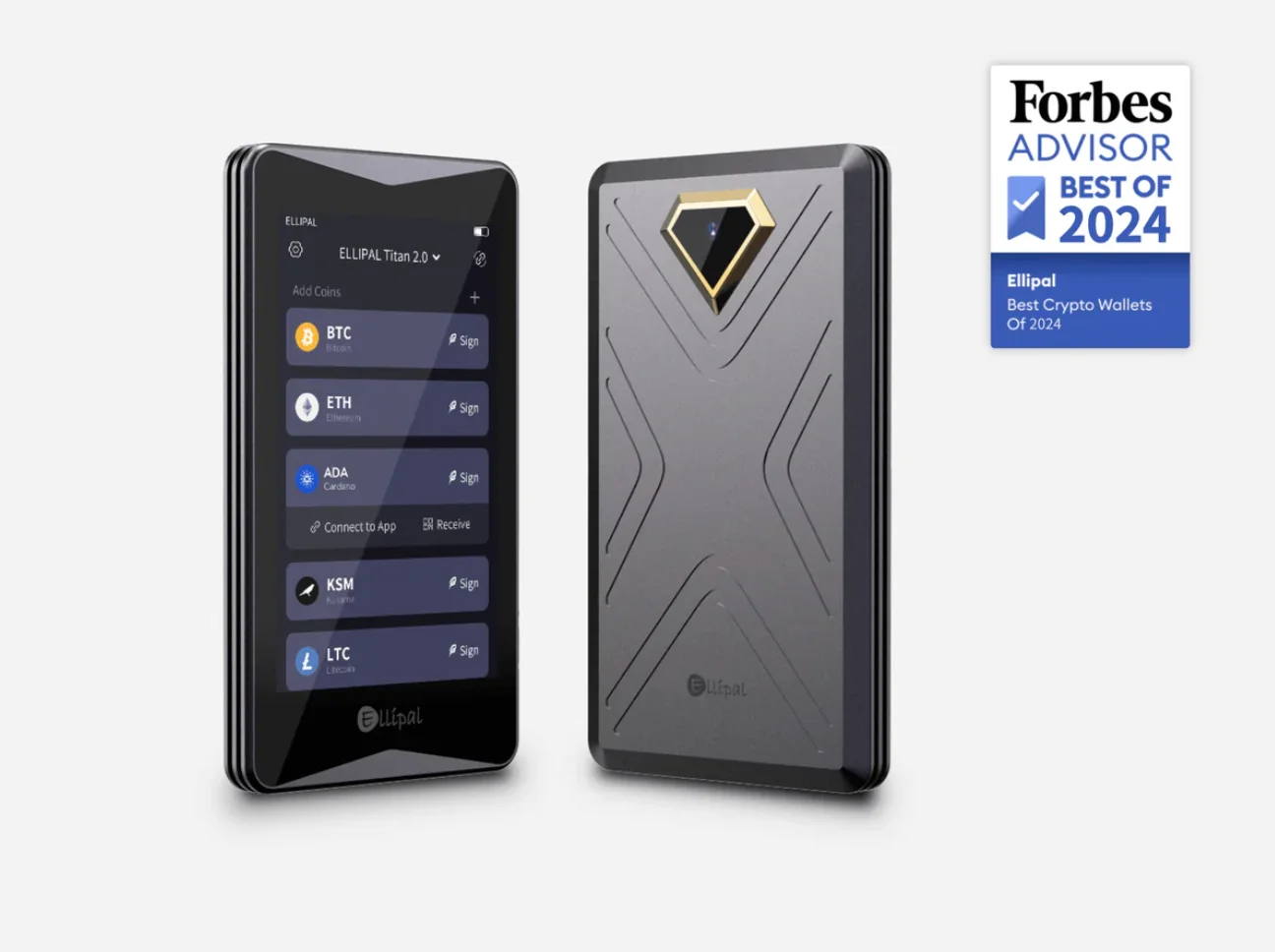
| Touchscreen | Yes, 4-inch touchscreen; | Yes, but a smaller touchscreen; |
| Firmware Updates | Offline via microSD; | Online through Trezor Suite; |
| Supported Assets | +10,000; | ~1,600 (no native XRP/ADA support); |
| Open-source | Partially open. | Fully open-source. |
Who Is the Ellipal Titan 2.0 Best For?
The Titan 2.0 is not for everyone. QR signing has a rhythm you either accept or resent. It fits some profiles unusually well.
Long-Term Crypto Holders
For coins meant to sit untouched for years, the air gap is ideal. Sign the occasional transaction by QR, keep the device sealed away, and connectivity risk never enters the picture.
Security-First Investors
If your threat model includes malware-infected computers or compromised cables, QR-only signing means the wallet never trusts the machine it talks to. Every byte crossing the gap is visible on two screens.
Mobile-Focused Investors
Counterintuitively for an air-gapped device, the Titan is phone-centric. The ELLIPAL mobile app is its primary companion, so if you already manage everything from a phone, camera-to-camera signing feels more natural than a desktop-first wallet. You get:
- A clean, intuitive mobile interface
- Biometric login (Face ID or fingerprint)
- QR-based transaction flows that feel fast and familiar
- Assets, staking, and swaps managed from your phone
Multi-Chain and Diversified Portfolio Holders
With roughly 10,000 assets across 50+ chains, a diversified portfolio rarely hits a coverage wall. That is broader out of the box than Trezor’s curated list.
Investors Who Prefer Touchscreen Interfaces
Some users dislike small screens and button-based navigation, as on the Ledger Nano S, Ledger Nano X, or Trezor One. The Titan 2.0’s 4-inch touchscreen feels like a small smartphone, which makes menus, transaction checks, and QR scanning easier.
The cheapest of those Ledgers gets its own writeup in our Ledger Nano S Plus review.
The screen is bigger than anything on a Ledger Nano or a Trezor Model T. Full addresses and contract details fit on one screen, which turns careful verification into something you actually do rather than skip.
The Ellipal Titan 2.0 Pricing
At around $149–$169, the Titan 2.0 is priced like a mid-range Ledger or Trezor, so you are not paying a premium for the air gap. Buy only from ELLIPAL’s official store or an authorized reseller. For a sealed, anti-tamper device, a marketplace reseller defeats the entire premise. Watch for holiday bundles that include the steel seed-backup plate; that accessory is worth having regardless. The price on the button below is the list price at the time of writing.
Ellipal Accessories (Optional Add-Ons)
ELLIPAL’s add-ons are practical rather than gimmicky: a steel seed-phrase plate for fire- and waterproof backup (the one purchase we genuinely recommend), and a security adapter that guarantees charge-only power for the cautious.
- Ellipal Seed Metal: Fireproof and waterproof backup plate for your recovery phrase.
- Protective Case: Adds shock resistance and scratch protection.
- MicroSD Card (Official): Used for offline firmware updates.
- Carrying Pouch: For safer travel and storage.
FAQ
Can I restore my Ellipal wallet on another hardware wallet?
Yes. The Titan uses standard 12- or 24-word BIP-39 recovery seeds, so most other wallets can restore them. Test with a small amount first, because derivation paths can vary between brands.
How long does the Titan 2.0 battery last?
Typically weeks to months, depending on use. The internal battery is not user-replaceable, so contact ELLIPAL support about repair options if it fails.
Can the Ellipal Titan 2.0 interact with MetaMask or Phantom via QR codes?
Direct desktop integration is limited. Some mobile apps support QR signing, but it depends on the app. The official ELLIPAL mobile app remains the primary interface, so plan on using it for day-to-day management.
Ellipal Titan 2.0 Review: Final Verdict
The Titan 2.0 executes its one big idea with unusual discipline: if nothing ever connects, nothing can attack the connection. Accept the trade-offs (closed-source firmware, dependence on the ELLIPAL app, slower QR-based signing) and you get a wallet whose failure modes are almost entirely physical and human rather than digital. The risks that remain are the ones you control: where you keep the device and how you store your seed phrase. Security-first holders and phone-centric users should shortlist it. Open-source purists and high-frequency traders should look at Trezor’s Safe line or a Ledger instead. At 8/10, it earns its place as our air-gapped pick.
How I review: Reviewed by Andrei B. I buy the hardware wallets I review, test every product myself and score it on security, UI/UX, ease of use, price and supported coins. Before I publish, I also check recent user reviews and any hack reports.
The whole process is explained on the How We Review page. You can read more about me, or contact me with corrections, from the links at the bottom of this page. For general safety advice, see the FTC guide to cryptocurrency scams.