You can pick your coins with care and still lose them if the wallet they sit in is weak. In 2026, exchange hacks, phishing pages and SIM-swap attacks are still on the rise. If you leave everything in a software wallet, you’re walking a tightrope with no net under you, and that’s usually when people start to look at hardware.
Buying the wrong wallet brings its own trouble. It might not support a coin you hold, or the setup might fight you at every step, or you might never feel sure about the company that made it.
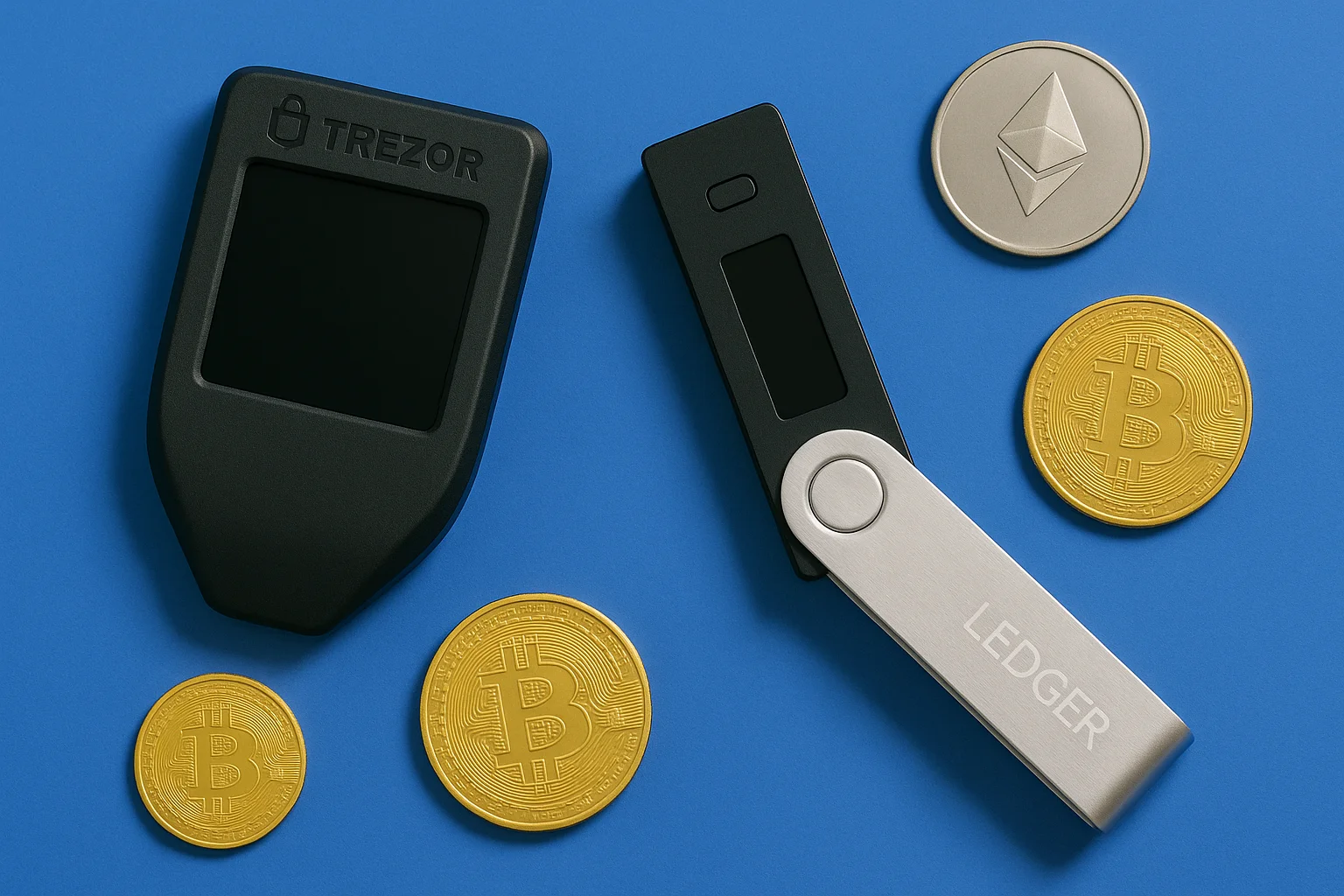
That’s a big part of why so many readers get stuck on the Trezor Model T versus the Ledger Nano X. They’re the two biggest names in hardware wallets.
Below we compare the two on security, everyday use and coin support, and we also add what owners say about living with them. That way you can pick the wallet that fits how you really use your crypto, not how a spec sheet says you should.
*If you want to compare the two companies as a whole, our Trezor vs. Ledger guide covers that.
Table of contents
Quick Comparison: Trezor Model T vs Ledger Nano X | |
|---|---|
| Trezor Model T | Suited for: Beginners and people who invest from a desktop Security: Open-source firmware with Shamir Backup Connectivity: USB-C only Interface: A full touchscreen Staking & NFTs: Only with third-party apps Price: ~$129 |
| Ledger Nano X | Suited for: People who use their phone most, stake, hold NFTs or travel a lot Security: Secure Element (CC EAL5+) with closed-source firmware Connectivity: USB-C plus Bluetooth Interface: Small screen and two buttons Staking & NFTs: Built into Ledger Live Price: ~$99 |
Trezor Model T Overview
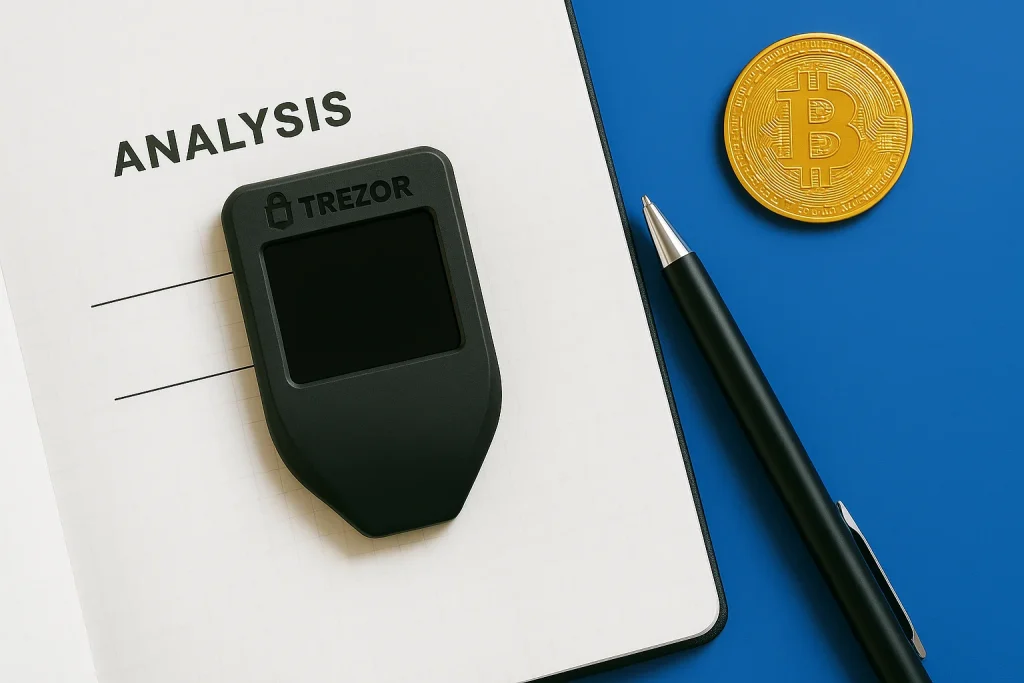
The Trezor Model T sits at the premium end of the hardware wallet market. Trezor sells it mostly on transparency, but the first thing you notice is the color touchscreen.
You enter PINs, passphrases and transaction approvals on the Model T itself, and we think even someone who has never owned a hardware wallet will get the hang of it without much trouble.
The Model T supports over 9,000 coins and tokens, and it works with software wallets such as MetaMask. There’s also Shamir Backup, and we’d call that the less obvious selling point.
Ledger has since added a newer model to that line, compared in Ledger Nano Gen5 vs Nano X.
Shamir Backup splits your seed into several shares, so if one share goes missing or gets stolen, that alone doesn’t put your crypto at risk.
Setup choices and the ways a split backup can fail are covered in how Shamir Backup works.
If you’re torn between the two Trezors, our Trezor Model T vs Model One comparison shows you where they differ.
Ledger Nano X Overview
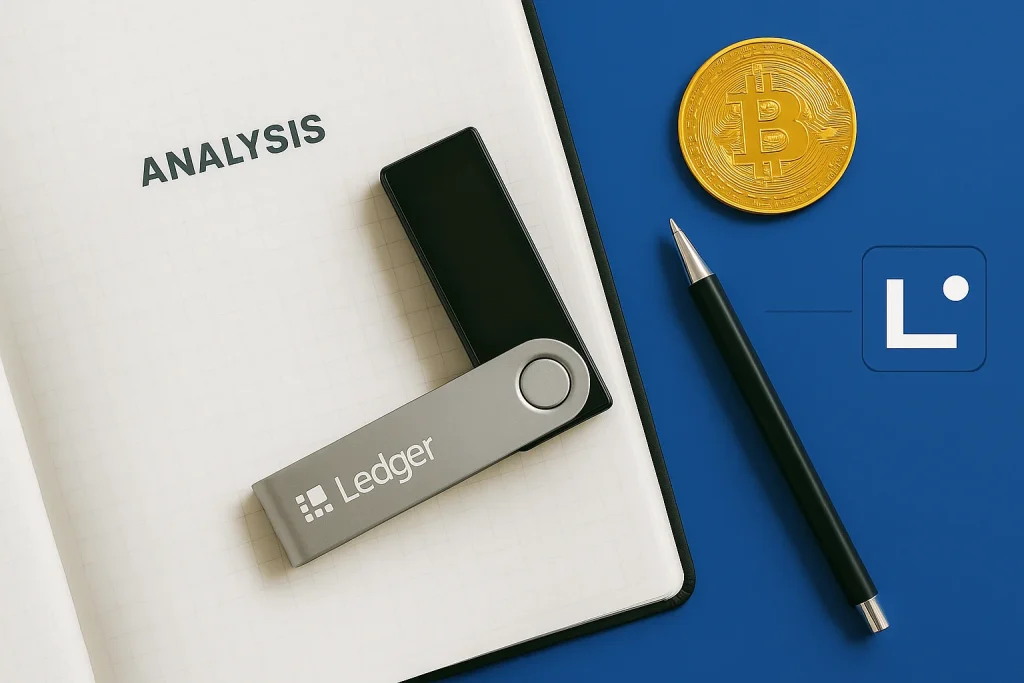
Ledger built the Ledger Nano X for people who want cold storage they don’t have to use at a desk. Your keys live on a Secure Element chip certified to CC EAL5+, and that chip is designed to hold up against attacks on the hardware itself.
The Nano X connects to your computer or phone over USB-C or Bluetooth, so if your portfolio mostly lives on your phone, the Nano X is the obvious place to start.
Ledger Live is the companion app for the Nano X. It handles 5,500+ assets, and you can stake tokens and keep NFTs without ever opening a second app. We’d struggle to name many hardware wallets that fit that much into one app.
Trezor Model T vs Ledger Nano X: Feature-by-Feature Showdown
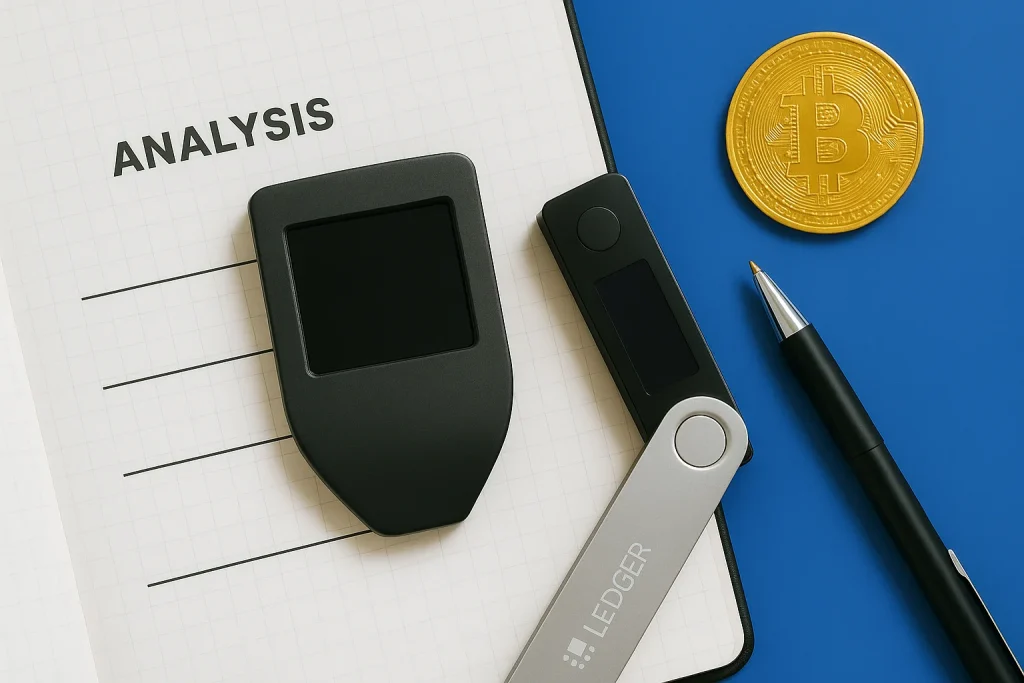
1. Security: Open Source vs Secure Element
Trezor Model T
Trezor’s case rests on open-source firmware. Anyone can read the code, and the crypto community does audit it, so a hidden backdoor would be hard to slip in.
The Model T has no Secure Element chip, though. Some owners see that as its weak spot if a thief gets hold of your Model T.
Ledger Nano X
Ledger went the other way. The Nano X keeps your keys on a CC EAL5+ Secure Element, the same class of chip you’ll find in credit cards and passports. That makes the Nano X much harder to break by attacking the hardware.
But the Nano X firmware is closed. You can only lean on Ledger’s own audits and not on checks by the wider community.
So it comes down to who you’d rather trust. Trezor lets a whole community read every line of its code, while Ledger gives you a certified chip, but only Ledger sees the software on it.
2. Supported Coins & Tokens: Which Has Wider Coverage?
Trezor Model T
On raw numbers this one isn’t close, because Trezor Suite supports 9,000+ coins and tokens and Ledger Live supports 5,500+.
If Suite doesn’t cover a coin you hold, the Model T also works with MetaMask, Electrum and MyEtherWallet. If you sit on niche tokens for years, we’d call this the Model T’s clearest lead.
Ledger Nano X
Ledger’s shorter list leans toward the major cryptocurrencies and DeFi tokens. If that’s what you hold, the gap hardly matters, and Ledger Live also makes it easier to check and move your coins every day.
If you hold less common tokens, check each one against the supported list before you order either wallet.
3. Usability: Desktop vs Mobile, Ease of Setup
Trezor Model T
The color touchscreen does most of the work here, because you enter your PIN, confirm transactions and type passphrases on the Model T itself.
You don’t have to scroll through the alphabet one button press at a time. Trezor built the Model T with desktop users in mind, and it suits you best if you want an interface that stays simple.
Ledger Nano X
The Nano X gets by with two physical buttons and a small screen, and some people find that fiddly. But once you pair the Nano X with the Ledger Live mobile app, it becomes a flexible wallet if you run your funds from your phone.
If you’re a beginner and you mostly work at a desk, we’d point you to the Trezor first.
4. Connectivity: USB-C vs Bluetooth
Trezor Model T
USB-C is the only way to connect to the Model T, and there’s no radio on board, so wireless attacks are off the table. If you want a closed, wired setup, that limit is the whole appeal.
Ledger Nano X
The Nano X adds Bluetooth to its USB-C port. You can check balances, send funds and stake straight from your phone, and that’s what makes the Nano X the more flexible wallet of the two.
You can also switch Bluetooth off, and some security-minded investors do just that to cut their exposure.
5. Staking & NFT Management: Which Is More Versatile?
Trezor Model T
Trezor Suite has no staking or NFT features of its own, but you can still do both through third-party apps and integrations and it stays secure. But every extra app adds steps. It’s also one more piece of software you have to trust.
Ledger Nano X
Ledger Live builds both in. You can stake ETH, ADA and DOT and view or send NFTs without leaving the app. If you’re an active DeFi user or you collect NFTs, we think the Nano X is plainly the more practical choice.
In this comparison, staking and NFTs are the one area where the Model T has no built-in answer at all.
6. Pricing & Value: Budget Fit and Long-Term Reliability
Trezor Model T
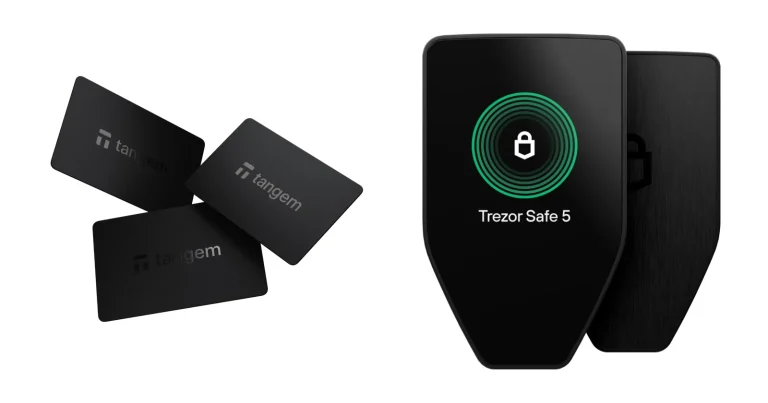
Trezor has discontinued the Model T and now points buyers to the Safe 5. A Model T that’s already out there still makes sense if you want transparency, open-source security and a touchscreen a beginner can manage.
Ledger Nano X
The Nano X costs about $99. Ledger pitches it as the wallet that does everything, with mobile support, staking and NFTs in a single app. It also costs about $30 less than the Model T, so you get all of that in one place for less.
If you already own a Model T, Trezor has promised software updates until at least 2031.
Use Cases: Ledger Nano X vs Trezor Model T
The right pick depends on what you plan to do with your crypto wallet from week to week. Both are secure cold wallets and neither would let you down. But they’re good at different jobs.
Best Use Cases: Trezor Model T
- You invest from a desktop and want a simple interface you can check every day.
- You take security seriously and you’d rather trust open-source code than a closed system.
- You hold for the long term, and your mixed portfolio includes some niche tokens.
- You want an advanced recovery option like Shamir Backup, even if it’s just for peace of mind.
Best Use Cases: Ledger Nano X
- You manage your funds from an iOS or Android phone more than from a computer.
- You travel a lot and need quick access to your wallet wherever you are.
- You trade actively and you often stake assets or use DeFi protocols.
- You collect NFTs and want an easy way to see and manage them.
FAQ
Is Ledger better than Trezor?
Neither is better across the board, since it depends on what you need. If you want mobile use and staking, the Ledger Nano X is stronger. If you want open-source transparency and a simpler touchscreen setup, the Trezor Model T is the better fit.
Is Ledger still safe in 2026?
Yes, we think so. The Ledger Nano X still keeps your keys on a CC EAL5+ Secure Element chip, the same class used in credit cards and passports. Past controversies hurt trust in Ledger, but the hardware security is still among the strongest you’ll find in a consumer wallet.
What happens if I lose my Ledger?
You don’t lose your crypto. Your assets are tied to your recovery seed and not to the Ledger itself. Restore the wallet on a new Ledger or any other BIP39-compatible device and your funds are back.
What are the Trezor Model T alternatives?
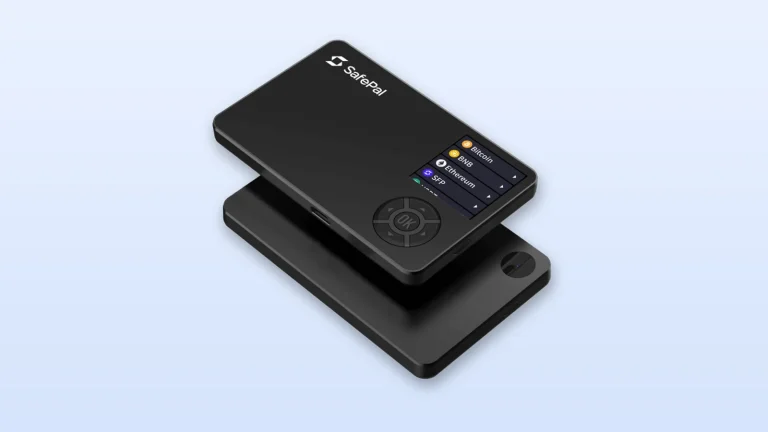
Two good alternatives are the Keystone Pro, an air-gapped wallet, and the SafePal S1. Both give you strong offline storage, and each one has a different set of features.
Is Trezor or Ledger better for beginners?
The Trezor Model T is usually the easier place to start because of its touchscreen and open-source transparency. But if you care most about mobile access and staking, the Ledger Nano X will suit you better.
Final Verdict: Trezor Model T or Ledger Nano X?
The Trezor Model T and the Ledger Nano X are two of the strongest hardware wallets you can buy in 2026. They’re built for different kinds of investors. Both keep your keys offline in cold storage, so the choice comes down to what you want your wallet to do for you.
The Trezor Model T is the one to buy if:
- You care about open-source security and want firmware that anyone can audit.
- You’d rather use a touchscreen to move through menus, enter your PIN and type passphrases.
- You invest mostly from a desktop and don’t need Bluetooth.
- You want strong recovery features like Shamir Backup to protect your funds for the long term.
The Ledger Nano X is the one to buy if:
- You want a wallet built around your phone, with Bluetooth for iOS and Android.
- You want to stake and manage NFTs inside the Ledger Live app.
- You need a wallet that connects easily to DeFi platforms and tracks your portfolio every day.
- You want a small wallet that travels well and costs a bit less.
Either wallet keeps your keys off the internet and out of reach of exchange hacks and phishing. So the decision turns on how you trade and on the device you use most during your day. It also turns on how much convenience is worth to you compared with extra features.
Whichever one you pick, buy it from the maker’s official store and set it up yourself. Never share your recovery phrase with anyone, and if you do all that, your keys stay with you either way.
How I review: Reviewed by Andrei B. I buy the hardware wallets I review, test every product myself and score it on security, UI/UX, ease of use, price and supported coins. Before I publish, I also check recent user reviews and any hack reports.
The whole process is explained on the How We Review page. You can read more about me, or contact me with corrections, from the links at the bottom of this page. For general safety advice, see the FTC guide to cryptocurrency scams.