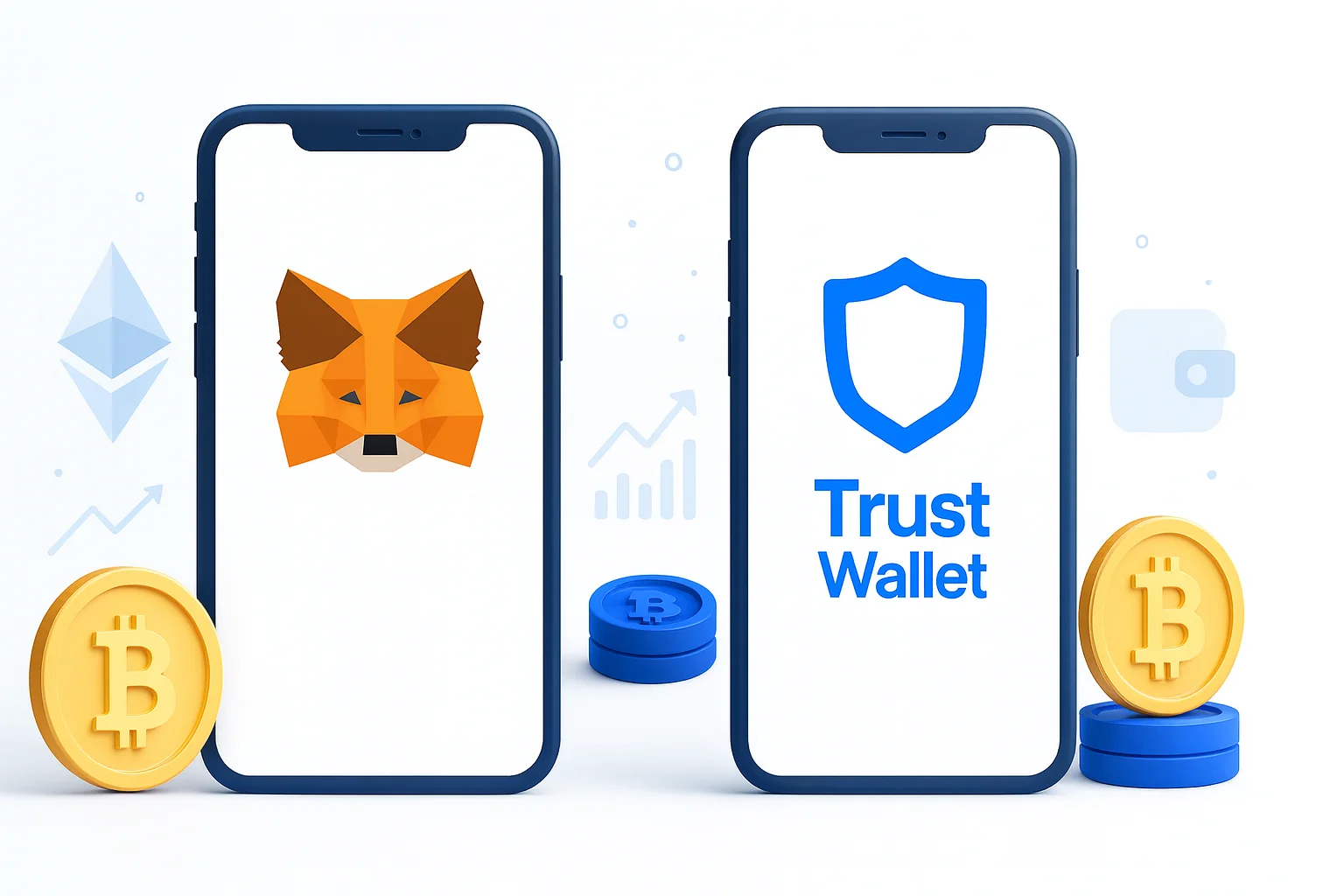
Choosing a crypto wallet is hard, and the long list of options does not make it easier. For most people, the choice comes down to MetaMask vs Trust Wallet, two of the most widely used wallets in crypto.
Both give you non-custodial storage, so you hold your own keys. Where they differ is blockchain coverage, ease of use, and how well they handle DeFi, NFTs, and staking.
This guide breaks down those differences so you can pick the wallet that fits how you use crypto, whether you’re setting up your first wallet or already deep into Web3.
See also our MetaMask vs Coinbase guide for a closer look at how MetaMask works and what it can do.
Table of contents
Quick Comparison: MetaMask vs Trust Wallet | |
|---|---|
| MetaMask | Primary Use: Web3 gateway, DeFi focus Supported Blockchains: 10+ networks Platform Availability: Browser extension, mobile app Built-in DEX: MetaMask Swaps Staking Support: Limited NFT Support: Basic viewing Security Features: Hardware wallet integration User Experience: Technical, DeFi-oriented Company: ConsenSys |
| Trust Wallet | Primary Use: Mobile-first, user-friendly Supported Blockchains: 100+ blockchains Platform Availability: Browser extension, mobile app Built-in DEX: Trust Wallet DEX Staking Support: Extensive (24+ cryptocurrencies) NFT Support: Advanced marketplace Security Features: Biometric authentication User Experience: Intuitive, beginner-friendly Company: Binance |
MetaMask vs Trust Wallet: Feature-by-Feature Breakdown
Here is how the two wallets compare on the features that matter most when you are deciding where to keep your crypto.
1. Blockchain & Network Support
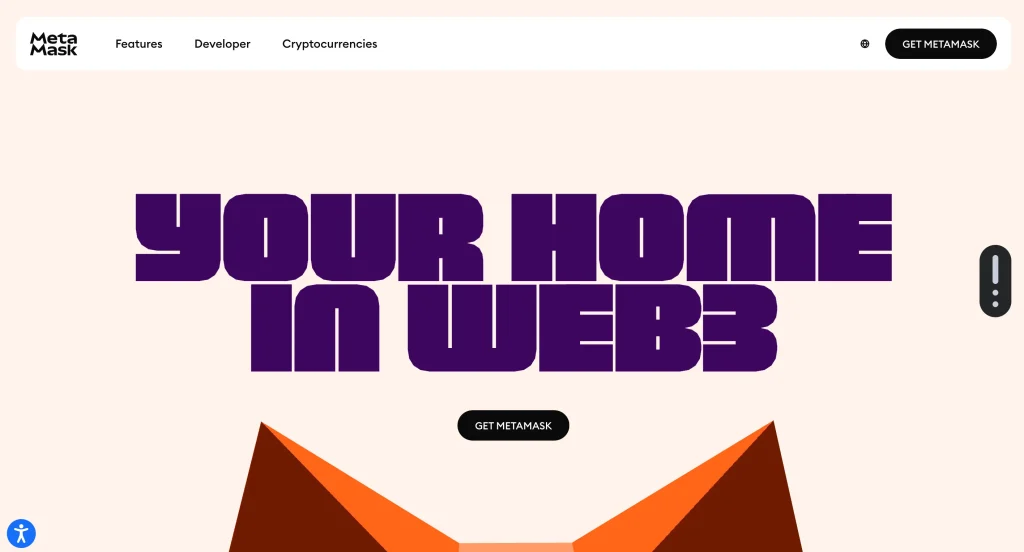
MetaMask started as an Ethereum wallet and now supports every EVM-compatible network. That includes major chains such as:
- Binance Smart Chain (BSC);
- Polygon;
- Arbitrum;
- Optimism.
If your holdings live on Ethereum and related chains, MetaMask gives you solid, reliable connectivity. The catch: adding a new network often means entering its details by hand, which is an easy place for a beginner to make a costly mistake.
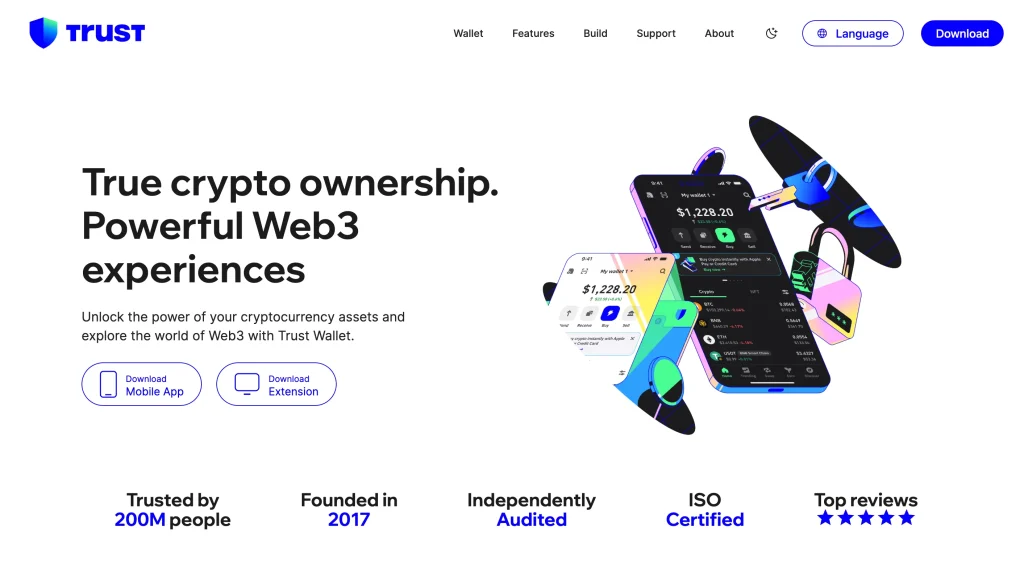
Trust Wallet’s strength is breadth. It natively supports more than 100 blockchains, spanning ecosystems such as:
- Bitcoin;
- Solana;
- XRP;
- Cardano.
For anyone holding a mix of assets, Trust Wallet is the clear winner. You get access to millions of digital assets from one app, with nothing to configure by hand.
That flexibility makes it a strong mobile wallet for managing your holdings on the go.
2. User Interface and Experience
MetaMask’s browser extension delivers a powerful desktop experience, which is why DeFi users and developers favor it. The interface is technical and suits people who are already comfortable in Web3.
Trust Wallet is built for simplicity. Its clean mobile interface makes storing, sending, staking, and trading crypto easy for beginners. The desktop extension narrows the gap, but the wallet still feels mobile-first.
For more options aimed at newcomers, see the best crypto wallets for beginners.
Trust Wallet gets set against Coinbase’s app just as often, which we cover in Trust Wallet vs Coinbase Wallet.
Choose MetaMask for fine-grained control. Choose Trust Wallet for everyday simplicity. The two wallets serve different kinds of users, and neither choice is wrong.
3. DeFi and dApp Integration
MetaMask is the default wallet for Ethereum dApps. It connects directly to Uniswap, OpenSea, Aave, and hundreds of other platforms, and most DeFi protocols recognize it out of the box.
Trust Wallet reaches dApps through its in-app browser. Its edge is reach across chains: it works with multi-chain dApps, including Solana and BNB Chain-based platforms that sit outside the Ethereum world MetaMask was built around.
MetaMask is the pick for Ethereum and DeFi power users. Trust Wallet gives you DeFi access across chains.
4. Security Features
Both wallets are non-custodial. You hold your private keys, so no company can freeze or move your funds. It also means no one can recover them for you if you lose your seed phrase.
MetaMask security highlights:
- Private keys are encrypted locally and stored on your device.
- Password protection and auto-lock keep the wallet closed when you step away.
- Open-source code, so anyone can inspect and audit it.
- Hardware wallet support (e.g., Ledger, Trezor) keeps your private keys offline.
- Blockaid alerts warn you about likely scams and risky transactions before you sign.
Trust Wallet security highlights:
- Biometric login (Face ID, Touch ID) for fast, secure access.
- PIN code protection, plus a required seed phrase backup during setup.
- Open-source code with regular security audits.
- Hardware wallet integration for anyone who wants their keys kept offline.
MetaMask offers slightly more advanced protections for technical users. Trust Wallet focuses on mobile security and ease.
5. Trading & Swapping
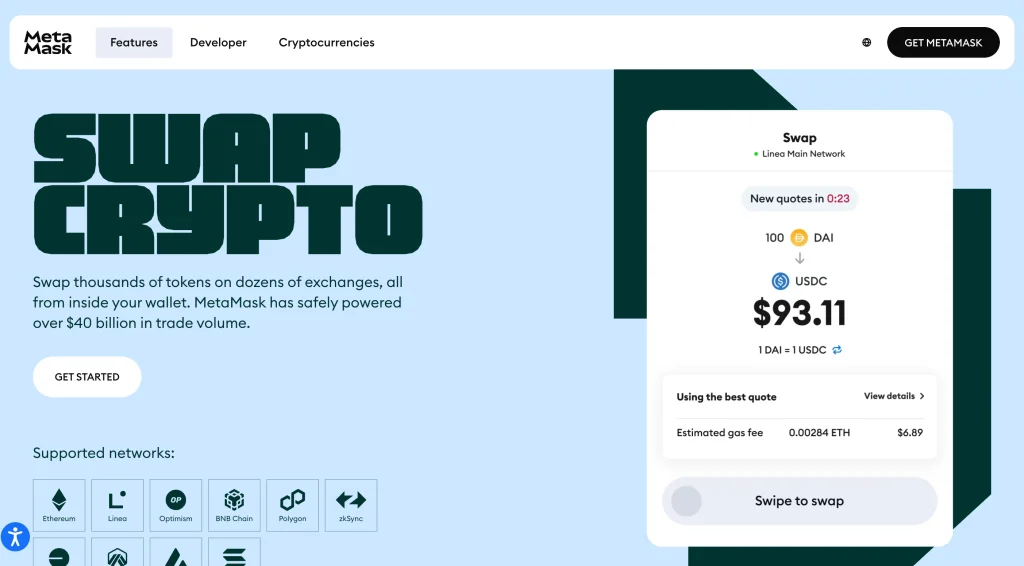
MetaMask Swaps pulls rates from multiple DEXs to find you a competitive price. The trade-off: it charges a 0.875% service fee on top of the network gas fee.
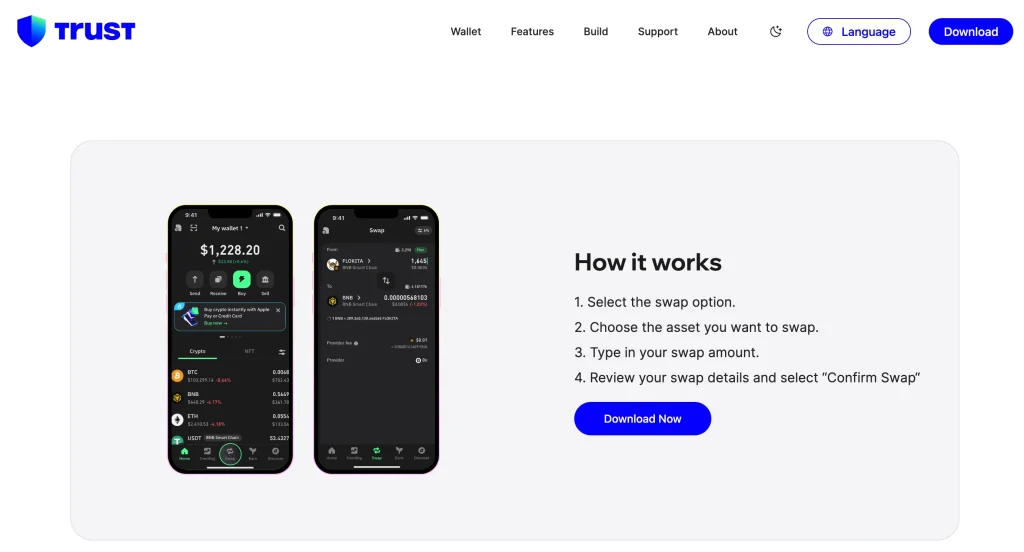
Trust Wallet lets you swap tokens without a wallet fee through its built-in DEX integration, which is especially handy on Binance Smart Chain and other supported networks. You can also buy crypto with fiat through third-party providers.
If you swap often, Trust Wallet costs you less. MetaMask is better for deliberate, Ethereum-based trades.
6. Staking & Earning: Passive Income Opportunities
MetaMask’s staking options are limited and centered on Ethereum (ETH):
- ETH staking through pooled, liquid, and validator methods.
- For other coins, you usually have to connect MetaMask to an external staking platform.
- In short, MetaMask covers basic ETH staking and leans on third-party services for almost everything else.
Trust Wallet, by contrast, builds staking into the app for many cryptocurrencies:
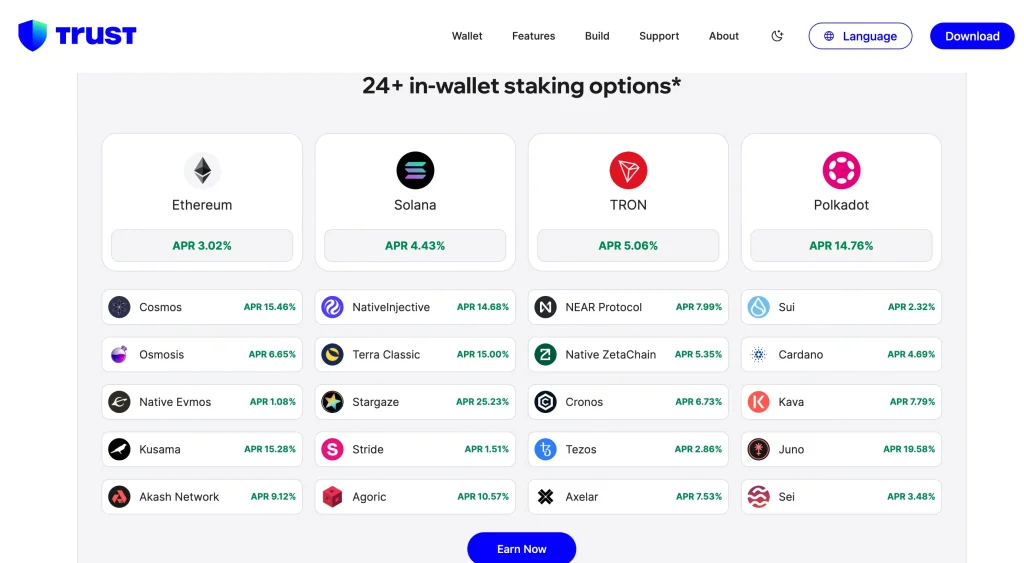
- Stake more than 24 cryptocurrencies directly in the app.
- No external platforms to learn: staking and collecting rewards happen in one place.
- A good fit if you want passive income from a varied portfolio.
- Ideal if you want staking that just works, with no extra setup.
Trust Wallet also offers an Earning Estimator tool, so you can see your potential rewards before you commit any funds.
7. NFT Management
MetaMask lets you store and view basic NFTs (non-fungible tokens), mostly on Ethereum. Support for NFTs on other chains is thin, and the management interface is bare-bones. If your collectibles span several blockchains, keeping track of them in MetaMask gets awkward.
For a closer look at the extension on its own, including where it falls short, read our MetaMask review.
Trust Wallet offers a far better NFT experience. Its gallery lets you view, send, and receive NFTs across several chains, including Ethereum, BNB Chain, and Polygon. It also renders animated and detailed NFT files, so collectors can show their art the way it was meant to look.
Trust Wallet also connects to popular NFT marketplaces through its built-in dApp browser, so you can buy, sell, and trade NFTs without leaving the app.
Cost Analysis: Fees and Hidden Costs
Both wallets are free to download and use, with no setup or maintenance fees. As with every crypto wallet, though, you pay network fees (gas fees) on transactions. Those rise and fall with blockchain traffic and with how fast you want your transaction confirmed.
MetaMask
- A 0.875% service fee on the built-in Swap feature, plus standard gas fees.
- Buying crypto with fiat (e.g., a credit card) goes through third-party providers, and their fees vary by provider.
- No fees for creating a wallet, keeping it, or making basic transfers beyond network costs.
Trust Wallet
- No direct wallet fees for swaps or dApp use, beyond standard network fees.
- Buying crypto with fiat carries third-party payment processing fees, typically 3.5% to 5%.
- No internal swap fee, which keeps costs down if you use DeFi regularly.
Performance Comparison: Speed, Reliability & Support
Both wallets are built for fast, secure, reliable performance. Transaction speed depends mostly on the blockchain you use and the gas fee you choose.
Speed and Reliability
- Both wallets execute transactions quickly and reliably.
- Confirmation times depend on network congestion and the gas fee you set.
- Both teams keep working on performance so the wallets get faster and smoother over time.
Updates and Development
- MetaMask (by ConsenSys) and Trust Wallet (by Binance) ship regular updates that add features, tighten security, and improve usability.
- Both are open source, so the wider crypto community can review the code and contribute improvements.
Customer Support
MetaMask:
- Extensive online documentation, FAQs, and an active community forum.
- Direct customer support is limited, so expect to solve most problems through community resources.
Trust Wallet:
- Detailed user guides, FAQ sections, and community forums.
- Backed by Binance, it has a larger support operation and more responsive customer service across several channels.
FAQ
How do I withdraw from MetaMask?
Send to an exchange: transfer your crypto to a centralized exchange like Coinbase or Binance, then withdraw to your bank account.
Use fiat off-ramps: in some regions, MetaMask’s integrated partners let you sell directly for fiat.
Peer-to-peer: sell directly to other users on a P2P platform.
Hardware wallet: if your goal is long-term storage rather than cashing out, move your crypto to a hardware wallet.
Is Trust Wallet a hot wallet?
Yes. Trust Wallet is a hot wallet, meaning it connects to the internet. It is also non-custodial, which means:
You control your private keys.
Trust Wallet never holds your funds.
You are responsible for backing up your seed phrase.
That makes it safer than a custodial wallet, but less safe than a hardware wallet kept offline.
Is MetaMask 100% safe?
No wallet is 100% safe, and MetaMask is no exception. Used properly, though, it is widely regarded as secure:
Non-custodial: you control your private keys
Open source: the code is public and auditable
Hardware wallet support: you can pair it with cold storage
Regular updates: security fixes ship continuously
Most losses come down to user behavior, not the wallet. Keep your seed phrase offline, check every transaction before you sign it, and consider a hardware wallet for large balances.
Final Verdict: MetaMask or Trust Wallet?
The best crypto wallet depends on what you hold and how you plan to use Web3. Compare MetaMask vs Trust Wallet and both come out as strong non-custodial wallets. They simply serve different users.
MetaMask is not the only EVM extension worth a look. Our Rabby vs MetaMask comparison covers the main challenger.
Choose MetaMask if:
- You live in the Ethereum ecosystem and EVM-compatible blockchains.
- You use decentralized applications mostly on desktop, through a browser extension.
- You are comfortable with a more technical interface and want fine control over transactions (e.g., custom gas fees).
- You want hardware wallet integration for the strongest possible security.
Choose Trust Wallet if:
- You are a beginner who wants a simple, mobile-first wallet that is easy to use from day one.
- You hold a varied portfolio of cryptocurrencies and NFTs across many blockchains.
- You want in-app staking for a wide range of assets.
- You prefer managing NFTs on your phone.
- You want to swap inside the wallet without paying an extra fee.
Many users end up with both: MetaMask for desktop DeFi on EVM chains, and Trust Wallet for managing a wider range of assets on mobile. Both are free to set up, and either way your keys stay with you.
How I review: Reviewed by Andrei B. I buy the hardware wallets I review, test every product myself and score it on security, UI/UX, ease of use, price and supported coins. Before I publish, I also check recent user reviews and any hack reports.
The whole process is explained on the How We Review page. You can read more about me, or contact me with corrections, from the links at the bottom of this page. For general safety advice, see the FTC guide to cryptocurrency scams.