The Trezor Safe 5 is the device that answered Trezor’s longest-running criticism. For a decade, skeptics could say “open-source is nice, but Trezor has no secure element.” The Safe 5 has one, certified EAL6+, and keeps the fully auditable firmware that defines the brand. That combination is why it has become the default recommendation for a new Trezor in 2026.
This review covers what the Safe 5 gets right, where it falls short of both cheaper and pricier rivals, and who should pick it over the Safe 3, the Safe 7, or a Ledger.
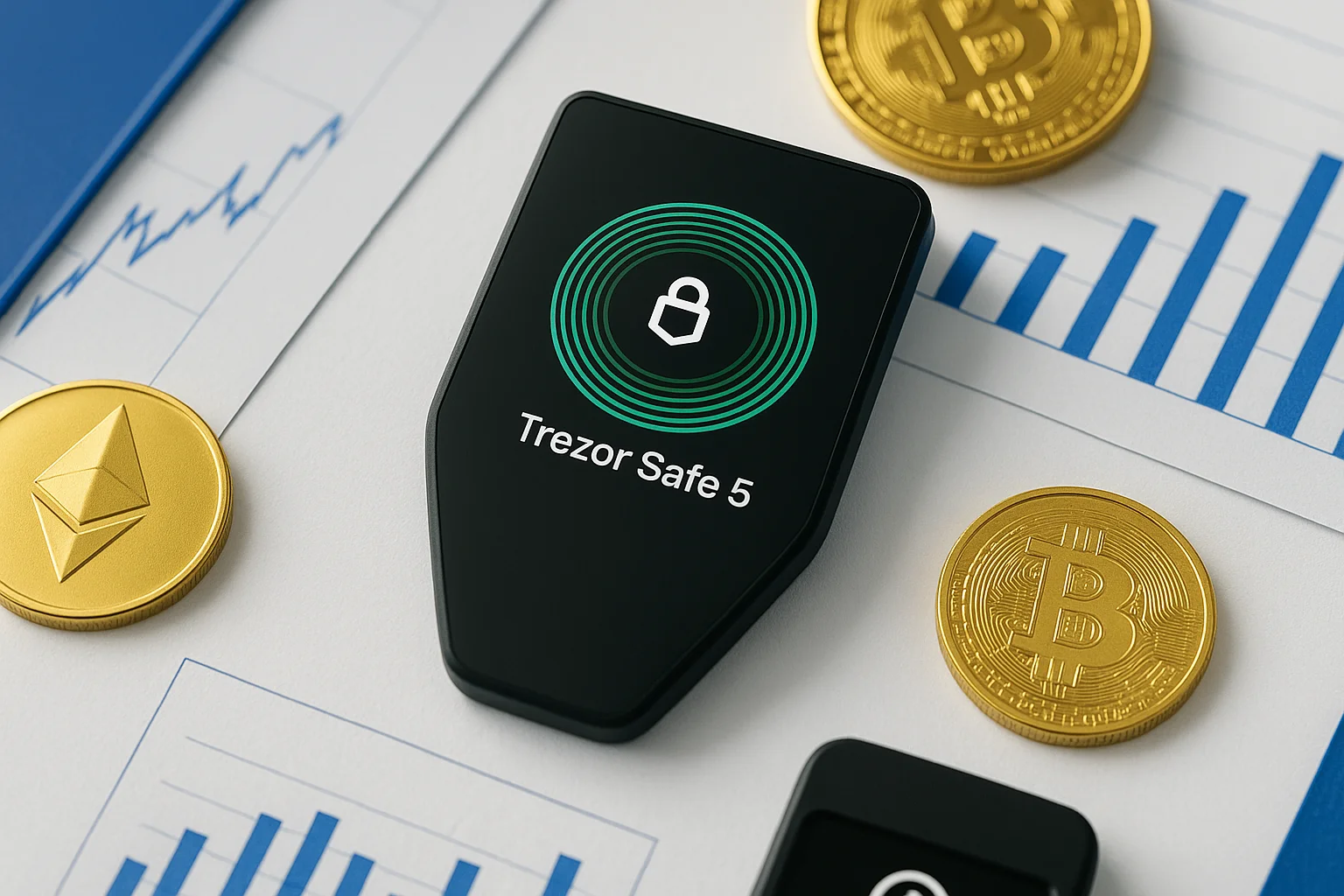
The Trezor Safe 5 is a hardware wallet from SatoshiLabs with a color touchscreen, haptic feedback and a certified secure element.
Trezor Safe 5
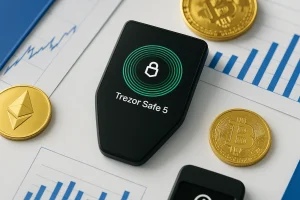
Discover the all-new Trezor Safe 5: advanced security, sleek design, and expanded coin support. See whether it’s worth the upgrade.
Product Brand: Trezor
Product In-Stock: InStock
9
Table of contents
Trezor Safe 5 Specifications | |
|---|---|
| Best For | Beginners who want a guided setup, long-term holders who value cold storage, and experienced users looking for open-source transparency; |
| Launch Date | Mid-2024; |
| Dimensions & Weight | ~59 × 32 × 7.4 mm; ~14 g device weight (66 g with packaging); |
| Processor | Embedded ARM Cortex-M4 running at ~180 MHz; |
| Box Contents | Includes the Trezor device, USB-C to USB-C cable, two backup cards, a quick start guide, and Trezor stickers; |
| Price | ~$169 (mid-premium range). |
What Is the Trezor Safe 5?
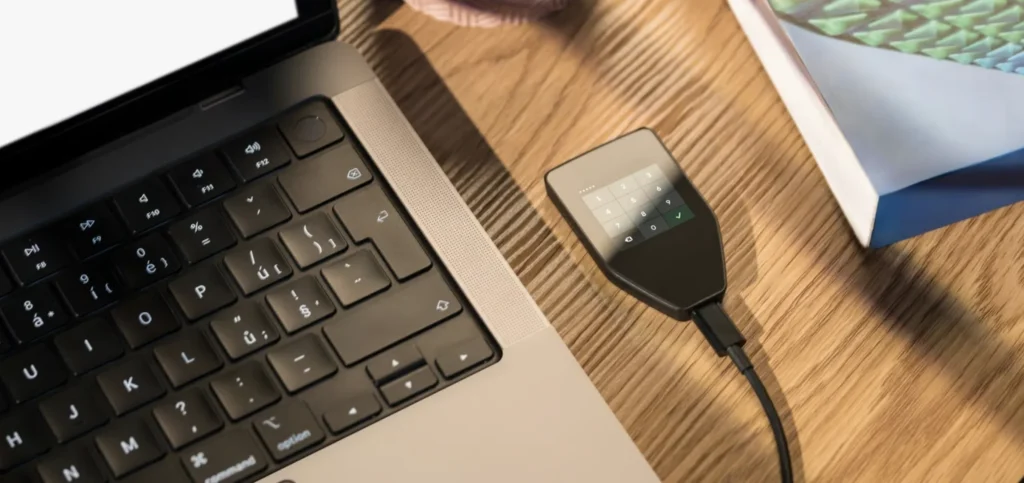
The Safe 5 is Trezor’s current mainstream flagship: a USB-C hardware wallet with a 1.54-inch color touchscreen behind Gorilla Glass 3 and haptic feedback. The headline is a certified EAL6+ secure element paired with fully open-source firmware. It supports standard BIP39 backups and Shamir (SLIP39) multi-share backup out of the box.
Positioning matters. It sits above the budget Safe 3, below the rugged Safe 7, and effectively replaces the veteran Model T as the Trezor most people should buy.
Price and Value of This Crypto Hardware Wallet
List price is $169, with street prices dipping toward $129–$149 during promotions. Within the Trezor family the value math is simple: you pay for the screen, not for security. Against Ledger, the Safe 5 undercuts the Flex and offers something Ledger does not: firmware you (or the researchers you trust) can read, including an official Bitcoin-only variant for minimalists.
Trezor Safe 5: Key Features
1. Design & Build Quality
The Safe 5 is compact and light, and it feels more like a modern gadget than a security dongle: Gorilla Glass 3 over the touchscreen, crisp haptics from the Trezor Touch engine, and USB-C. There is no battery and no Bluetooth. It draws power from whatever it plugs into, which keeps both the weight and the attack surface down.
2. Security Features
The security stack has four layers. An EAL6+ certified Optiga secure element guards the seed. Open-source firmware verifies its own signature at boot. PIN entry happens on the device, with escalating delays and a full wipe after repeated failures. A passphrase adds hidden wallets on top.
Backup flexibility is a quiet highlight. Alongside the classic 12/24-word phrase, you can use Shamir backup to split recovery into multiple shares (say 3-of-5), so no single stolen or lost piece endangers your funds.
3. Supported Cryptocurrencies
Through Trezor Suite the Safe 5 covers Bitcoin, Ethereum and its token ecosystem, and thousands of assets across major networks. Third-party wallets (MetaMask, Electrum, Rabby) fill the specialist gaps. Coverage is curated rather than maximal, so a handful of chains still need an external wallet. The Bitcoin-only firmware option strips everything else out for people who want exactly one job done.
4. Connectivity Options
USB-C only, and deliberately so: no Bluetooth, no Wi-Fi, no battery to age. It works with Android phones over USB. iPhone users are limited to the Suite Lite companion app, which checks balances and receives but does not sign. That remains the platform’s real gap next to Ledger’s full-featured mobile app.
5. Software & Compatibility
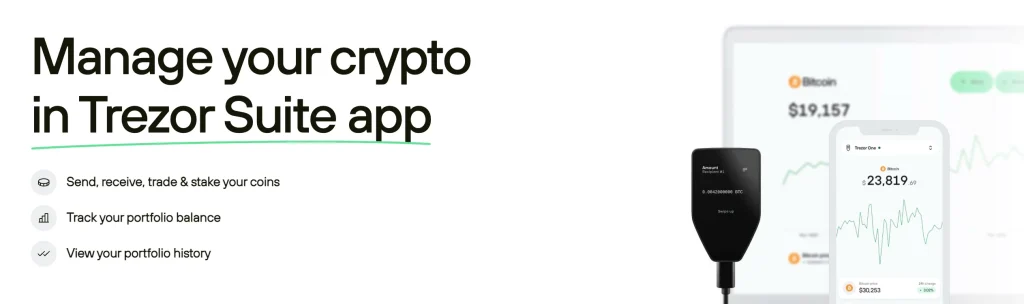
Trezor Suite on Windows, macOS, and Linux is clean, open-source, and handles buying, swapping, staking, and coin control without upsells getting in the way. Suite Lite on mobile is a companion for checking balances and receiving: fine for monitoring, not a substitute for desktop signing.
Why Hardware Wallets Matter in 2026
Exchange failures, malware, and ever more convincing phishing have kept one lesson current: assets on an internet-connected platform are only as safe as that platform’s worst day. A hardware wallet moves the single point of failure into your own hands, which is both its strength and its responsibility.
These are the threats that drain software wallets and exchange accounts:
- Malware that steals private keys from your computer or phone
- Phishing scams that trick you into sending funds to attackers
- Clipboard hijacking that swaps wallet addresses mid-transfer
A hardware wallet like the Trezor Safe 5 blocks all three by keeping your private keys offline. Even if your computer is infected, every transaction must be confirmed on the device itself, so malware cannot sign anything behind your back. Your keys stay in cold storage, out of reach of anyone on the internet.
How the Trezor Safe 5 Protects You
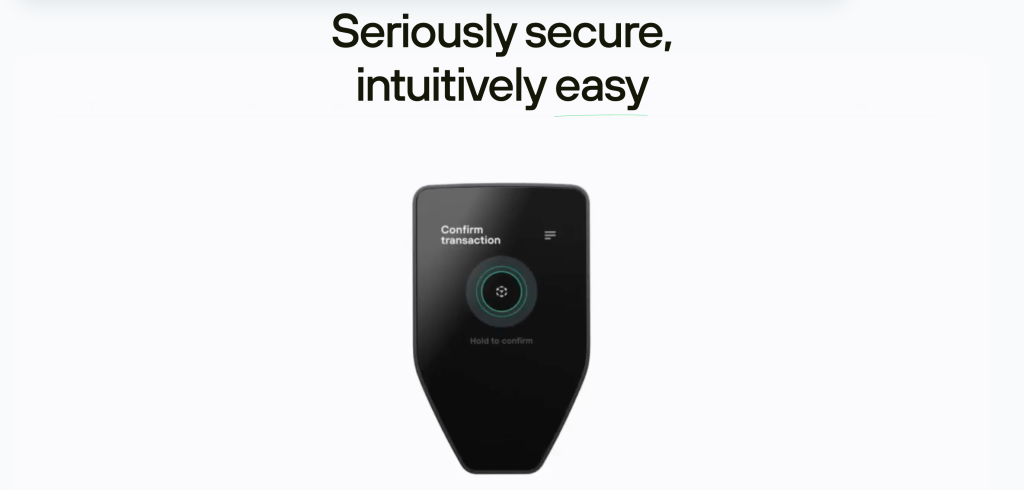
The protection model is layered. Keys are generated and stored in the EAL6+ secure element and never leave it. Every transaction must be verified and physically confirmed on the device’s own screen. The PIN wipes the device after repeated failures. And an optional passphrase creates hidden wallets that even a stolen seed cannot open.
What it does not protect against is you. A recovery phrase typed into a website, photographed, or saved in a cloud note bypasses every piece of hardware security. The device secures the keys; the backup discipline is yours.
- PIN and passphrase: The PIN locks the device. The passphrase opens a hidden wallet that a stolen seed alone cannot reach.
- Secure element chip: The EAL6+ chip resists advanced physical attacks, so someone holding your device still cannot pull the keys off it.
- Backup options: Standard 12-, 20-, or 24-word recovery phrases, plus multi-share backup (Shamir Secret Sharing) that splits recovery into several parts. Lose one share and your funds are still safe.
- Privacy tools: Tor integration and Coin Control in Trezor Suite make your transactions harder to trace back to you.
Pros & Cons
Strengths and weaknesses at a glance. Note that the biggest historical con (“no secure element”) no longer applies to this generation.
User Experience with the Trezor Safe 5
Setup takes about ten minutes through Suite: install verified firmware, generate the seed on the device, choose standard or Shamir backup, then set a PIN and passphrase. The touchscreen makes the parts that are miserable on two-button wallets, passphrase entry above all, painless.
Day to day it unlocks quickly, the haptics make confirmations feel deliberate, and the screen is readable at a glance. The Safe 5 is the Trezor that finally feels finished.
What Are Some Alternatives to the Trezor Safe 5?
If the Safe 5 is not quite it, you have options. The Trezor Safe 3 (~$59) has the same secure element in a simpler two-button body: same security, less comfort. The Safe 7 ($249) adds an IP67-rated build for rougher lives. On the Ledger side, the Nano Gen5 (~$179) and Flex ($249) offer bigger screens and a slicker app at the cost of closed firmware. And if air-gapping appeals, the Keystone 3 Pro signs by QR code and never touches a cable.
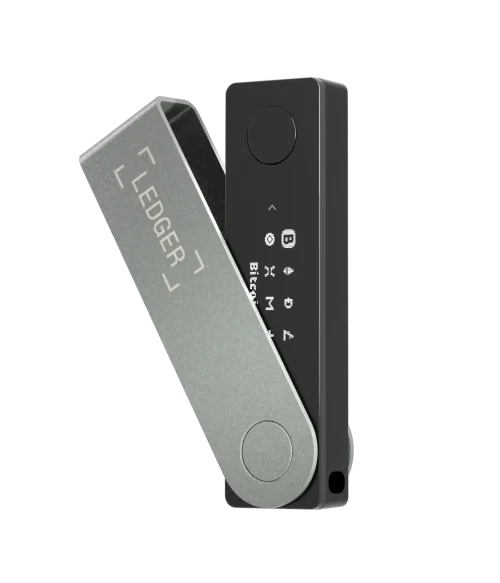
The Ledger Nano X is often considered the Safe 5’s closest competitor. It includes Bluetooth support, making it easy to pair with smartphones without a cable.
The main trade-off is transparency: unlike Trezor, Ledger’s secure element and firmware are not fully open-source, which some security-conscious users may see as a drawback.
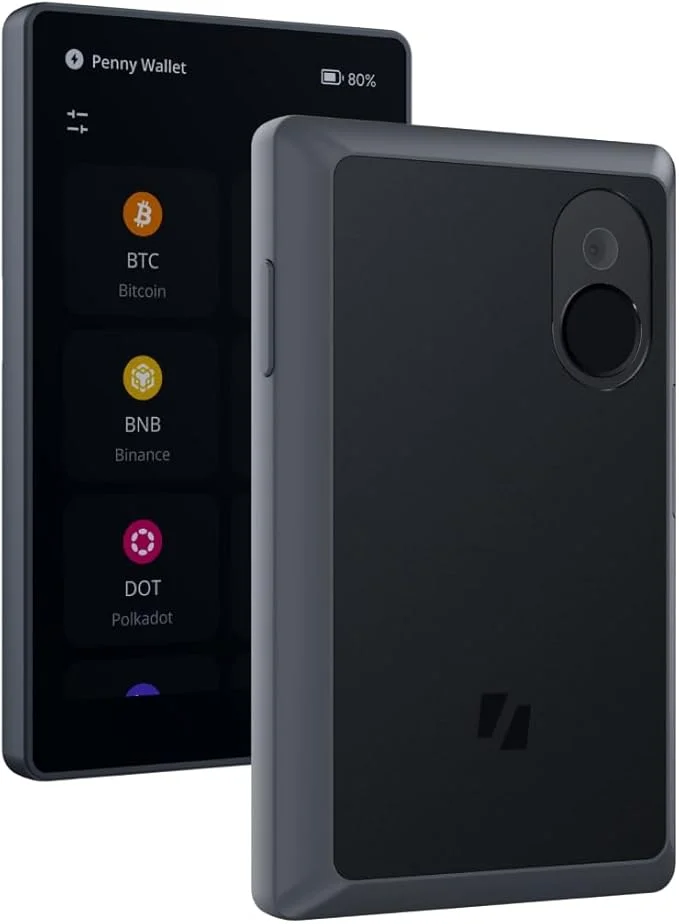
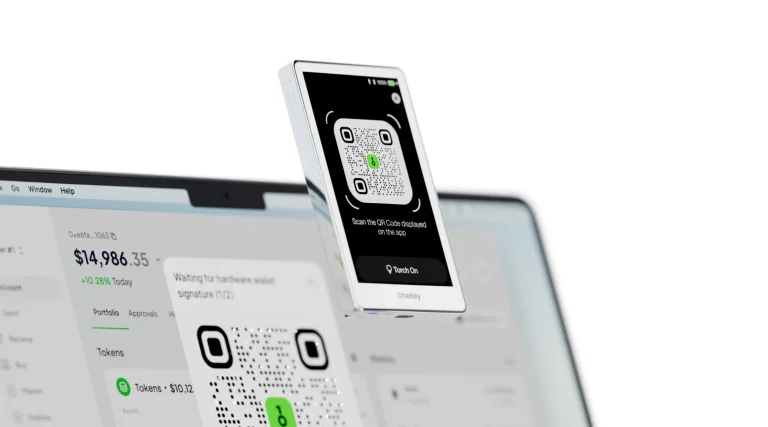
The Keystone Pro takes a different approach by being fully air-gapped. It has no USB or Bluetooth connections. Instead, you sign transactions with QR codes, which makes it highly resistant to remote attacks.
It also includes fingerprint authentication for quick access, something you won’t find on Trezor or Ledger devices.
See the full Keystone Pro 3 review.
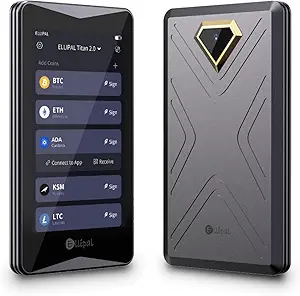
The Ellipal Titan is built for ruggedness and mobility. Its sealed, all-metal body protects it from tampering and physical damage.
This makes it especially appealing for travelers or investors who want a durable device that can handle tough conditions.
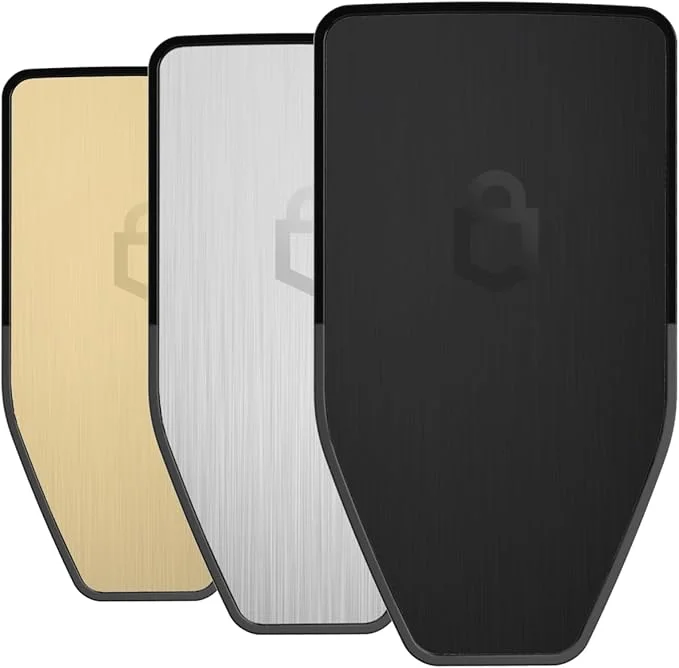
Trezor Safe 5 vs Trezor Safe 3: Comparison Table
 Trezor Safe 3 | 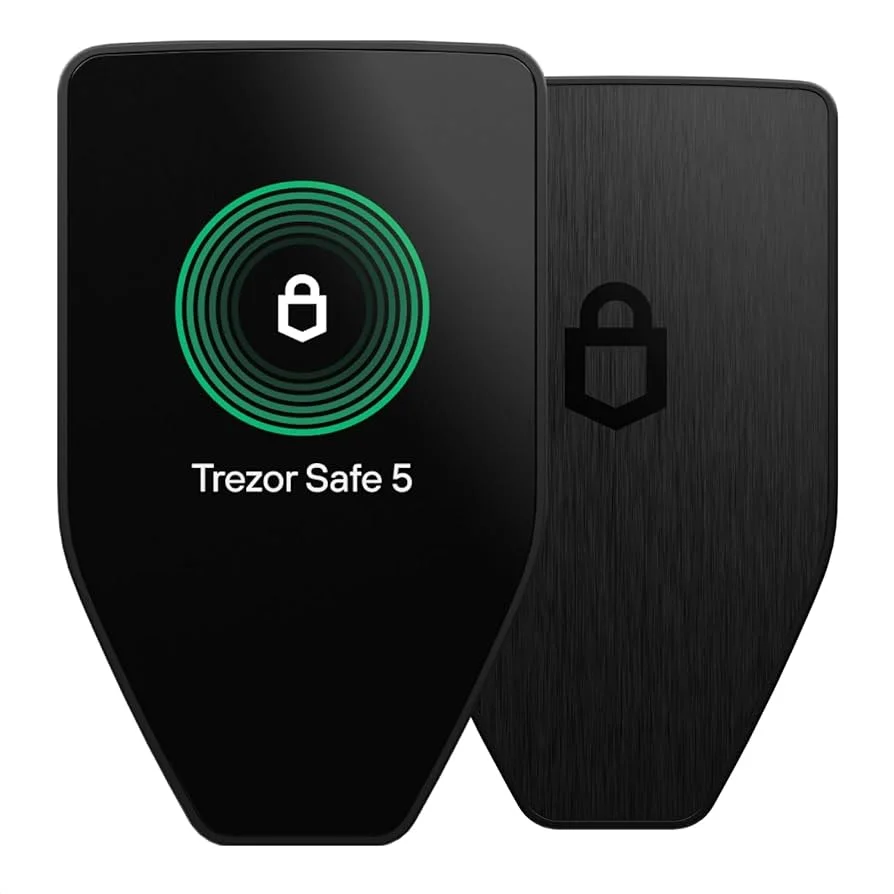 Trezor Safe 5 | |
|---|---|---|
| Display | Monochrome OLED, button navigation | 1.54″ color touchscreen with haptic feedback for easier confirmations |
| Build Quality | Plastic body, no glass protection | Gorilla Glass 3 front, anodized aluminum back, tamper-evident case |
| Secure Element | EAL 6+ Secure Element (standard) | Upgraded EAL 6+ Secure Element for stronger resistance to physical attacks |
| Backup Options | 12- or 24-word recovery seed | 12/20/24-word backup + Multi-share backup (Shamir Secret Sharing) for extra safety |
| Privacy Features | Standard backup and PIN/passphrase | Tor integration, Coin Control, FIDO2 authentication, more advanced options |
| Connectivity | USB-C, no Bluetooth | USB-C, microSD slot, no Bluetooth |
| Supported Assets | Thousands of coins and tokens | Same wide support (BTC, ETH, ERC-20, NFTs, DeFi integrations) |
| Ease of Use | Button-based interface, basic navigation | Touchscreen interface, faster setup, beginner-friendly workflow |
| Target Users | Budget-conscious users who want reliable cold storage | Users who want modern design + advanced protection |
The table above shows how the Safe 5 and Safe 3 line up. The short version: identical security architecture (same EAL6+ secure element, same open-source firmware, same backup options), so the extra $50–$90 buys the color touchscreen, Gorilla Glass, and haptics. Worth it if you handle the device regularly. Skip it if the wallet lives in a safe.
FAQ
What happens if the Trezor Safe 5 gets damaged?
Your crypto is not stored on the device. It lives on the blockchain, and your recovery seed is what unlocks it. If the Safe 5 breaks, restore the seed on a new Trezor or any compatible hardware wallet and your funds reappear. Multi-share backup adds another layer: losing one share does not lock you out.
How do I transfer Bitcoin to the Trezor Safe 5?
Open Trezor Suite, connect your Safe 5, and generate a receiving address. Copy that address and use it when withdrawing BTC from an exchange or wallet. Always check the address on the Safe 5’s touchscreen before sending, so a clipboard hijacker cannot swap it. Once the transaction confirms on the blockchain, the funds appear in Trezor Suite.
Do I need the internet to use Trezor?
The Safe 5 works as an offline cold wallet. You don’t need the internet to store or access your private keys, because they never leave the device. Your computer or phone does need internet access to broadcast signed transactions to the blockchain. That split is the point: your keys stay protected even on a compromised computer.
Can I stake cryptocurrency directly on the Trezor Safe 5?
You can’t stake on the device itself, but you can use Trezor Suite or third-party apps to delegate coins like Ethereum or Cardano. The Safe 5 keeps your keys offline while you interact with staking platforms, so you earn rewards without exposing your funds to online threats.
What happens if I forget my PIN on the Trezor Safe 5?
If you forget your PIN, reset the device and restore your funds with your recovery seed. The reset wipes the wallet clean, but the seed brings everything back. Without the seed, the funds are gone for good, which is why the backup matters more than the device.
Final Thoughts
The Trezor Safe 5 blends serious protection with everyday ease: an EAL6+ secure element, multi-share recovery, and a color touchscreen with haptic confirmations. It isn’t the cheapest option, but in 2026 it is a top pick if you want hardware-level security without the learning curve.
Before you buy any wallet, compare the options, read what other owners say, and be honest about your own habits. Protecting your crypto is as much about how you store your recovery seed as about the device you buy. Stay curious, stay cautious, and always do your own research.
How I review: Reviewed by Andrei B. I buy the hardware wallets I review, test every product myself and score it on security, UI/UX, ease of use, price and supported coins. Before I publish, I also check recent user reviews and any hack reports.
The whole process is explained on the How We Review page. You can read more about me, or contact me with corrections, from the links at the bottom of this page. For general safety advice, see the FTC guide to cryptocurrency scams.