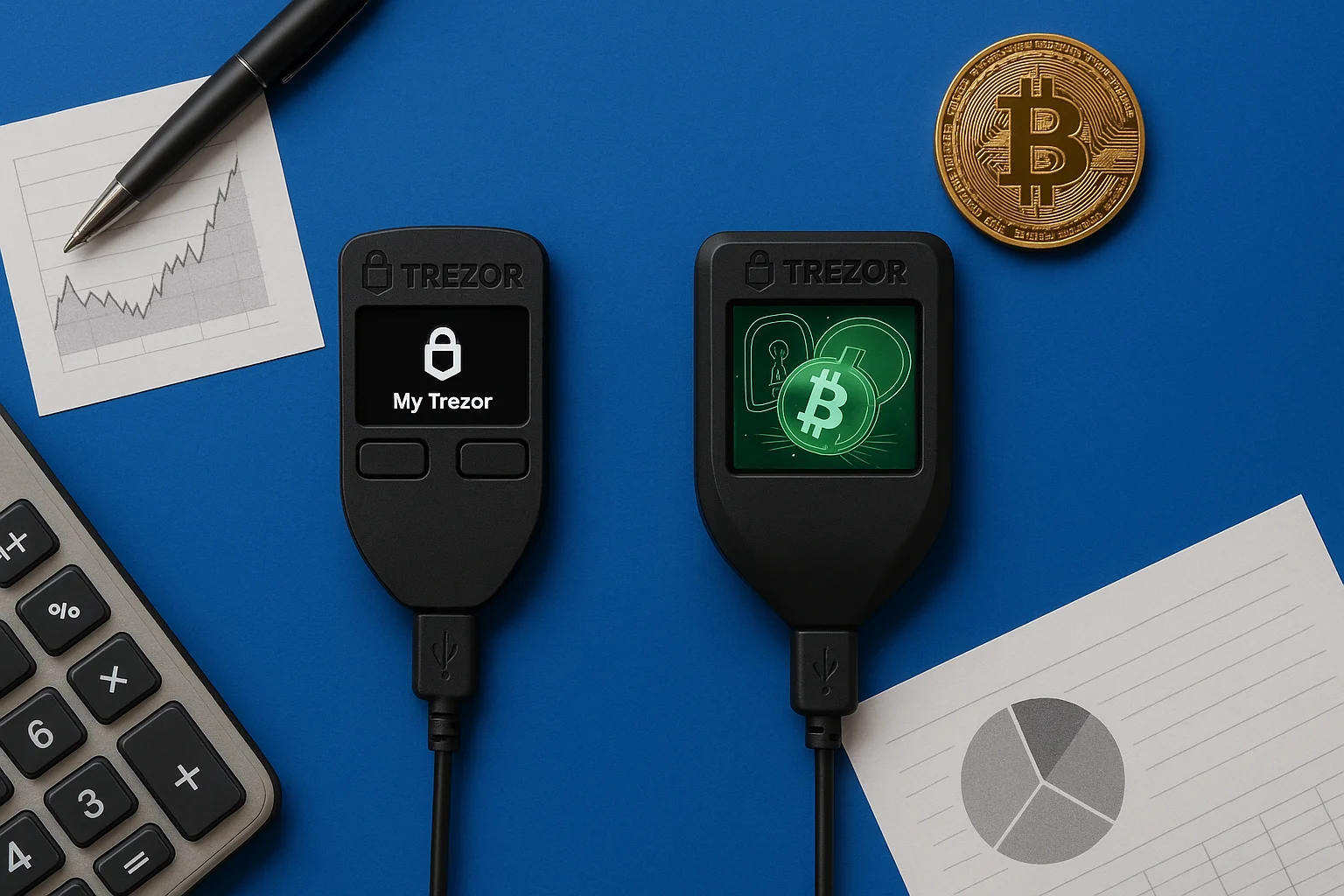
The real danger in crypto is losing access to your coins or falling victim to a hack. That’s why hardware wallets like the Trezor Model One and Trezor Model T exist. At first glance the two look alike, but they’re built for very different types of crypto users.
Choose the wrong one and you may run into limited coin support, clunky navigation, or weaker protection than you need. In crypto, those mistakes cost more than money. They cost you peace of mind and leave you exposed to online attacks.
This guide gives you a clear, side-by-side comparison of the Trezor Model One vs. Model T, so you can pick the wallet that protects your assets and fits how you invest.
The Trezor Model One is the two-button wallet from 2014, and the Trezor Model T is its touchscreen successor from 2018.
Table of contents
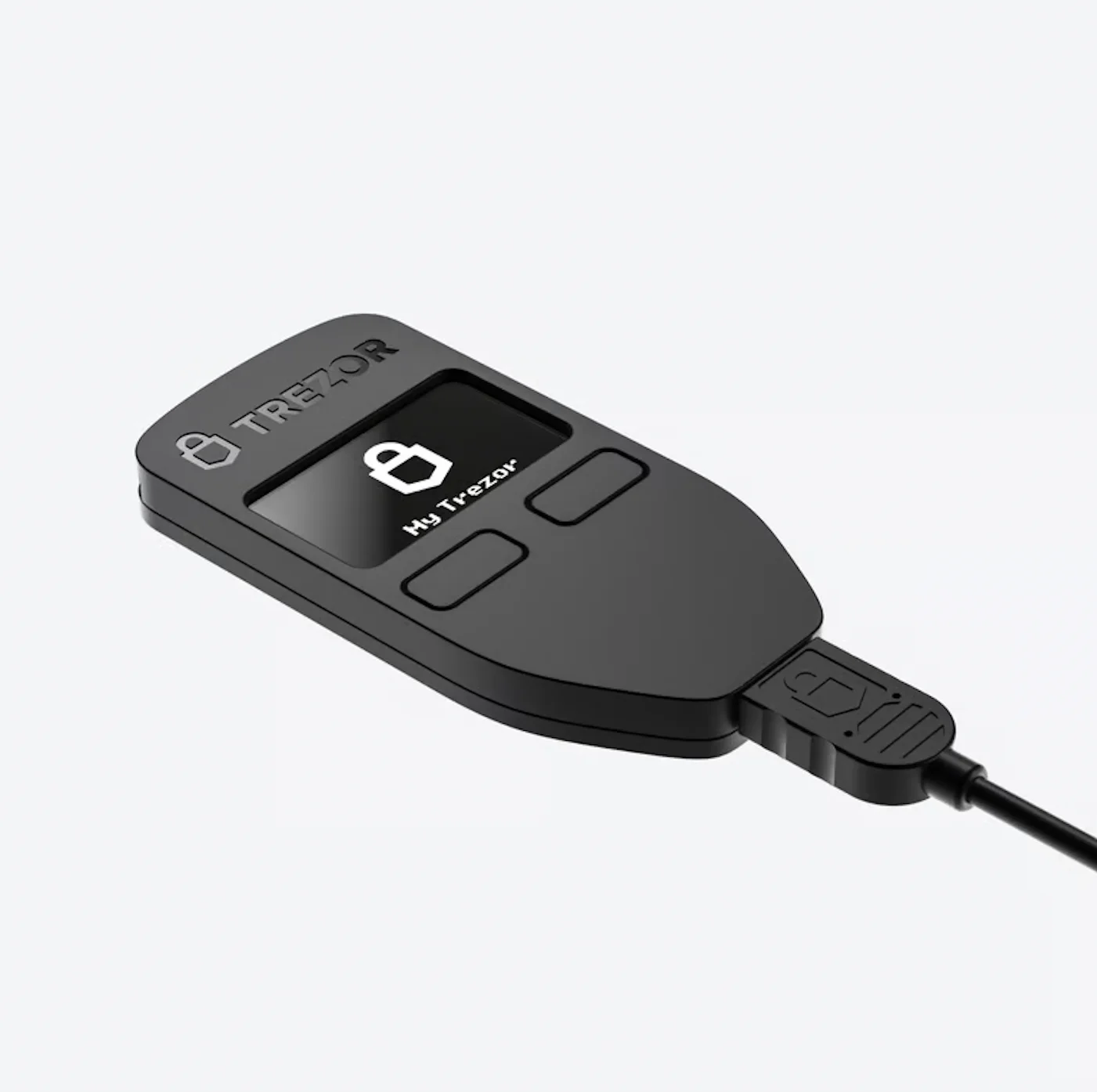 Trezor Model One | 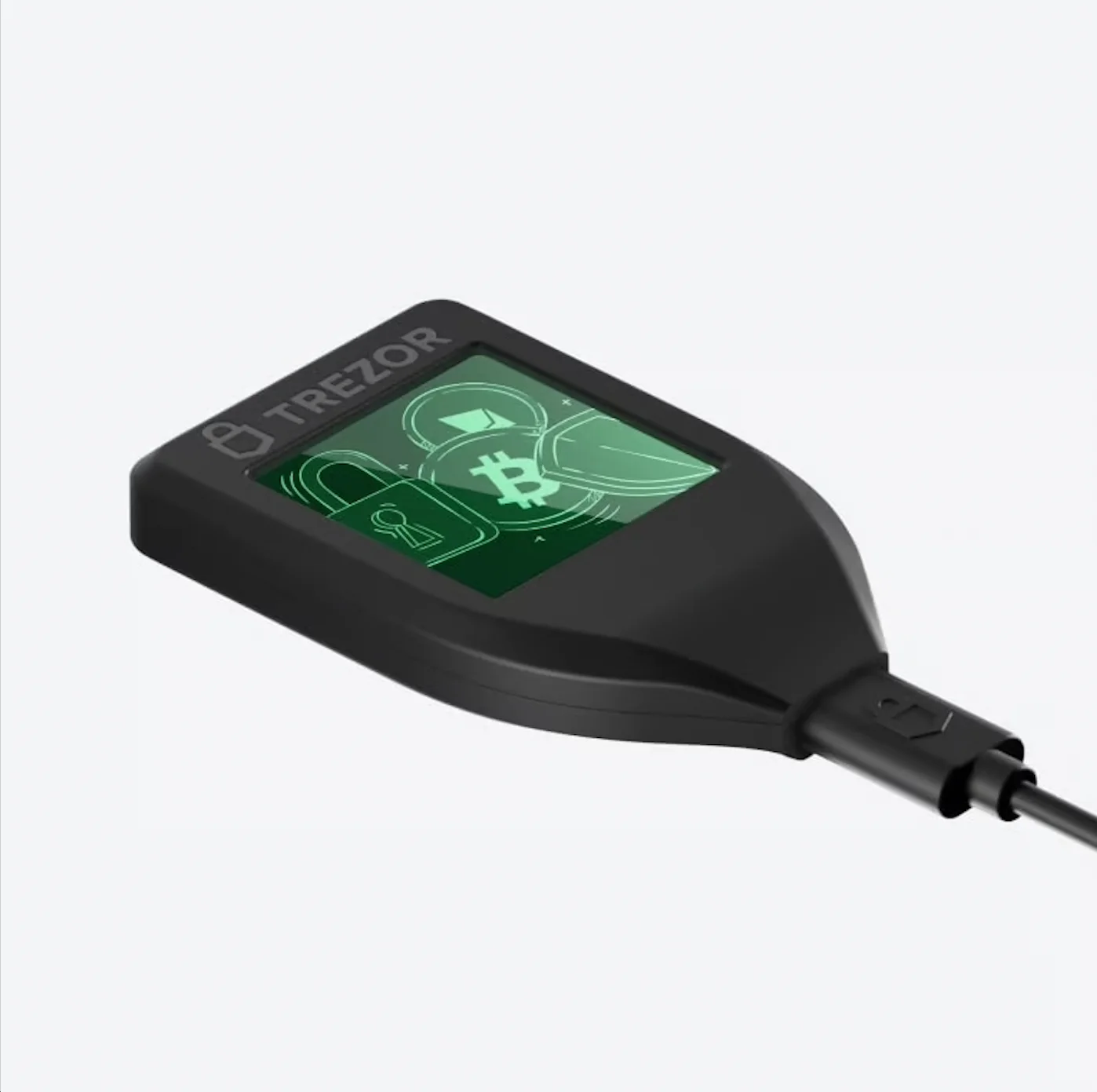 Trezor Model T | |
|---|---|---|
| Best For | Beginners, Bitcoin-only users | Advanced investors, altcoin & DeFi users |
| Display | Two-button & basic screen | Full-color touchscreen |
| Security | PIN, passphrase & recovery seed | PIN, passphrase & recovery seed |
| Coin Support | 1,000+ assets (no XRP, ADA, XMR) | 1,400+ assets incl. XRP, ADA, XMR, NFTs |
Still not sure a Trezor is right for you at all? Read our detailed review of the Trezor Model T vs. Ledger Nano X before you decide.
Trezor Model One: Highlights
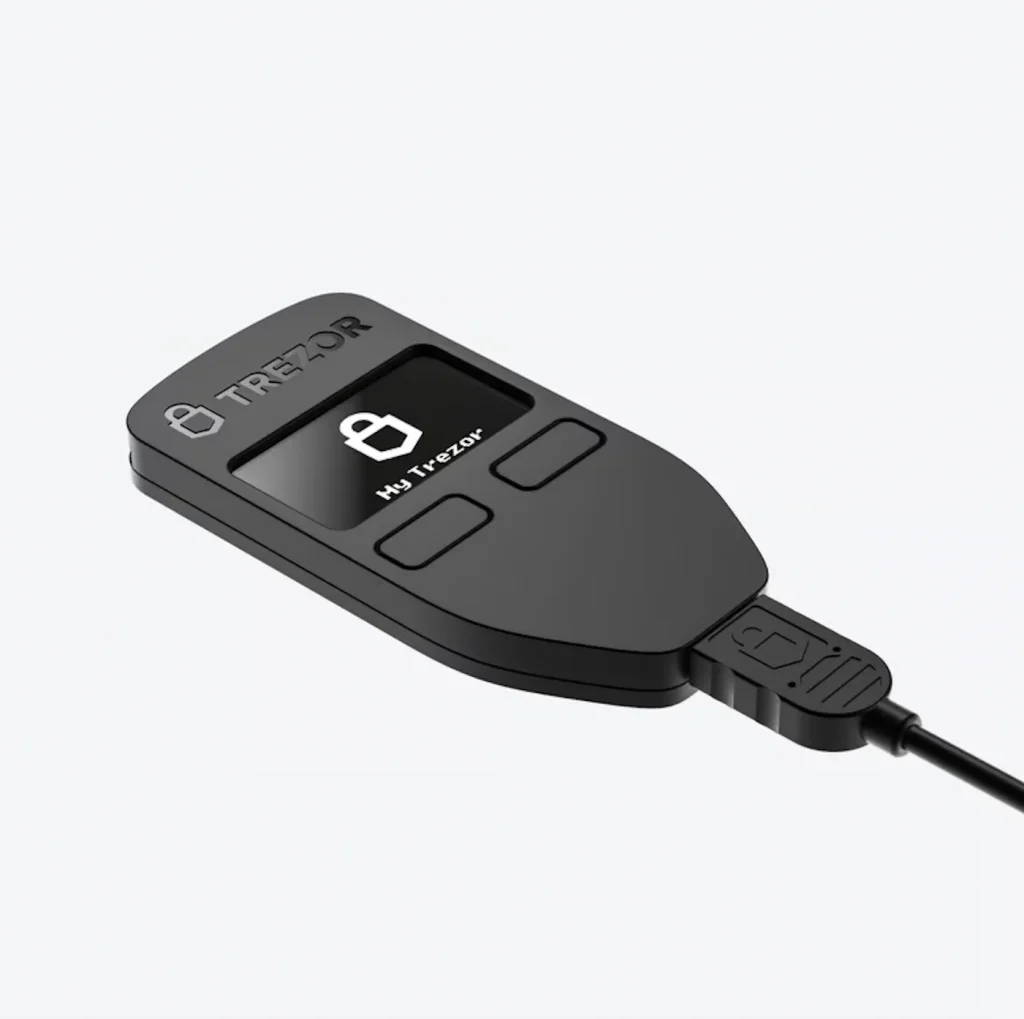
The Trezor Model One is small and light: 60 × 30 × 6 mm and just 12 grams. That makes it one of the most portable hardware wallets around, easy to carry every day or tuck away in a drawer.
It connects over USB 2.0 with a Micro-B cable and works with Windows, macOS, Linux, and Android (via OTG). Inside, a 120 MHz ARM Cortex-M3 processor drives a 128×64 OLED screen.
That screen is sharp enough to show a full crypto address, so you can check every detail before you confirm a transaction. You approve with two physical buttons, which keeps interaction simple and consistent even on older desktops and laptops.
Like every Trezor, the Model One runs open-source firmware that the community can audit. Anyone can inspect the code, and that transparency is a big part of why people trust the brand. It also works with popular third-party wallets such as Electrum, Mycelium, and Exodus, and it can double as a password manager for encrypted logins through Trezor’s browser extension.
Trezor Model T: Highlights
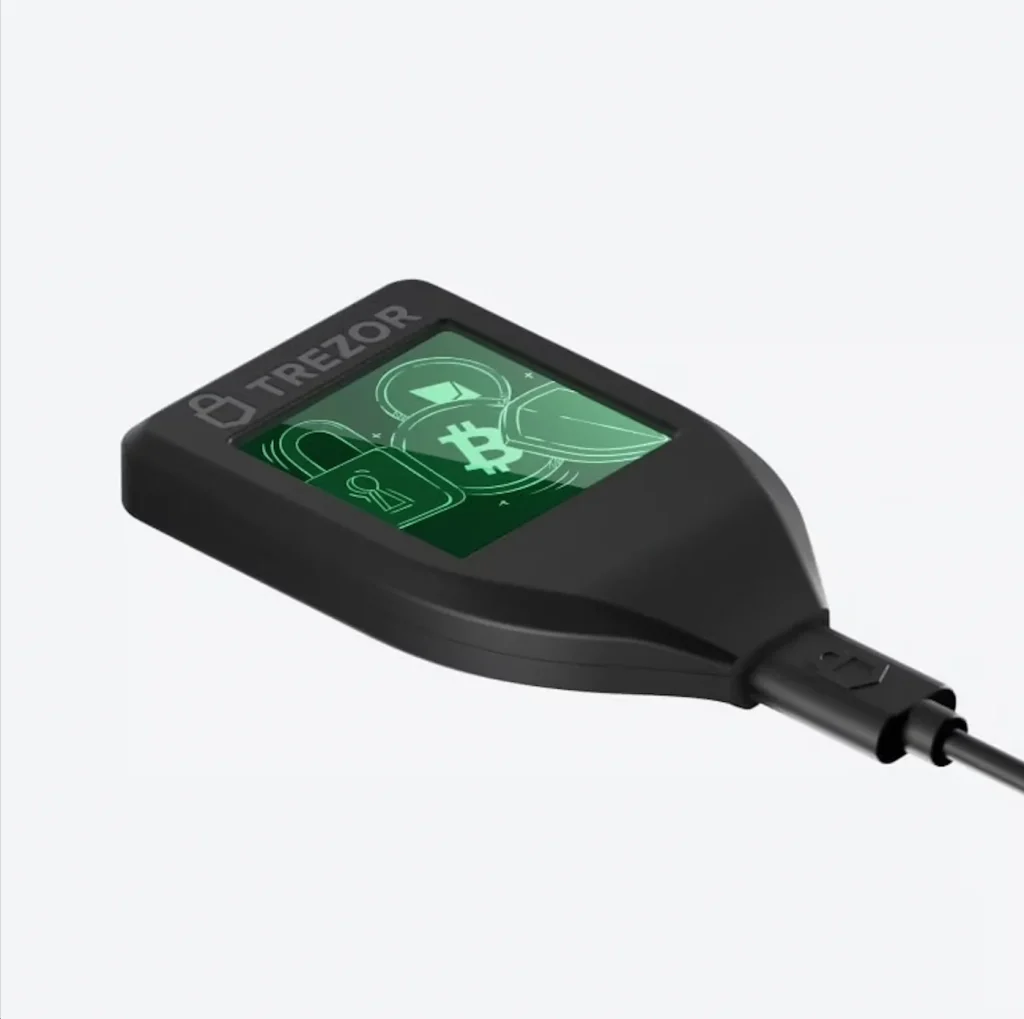
The Trezor Model T takes the Model One’s basics and upgrades the hardware. It measures 64 × 39 × 10 mm and weighs 22 grams, so it feels sturdier in the hand while still fitting in a pocket.
It connects through a USB-C port and works with Windows, macOS, Linux, and Android. You can also access it straight from your browser using WebUSB.
Inside, a 168 MHz ARM Cortex-M4 processor handles cryptographic work faster and copes better with complex transactions. The headline feature is the full-color touchscreen. You enter PINs and passphrases on the device itself, so your secrets never pass through a computer keyboard.
It also has a built-in microSD slot, which unlocks extra protection and backup options for power users.
Like the Model One, it runs fully open-source firmware. The difference is reach: broader integrations with MetaMask, MyEtherWallet, and other Web3 platforms make it the better fit for anyone active in DeFi and NFTs.
For a closer look, read our Trezor Model T in-depth review.
Feature Comparison: Trezor Model One vs Model T
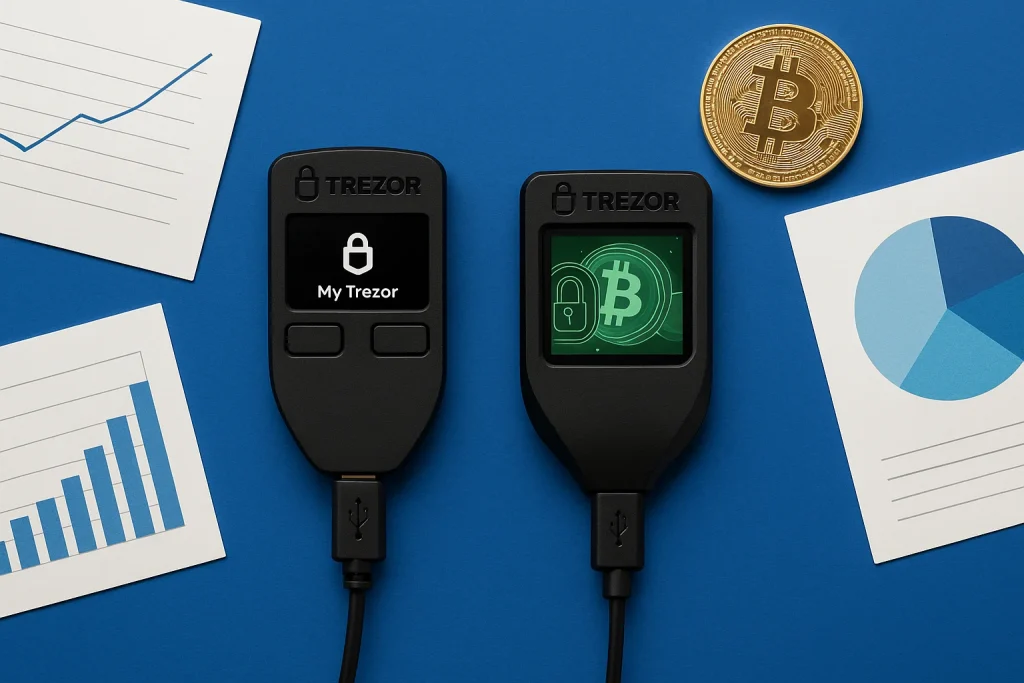
Put the two side by side and it’s clear Trezor built them for different people. Here are the differences that matter most when you’re deciding which one to buy.
1. Security & Protection
Trezor Model One: Covers the core protections you expect from a hardware wallet: offline key storage, a PIN, optional passphrases, and a recovery seed. For casual users or Bitcoin-only holders, that’s more than enough.
Trezor Model T: Adds Shamir Backup, which splits your seed into several shares. Lose one share and you can still recover your wallet, and a thief holding a single share can’t reach your funds. That makes both loss and theft far less frightening.
For how the shares are made and what can go wrong with them, read Shamir Backup explained.
Verdict: Both are secure. Model T adds extra resilience for larger stacks and diverse portfolios.
2. Cold Storage & Access Control
Trezor Model One: Uses two buttons and a small OLED screen for confirmations. It’s reliable, but navigation feels slow if you enter passphrases or approve transactions often.
Trezor Model T: Swaps the buttons for a full-color touchscreen, so you type PINs and passphrases on the device. Your computer keyboard stays out of the loop, which cuts your exposure to malware and speeds up every interaction.
Both devices keep your keys fully offline. To get at them, an attacker would typically need the physical unit in hand.
Verdict: Model One is fine for occasional use. Model T shines for active traders and DeFi users.
3. Supported Cryptocurrencies
Trezor Model One supports over 1,000 coins and tokens, including Bitcoin, Ethereum, and most ERC-20 assets. It covers the majors, but XRP, Cardano (ADA), and Monero (XMR) are missing from the list.
If Monero is the coin you need to hold, the best Monero wallets lists the options that do support it.
Trezor Model T expands support to 1,400+ assets: everything the Model One offers, plus the missing altcoins, NFTs, and DeFi tokens. That makes it the better fit for a diversified portfolio or a move into Web3.
Verdict: Model One is enough if you only hold Bitcoin or Ethereum. For multi-chain investors, Model T is the clear winner.
4. Usability & Software Ecosystem
Both run Trezor Suite, the app you’ll use for portfolio tracking, firmware updates, and coin tools. The Model T connects more smoothly to MetaMask and MyEtherWallet for Web3, and its touchscreen cuts down on input errors.
Verdict: Both are easy to use. Model T is the better pick for heavy DeFi or NFT activity.
5. Price & Value
Trezor Model One: Discontinued. Trezor no longer sells it and points beginners at the Safe 3 ($59) instead, though existing devices keep critical security fixes until at least 2036.
Trezor Model T: Also discontinued, replaced by the Safe 5 ($129). What you paid for was the touchscreen, the stronger recovery system, and the wider coin support; the Safe 5 carries all three forward and adds a secure element.
Those two successors get their own comparison in Trezor Safe 3 vs Safe 5.
Verdict: Model One = best value for entry-level users. Model T = premium choice for experienced investors.
Trezor Model T vs Model One: How to Set Up?
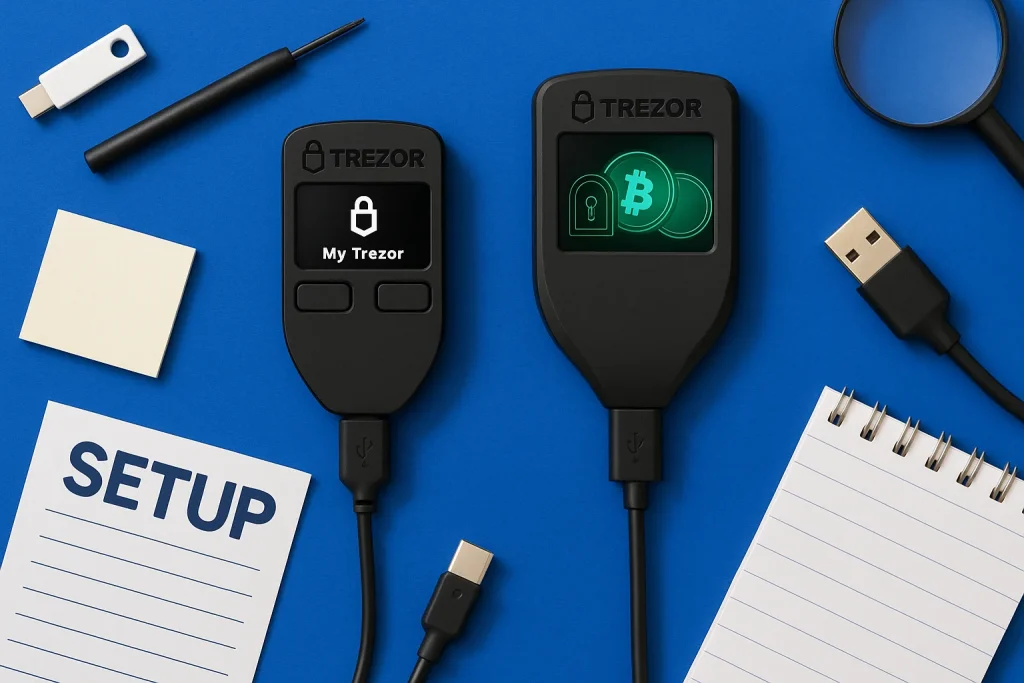
Setting up either Trezor takes under 10 minutes, and the steps are nearly identical. The main difference is how you interact with the device: the Model One uses two buttons and a small screen, while the Model T uses its touchscreen.
Step 1: Connect the Device
- Model One: Plug it into your computer with the included Micro-USB cable.
- Model T: Connect with the USB-C cable. Both models also work with Android phones through an OTG adapter.
Step 2: Install Trezor Suite
Download and install Trezor Suite (desktop or mobile). This is the main app you’ll use to manage accounts, send and receive crypto, and update firmware.
Step 3: Create a New Wallet
On first connection, choose “Create New Wallet.” The device generates your recovery seed.
- Model One: The seed, often called a recovery phrase, appears on the small OLED display, and you confirm it with the two buttons.
- Model T: The seed appears on the color touchscreen, which makes it easier to read and check.
Step 4: Secure Your Recovery Seed
Write the recovery seed on paper and never store it digitally: no photos, no cloud notes, no email drafts. This seed is your only way back in if the device is lost or broken. On the Model T, you can also turn on Shamir Backup to split the seed into several parts for extra protection.
Step 5: Set a PIN
Create a PIN so nobody who picks up the device can get in.
- Model One: You enter the PIN through your computer, but you confirm the digits on the device’s screen.
- Model T: Enter the PIN on the touchscreen. It’s faster, and keyboard-based malware never sees your input.
Step 6: Add Accounts and Start Using
With setup done, add the accounts you want (Bitcoin, Ethereum, ERC-20 tokens, and so on) in Trezor Suite. From here you can send, receive, and track your portfolio. A second Trezor can also act as a backup: if your main unit is lost, restore your existing seed on the spare.
Both wallets are simple to set up, but the Model T’s touchscreen and Shamir Backup make the process smoother and safer, especially if you manage several assets.
You can also enable FIDO2/WebAuthn to use your Trezor as a two-factor key for account logins.
Long-Term Considerations for Crypto Investors
Choosing between the Trezor Model One and Model T isn’t just about today’s features. It’s about how well the wallet serves you over the years. Hardware wallets are built to last, but a few long-term factors deserve a look.
1. Security Longevity
Both devices rely on strong offline protection, but threats evolve, and long-term holders need to plan for that.
The Model T’s Shamir Backup gives you a fallback if a single-seed recovery ever feels too fragile. Its touchscreen also lets you adapt to future software changes without leaning on a computer keyboard, a common attack vector.
2. Firmware Updates
Trezor ships firmware updates regularly to improve usability and patch vulnerabilities. Because the Model T has stronger hardware (a faster processor and a microSD slot), it has more headroom for future updates and new features.
The Model One will keep receiving updates, but it may eventually fall behind on newer technologies such as complex DeFi protocols or advanced multi-sig setups.
3. Future Asset Support
Crypto moves fast. New blockchains, tokens, and standards appear every year. The Model T’s broader compatibility makes it more likely to support them, while the Model One’s narrower scope may push advanced users into an upgrade sooner than they planned.
4. Device Durability
Both devices are light and tough enough for daily use, but physical wear matters too. The Model One’s buttons take a lot of presses over years of heavy use, while the Model T’s touchscreen offers a smoother, more modern interface that holds up better for frequent transactions.
5. Resale and Futureproofing
Most people keep a wallet for years, but resale value matters if you plan to upgrade later. The Model T tends to hold its value better thanks to its premium features and wider demand. Buying it up front may also save you money in the long run by sparing you an early replacement.
FAQ
What happens if I lose my Trezor?
If you lose your Trezor, your funds are safe as long as you still have your recovery seed. Restore the wallet on a new Trezor or another compatible hardware wallet. Without the seed, though, there is no way to recover your assets.
Is the Trezor Model T safe for storing Bitcoin?
Yes. Offline keys, on-device entry, and Shamir recovery make it a strong long-term choice for storing BTC and for secure logins to supported services.
What are the risks of using a cold wallet?
The main risk is losing your recovery seed. Without it, your funds are gone for good. Unlike hot wallets, cold wallets protect you from online hacks, but they put the full responsibility for backups and physical security on you.
Does Trezor work with staking platforms?
Trezor has no built-in staking, but it connects to third-party wallets like Exodus, Yoroi, or MetaMask for that. You can stake coins while your private keys stay offline.
Can Trezor be used for business or shared accounts?
Yes. You can set up Trezor in a multisig configuration through apps like Electrum, where several devices or people must approve each transaction. That makes it a good fit for businesses or shared crypto funds that need extra control.
Final Verdict: Trezor Model One or Model T?
Choosing between the Trezor Model One and Model T comes down to how you invest, not just the spec sheet.
The Model T’s edge is broader asset support, on-device input, and Shamir recovery, all of which matter more as your holdings grow. The Model One remains a dependable starter for BTC and light portfolios.
- Pick the Model One if you want affordable, transparent security for a few crypto assets and occasional transactions.
- Choose the Model T if you manage many chains, use Web3, or expect your needs to grow. Its modern hardware and recovery features protect your crypto and make it simpler to manage over time.
Whichever you pick, both Trezor wallets keep your keys offline and under your control, a world away from the risk of leaving coins in an exchange’s hot wallet.
How I review: Reviewed by Andrei B. I buy the hardware wallets I review, test every product myself and score it on security, UI/UX, ease of use, price and supported coins. Before I publish, I also check recent user reviews and any hack reports.
The whole process is explained on the How We Review page. You can read more about me, or contact me with corrections, from the links at the bottom of this page. For general safety advice, see the FTC guide to cryptocurrency scams.