Back in 2014, the Trezor Model One created the hardware wallet category. Trezor has since discontinued it and sends buyers to the Safe 3 instead. Existing devices still get maintenance until at least 2031 and critical security fixes until at least 2036.
Here’s what I want to settle for 2026. Trezor’s own Safe 3 sells for $59 and carries a certified secure element, so who should still pick the veteran? I’ll answer that as plainly as I can.
Things have moved on since then. Touchscreens arrived with the Trezor Model T and the Ledger Nano X, along with extra features and many more chains.
That leaves a fair question. Does the Trezor One still meet today’s standards for keeping private keys safe, and does it still work well with tools like Trezor Suite?
Trezor Model One
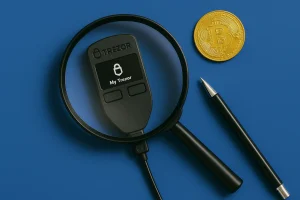
Is Trezor One worth it in 2026? Read our hands-on Trezor Model One review covering usability, security, and whether it's the right wallet.
Product Brand: Trezor
Product In-Stock: InStock
7.5
Table of contents
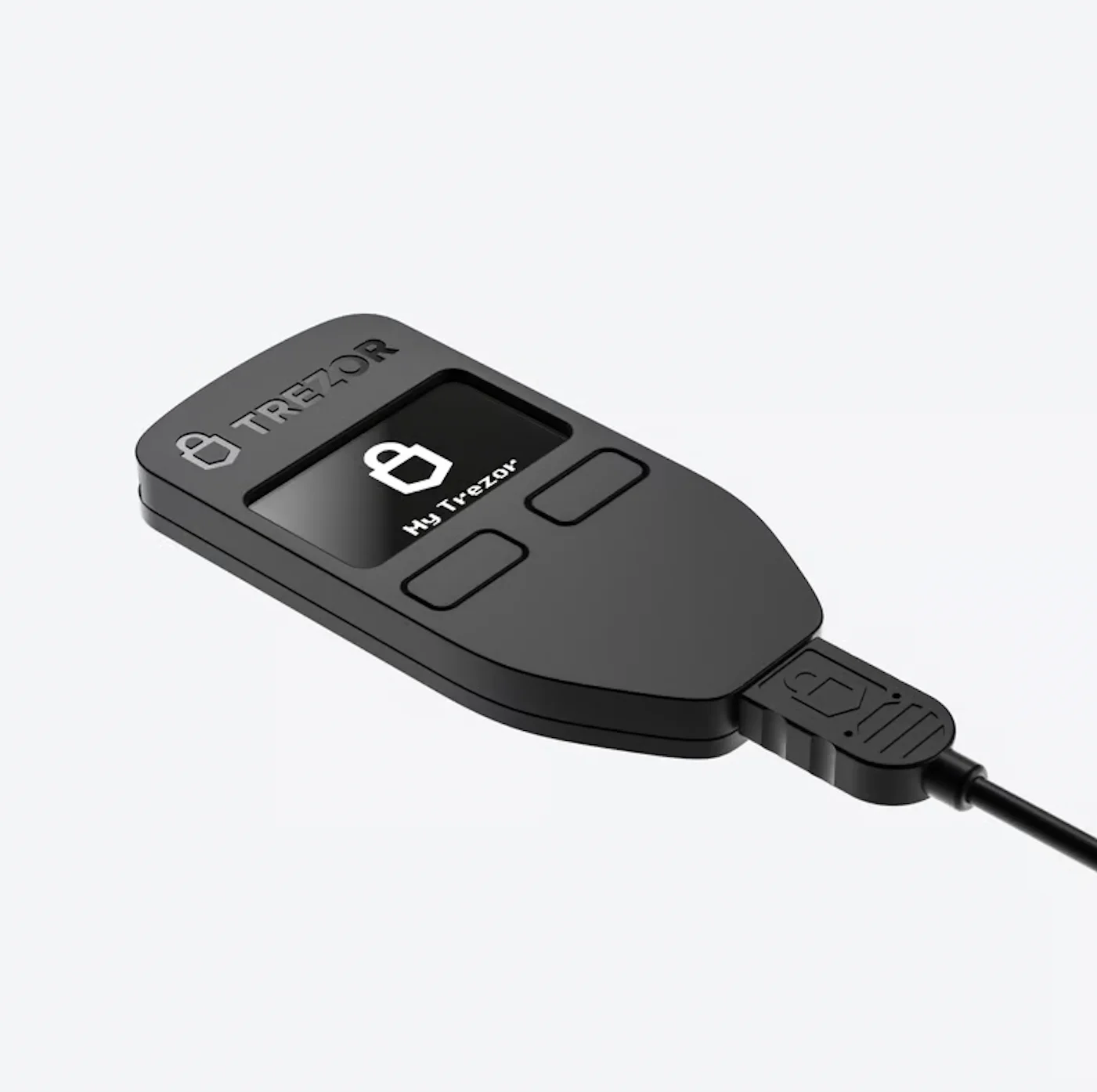 Trezor Model One | |
|---|---|
| Connectivity | Micro USB – USB-A (wired only) |
| Compatibility | Windows, macOS, Linux, Android (via USB) |
| Input | Two physical buttons |
| Secure Chip | None (uses general-purpose MCU; security via open design) |
| Display | 0.96″ Monochrome OLED (128 × 64 px) |
| Microcontroller | ARM Cortex-M3 (STM32F205) @ 120 MHz |
| Operating Temperature | -20°C to +60°C / -4°F to +140°F |
| Authentication | PIN, optional passphrase, two-factor authentication (2FA) support |
| Recovery Backup | 12-word or 24-word recovery seed |
| Privacy Features | Coin control, Tor support via Trezor Suite |
| Security Model | Open-source firmware and hardware, trusted hardware wallet architecture |
| Device Material | PC/ABS thermoplastic blend |
| Colors | White, Black |
| Size | 60 × 30 × 6 mm (2.4 × 1.2 × 0.2 in) |
| Weight | 12 g (device), 44 g (packaged) |
| Certifications | CE and RoHS certified, X-ray safe for air travel |
| Package Contents | Trezor Model One, Micro USB cable, 2× backup cards, user guide, stickers |
What is the Trezor Model One?
Here’s where the decade-old device stands in 2026:
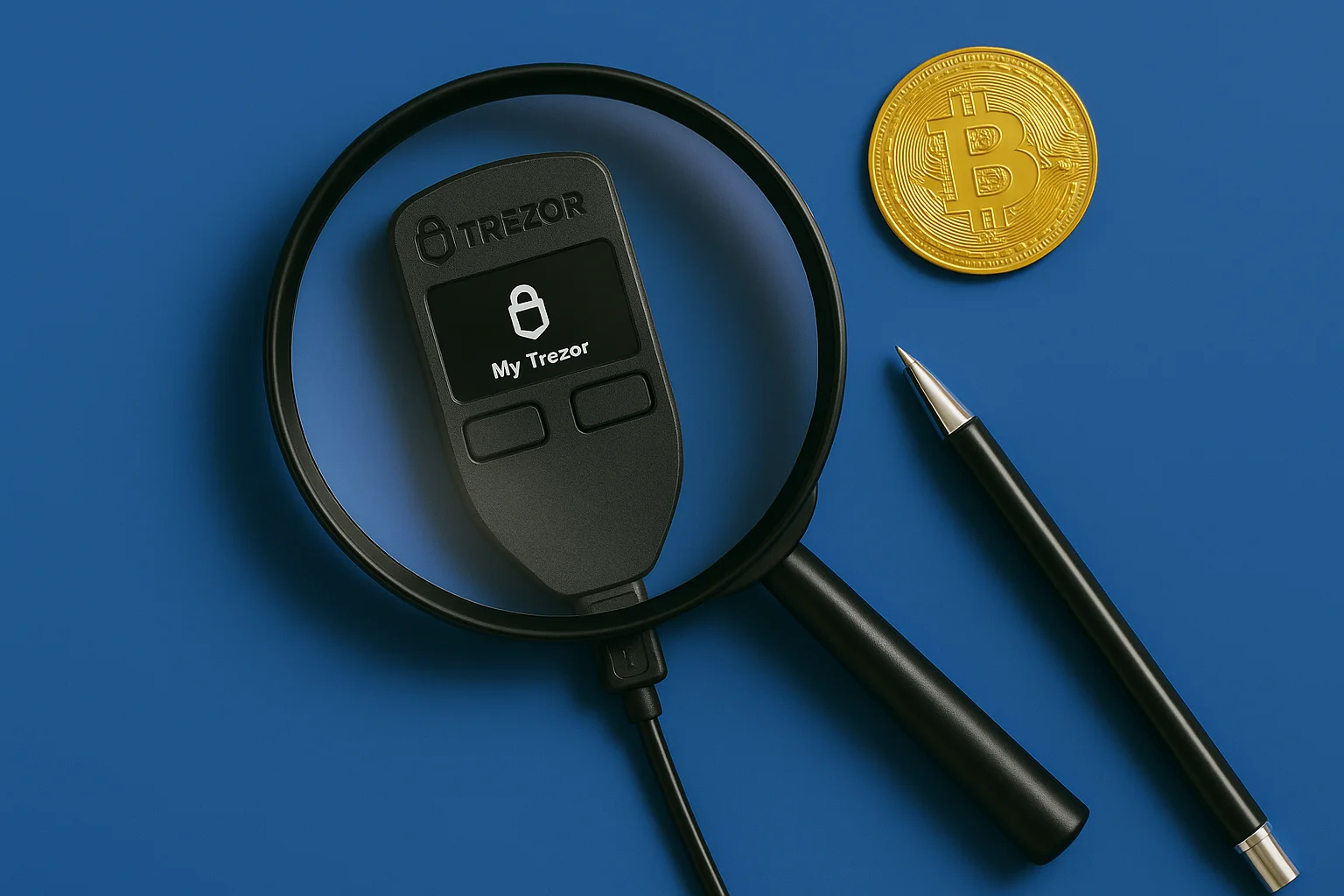
The Model One is a small USB hardware wallet with two buttons, a tiny screen and fully open-source firmware. Every wallet that came after borrowed from its design. It creates and keeps your keys on the device, asks for a button press on every transaction, and runs through the open-source Trezor Suite app on your computer.
It has no touchscreen, no wireless, no secure element and no support for every coin under the sun. Think of it as the bare minimum a cold wallet needs, made by the company that set that standard in the first place.
Trezor no longer sells it new, but plenty of owners still use one. Many devices have come after it, yet as the hardware wallet that kicked off secure cold storage, it still earns a look from newcomers and long-term holders.
Trezor Model One: how its security works
After ten years of attacks and fixes, we know its security very well:
1. A standard chip and a fully open design
Everything on the Model One runs on an ordinary microcontroller, with no secure element. You can inspect every part of it, and that openness has a price. Years ago, researchers showed they could pull keys off this generation of chip.
To do that, a thief needs your actual device and time in a lab, and a passphrase stops the attack completely. So on this device, the passphrase is the heart of your security, not a nice extra.
Setup and the risk of forgetting it are covered in the passphrase explainer.
2. Keys that never leave the device
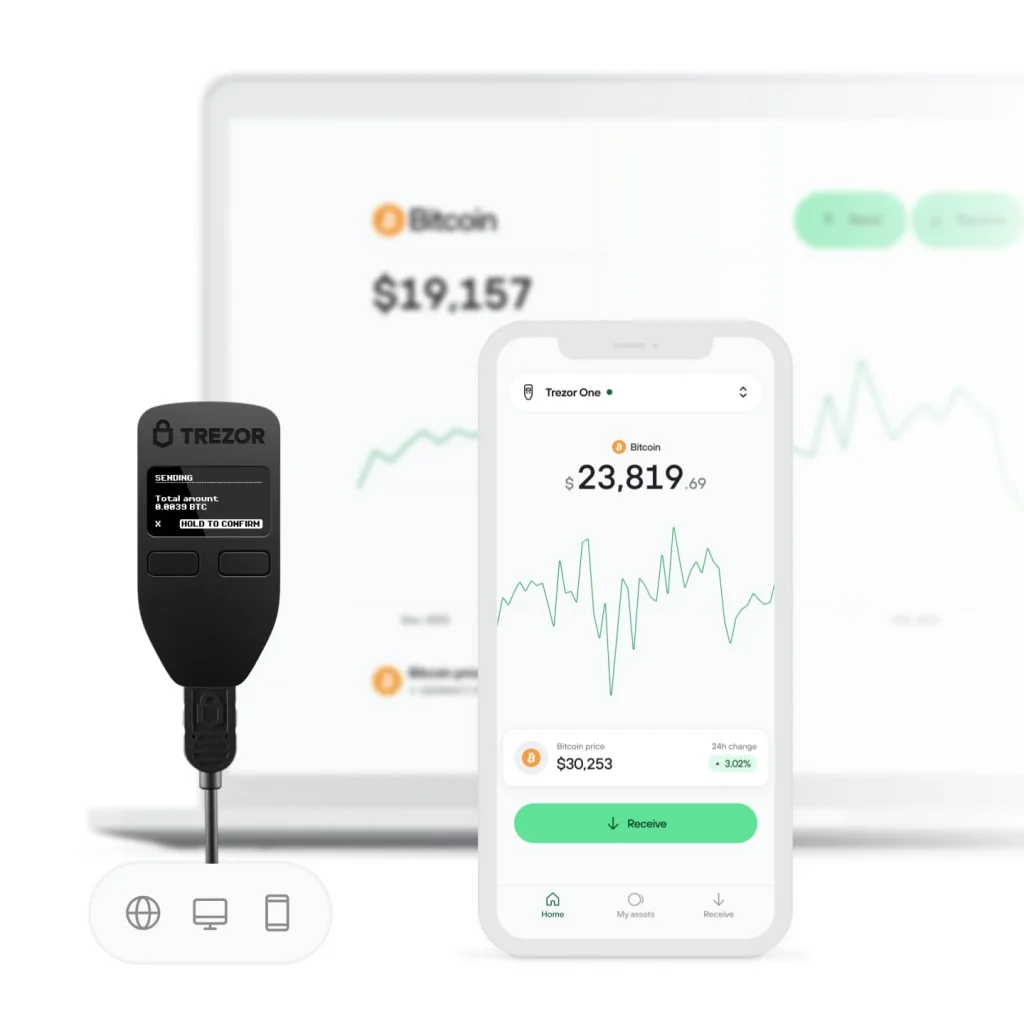
Your keys stay on the device during every transaction. Your computer suggests a transaction, the Model One shows it and signs it, and you confirm with the buttons. Malware can fake what your monitor shows, but it can’t change what the device screen displays or pull your keys out over the internet.
3. Creating and recovering your seed
The device creates your seed using its own hardware randomness. Your backup is a plain BIP39 list of 12 or 24 words.
Nearly every compatible wallet ever built can restore from it, and that’s the upside of sticking with the oldest standard around. This model can’t split your backup into Shamir shares, since that feature came with later devices.
4. Your PIN, and why guessing it fails
PIN entry happens on Trezor’s classic scrambled grid. The device shows where each digit sits, and you click the matching spots on your computer without seeing the numbers there, so a keylogger learns nothing. Every wrong guess makes you wait longer, and that makes guessing your PIN by brute force hopeless.
5. Checking transactions with physical buttons
For every send, the device screen shows the amount and address, and you have to press a button. Long addresses don’t fit on that little display, so you read them a chunk at a time. It’s slow, but always worth it, because this is the moment you catch malware that swapped the address on your computer.
6. Firmware security and updates
The firmware is open source, signed by SatoshiLabs and checked every time the device starts. Trezor Suite is where new versions get installed. Ten years of public code review is the Model One’s biggest strength, because its weak spots are better understood than any other wallet’s, an odd but genuine kind of safety.
Which coins it holds
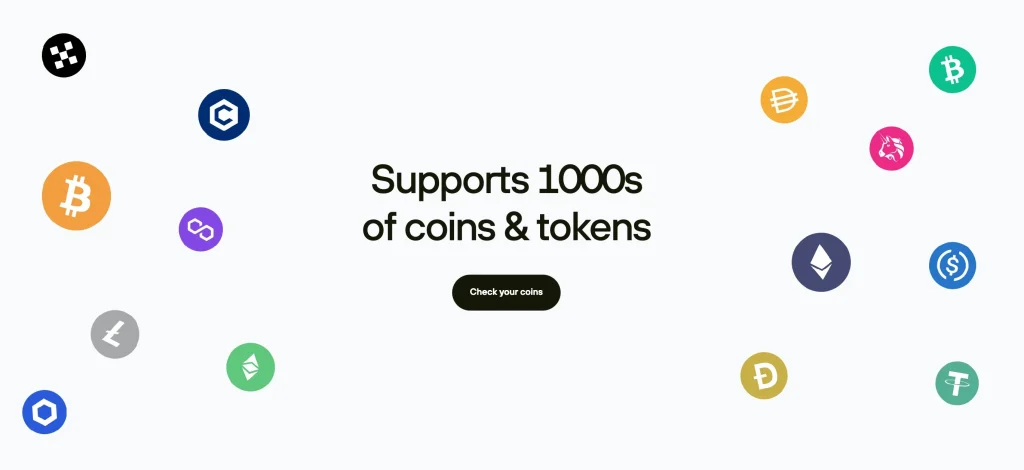
Bitcoin is covered, and so are Ethereum with its ERC-20 tokens, Litecoin and plenty of older coins. In 2026 the missing chains are what hurts.
Cardano, Solana and XRP all fall outside what this hardware can do, along with several newer networks. Compare Trezor’s list of supported coins with what you actually hold before you buy, because missing chains are the usual reason people move to a Safe 3.
To spell it out, Cardano (ADA), XRP, EOS and Monero (XMR) are off the table on the Trezor One. If you hold any of them, look at the Trezor Model T or the Trezor Safe 5 instead, since their firmware covers a much wider list.
Want Cardano? Our best Cardano wallets guide lists wallets that support it.
Screen and menus
You get two buttons, a 128×64 black-and-white screen and menus from a simpler time. The Model One does the job, but it’s never a pleasure to use. Trezor Suite does the heavy lifting: it’s tidy, open source and never tries to sell you anything, while the device itself does the basics and never lets you down.
Day-to-day use
It connects by USB to Windows, macOS, Linux and Android computers or phones. The micro-USB port gives away its age, though a cable comes in the box.
You won’t find a battery, wireless or iPhone support here. With so little on the device, there’s almost nothing to learn before you start.
What the Trezor Model One costs
You can’t buy a new Model One from Trezor anymore. It cost $49–$69 before it was discontinued, and Trezor now offers the Safe 3 at $59 in its place. Do the math honestly.
The Safe 3 costs $59 and brings an EAL6+ secure element, a better screen, USB-C and support for modern chains. A new buyer gets far more for that small difference in price. The Model One only makes sense if your budget can’t stretch at all, or if the missing chains don’t affect you.
For the full story on its successor, read our Trezor Safe 3 review.
Next to other popular hardware wallets like the Ledger Nano S Plus ($59) and the Ledger Nano X ($99), the Trezor Model One was the cheapest way into a big-name brand. It gives you real cold storage and Trezor’s core security for very little money.
We cover that rival in detail in our Ledger Nano S Plus review.
Getting a Trezor Model One ready to use
Setup takes about ten minutes in Trezor Suite. You check and install the firmware, create the seed on the device, write it down offline (steel is better than paper), choose a PIN and turn on a passphrase.
On this device, the passphrase does the job a secure element would do on newer models. If you buy one secondhand, get it wiped and check it carefully, because a tampered device is the one risk no setting can fix.
- Unpack the device and plug it into your computer with the cable from the box.
- Open trezor.io/start in your browser and grab the Trezor Suite app from there.
- Do what the on-screen instructions tell you to set up the device.
- Create a new wallet, then write the recovery seed (12 or 24 words) on the included cards. Keep those words away from keyboards and cameras.
- Pick a PIN code. If you want an extra layer, switch on the optional passphrase too.
- Once that’s done, sending, receiving and tracking your crypto all happen in Trezor Suite.
Trezor Model One: pros and cons
Trezor Model One vs. Model T vs. Safe 5
For roughly $100 more, the Model T brings a touchscreen, Shamir backup and extra coins. That extra money buys comfort rather than different security, because neither has a secure element. Most readers should go for the Safe 3.
At $59 it has a better chip than the Model One, covers more chains and uses USB-C. The Model One wins only on price and history.
| Trezor Model One | Trezor Model T | Trezor Safe 5 |
|---|---|---|
| Screen: small 0.96″ OLED in black and white | Screen: LCD touch panel in color | Screen: color touch panel behind Gorilla Glass |
| Input: a pair of hardware buttons | Input: touch, plus a button to confirm | Input: everything by touch |
| Connectivity: older Micro USB-A port | Connectivity: modern USB-C port | Connectivity: modern USB-C port |
| iOS Support: no, iPhones can’t use it | iOS Support: no, iPhones can’t use it | iOS Support: yes, with a cable and mobile apps |
| Secure Element: none at all | Secure Element: none at all | Secure Element: yes, EAL6+ rated |
| Recovery: standard seed of 12/24 words | Recovery: seed of 12/24 words, or Shamir shares | Recovery: Shamir shares |
| Features: just the wallet basics | Features: Shamir backup, plus DeFi and NFT access | Features: Shamir, native dApps and stronger DeFi tools |
| Mobile: cable to Android phones, nothing else | Mobile: cable to Android phones, nothing else | Mobile: phones on both Android and iOS |
| Material: plastic shell (PC/ABS) | Material: tough polymer body | Material: aluminum body, CNC machined |
| Security: no secure element, but open code | Security: open code built like the Model One | Security: open code, a secure element and tougher firmware |
| Assets: 1,450+ coins and tokens in total | Assets: A longer coin list, NFTs too | Assets: the Model T list plus extra integrations |
| UX: press buttons, read short prompts | UX: built around touch, more visual | UX: all touch, with a smoother flow |
| Backup: cards you write on | Backup: cards, or a microSD if you like | Backup: Shamir shares, microSD optional |
| Price: was $49 | Price: costs $129 | Price: costs $169 |
FAQ
Is the Trezor Model One worth it?
Yes, if a few conditions hold. It’s a reliable, easy wallet with a proven security model and built-in Trezor Suite support, and it was always one of the cheapest options from a big brand. Turn on a passphrase and check that your coins are on its list.
Is the Trezor Model One outdated?
Not where it counts. It has no touchscreen, no secure element and no support for some newer chains. But it still gets firmware updates and handles Bitcoin, Ethereum and most of the big coins people own.
Does the Trezor One still work?
Yes. In 2026 it’s still fully supported, and it works with Trezor Suite and a number of third-party wallets, so you can manage your crypto just as before.
Is Trezor 1 safe?
Yes. A PIN, an optional passphrase and a recovery seed protect keys that never go online. Nothing moves until you press the device’s buttons, so malware on your computer has no way to sign on its own.
What if someone steals my Trezor?
As long as nobody knows your PIN and optional passphrase, your funds are safe. Use your recovery phrase to restore everything on another Trezor or a compatible wallet, then move your coins to a brand-new seed.
Can Trezor get hacked?
Not from a distance, if you’ve set it up properly. Past weaknesses needed someone to have the device in hand, and firmware updates fixed them. Since the code is open, anyone can check it, and that’s exactly how those problems were found and fixed in public.
What happens to my Bitcoin if Trezor shuts down?
Nothing bad. Your recovery phrase uses the open BIP39 standard, so any compatible hardware or software wallet can restore your funds, whether or not Trezor still exists.
Does Trezor know my private key?
No. The device creates your private keys and they never leave it. Neither Trezor nor any app you connect ever sees them or stores them online.
How do I reset a Trezor wallet?
Connect the device, open Trezor Suite and pick factory reset in the device settings. That erases everything on it. Keep your recovery seed at hand first, because it’s the only way to get your wallets back after the wipe.
Final verdict: is the Trezor Model One still worth it after 10 years?
Is it still worth it? Only under the right conditions. Used with a passphrase, the Model One is still a genuinely safe cold wallet for Bitcoin and the big coins, and no new device can match ten years of open scrutiny.
But Trezor now sells the Safe 3 for $59 with a certified secure element and modern chain support, and the Model One isn’t sold new anymore. So it mostly makes sense if you already own one.
My 7.5/10 score reflects a respected veteran that’s past its prime. Choose it on purpose, not by default.
How I review: Reviewed by Andrei B. I buy the hardware wallets I review, test every product myself and score it on security, UI/UX, ease of use, price and supported coins. Before I publish, I also check recent user reviews and any hack reports.
The whole process is explained on the How We Review page. You can read more about me, or contact me with corrections, from the links at the bottom of this page. For general safety advice, see the FTC guide to cryptocurrency scams.