
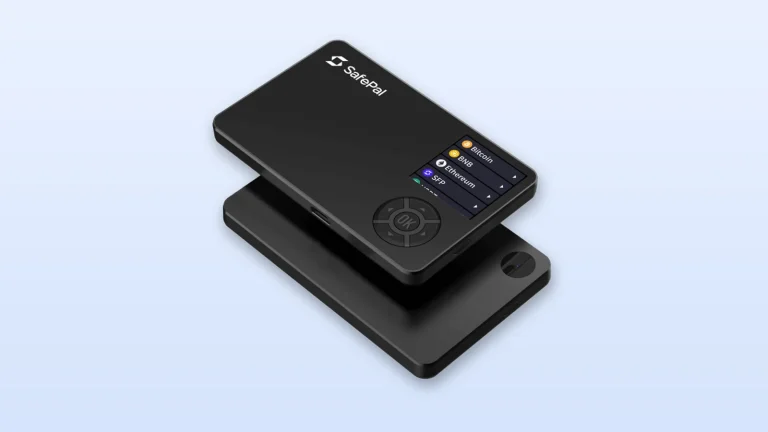
How to Set Up SafePal S1
A plain walkthrough of SafePal S1 setup, from the authenticity check and seed phrase to pairing with the SafePal App and a first test deposit.
A plain walkthrough of SafePal S1 setup, from the authenticity check and seed phrase to pairing with the SafePal App and a first test deposit.
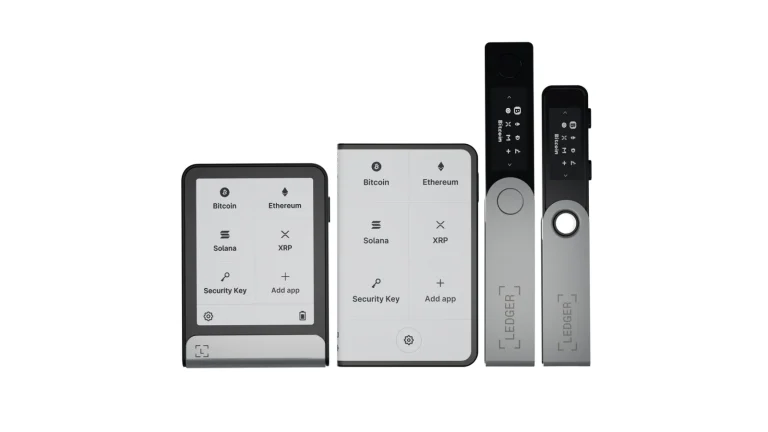
A step-by-step guide to moving coins and tokens from a hot wallet such as MetaMask or Phantom to a Ledger or Trezor hardware wallet, with the exact button labels, why you should never import the old recovery phrase, how fees work, and what to do when a transfer goes wrong.

TON settles faster and keeps fees fixed, and it lives inside Telegram. Solana has the bigger wallet and app ecosystem and a cleaner recent uptime record. We compare both on consensus, fees, incidents, staking and wallets, using each network's own documentation.
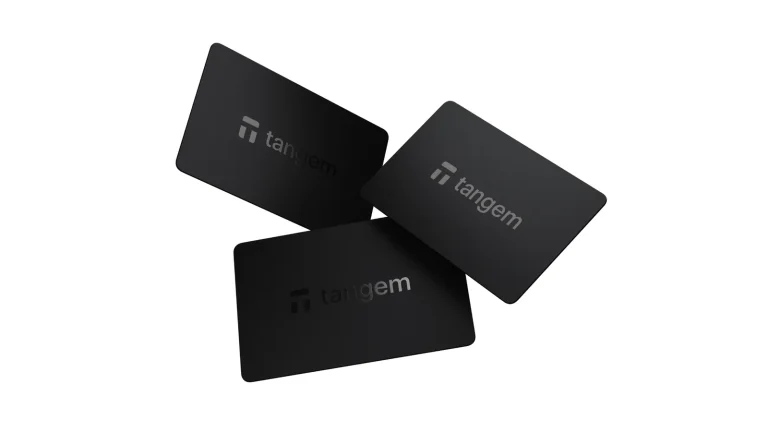
A step-by-step Tangem Wallet setup guide using Tangem's own button labels: the authenticity scan, the seed phrase decision, backing up to your other cards, the access code, and the settings worth changing.
Password managers are built for passwords, not recovery words. I look at what the LastPass thefts showed, what the wallet makers say, and where your seed phrase should live instead.

A step-by-step guide to importing a seed phrase into MetaMask on the browser extension and the mobile app, using MetaMask's own on-screen labels, plus what the app restores, what you have to add back yourself, and how to fix the usual failures.