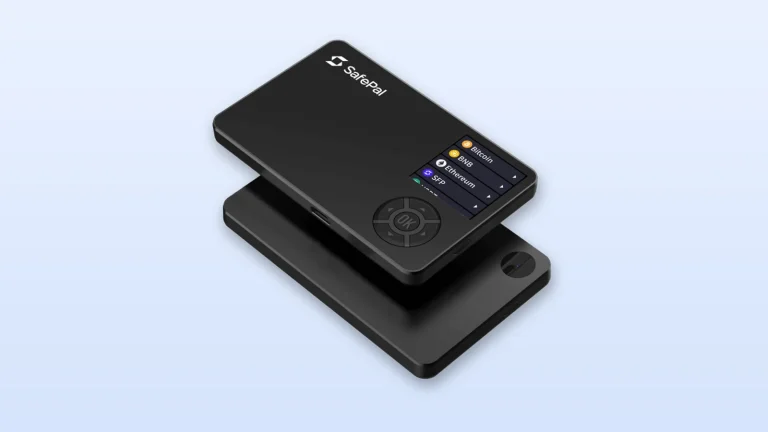
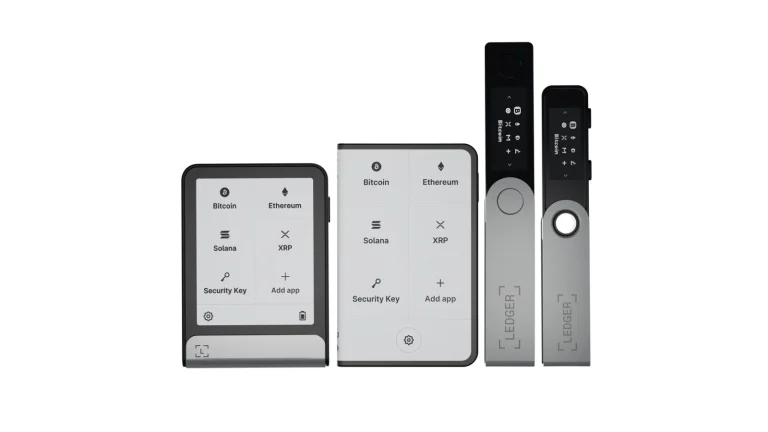
A passphrase is a word you invent and bolt onto the recovery phrase your wallet already handed you. Type it in and you land in a different wallet, with different addresses and a balance of zero. Most vendors call it the 25th word, because it behaves like one more entry after your 24.
Those 24 words are the whole ballgame. Whoever reads them owns your coins, and the passphrase is the one setting that changes the arithmetic. Below we go through where the feature comes from, what it guards against, what it can cost you, and how Ledger, Trezor, BitBox02, Coldcard and Keystone each handle it.
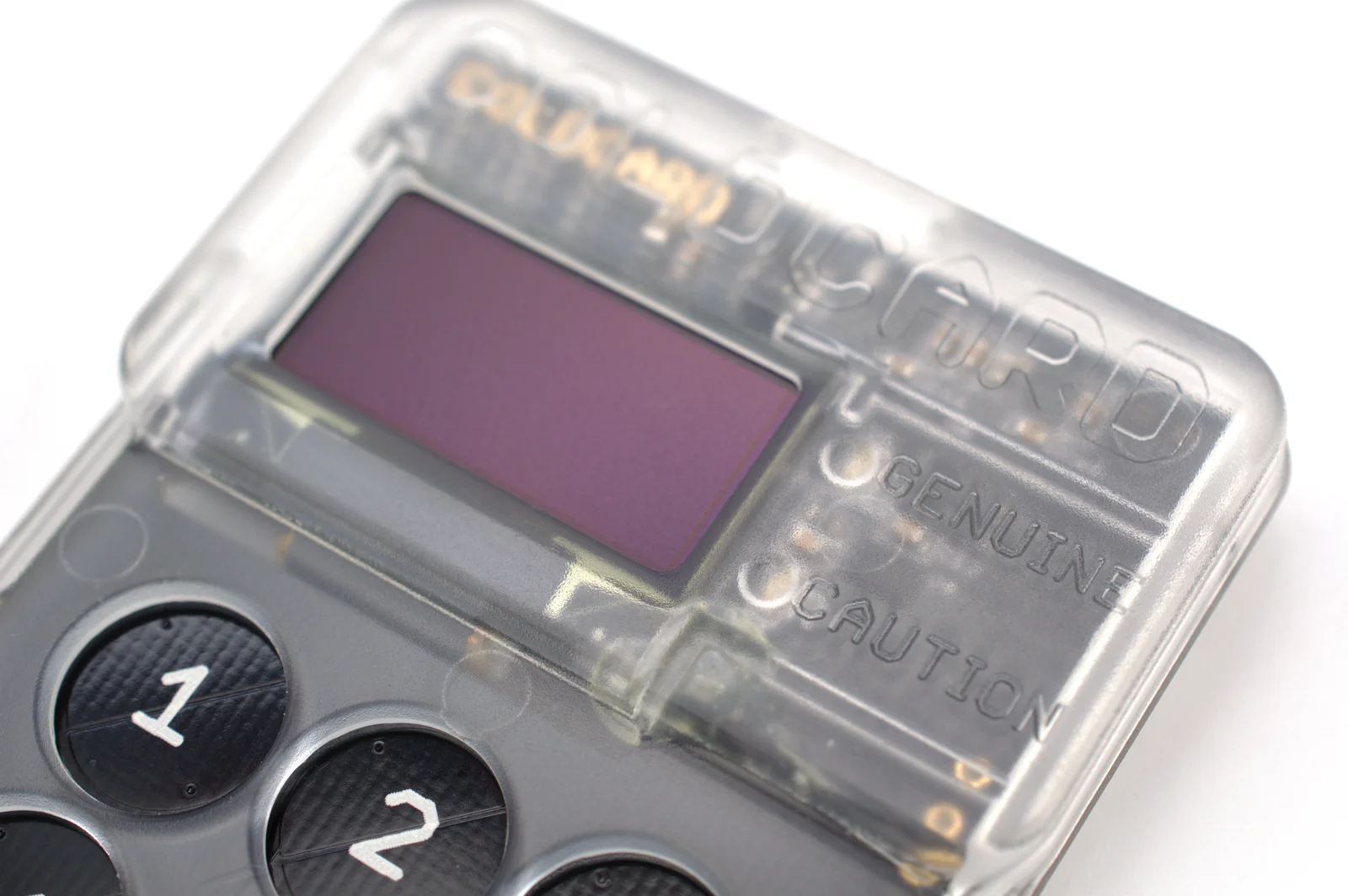
Table of contents
So What Is a Passphrase, or 25th Word?
Your wallet gave you 12, 18 or 24 words at setup. That list is the recovery phrase, also known as a seed phrase, and it can rebuild every key you own. A passphrase works the other way round, because you make it up and no device generates it on your behalf.
The idea isn’t a marketing invention. It lives in BIP-39, the standard behind those word lists, which allows that “A user may decide to protect their mnemonic with a passphrase” and substitutes an empty string when you skip it. That empty string is the wallet you’ve been using since day one.
Trezor‘s wording is the clearest we’ve read anywhere: a passphrase “creates a completely new wallet that is linked to your existing wallet backup”. Ledger prefers the 25th word label and treats the feature as “an advanced feature that allows you to add an additional word to your recovery phrase”. Whatever it opens gets called a hidden wallet, since nothing on the screen hints that it’s there.
None of this is your PIN.
BitBox draws the line for you, describing the passphrase as “an additional secret that derives a separate wallet from your existing wallet backup” while the device password only guards one piece of hardware. Wipe a device and your coins are still there. Forget a passphrase and there’s no route back to them.
Capitals and spaces are part of the secret, which trips up more people than anything else here. Trezor’s own example is that Correct Horse Battery and correct Horse Battery open two entirely different wallets, and the device will never tell you which one you’re looking at.
How the 25th Word Changes Your Wallet
Four steps, and none of them are complicated.
- Your wallet picks a mnemonic out of the 2048-word BIP-39 list.
- BIP-39 then runs PBKDF2 over it, using the mnemonic sentence as the password and the word “mnemonic” glued to whatever passphrase you supplied as the salt. That is 2048 rounds of HMAC-SHA512, and out comes a 512-bit seed.
- BIP-32 takes that seed and grows the tree of private keys and addresses you see on screen.
- Swap the passphrase and the salt shifts, so the seed shifts, so every address you own shifts with it.
Leave the field blank and the salt is nothing but the word “mnemonic” on its own. Same wallet you’ve always had. Add one character and you’re somewhere else entirely.
The scale of it is hard to picture. Coldcard’s documentation puts the count at “approximately 5.9 x 10197 different wallets based on your original seed words”, and every last one of them is empty until you send something in.
This is where people trip. Ledger says it outright, that “Setting a passphrase does not move your existing crypto”, and the fresh accounts arrive with brand-new addresses and nothing in them.
Even a familiar name like Ethereum “has a completely different address once a passphrase is active”, in Ledger’s phrasing. Your old coins stay exactly where they were. Anyone with the 24 words and your normal PIN can still walk straight into those accounts.
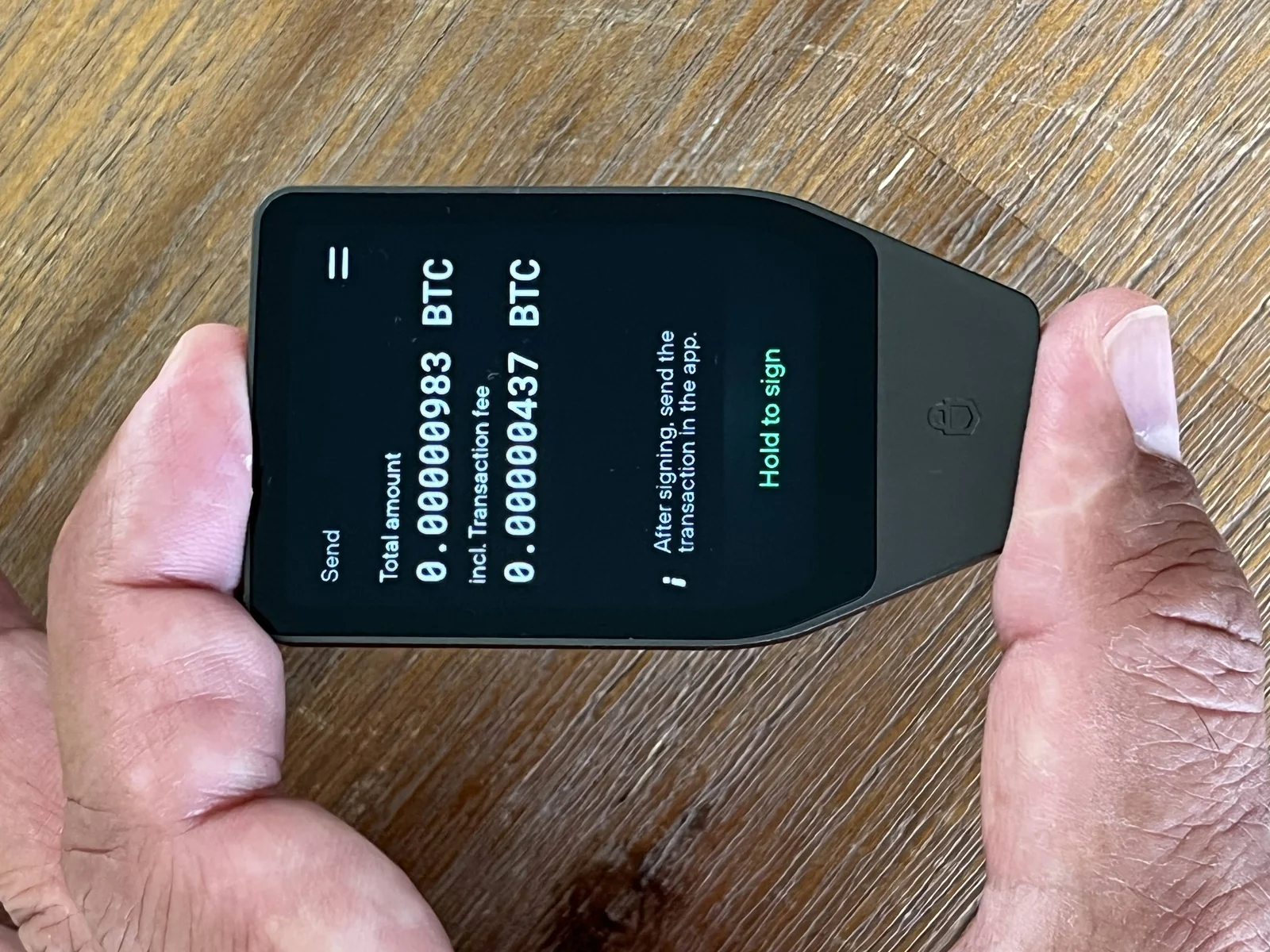
Get a character wrong and nothing objects, which annoys us more than it probably should. Coldcard states flatly that “There is no validation performed on your passphrase”, so what you open is a different wallet with no Bitcoin sitting in it.
How the two brands differ beyond passphrase handling is covered in a separate Coldcard and Trezor comparison.
Desktop software does the same thing. Feed Sparrow the wrong passphrase and it “will be using a different seed and will therefore derive different addresses”, then cheerfully reapplies your old address labels to the new ones because it can’t tell that anything changed.
What a Passphrase Buys You, and What It Charges
The Cases Where It Saves You
Start with the backup that somebody finds. A steel plate in a desk drawer, a card in the safe, a photo that should never have been taken. Trezor needs both halves before a passphrase wallet opens, the right backup and the exact same passphrase, so either one on its own is dead weight.
Then there’s the version where the pressure is physical. BIP-39 was written with that in mind, noting that “every passphrase generates a valid seed (and thus a deterministic wallet) but only the correct one will make the desired wallet available”.
Ledger reads it the same way and calls the result decoy accounts, “giving you a measure of plausible deniability if you are ever pressured to unlock your signer”. Its suggestion is to leave a modest balance sitting in the regular accounts and park the rest behind the passphrase. Where an attacker might know the feature exists, Ledger suggests running several hidden accounts on different passphrases.
None of that is hypothetical. Ledger’s July 2020 disclosure describes an unauthorized third party reaching its e-commerce and marketing database on June 25, 2020, exposing roughly 1 million email addresses. For 9,500 of those customers the leak went further and included names, postal addresses, phone numbers and the products they’d ordered.
A list of confirmed hardware wallet buyers, complete with home addresses, is precisely what a burglar would want. Decoy accounts exist for exactly that.
Third comes the seed you can no longer trust. Coinkite’s security update of August 20, 2026 describes “a firmware bug that caused weakened seed generation” in Coldcard devices, after which “attackers regenerated the corresponding private keys offline and stole funds”. It stresses that “the COLDCARD devices themselves were not hacked, remotely accessed, or taken over”.
Coinkite’s advice once the fix shipped was to use “a strong and unique BIP-39 passphrase, and, where appropriate, a carefully designed multisig setup”. Ledger’s account of the incident goes a step further and says a strong 25th word chosen by the user might have blunted the weakness.
We’d be careful with that reading, because Coinkite doesn’t make it. Its status page says a passphrase “can add a barrier to use of the underlying seed, but it does not repair a seed generated on affected firmware”. Buying time and fixing the problem aren’t the same thing.
The Price You Pay for It
You now have two secrets to lose rather than one. Trezor’s line is short: “Passphrases cannot be changed, removed, or recovered”. Its support page adds that “A passphrase is not stored on your Trezor or in Trezor Suite, so nobody can look it up or reset it, including Trezor Support”.
Everyone else lands in the same place. Ledger warns that “If you forget your passphrase, access to the associated hidden wallet is permanently lost, as Ledger does not store or back up passphrases”, BitBox that “If you lose the exact passphrase, your wallet backup alone cannot restore the passphrase-protected wallet”, and Keystone that owners “will not be able to access any corresponding assets if they are lost”.
Weak passphrases fail in a different way, and Coldcard’s write-up is the one to read: “Thanks to the cryptographic design of BIP-39, a weak passphrase does not lessen the safety of the other wallets or help reveal the seed words”, although an attacker holding your seed words “could exhaustively search for passphrase wallets”.
So a throwaway word won’t endanger your main accounts. It simply leaves the hidden one wide open to anyone who already has the seed.
The usual rule still governs every transfer you make into a passphrase wallet. Send to the wrong address or over the wrong network and the funds are gone. Nobody can reverse that, and no support desk anywhere can undo it for you.
How Ledger, Trezor, BitBox02, Coldcard and Keystone Do It
One standard, five interpretations. The idea doesn’t change from device to device, but the ceilings and the menus certainly do.
| Wallet | How long it can be | Where you type it | If you forget it |
|---|---|---|---|
| Ledger | 100 characters, case-sensitive, digits and symbols welcome | On the device, either as a temporary entry or behind a secondary PIN | Gone for good, because Ledger keeps no copy anywhere |
| Trezor | 50 ASCII characters, case-sensitive | Inside Trezor Suite, or on the device itself | Nobody can bring it back, Trezor Support included |
| BitBox02 | 149 characters, and spaces count | Switched on in the BitBoxApp, then confirmed on the device | Your backup on its own will not restore that wallet |
| Coldcard | 100 ASCII characters, nothing accented | Keypad, MicroSD card, command line, or a QR scan on the Q | Mistype it or lose it and it cannot be recovered |
| Keystone | Set inside the Passphrase Wallet menu | On the device, once you clear the password or fingerprint check | Those assets stop being reachable |
Ledger
Two options here. The temporary one gets typed on the device whenever you want the hidden accounts, and it “only stays active while your Ledger is powered on”. Switch the device off and you’re back among your regular accounts.
The other option hangs your passphrase off a secondary PIN code. At power-on you choose which PIN to enter, and each one leads somewhere different. Ledger’s warning about this setup deserves reading twice: “after three incorrect attempts your device will be reset, requiring you to recover your accounts from a backup of your Secret Recovery Phrase”.
Ledger also reckons the bigger Secure Touchscreens on the Nano Gen 5, Flex and Stax cut down entry errors compared with a small screen, which matches our experience. Still weighing up brands? Our Ledger vs Trezor comparison digs into everything else.
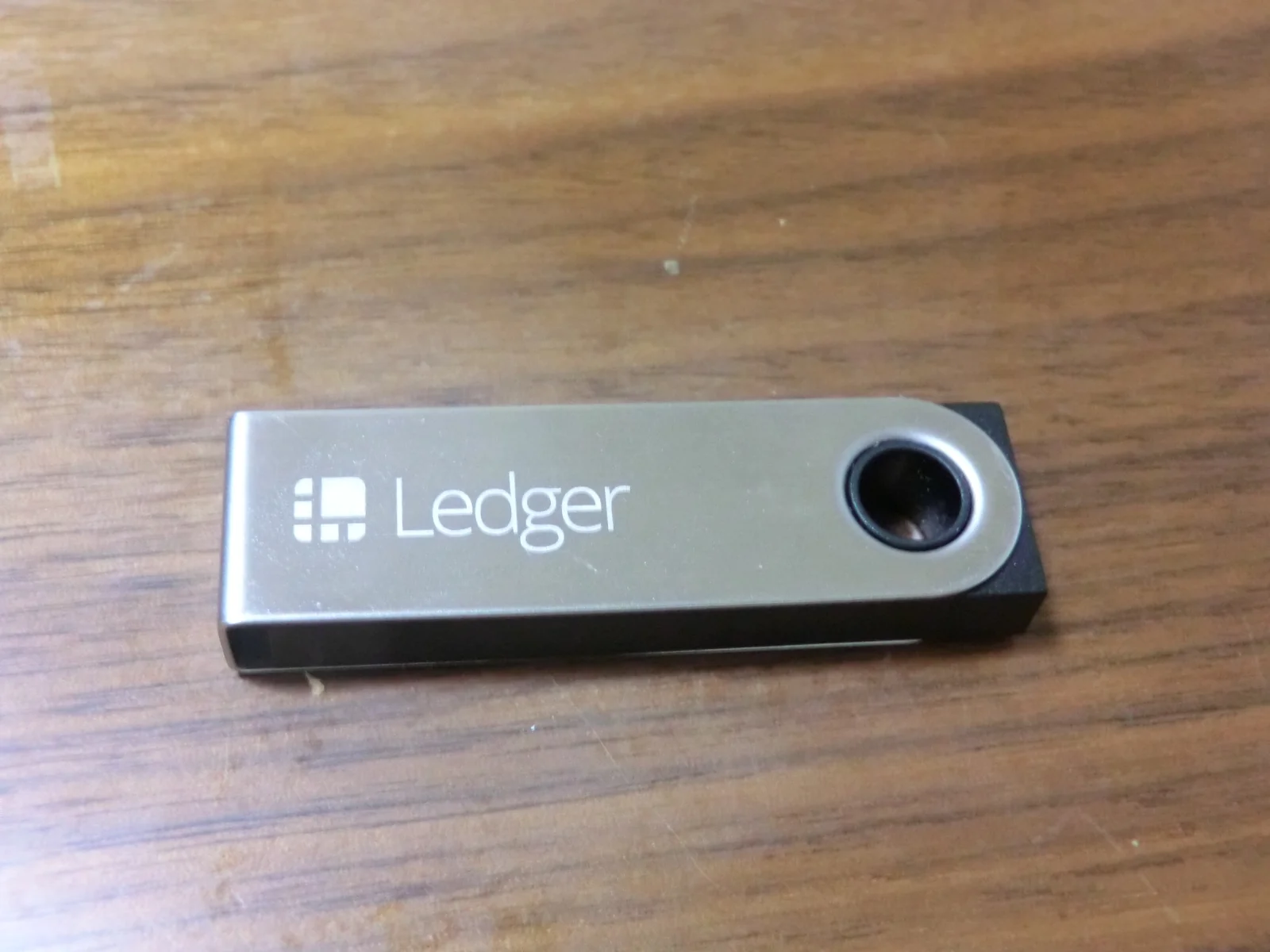
Trezor
Trezor ships with the whole thing switched off. You enable it in Trezor Suite under Settings, then Device, by flipping the “Use Passphrase wallets” toggle. From there it’s the wallet switcher at the top left, then “+ Passphrase wallet”, then either “New passphrase” or “Open previously used”.
Pick “Enter passphrase on Trezor” and the secret never touches your keyboard, which is what we’d do every time. The instruction Trezor gives before you fund anything is blunt: “Write it down on paper before you use your passphrase wallet”. Our Trezor Safe 5 review covers how the touchscreen models cope with it day to day.
BitBox02
BitBox is the most generous of the group at 149 characters, spaces and symbols very much included. Turning it on means a trip through the BitBoxApp: Settings, then Manage device, then Expert settings, then Passphrase, then “Enable optional passphrase” with a confirmation on the device. Reconnect the BitBox afterwards and it asks for a passphrase every single time.
The rest of the device, beyond this one setting, is covered in the review of the BitBox Nova hardware wallet.
Returning to the standard wallet is easy, since an empty entry does it. BitBox says the passphrase never gets stored on the device and never turns up in a wallet backup, and that a typo quietly opens a different wallet with no error message at all. Our BitBox02 review handles the rest of the setup.
Coldcard and Keystone
Coldcard’s flow is the fussiest of the lot, in a good way. Its Mk4 and Mk5 passphrase menu lists Restore Saved, Edit Phrase, Add Word, Add Numbers, Clear All, APPLY and CANCEL, with Add Word drawing from the 2048-word BIP-39 list. Apply the passphrase and the device throws up an 8-digit hexadecimal extended fingerprint, the XFP, which is your only proof that you typed what you typed last time.
The rest of that device is covered in the Coldcard Mk5 review.
Its own instructions tell you to back the passphrase up exactly, keep it well away from the seed, note the XFP, and run the whole recovery through a power cycle before a single coin goes in. No other vendor publishes anything that thorough.
Keystone keeps it light. Tap [Menu] in the top left corner, then [Settings], then [Passphrase Wallet]. A default wallet’s passphrase “is automatically set to blank “” when the HD wallet is generated”, and powering the device down while a hidden wallet is open drops you back into the default one.
Both of them turn up in our roundup of the best air-gapped crypto wallets.
How to Use a Passphrase Without Losing It
- Write it out character by character on paper or metal, and keep it somewhere your recovery phrase isn’t. Trezor wants that written record in place before you use the wallet at all, and BitBox says keep it offline and away from the backup.
- Prove the wallet reopens before you trust it with anything. Trezor’s check is to note the first receive address, eject the wallets, reopen with the passphrase and see whether the address matches. Coldcard’s version leans on the XFP, written down and compared after a power cycle.
- Type it on the device wherever the wallet permits it. Ledger points out that some wallets make you enter the passphrase on a computer, which exposes it to online attacks, and Trezor Suite offers device entry for that same reason.
- Aim for long and memorable rather than long and clever. Ledger rates “password” as very insecure, “IReallyLikeMyBitcoins” as an improvement but built from ordinary words, and a 49-character random string as strongest yet close to impossible to recall. Its middle path is sentence initials, something along the lines of “Iret3LSDtUBgm!”.
- Mind your spaces and your capitals. Trezor tells you to look for spaces at the start, in the middle and at the end, because a space is a character like any other, and to watch your keyboard layout when you type on a computer since character maps differ between devices.
- Keep something believable in the accounts an attacker can reach. A decoy only earns its keep if what they find looks like the whole story.
- Keep the passphrase out of websites, password managers and cloud storage, and don’t share it with anybody. Both BitBox and Ledger put that in writing in their own documentation.
- Spare a thought for whoever inherits this. Coldcard treats the passphrase, the XFP and a tested recovery path as one package, and we’d agree with that framing.
Where People Go Wrong With Passphrases
- Switching the feature on and assuming the coins you already hold got safer. They didn’t, because Ledger’s new accounts open empty and your original funds sit where they always sat until you move them across.
- Reading an empty balance as proof of a typo. Nothing errors out, so an empty screen proves nothing by itself, and the only honest checks are a receive address or an XFP.
- Filing the passphrase next to the seed words. Whoever finds one finds the other, and you’ve bought yourself nothing at all.
- Choosing one short word. Coldcard’s point is that an attacker holding your seed words can grind through candidate passphrases, and a dictionary word won’t last long against that.
- Sending a serious amount in before you’ve tested anything. If what you typed wasn’t what you meant, those coins now sit in a wallet you can’t reopen.
- Hoping a passphrase repairs a compromised seed. Coldcard’s status page says it adds a barrier and no more than that, and tells anyone holding an affected seed to migrate.
- Trusting your memory. Trezor’s advice is to write it down, store it safely and test your access now and then, and plain forgetting is far and away the most common way these wallets disappear.
FAQ
Is a passphrase the same thing as my PIN?
No. Your PIN guards one piece of hardware, and wiping that hardware doesn’t touch your coins. A passphrase changes which wallet your recovery phrase produces, so it keeps working even while a thief is holding the words. BitBox calls it an additional secret that derives a separate wallet from your existing wallet backup.
Will a passphrase protect the crypto I am already holding?
Not by itself. Ledger is clear that switching one on doesn’t move your existing crypto, and the accounts it opens start empty on brand-new addresses. Moving funds across is your job, and until you do it the old accounts stay reachable with the recovery phrase alone.
How long should my passphrase be?
Long enough that guessing is hopeless, short enough that you can write it out perfectly every time. The ceilings are 50 ASCII characters on Trezor, 100 on Ledger and Coldcard, and 149 on the BitBox02. Ledger suggests mixing letters, numbers and symbols, while admitting its own strongest example is the one nobody could memorize.
Can Ledger or Trezor get my passphrase back for me?
No, and they’re unusually direct about saying so. Trezor states that the passphrase lives on neither the device nor Trezor Suite, so nobody, its own support team included, can look it up or reset it. Ledger, BitBox and Keystone all say the same about their hardware.
What happens if I type my passphrase wrong?
You end up in a different wallet, and it’ll be empty. Coldcard performs no validation on the passphrase, so a wrong entry opens another wallet without a word of warning. Trezor notes that a single changed capital does it, and that a space counts as a character.
Could someone brute force my passphrase?
Only with your seed words already in hand. Coldcard’s analysis is that a weak passphrase neither weakens your other wallets nor helps reveal the seed words, but an attacker who has those words can search through passphrases exhaustively. Length and unpredictability are the entire defense.
Should a beginner bother with a passphrase?
Probably not yet. Trezor ships the feature switched off and every vendor labels it advanced, and a rushed setup usually ends in a wallet nobody can reopen. Get your recovery phrase storage solid first, then add a passphrase once you know exactly where the written copy will live.
Should You Turn On a Passphrase? Our Verdict
A passphrase answers one question well. If you hold enough that a found backup or an unwelcome visitor is a genuine worry, and you already have somewhere dependable to keep a secret offline, it’s the cheapest upgrade on the table. Nothing to buy, and your recovery phrase stops being a complete key and becomes half of one.
Outside that, we’d think twice. Nobody has ever recovered a forgotten passphrase, and the vendors write about it in the bluntest language they use anywhere on their sites. Sort out where your recovery phrase lives first, then add a passphrase once you can point at the drawer, the safe or the plate holding the written copy.
This article is for general information only and is not financial, legal, or investment advice. Prices and features change; check the vendor’s official page before buying.
How I review: Reviewed by Andrei B. I buy the hardware wallets I review, test every product myself and score it on security, UI/UX, ease of use, price and supported coins. Before I publish, I also check recent user reviews and any hack reports.
The whole process is explained on the How We Review page. You can read more about me, or contact me with corrections, from the links at the bottom of this page. For general safety advice, see the FTC guide to cryptocurrency scams.