At $49.99, the SafePal S1 makes a claim that sounds too good: air-gapped signing, a certified secure element, and tamper self-destruct. That is the security checklist of wallets three times its price. After using it, we found the claim mostly holds. The compromises live in comfort, not in key protection. This review covers exactly where the $50 goes, where it does not, and who should buy one instead of saving up for more.
SafePal S1
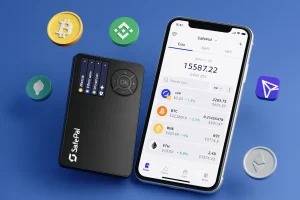
Read our SafePal S1 hardware wallet review 2026. Is this credit card-sized wallet a real alternative to Ledger and Trezor? Find out now.
Product Brand: SafePal
Product In-Stock: InStock
8
Table of contents
SafePal S1 Specifications | |
|---|---|
| Connectivity | 100% air-gapped; QR code signing only; USB-C for charging (no Bluetooth, WiFi, NFC) |
| Compatibility | iOS, Android (via SafePal wallet app); browser extension for desktop |
| Input | Five physical buttons (Left, Up, Right, Down, OK) |
| Secure Chip | Independent certified secure element (CC EAL6+) |
| Display | 1.3″ IPS full-color screen |
| Camera | Built-in camera for high-speed QR scanning |
| Battery | 400 mAh rechargeable battery; up to 20 days with 10 minutes daily usage; charged via USB-C |
| Operating Temperature | -20°C to +70°C (-4°F to +158°F) |
| Authentication | PIN code, device authentication, optional passphrase |
| Recovery Backup | 12-word, 18-word, or 24-word recovery seed (BIP39 standard) |
| Privacy & Security | Self-custody; anti-tampering self-destruct mechanism, multi-layer security sensors, true random number generator |
| Security Model | Cold wallet, 100% offline signing with firmware anti-tampering protection |
| Supported Assets | Cold wallet, 100% offline signing with firmware anti-tampering protection |
| Languages | 15 languages |
| Software Support | SafePal App (mobile), SafePal browser extension (desktop) |
| In-App Features | Cross-chain swaps, Binance/Bitget/MEXC/BingX integration, staking, yield, CeDeFi banking gateway in 60+ countries |
| Certifications | CE, RoHS, X-ray safe for air travel |
What is SafePal S1?
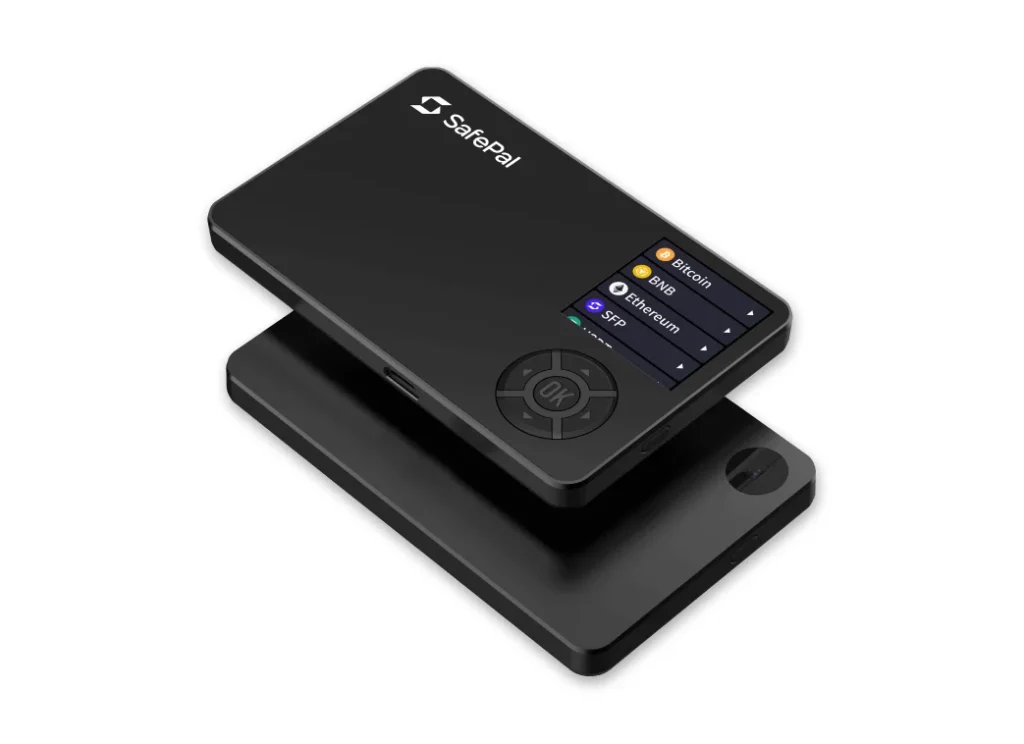
The SafePal S1 is the first hardware wallet from SafePal, a company founded in 2018 by Veronica Wong, a Chinese entrepreneur who previously built security products at Tencent.
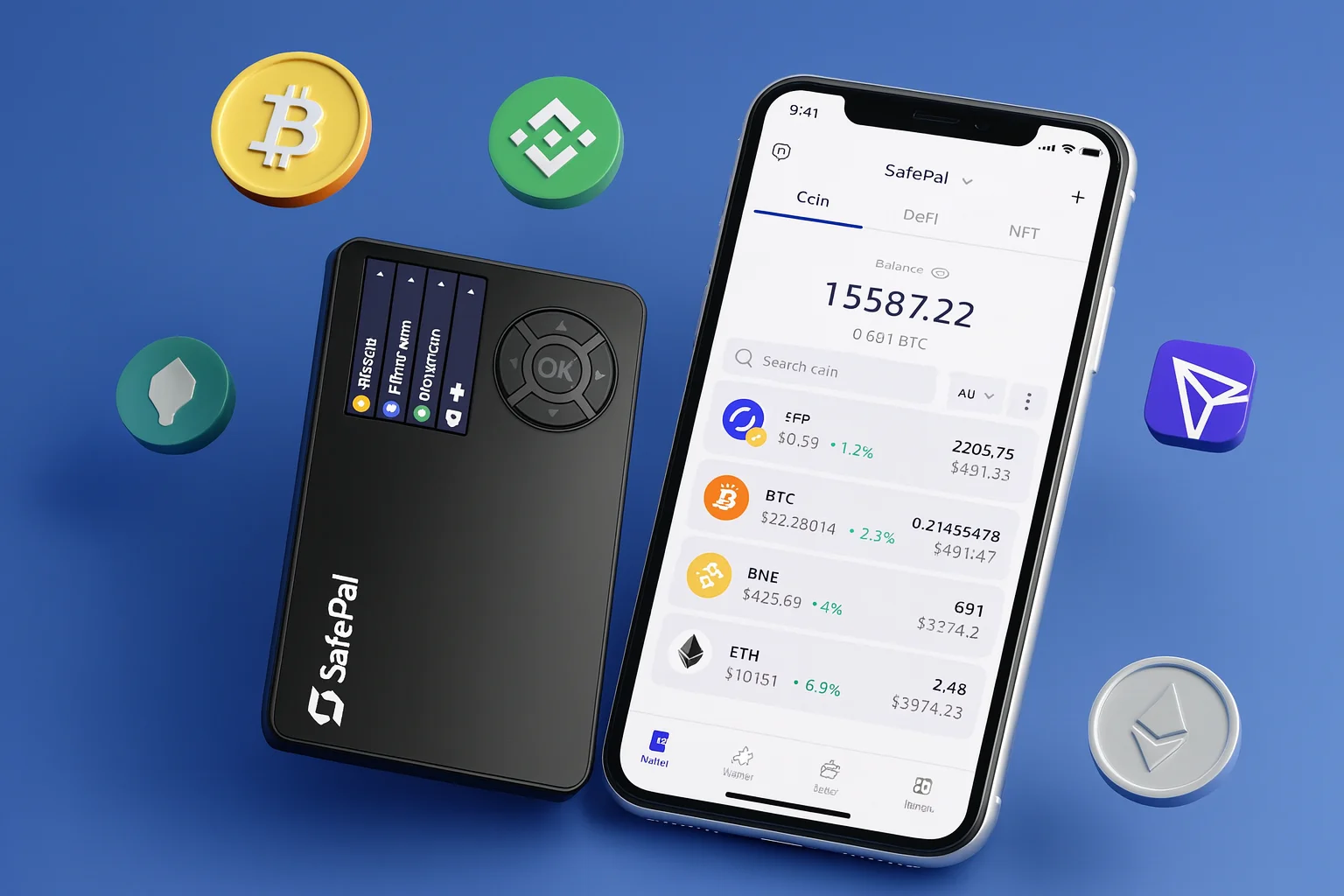
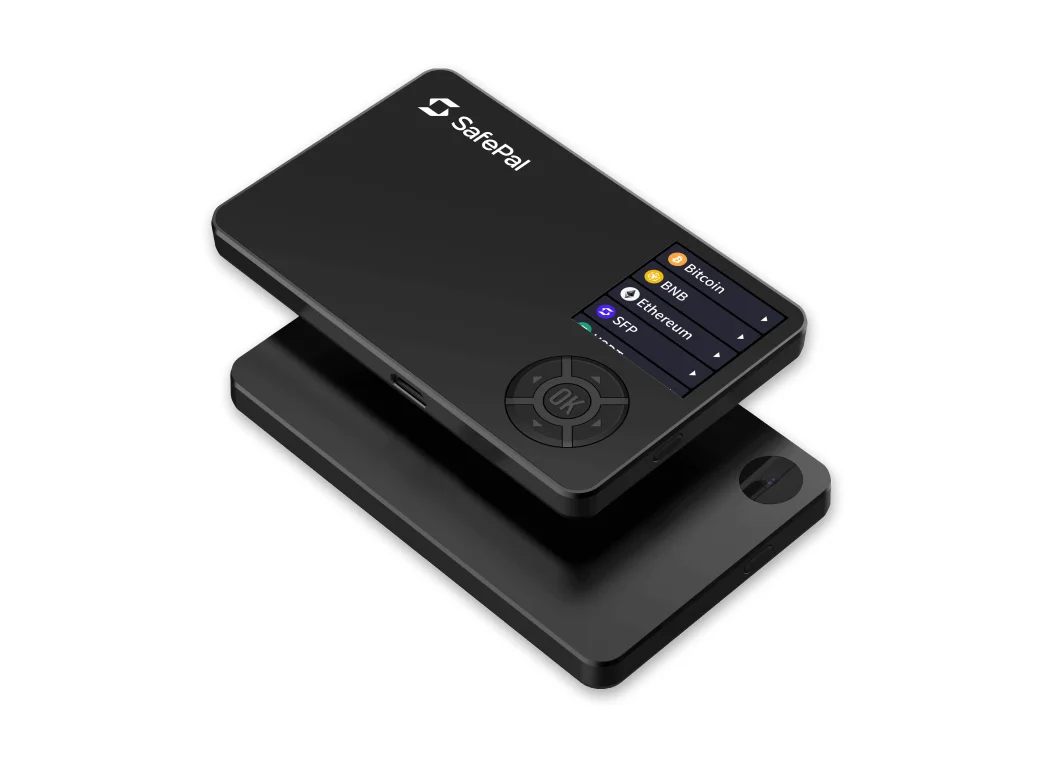
The S1 is a camera-equipped, fully air-gapped wallet from SafePal, an early Binance Labs investment. No USB data, no Bluetooth, no NFC: transactions cross between the device and the SafePal mobile app as QR codes. A 1.3-inch screen, D-pad-style controls, and a small battery complete a package that costs less than most steel backup plates.
SafePal also sells a Bluetooth device, and it is covered in this review of the SafePal X1.
Security Architecture
Under the plastic, the security stack is unexpectedly serious.
1. Dual-Chip Architecture and Secure Element
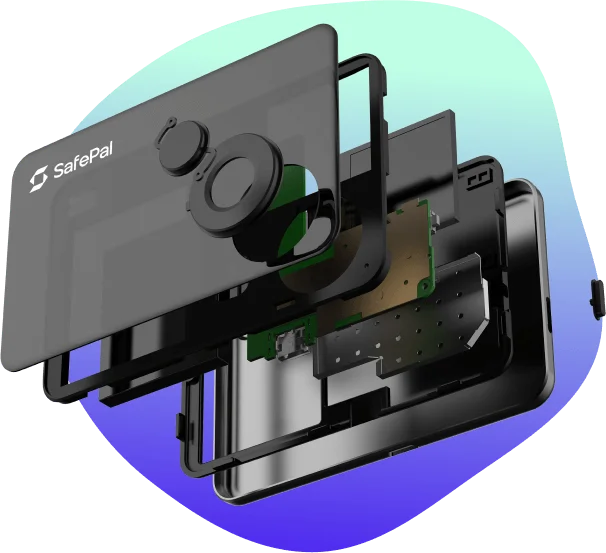
An EAL5+ certified secure element holds your keys while a separate MCU handles everything else. That is the same separation premium wallets use: even if the general-purpose chip is compromised, the keys sit behind a different wall. Keys are generated on the device, with the camera and sensors adding entropy, and they never leave the secure chip.
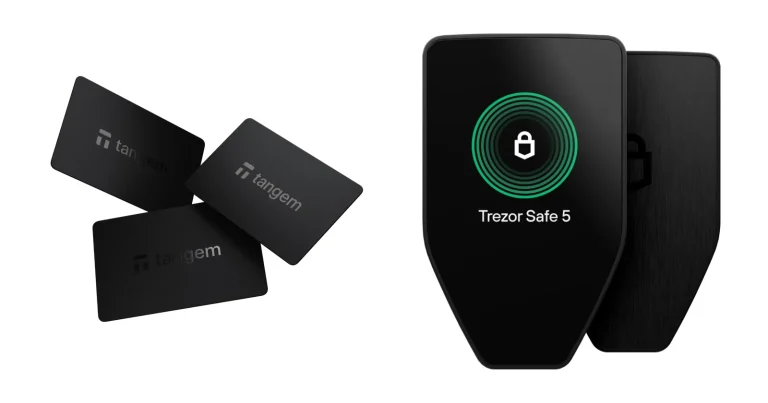
By comparison, the Trezor Model One skips the secure element and opts instead for full transparency and an open-source design.
2. Air Gapped QR Code Workflow
The signing loop is a pure air gap. The app shows an unsigned transaction as a QR code. The S1 scans it with its camera, shows the details on its own screen, signs internally, and displays a signed QR code for the app to broadcast. A compromised phone can propose transactions, but it cannot touch your keys or change what the S1’s screen shows you. That is the whole point: the screen you verify on is the one an attacker cannot reach.
3. Device Authentication and Firmware Checks
Each device can be verified as genuine against SafePal’s servers at setup, so you know a reseller has not swapped it. Firmware updates install only after signature checks and, in keeping with the air gap, arrive without a data cable.
4. PIN Code and Brute Force Protection
Access requires a PIN entered on the device. The keypad layout is randomized each time, which defeats smudge and shoulder-surfing attacks, and wrong attempts carry escalating consequences.
5. Self-Destruct and Tamper Sensors
Tamper sensors trigger a full key wipe if the case is opened, the same self-destruct posture as the far pricier ELLIPAL Titan. Combined with the air gap, this makes physical attack the S1’s hard problem for adversaries, and it handles that problem credibly. Lose the device and a thief without your PIN holds a $50 paperweight, not your coins.
6. Firmware Security and Runtime Integrity
The honest weakness: the firmware is closed-source. You are trusting SafePal’s process and track record rather than public audits. That is a real philosophical concession at any price, and the main reason transparency-first buyers should look at a Keystone or BitBox instead.
Our BitBox02 review covers that alternative in full.
7. Practical Reliability in the Crypto Market
In several years on the market, the S1 has built the only track record that matters: no known remote key extraction, sustained firmware support, and a large installed base through the Binance ecosystem. Budget hardware with a history beats premium hardware without one.
Supported Assets
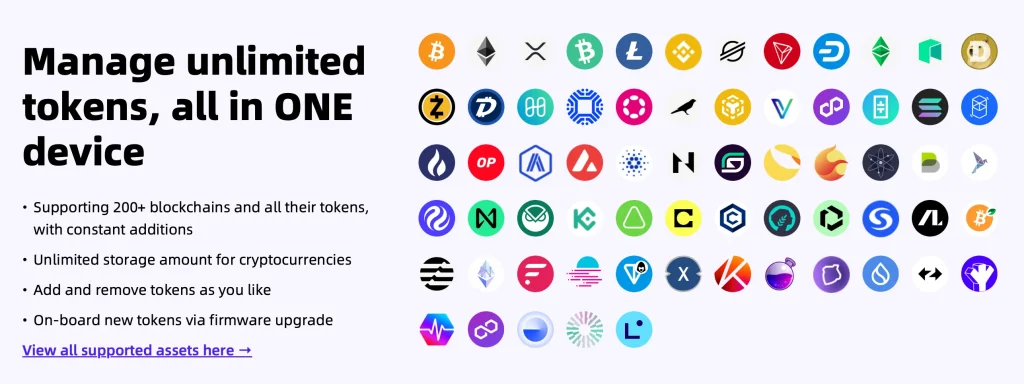
Through the SafePal app, the S1 covers an enormous range: dozens of blockchains, effectively unlimited tokens on supported chains, plus in-app swaps and DeFi. The catch mirrors ELLIPAL’s. The SafePal app is the gateway, and third-party wallet compatibility is limited.
The app also manages NFTs, including ERC-721 and ERC-1155 tokens, across chains such as Ethereum, BNB Chain, Solana, and Polygon. Coins and digital collectibles live together in a single cold wallet.
The key difference from Ledger and Trezor is that SafePal relies on its own app rather than third-party software wallets like MetaMask. Your digital assets and NFTs stay inside the SafePal ecosystem, which keeps things simple, but external integrations are thinner. If your DeFi life runs through MetaMask, weigh that trade-off before you buy.
Usability
Everything routes through the SafePal mobile app on iOS or Android. There is no desktop-first workflow, which suits phone-centric users and frustrates everyone else. The battery charges over USB-C (power only, never data) and lasts weeks of casual use, so the wallet is ready when you reach for it rather than dead in a drawer.
SafePal S1 Hardware Wallet Review: UI/UX
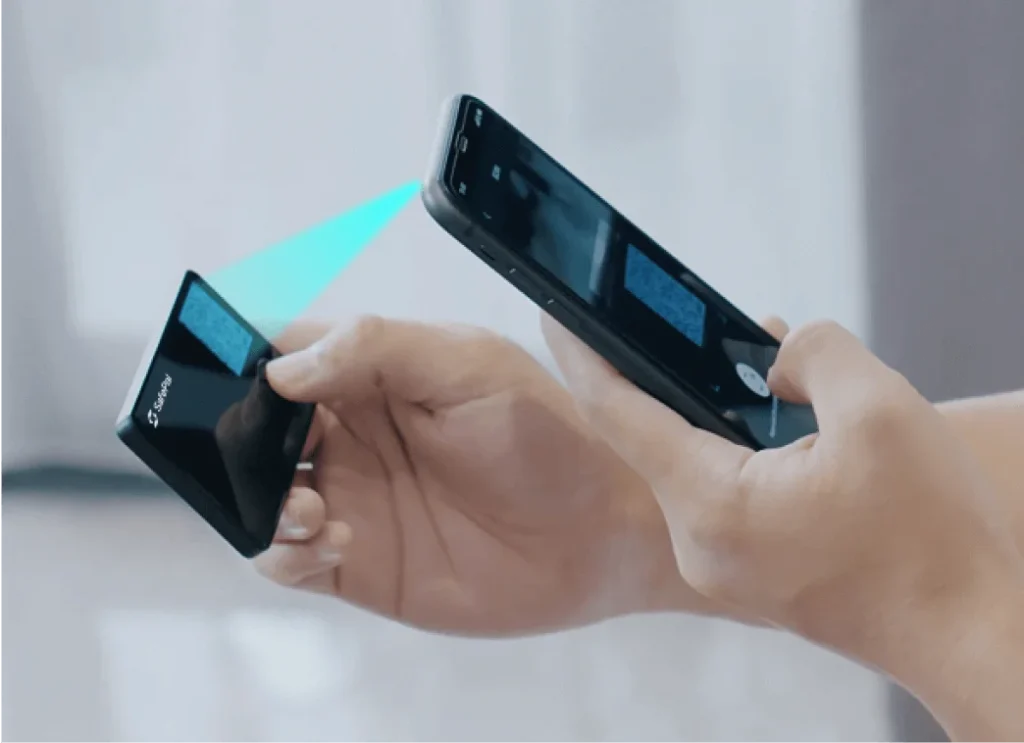
The interface is where the price shows. The 1.3-inch non-touch screen means D-pad text entry, address verification in segments, and QR alignment that sometimes demands a steady hand and decent light. None of it is a security problem; all of it tests your patience. Ten transactions in, you develop the knack.
SafePal S1: Pricing
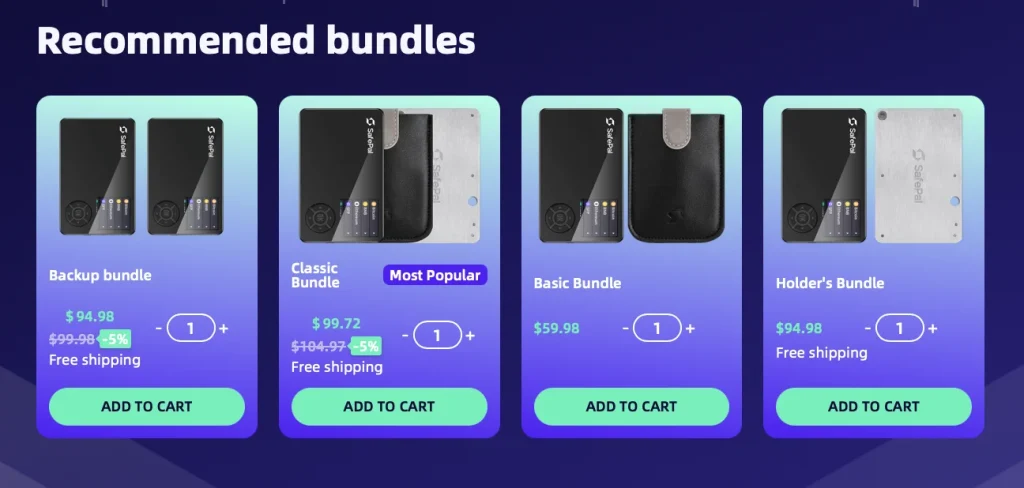
$49.99 from SafePal’s official store, often bundled or discounted. Nothing else with a certified secure element and a true air gap comes close at this price. The honest comparison is not “is this as nice as a Ledger?” but “is this safer than the software wallet I use now?” The answer is an emphatic yes. Buy from the official store: a small saving through a marketplace reseller is a terrible trade against a tampered device.
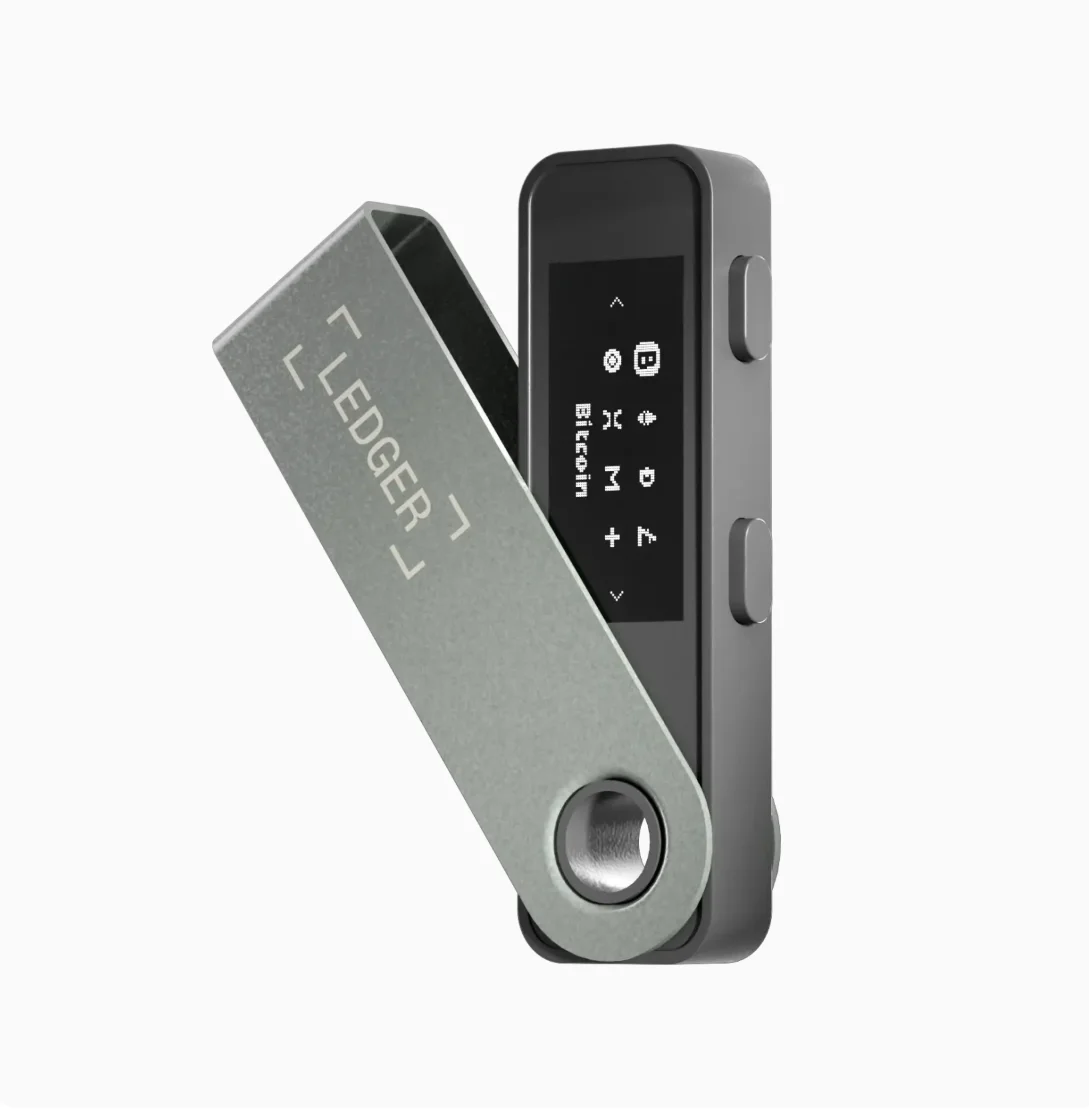
Against competitors, the Trezor Model One has been discontinued, the Ledger Nano S Plus costs about $59, and the Ledger Nano X sits at roughly $99. That makes the SafePal S1 a competitive entry point: complete beginners and experienced users alike get a secure cold wallet without overspending.
Ledger’s touchscreen line is a different proposition again, covered in our Ledger Flex review.
How to Use SafePal S1
Setting up the SafePal S1 hardware wallet is a secure and straightforward process. Here’s a quick guide to get started:
Unbox your SafePal S1
Inside, you’ll find the physical device, a USB cable for charging, a recovery seed card, and a cleaning cloth.
Plug in
Power on the device and select your preferred language.
Authentificate
Complete device authentication to verify your wallet is genuine and has not been tampered with.
Create a new wallet or log in
Choose whether to create a wallet or import an existing one. When creating a new wallet, please write down your recovery seed on the provided card and store it securely offline.
PIN
Set a PIN code on the device to protect access.
Download mobile app
Download the SafePal wallet app from the Google Play Store or Apple App Store and pair it with the S1 by scanning the dynamic QR code shown on the device. This ensures private keys stay completely offline while transactions are signed.
Manage assets
Once connected, you can use the app to manage your crypto assets, including sending and receiving coins, NFTs, and interacting with decentralized applications.
In short: download the SafePal app, verify the device is genuine, generate the seed on the device (write it to steel; the seed deserves better protection than the wallet costs), set the PIN, and pair by QR. From there every transaction follows the scan-verify-sign-scan loop, with your eyes on the S1’s screen as the final authority.
Comparison Table: SafePal S1 vs Ledger Nano S Plus vs Trezor Model One
Against the Ledger Nano S Plus at $59, the Ledger buys you a slicker desktop experience, broad third-party integrations, and certification pedigree. The S1 counters with a true air gap and a lower price. The table below lays out the details.
| Image | Product | Features | Price |
 | SafePal S1 | ||
 | Ledger Nano S Plus | ||
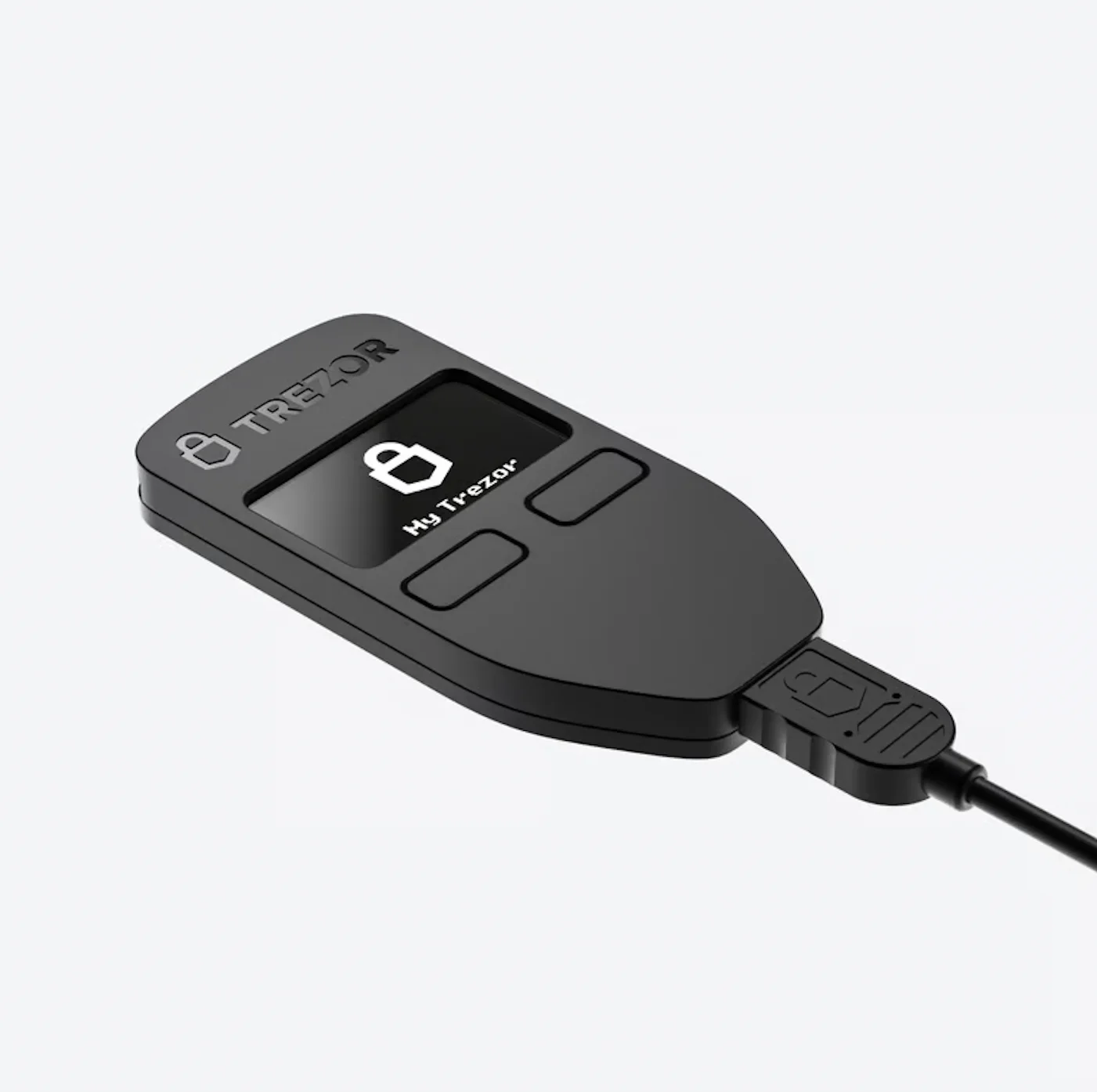 | Trezor Model One |
SafePal S1, A Good Alternative for Ledger and Trezor
SafePal S1 is part of a growing crypto ecosystem. With support for swaps, staking, NFTs, and CeDeFi features via its app, it goes beyond cold storage.
Whether you need secure offline access or mobile convenience, SafePal provides the flexibility to choose. If you’re looking for a budget-friendly alternative to Ledger and Trezor, backed by Binance Labs and built for Web3, SafePal S1 is a top pick.
FAQ
How safe is SafePal S1?
Very safe for the price. The S1 is a cold wallet that keeps your private keys offline behind an air gap, a certified secure element, firmware anti-tampering protection, and a self-destruct mechanism. The main trade-off is closed-source firmware, so you are trusting SafePal’s track record rather than public audits.
Has SafePal ever been hacked?
There is no known hack of the SafePal S1 hardware and no known remote key extraction in its years on the market. Because the device never connects to the internet, it is far harder to attack than a software wallet.
How long does the SafePal S1 battery last?
The S1 has a rechargeable battery rated for up to 20 days with about 10 minutes of daily use, or several weeks on standby. It charges over USB-C, so the device is ready when you need it.
How do I withdraw my money from SafePal?
Connect the SafePal app to the S1 using the built-in QR code workflow. You build the transaction in the app, confirm and sign it on the S1, then broadcast it from the app to any wallet address. Your keys never leave the device.
Does Binance own SafePal?
No. SafePal is an independent company. Binance was one of its early investors, and the SafePal ecosystem is backed by Binance Labs. The wallet supports BNB Chain (formerly Binance Smart Chain) along with many other networks.
Does SafePal have fees?
SafePal does not charge fees to use the wallet. As with any wallet, network transaction fees for coins such as Bitcoin, Ethereum, or Bitcoin Cash still apply. Those fees go to the network, not to SafePal.
Do you need an ID for SafePal?
No. You do not need to provide ID to use the SafePal S1 or the SafePal app. It is a self-custody hardware wallet, so you can set it up without handing over personal details, whether you are a complete beginner or an advanced user.
Final Verdict
The S1 earns its 8/10 by respecting a budget without disrespecting the buyer: a real secure element, a real air gap, real tamper defense, and honest corners cut in screen, input, and open-source purity. As a first hardware wallet, a travel spare, or the answer for a modest portfolio, it is the best $50 you can spend on crypto security. Outgrow it and the upgrade path is obvious. Until then, nothing at this price does more.
How I review: Reviewed by Andrei B. I buy the hardware wallets I review, test every product myself and score it on security, UI/UX, ease of use, price and supported coins. Before I publish, I also check recent user reviews and any hack reports.
The whole process is explained on the How We Review page. You can read more about me, or contact me with corrections, from the links at the bottom of this page. For general safety advice, see the FTC guide to cryptocurrency scams.