“TRC20 wallet” almost always means one thing in practice: a safe home for USDT on the Tron network, the cheapest and fastest rail for the world’s most-used stablecoin. The right wallet handles Tron’s quirks (energy, bandwidth, and the fee tricks around them), resists the scams that gather wherever stablecoins flow, and matches your technical comfort. Here are the five best options in 2026, plus the Tron-specific knowledge that keeps transfers cheap and funds safe.
See also our Ngrave wallet review: a fully air-gapped hardware wallet built for complete self-custody, keeping your keys away from anything online.
Table of contents
Quick Summary: Top 5 TRC20 Wallets | |
|---|---|
| Zengo | Best for Beginners Platform: iOS & Android; Security: MPC (keyless, biometric recovery); Advantage: No seed phrase, 24/7 live support; Price: Free (excluding network fees). |
| Trust Wallet | Best for Mobile Users Platform: iOS & Android; Security: Local storage + 12-word recovery phrase; Advantage: 4M+ tokens, staking & DeFi access; Price: Free (excluding network fees). |
| Guarda Wallet | Best for Multi-Device Access Platform: Web, Desktop (Win/Mac/Linux), iOS, Android, Chrome extension; Security: Non-custodial, encrypted local storage; Advantage: Cross-device use + Ledger integration; Price: Free (extra fees for swaps/fiat). |
| TronLink | Best for TRON Ecosystem Platform: iOS, Android, Chrome/Brave extension; Security: Local keys, password & biometric protection; Advantage: Official TRON wallet, TRX staking & voting; Price: Free (excluding network fees). |
| Ledger Nano X (via TronLink or Guarda) | Best Hardware Option Platform: Hardware + Ledger Live (desktop & mobile); Security: Secure Element chip (CC EAL5+) + 24-word recovery phrase; Advantage: Offline protection, supports 5,000+ coins; Price: $149. |
1. Zengo: Best TRC20 Wallet for Beginners
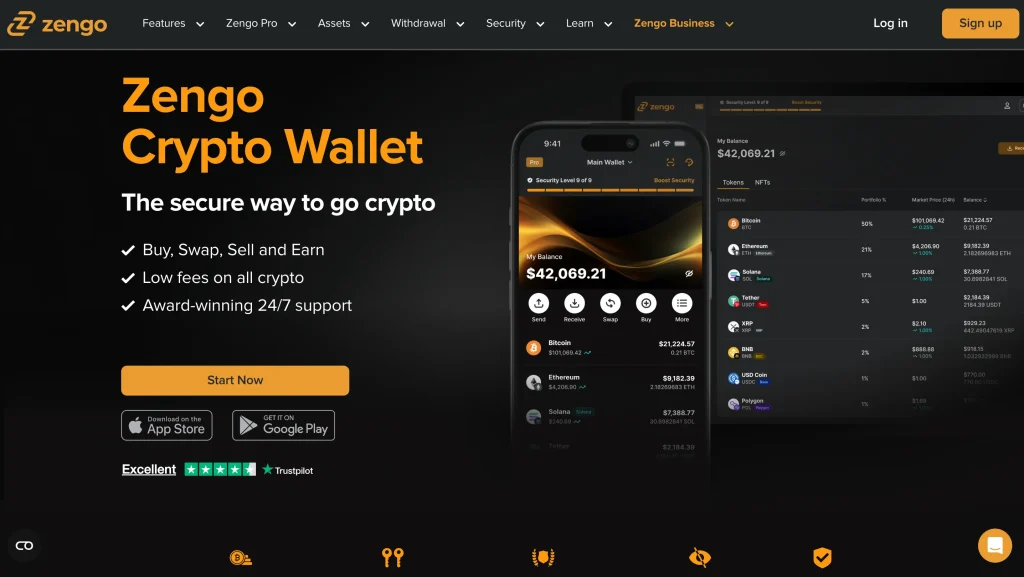
Zengo removes the seed phrase entirely. Instead of 12 words to lose or leak, it uses multi-party computation (MPC): your key exists only as split shares, recoverable through Zengo’s 3-factor process. If the “one paper slip guards everything” model scares you, that is a real change. The trade-off is trusting Zengo’s recovery infrastructure and accepting a closed system. TRC20-USDT support is smooth, and no phishing site can steal a seed phrase that does not exist.
Specifications | |
|---|---|
| Wallet Type | Mobile wallet (iOS & Android) with cloud recovery system; |
| Key Management | Keyless architecture using Multi-Party Computation (MPC) instead of traditional private keys; |
| Authentication | Facial biometrics and encrypted server shares; |
| TRC20 Support | Supports USDT TRC20 transfers with low gas fees on TRON; |
| Recovery | Automatic backup through encrypted cloud storage linked to biometrics; |
| Extra Features | Fiat on/off ramp, built-in crypto swap, 24/7 live support; |
| Fees | Standard TRON network fees apply; no additional wallet fees. |
2. Trust Wallet: Best TRC20 Wallet for Mobile Users
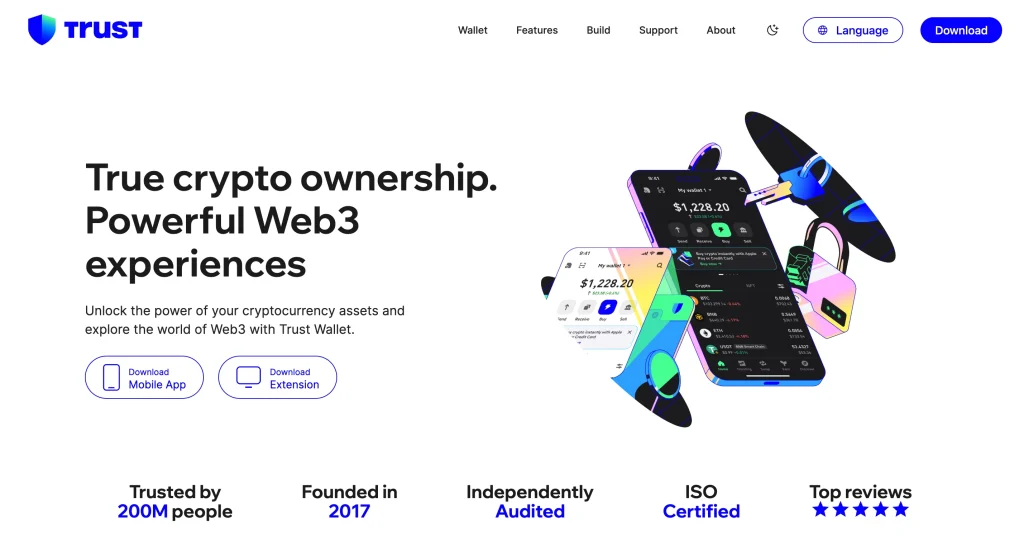
Trust Wallet is the mobile default for good reason: broad multi-chain support with TRC20 handled natively, a built-in dApp browser for Tron apps (Android only), and an interface millions have already learned. It is a hot wallet, with everything that implies: excellent for working balances, wrong for savings. Its popularity also makes it one of the most-impersonated wallets in app stores, so download only from official links.
Specifications | |
|---|---|
| Wallet Type | Mobile app (iOS & Android), designed for everyday transactions; |
| Private Keys | Stored locally and encrypted; never sent to servers; |
| Recovery | 12-word seed phrase required for account recovery; |
| TRC20 Support | Full native support for USDT TRC20 and TRC10 tokens; |
| DApp Integration | Web3 browser built-in (available only on Android due to iOS restrictions); |
| Additional Assets | 4M+ tokens across 70+ blockchains, including ERC20, BEP20; |
| Staking & Yield | Staking available for selected PoS assets (e.g., BNB, ATOM, TRX). |
3. Guarda Wallet: Best TRC20 Wallet for Multi-Device Access
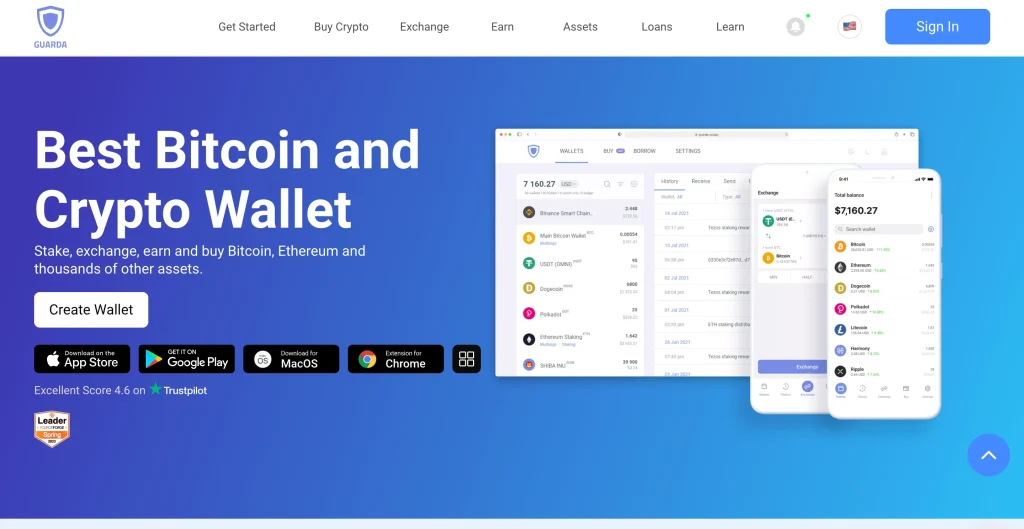
Guarda covers the most ground: web, desktop, mobile, and browser-extension versions, all with the same TRC20 support, in-app swaps, and Ledger pairing on supported platforms. Breadth is its pitch. No single feature leads the category, but one wallet that behaves the same on every device saves real friction if you move between a laptop and a phone.
Specifications | |
|---|---|
| Wallet Type | Available as a web app, desktop (Windows, macOS, Linux), mobile (iOS & Android), and a Chrome extension; |
| Private Keys | Fully non-custodial; encrypted and stored locally on the user’s device; |
| TRC20 Support | Supports all TRON tokens, including USDT TRC20; |
| Backup Options | Encrypted backup file or seed phrase; user manages both; |
| Integration | Compatible with Ledger wallet for offline signing; |
| Multi-Currency Support | 400+ coins & thousands of tokens across multiple chains; |
| Extra Services | In-app exchange, staking, and fiat purchase via partners. |
4. TronLink: Official TRON Ecosystem Wallet
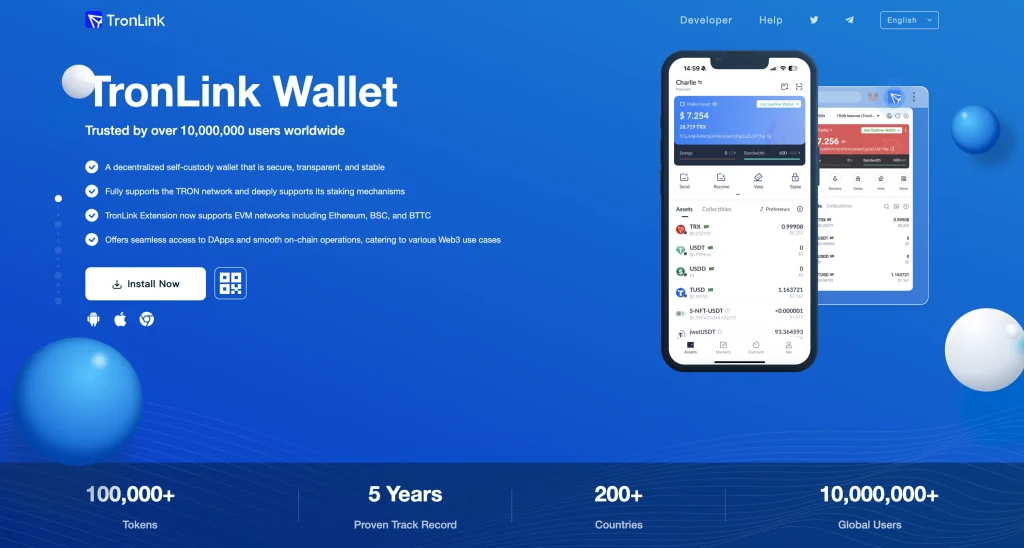
TronLink is Tron’s native wallet, the MetaMask of the TRC ecosystem. It supports staking (freezing TRX for energy and bandwidth), Tron dApps, multi-signature accounts, and Ledger pairing. If you use Tron rather than just parking USDT on it, no wallet on this list matches TronLink’s protocol-level features. Its focus is also its limit: this is a Tron wallet, not a home for your whole portfolio.
Specifications | |
|---|---|
| Wallet Type | Mobile app (iOS/Android) + Chrome/Brave browser extension; |
| Private Keys | Generated & stored locally (non-custodial); secured by password or biometrics; |
| TRC20 Support | Optimized for USDT TRC20; full support for all TRC10 & TRC20 tokens; |
| DApp Connectivity | Direct integration with TRON smart contracts and DeFi/NFT DApps; |
| Staking & Governance | Built-in TRX staking and Super Representative (SR) voting; |
| Multi-Account | Create and manage multiple TRON addresses in one interface; |
| Security Features | Password, PIN, and optional biometric login. |
5. Ledger Nano X (via TronLink or Guarda): Best Hardware TRC20 Wallet
Ledger Nano X keeps your private keys inside a Secure Element chip that never touches the internet. You pair it with Guarda or TronLink to manage TRC20 tokens: the app builds the transaction, the device signs it. Every transfer needs a physical confirmation on the device, so malware on your phone or a phishing site cannot move funds without you. It costs $149, and you still hold the 24-word recovery phrase yourself; Ledger never has your keys.
Specifications | |
|---|---|
| Wallet Type | Hardware wallet with desktop and mobile app integration; |
| Security Standard | Secure Element chip (CC EAL5+ certified); PIN-protected device; |
| TRC20 Access | Managed via TronLink or Guarda; transactions signed offline; |
| Connectivity | Bluetooth (mobile) + USB-C (desktop); |
| Recovery | 24-word seed phrase required to restore wallet; |
| Asset Support | Supports 5,000+ cryptocurrencies across 70+ blockchains; |
| Extra Features | Firmware updates via Ledger Live; multisig support for advanced users. |
How to Choose the Right TRC20 Wallet
Five filters sort the field:
1. Security Comes First
The hierarchy is simple: hardware pairing for balances that matter, reputable self-custody hot wallets for working funds, and nothing important left on exchanges or in unknown apps. On Tron, add one check most guides skip: review your address’s permissions now and then. A scam pattern specific to Tron quietly adds a second controller to a victim’s account through a multi-sig permission change, and you may not notice until the USDT is gone.
2. Usability: Beginner vs. Advanced
Zengo and Trust Wallet onboard you painlessly. TronLink assumes you know what freezing TRX means. Guarda sits between. Pick the learning curve you will actually climb: security features you never switch on protect no one.
3. Device Compatibility
Trust Wallet and Zengo are mobile-first. TronLink lives on mobile and as a browser extension. Guarda runs everywhere. Ledger pairs with both desktop and mobile apps. Match the wallet to where your USDT actually moves.
- Mobile wallets (Zengo, Trust Wallet, TronLink) suit everyday transfers and dApp use.
- Multi-device wallets (Guarda) work the same across desktop, web, and mobile, ideal if you switch between them.
- Hardware wallets (Ledger Nano X) give the safest setup, especially for long-term or large USDT TRC20 holdings.
4. Reputation and Reviews
Every wallet here is an established name. That matters doubly on Tron, where fake wallet apps and poisoned search ads hunt USDT holders specifically. Official domains, official app stores, verified developer names: the boring checks are the whole defense.
5. Fees and Transaction Costs
Tron’s fee model is unusual. Transactions consume bandwidth and energy. You can earn those resources by freezing (staking) TRX, which makes transfers effectively free once you are set up, or you can pay by burning TRX per transaction, typically a few dollars’ worth for a USDT transfer with no resources behind it. Active senders should freeze TRX for energy. Occasional senders just keep a small TRX balance for fees. Either way, Tron undercuts Ethereum by a wide margin, which is the whole reason TRC20-USDT dominates remittances.
Understanding USDT TRC20
USDT TRC20 is the same Tether dollar as its Ethereum sibling, issued on Tron for speed and cost: near-instant finality and cent-level fees versus Ethereum’s variable gas. The address format differs (Tron addresses start with T). Sending TRC20 USDT to an ERC20 address, or the reverse, is the classic irreversible mistake: the funds are gone, and no support desk can claw them back. Always match the network on both ends of a transfer, especially when withdrawing from an exchange.
Picking the right network at send time is where people lose funds. Our guide to how to send USDT walks through it.
Benefits vs ERC20 (Ethereum)
Tron wins on cost and speed by an order of magnitude, which is why high-volume flows (remittances, exchange transfers, merchant settlement) concentrate there. Ethereum wins on ecosystem depth, DeFi integration, and decentralization. For plain dollar movement, TRC20 is the cheaper rail. For DeFi and apps that build on each other, ERC20 remains home.
| Feature | USDT TRC20 (on TRON) | USDT ERC20 (on Ethereum) |
|---|---|---|
| Typical Transaction Fee | Cents to a few dollars in TRX; near-free with frozen TRX; | $3–$20+ in ETH, depending on congestion; |
| Transaction Speed | 3–5 seconds; | 1–5 minutes (longer at peak load); |
| Scalability | High throughput (thousands of TPS); | Lower throughput (15–30 TPS); |
| Adoption | Widely used for exchange withdrawals, remittances, and P2P; | Strong adoption in DeFi, NFTs, and Ethereum-based apps; |
| Best For | Fast, low-cost stablecoin transfers and cross-border payments. | Users who need Ethereum DeFi and dApp integration. |
Security Best Practices for TRC20 Wallets
Five habits carry the real security load:
1. Back Up Your Recovery Phrase Properly
Seed phrases (for wallets that have them) go on paper or steel, offline, never photographed or stored in the cloud. A screenshot in your photo gallery is a backup for thieves, not for you. Zengo users: set up and understand its recovery factors instead. The no-seed model still needs its own backup discipline.
2. Stay Alert Against Phishing
USDT holders are phishing’s favorite target: fake wallet updates, poisoned airdrops, and “verify your wallet” sites. Nothing legitimate ever asks for your seed phrase. Tron’s zero-value “address poisoning” transfers exist to exploit copy-paste habits: a scammer sends you nothing from an address that looks like one you use, hoping you copy it from your history next time. Always check the full address, not just the first and last characters.
People who claim airdrops often meet the same traps, which is one reason to choose from the best wallets for airdrop farming.
The full pattern, and the checks that stop it, are in wallet address poisoning scams explained.
3. Use Hardware Wallets for Large Balances
If you hold a large amount of USDT TRC20, keep it behind a hardware wallet like the Ledger Nano X. Hardware wallets keep your private keys offline, so even a malware-infected phone or computer cannot sign a transfer without you pressing the button.
The threshold rule: once a balance would genuinely hurt to lose, it moves behind a Ledger pairing. Hot wallets are for the amounts you would carry in a physical wallet. The analogy is exact.
4. Enable Extra Security Features
Turn on whatever your wallet offers: biometric locks, transaction PINs, address-book allowlists. On Tron, also check from time to time that your account’s owner and active permissions list exactly one controller: you.
5. Keep Wallets and Firmware Updated
Update through official channels only: the prompt inside a legitimate app or app store, never a link from a message or search ad. Patched wallets close the holes attackers scan for daily.
FAQ
What is a TRC20 wallet?
A TRC20 wallet is a crypto wallet that supports tokens built on the TRON blockchain, most importantly USDT TRC20. It lets you store, send, and receive TRC20 tokens while you keep control of the keys.
How do I get a TRC20 wallet?
Download a reputable TRC20 wallet app such as Trust Wallet, TronLink, or Zengo from its official website or app store, never from a search ad or a link in a message. For larger balances, pair a hardware wallet such as the Ledger Nano X with a TRON-compatible app like Guarda or TronLink.
To cash out USDT TRC20 to a bank account, send your USDT from your wallet to an exchange that supports bank withdrawals, sell it for a fiat currency (USD or EUR, for example), then withdraw to your linked bank account. Check that the exchange deposit address is on the TRC20 network before you send.
Which is better, BEP20 or TRC20?
Both BEP20 (BNB Smart Chain, formerly Binance Smart Chain) and TRC20 (TRON) are popular token standards. TRC20 is usually preferred for USDT transfers because it is faster and much cheaper. BEP20 makes more sense if you are active in the Binance ecosystem.
Final Thoughts
The picks map cleanly to people: Zengo for the newcomer who never wants to see a seed phrase, Trust Wallet for everyday mobile use, Guarda for the same wallet on every device, TronLink for people who actually use Tron, and a Ledger pairing for every serious balance. Whichever you choose, three Tron-specific habits prevent the losses that wallet choice alone cannot: match networks on every transfer, verify full addresses, and audit your account permissions.
How I review: Reviewed by Andrei B. I buy the hardware wallets I review, test every product myself and score it on security, UI/UX, ease of use, price and supported coins. Before I publish, I also check recent user reviews and any hack reports.
The whole process is explained on the How We Review page. You can read more about me, or contact me with corrections, from the links at the bottom of this page. For general safety advice, see the FTC guide to cryptocurrency scams.