You already bank on your phone, so it makes sense to keep crypto there too. The trouble is that any phone wallet stays online, surrounded by apps, links and distractions. I rank the five best mobile wallets for 2026, explain what matters on a phone in particular, and share the habits that keep a wallet in your pocket safe.
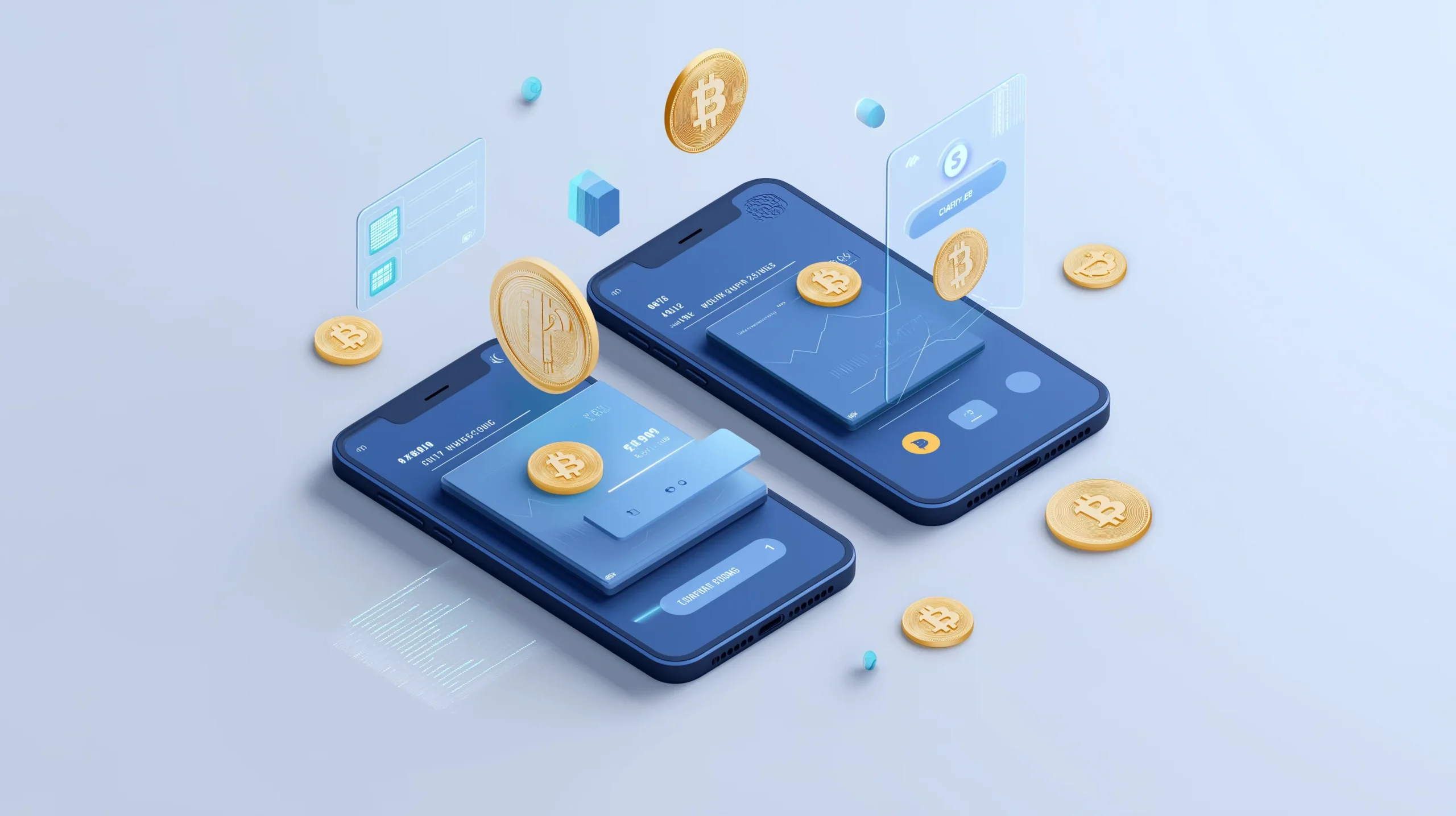
A mobile crypto wallet is an app on your phone that stores your private keys and lets you send, receive and swap coins.
Table of contents
The 5 best mobile crypto wallets compared | |
|---|---|
| MetaMask Wallet | Best for: DeFi and the Ethereum world Security: Very High Fees: you only pay network gas What it holds: EVM tokens, 1000+ of them |
| Rabby Wallet | Best for: strong protection on EVM chains Security: Very High Fees: low network fees What it holds: anything on an EVM chain |
| Zerion Wallet | Best for: tracking your portfolio Security: High Fees: network fees, plus paid extras What it holds: 14 chains and 10,000+ tokens |
| Trust Wallet | Best for: many chains, kept simple Security: High Fees: you only pay network fees What it holds: 100+ blockchains and 4.5M+ tokens |
| Coinbase Wallet | Best for: beginners who want to learn Security: High Fees: what the network charges, plus the exchange’s cut What it holds: the main chains, 1000+ tokens |
1. MetaMask: my pick for DeFi and Ethereum
If most of your time is spent on Ethereum and its DeFi apps, MetaMask ranks among the best crypto wallets you can use. Thousands of decentralized applications (dApps) open straight from it, and most of that world was built with MetaMask in mind.
On iOS and Android, MetaMask gives you a dApp browser, support for Ethereum and its rollups, and pairing with a hardware wallet if you want extra safety. To be fair, newer rivals do a better job of warning you before you sign something risky. MetaMask wins on reach rather than guardrails, so read carefully or confirm on a hardware device.
MetaMask at a glance | |
|---|---|
| Browser Extension Sync | Your phone and desktop stay in sync |
| Hardware Wallet Support | Hardware support covers Ledger and Trezor |
| Custom Networks | A built-in DEX aggregator that hunts for good rates |
| dApp Browser | Your gateway to thousands of dApps |
| Gas Fee Estimation | Live gas prices, so you can time your transactions |
Why We Choose It
Its biggest strength is that everything supports it. Every dApp, every guide and every WalletConnect screen expects MetaMask, and on a phone it’s still your master key to Ethereum.
2. Rabby: my pick for safety on EVM chains
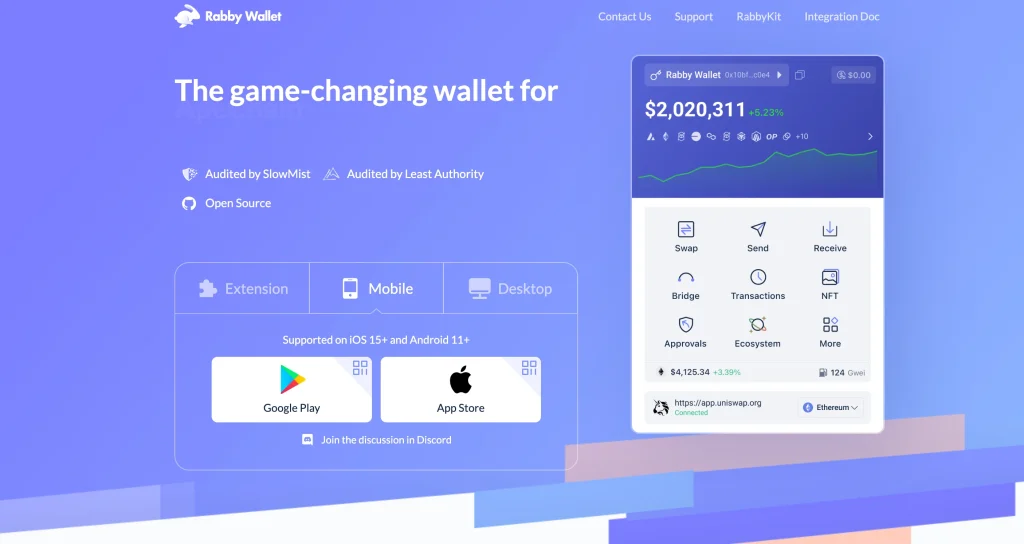
The Rabby app brings its desktop strengths to your phone. It simulates each transaction first, flags scam contracts, switches chains for you and keeps your approvals tidy across every EVM network.
DeBank built it, and security researchers often point active DeFi users toward it. Those safety features count most on a phone, where you tend to tap too quickly.
Rabby at a glance | |
|---|---|
| Pre-Transaction Security | Simulates transactions before execution |
| Multi-Chain Support | One app for all networks built on the EVM |
| Risk Detection | AI checks each transaction for threats |
| DeBank Integration | Tracks your portfolio and your DeFi positions |
| Open Source | Open code that anyone can audit |
| Advanced Gas Management | Fees kept low on every chain |
Why We Choose It
You see the result before you sign. Rabby shows how a transaction will change your balances before you approve it, and on a small screen that preview stops exactly the slips a phone invites.
3. Zerion: my pick for tracking your portfolio
Zerion turns your self-custody wallet into a portfolio app. You see every chain and DeFi position in one place, swap and bridge in the app, browse your NFTs and pair a hardware wallet. Nothing in crypto answers “what do I own and how is it doing” more pleasantly, and full signing sits underneath for when you want to act.
Chains, fees and hardware pairing are covered in the full Zerion wallet review.
Zerion at a glance | |
|---|---|
| Multi-Chain Portfolio | Follows your assets on 14+ blockchains |
| NFT Gallery | Full NFT wallet tools for your collection |
| DeFi Positions | Keeps an eye on your lending, staking and liquidity |
| Price Alerts | Price alerts you can set up yourself |
| Transaction History | Tax reports plus detailed analytics |
| Social Features | See how other people manage their portfolios |
Why We Choose It
It shows everything you own in one screen: every chain, every position, every NFT, with swaps and bridges built in. Choose it if you check your holdings more often than you trade them.
4. Trust Wallet: my pick for many chains, kept simple
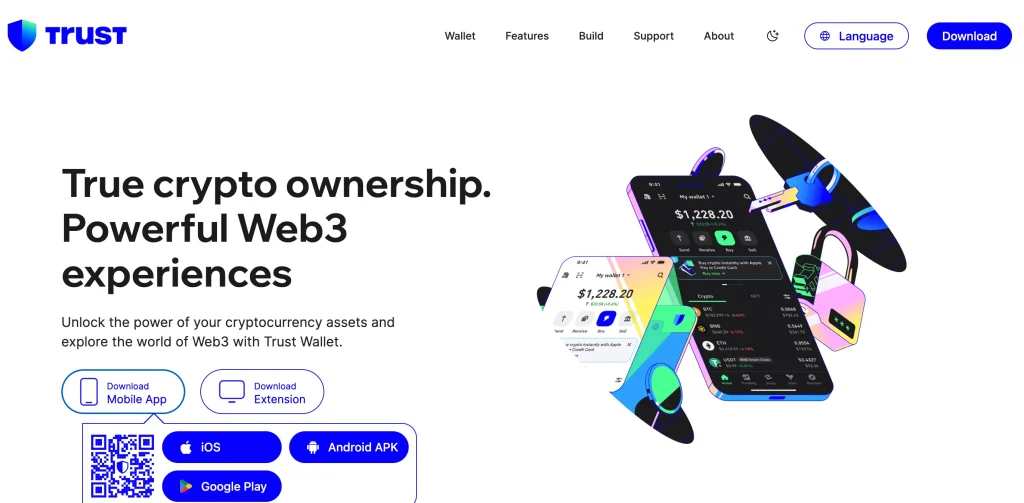
Trust Wallet is still the Swiss Army knife of mobile crypto. It covers a huge range of chains and tokens, lets you stake the big coins, has a browser built in and has been polished across hundreds of millions of installs.
Because it’s so popular, scammers copy it, and fake versions float around. Download it from the official store listing only, and put anything valuable on a hardware wallet instead.
Buy that device with the same care, and read up on spotting a fake hardware wallet before it arrives.
Thanks to partner services, you can buy crypto with regular money right inside the app (fiat-to-crypto).
Trust Wallet at a glance | |
|---|---|
| Blockchains | Massive cryptocurrency support |
| Built-in DEX | Swap one token for another without leaving the app |
| Staking Rewards | Earn rewards on the coins that support it |
| WalletConnect | Connect safely to outside dApps |
| Biometric Security | Fingerprint and face recognition |
| Backup & Recovery | Several ways to back up your seed phrase |
Why We Choose It
You won’t find more on one phone app: dozens of chains, staking and a dApp browser, all tested by a huge user base. If you want one app for everything, this is it.
5. Coinbase Wallet: my pick for beginners and Coinbase users
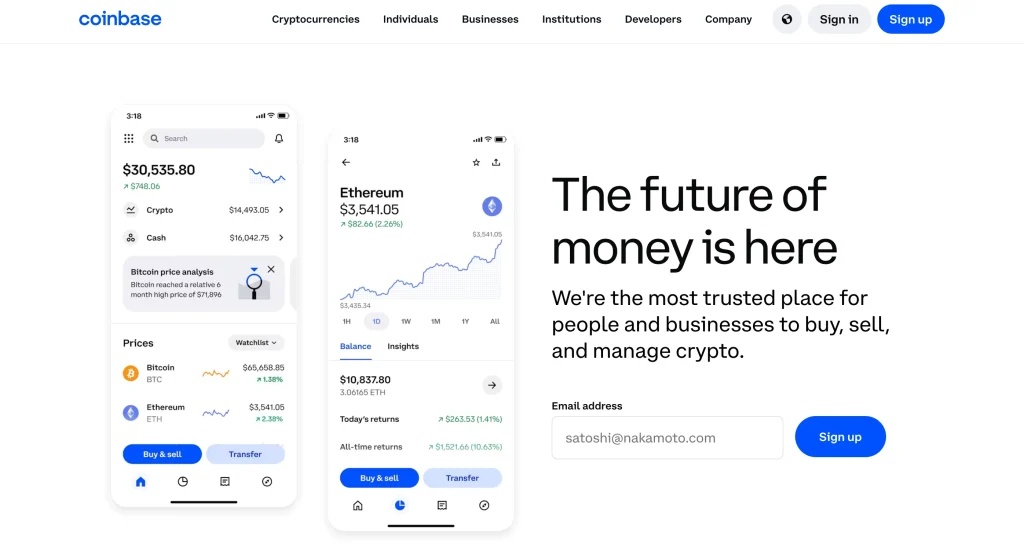
Coinbase Wallet is its own self-custody app, separate from the exchange, so the keys live on your device. It combines a friendly layout with dApp access, support for many chains and easy transfers to and from your Coinbase account.
For a newcomer it’s the obvious first step off the exchange. Once you get more experienced, you’ll probably want Rabby’s safety checks or Zerion’s portfolio tools.
Those two are set side by side in Zerion vs Rabby.
These days most of that multi-chain activity happens on layer 2 networks. Our Base vs Optimism comparison looks at the two largest.
Need to receive crypto on your phone? This guide shows how to find your Coinbase wallet address without making a mistake.
Coinbase Wallet at a glance | |
|---|---|
| Educational Quests | Earn crypto while learning |
| Transaction Previews | A preview tells you what each transaction does |
| Coinbase Exchange Integration | Moves funds to and from the exchange easily |
| Multi-Chain Support | Networks include Polygon, Arbitrum and Ethereum |
| Cloud Backup | Backs up an encrypted copy to iCloud or Google Drive |
| Username System | Pay people by username instead of address |
Why We Choose It
For a first real taste of self-custody, nothing is gentler. You get a familiar brand, simple recovery and painless transfers between the exchange and your own keys.
Choosing a mobile crypto wallet
What matters on a phone, most important first:
1. Prioritize Security
Put security first. Your wallet should shield your money from hackers, phishing and the day your phone goes missing. Before you move funds between apps, read up on how to send Bitcoin to another wallet so a slip doesn’t cost you.
A phone adds to the list. You want a fingerprint or face lock, a preview or simulation of each transaction, scam warnings and ideally a hardware wallet, so the phone suggests and the device confirms. How you lock your screen and which apps you install matter as much as the wallet you pick.
- Fingerprint or Face ID to unlock
- PIN or password lock
- Works with hardware wallets such as Ledger and Trezor
- Shows previews and simulations before you sign
- Its code is open, so anyone can check it
- Encrypted seed phrases and offline backups
2. See which chains and tokens it supports
Choose a wallet that covers what you actually hold. The real choice is between EVM-only wallets like Rabby and do-everything wallets like Trust, and adding a second wallet later only takes minutes. Don’t give up safety features you’ll use for coverage you won’t.
- Hold mostly Ethereum tokens and use dApps? MetaMask or Rabby will suit you.
- Hold lots of different chains and altcoins? Trust Wallet is a good bet.
- Want DeFi, NFTs and Layer-2s tracked in one place? Zerion probably fits you best.
3. Pick a wallet that fits your experience
Here’s a path you could follow: Coinbase Wallet in month one, Trust or Zerion through the first year, then Rabby when DeFi turns serious. You aren’t married to any wallet. Switching takes minutes, as long as you guard your seed phrase the same way every time.
- New to crypto? Coinbase Wallet teaches you with quests, keeps things simple and reminds you about safety.
- Somewhat experienced? Trust Wallet strikes a good balance between features and ease.
- Experienced? Rabby handles custom RPCs, security simulations and strategies across chains.
4. Check the built-in features
Having swaps, staking, bridges and NFT views in one place saves you switching apps. Check the prices first, though, because built-in shortcuts usually cost more than doing the same thing carefully somewhere else. Use them for small amounts, where convenience is worth paying for.
- Real-time portfolio tracking (Zerion)
- Browsing and showing off NFTs: Trust Wallet, Zerion
- dApp browsers and DeFi links: MetaMask, Rabby
- Swapping and staking inside the app (Trust Wallet, Coinbase Wallet)
- Analytics and tax reports (Zerion)
5. Look at updates and community support
Phone operating systems and blockchains both change quickly. A wallet that updates every month keeps working and stays patched, while an abandoned app slowly falls apart. Before you install, the release history in the app store is the quickest way to check its health.
- The app store shows frequent releases
- A help center or support team that answers
- Transparent development roadmap
- An active community on Discord, Reddit or X
Six habits for a safe phone wallet
Six habits keep self-custody on a phone safe:
Secure Your Seed Phrase
Keep your seed phrase off your phone entirely. That means no screenshots, no cloud notes and no password managers.
Paper or a steel plate is the place for it, kept offline in a spot a phone thief could never reach. As long as the phrase is safe you can always replace the wallet, and once it isn’t, nothing can bring your coins back.
Enable All Security Features
Lock the app with your face or fingerprint, add a PIN underneath, set a short auto-lock and turn on alerts for approvals. You’ll stop noticing that extra step within a week, and a casual thief won’t get past it.
Regular Updates
Only update the wallet and your phone’s system through the official app stores. If an update prompt reaches you through a message, a popup or an ad, treat it as an attack, since genuine updates never arrive that way.
Network Safety
Public Wi-Fi is fine for reading, but don’t sign anything on it. Save sending and restoring for mobile data or Wi-Fi you control. If you have to use open Wi-Fi, a good VPN lowers the risk, and not signing at all removes it.
Transaction Verification
Slow down when the approval screen appears, because small screens encourage careless taps. Read the address from the first character to the last, then the amount, the network and anything a contract approval would let someone do. Simulation like Rabby’s helps, but reading carefully is what really protects you.
Backup Strategies
Don’t wait for an emergency to find out if your backup works. Once, on a spare phone, rebuild the wallet from your written words to prove they’re right.
An untested backup is just hope. Anything you’d hate to lose should be sitting behind a hardware wallet paired to the phone.
FAQ
Can a mobile wallet be hacked?
Attackers rarely break the wallet apps themselves. People lose money through the rest of the phone: bad apps, phishing links, fake updates and stolen phones left unlocked.
Remote thieves struggle against an official app on a tidy, locked phone whose seed lives on steel. The same wallet on a messy phone with a screenshot of the seed will get emptied sooner or later.
What are the downsides of a mobile wallet?
The main ones come with the format: you’re always online, the screen is small, the phone itself can be lost or stolen, and it’s tempting to keep too much in the handiest place. You handle all of them the same way. Keep small amounts on your phone, pair a hardware wallet for anything bigger, and keep the seed offline.
- Lost or stolen phone: you can’t get in until you restore from your seed phrase.
- Malware: on a neglected phone, the wallet is only as safe as everything else you’ve installed.
- Fewer features: the desktop version sometimes has advanced tools the phone app lacks.
- Needs the internet: most mobile wallets can’t send anything without a connection.
How do I use my phone as a crypto wallet?
It only takes a few minutes to set up:
- Download a wallet you can trust, MetaMask or Trust Wallet for example, straight from Google Play or the App Store.
- Make a new wallet, or bring in an old one using your recovery phrase.
- Switch on face or fingerprint unlock, or pick a strong PIN.
- Move a tiny amount as a test before trusting the wallet with anything larger.
Check every wallet address and web address twice. Most money lost on phones goes through fake apps and phishing sites.
How is a mobile wallet different from a desktop crypto wallet?
Phone wallets win on convenience, for checking a balance, paying small amounts or signing on the move. On a desktop you get more advanced tools, a bigger screen to check transactions on and easier pairing with a hardware wallet for larger sums.
A common setup is a phone wallet for spending and a desktop or hardware wallet for savings. Together they give you flexibility and safety.
Final Thoughts
Here’s the short version: Coinbase Wallet to get started, Trust for coverage, Zerion for the portfolio view, Rabby for serious DeFi and MetaMask for working with everything. Even the weakest of them beats keeping your coins on an exchange.
Your phone wallet is for the crypto you spend, while the crypto you keep belongs on a hardware wallet with the phrase stamped in steel. Stick to that rule and a mobile wallet becomes a convenience rather than a gamble.
How I review: Reviewed by Andrei B. I buy the hardware wallets I review, test every product myself and score it on security, UI/UX, ease of use, price and supported coins. Before I publish, I also check recent user reviews and any hack reports.
The whole process is explained on the How We Review page. You can read more about me, or contact me with corrections, from the links at the bottom of this page. For general safety advice, see the FTC guide to cryptocurrency scams.