If you’ve only ever held Bitcoin or Ether, XRP will surprise you twice. Each account on the XRP Ledger, the chain XRP runs on, keeps 1 XRP locked as a reserve you can’t spend, and an exchange won’t know whose deposit it’s looking at unless you include the destination tag it gave you. We think a decent XRP wallet should put both of those in front of you before they cost you anything, rather than letting you discover them halfway through a support chat.
We wrote this for two kinds of reader: people pulling XRP off an exchange for the first time, and holders who already use a phone app and want hardware behind it.
To build the list we spent September 2026 going through each vendor’s store pages, help center articles and security write-ups, and we ranked six wallets on security first, then on how well they cope with the XRP Ledger’s quirks, how easy they are, what they cost, how you recover them and how much of their code anyone can read.
Our pick, if you only read this far, is Xaman, the most complete XRP Ledger wallet you can put on a phone, with a Ledger Nano X or a Trezor Safe 5 behind it once the balance is big enough that you’d rather keep it offline. All six are non-custodial, so the keys are yours and there’s no company that can restore them if the backup goes missing; our guide to custodial vs non-custodial wallets covers that properly.
Table of contents
All 6 XRP Wallets Side by Side
Every hardware price in this table came from the maker’s own store in September 2026. Software wallets cost nothing to install where the vendor says so, and whichever one you use, each XRP Ledger transaction burns a network fee of 0.00001 XRP, which is small enough that you can mostly forget about it.
XRP Wallets We’d Use, Compared | |
|---|---|
| Xaman | Our pick for most XRP holders. Covers the XRP Ledger and Xahau, runs xApps and signs with Tangem cards. Free to download; optional in-app purchases run from $0.99 to $17.99 (September 2026). The code is public, though under a custom license. |
| Ledger Nano X | The hardware we’d pair with Xaman. EAL5+ secure element, Bluetooth, and XRP inside the Ledger Wallet app. $99 at the time of writing (September 2026). Its XRP app is open source (Apache-2.0). |
| Trezor Safe 5 | For people who want to read the code. EAL6+ secure element, color touchscreen, XRP in Trezor Suite. $129 at the time of writing (September 2026). Trezor calls its security design open source. |
| Tangem Wallet | The cheapest way to get XRP keys offline. Tap-to-sign NFC cards, nothing to charge, a 25-year warranty. $59.90 for a pair or $69.90 for three (September 2026). The app is open source. |
| Crossmark | Made for XRPL web apps. Runs in Chrome, Firefox, Brave, Arc and Opera. Its site doesn’t list a price. The SDK is open, but the extension’s own code isn’t published. |
| Trust Wallet | For people holding lots of chains. XRP sits beside everything else, with buying and swapping built in. Free on iOS, Android and desktop browsers. Wallet Core is the only open-source part. |
1. Xaman: The XRP Wallet Most People Should Start With
Xaman started life as XUMM, and it’s a self-custody wallet that does nothing except the XRP Ledger and Xahau, its sister network. XRPL Labs, a company based in the Netherlands, publishes it for iOS and Android and says more than 1,000,000 people use it.
Since it covers every asset issued on the ledger, your RLUSD, other stablecoins and whatever community tokens you’ve picked up all live in one app next to the XRP.
We put it first because Xaman treats the XRP Ledger as its whole job, not as one entry in a long dropdown of networks. Trust lines are handled inside the app, xApps like Xaman Swap run without sending you anywhere else, and if Xaman’s own servers fall over it can still push transactions out through public nodes.
On cost, the App Store lists Xaman as free with optional in-app purchases. Its old Pro subscription stopped being sold on 30 January 2026, which we’d count as a small win for anyone who never wanted a paywall in their wallet.
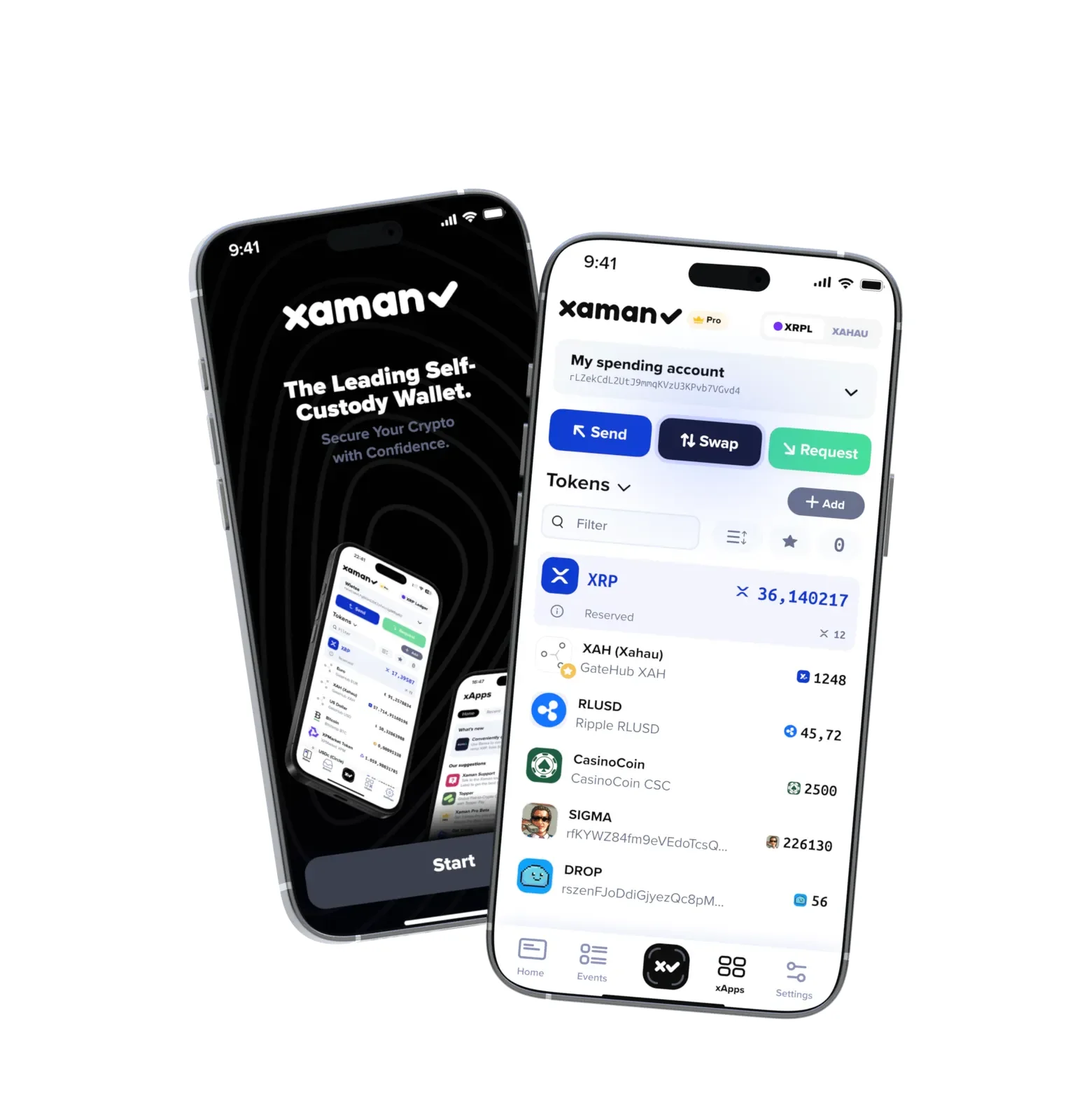
What Xaman Gets Right
- Your keys sit on the phone behind a 6-digit passcode, and after the ninth wrong attempt Xaman makes you wait 2 hours before you can try again.
- Xaman Swap arrived on June 17, 2026 and sends trades through the ledger’s own DEX and AMM pools, taking multi-step routes through bridging assets when it finds a better one.
- If you’d like the key off the phone entirely, a Tangem card can hold it and sign whenever you tap the card against the handset over NFC.
- Since version 5.0.0 you can still send XRP through public XRPL nodes when Xaman’s servers can’t be reached.
- An audit by Cossack Labs looked at the app’s code and cryptographic design, and the results came out in 2023.
For XRP, it’s the first thing we’d install. Moving coins off an exchange for the first time is a good moment to read our crypto wallet vs exchange guide, since holding your own keys changes how seriously you have to treat the backup.
2. Ledger Nano X, Our Hardware Pick for XRP
Ledger’s Nano X keeps your keys in a CC EAL5+ secure element, which is a chip built to stand up to physical tampering, and it talks to a computer over USB-C or to your phone over Bluetooth. XRP is one of the 500+ assets Ledger supports in its own Ledger Wallet app (what used to be Ledger Live), on desktop and mobile alike.
At $99 at the time of writing (September 2026), it’s our hardware pick for XRP.
Our reasoning is simple enough: $99 gets you Bluetooth signing from your phone, and you don’t need any outside software to manage XRP because Ledger built it into its own app. Buying XRP by card through providers such as MoonPay and Ramp, swapping and sending all happen there, and nothing gets broadcast until you’ve approved it on the device.
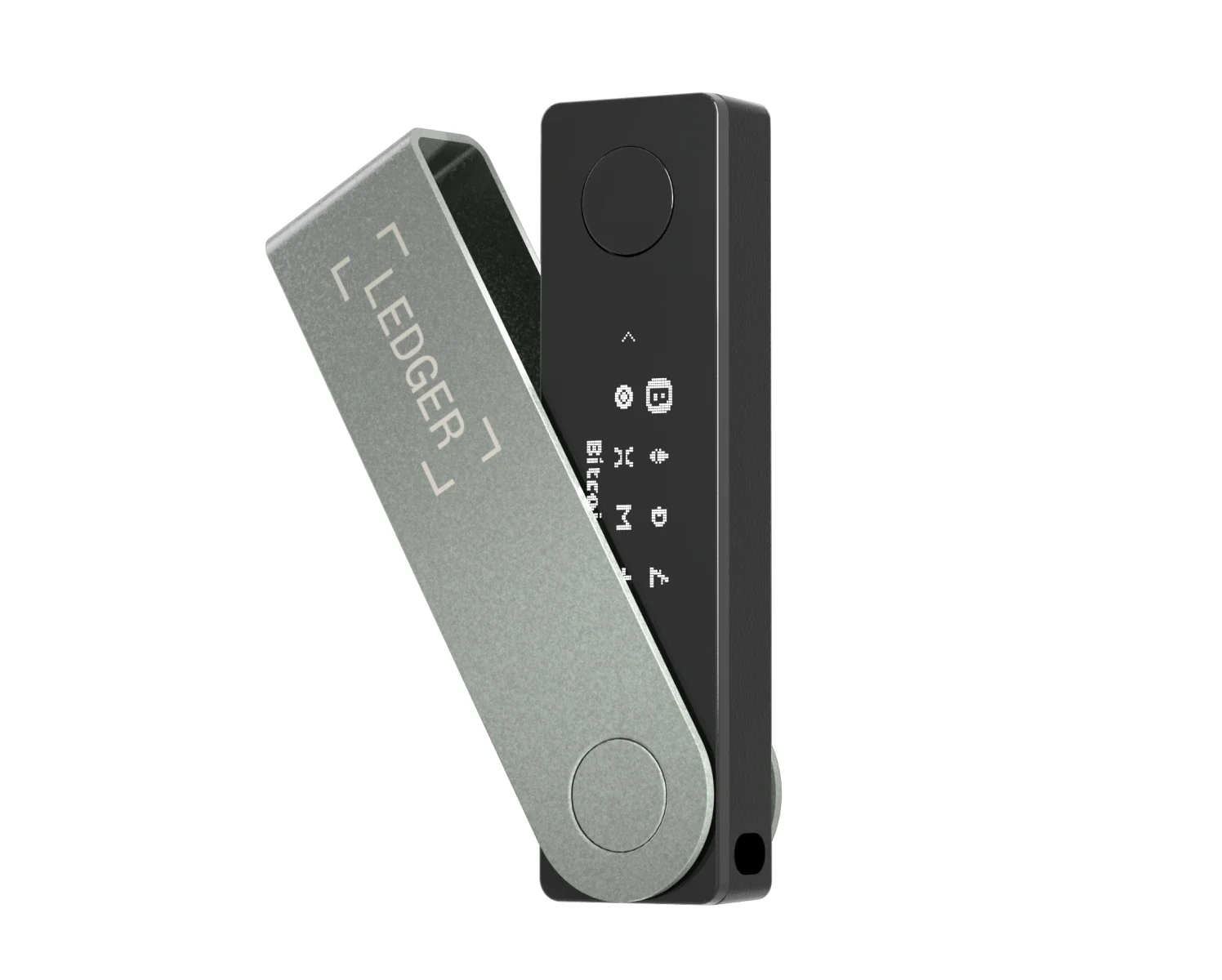
What the Nano X Brings
- Inside is an ST33J2M0 secure element carrying CC EAL5+ certification.
- Bluetooth BLE 5.2 connects it to iOS or Android, and the battery lasts 5 hours.
- Up to 100 apps fit on it at once, so XRP doesn’t have to push Bitcoin or Ethereum off the device.
- Ledger publishes its XRP app on GitHub, licensed under Apache-2.0.
- For $249 the Ledger Flex swaps in a 2.8-inch E Ink touchscreen and an EAL6+ chip, and that bigger screen makes long addresses far easier to check.
That Connect Kit incident, for the record, hit EVM dApps using Ledger’s library rather than Ledger’s devices or Ledger Live, and the draining window lasted under two hours. There’s a lot more on the hardware in our Ledger Nano X review, and if you’ve just unboxed one, our Ledger Nano X setup guide goes through the first run.
3. Trezor Safe 5, for XRP Holders Who Want Open Code
Trezor’s Safe 5 plugs in over USB-C and has a 1.54-inch color touchscreen with haptic feedback, plus an EAL6+ certified secure element. According to Trezor, XRP works on the Safe 3, Safe 5 and Safe 7, either in Trezor Suite or in third-party wallets.
You’ll pay $129 at the time of writing (September 2026).
We’d point anyone who wants to check how their wallet is built toward this one, because Trezor describes its security design as open source. There’s also Advanced Multi-share Backup, which splits recovery across several shares so that one stolen sheet of paper isn’t enough to drain you, and for a large balance that’s a feature we’d actually use.
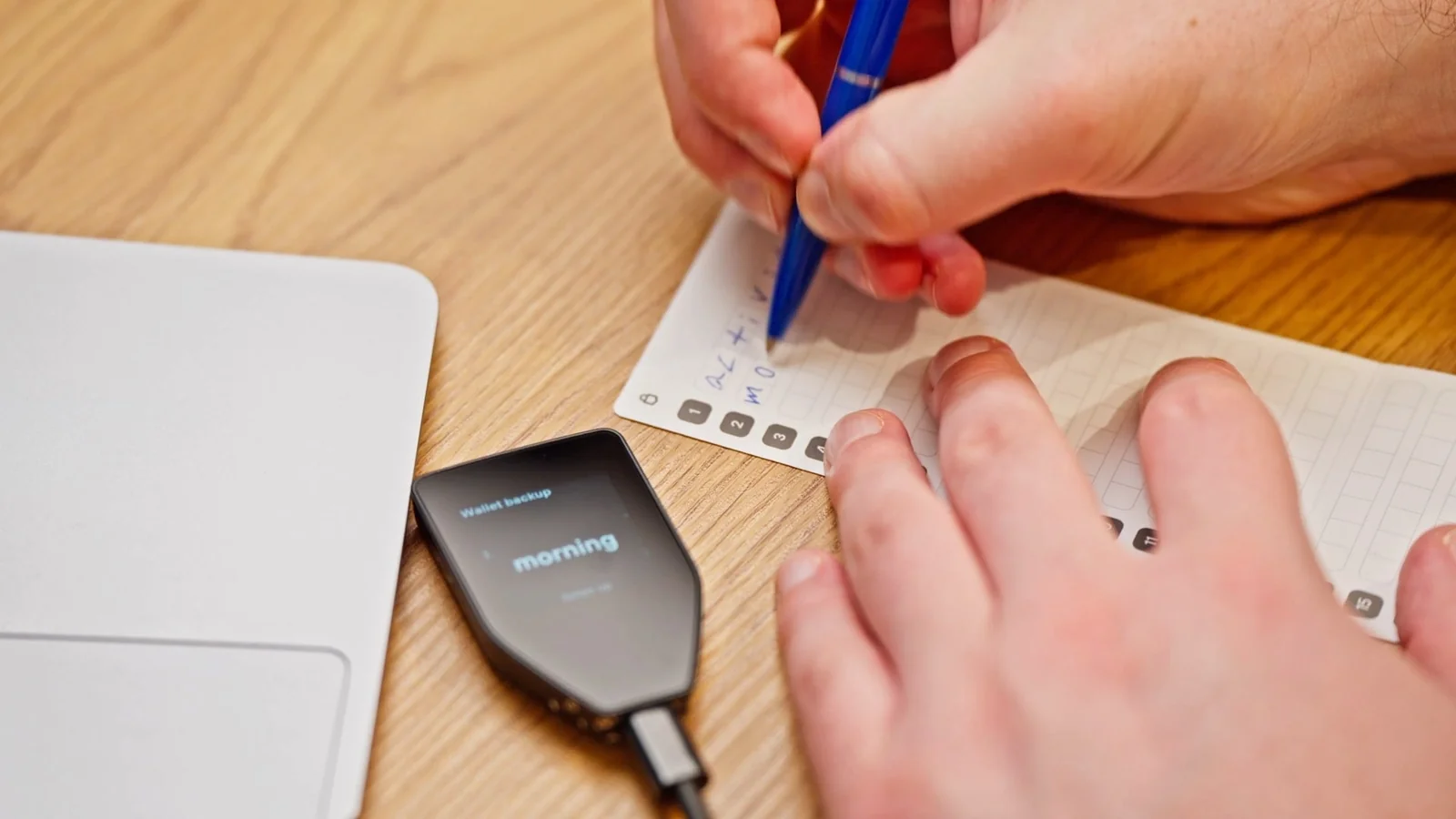
Safe 5 Features Worth Knowing
- PIN and passphrase get typed on the device, so your computer never sees them.
- You can choose a 12, 20 or 24-word backup, and two 20-word cards come in the box to write it on.
- Trezor Suite lets you send, receive, buy, sell and swap XRP.
- MetaMask, Rabby and Exodus are the third-party wallets Trezor names for XRP.
- The Safe 3 does XRP as well for $59, while the Safe 7 sits at the top of the range at $249.
Can’t decide between the two big hardware makers? We lay out the differences in Ledger vs Trezor, and our Trezor Safe 5 review goes much deeper on this particular device.
4. Tangem Wallet: Cold Storage for XRP Without the Big Price
Tangem Wallet comes as a set of NFC cards, each holding keys in an EAL6+ chip, and a card signs when you tap it on the back of your phone. You don’t charge anything or plug anything in.
Two cards cost $59.90 and three cost $69.90 at the time of writing (September 2026), and XRP is on Tangem’s supported list, which runs to 14,100+ tokens across 90 blockchains.
Nothing else here gets XRP keys off your phone for less, and Xaman supports Tangem cards directly, which is the real reason it’s on the list. With a Xaman card the secret stays inside the chip for good, while the Tangem Backup xApp lets you set up a second card as the spare.
For more on the cards alone, read the full Tangem Wallet review.

What You Get With Tangem
- You don’t have to have a seed phrase at all, because the extra cards can serve as the backup.
- Tangem backs the cards with a 25-year limited hardware warranty and rates them IP69K against water.
- Kudelski Security and Riscure have both reviewed the firmware.
- Tangem’s app is open source, and Tangem’s servers play no part in your transactions.
In Xaman a primary card needs the normal 1 XRP activation reserve, though backup cards don’t. For cold storage beyond XRP, our best crypto cold wallets roundup is the next stop.
5. Crossmark, the XRP Wallet That Lives in Your Browser
Crossmark International, Inc. makes Crossmark, a browser extension that manages XRP Ledger addresses and signs transactions for websites. You can install it in Chrome, Firefox, Brave, Arc or Opera, and point it at mainnet, testnet or devnet.
Web apps on the XRP Ledger need a browser wallet much as Ethereum dApps lean on MetaMask, and of the extensions we looked at, Crossmark does the most. Accounts can be grouped into Cards, you can keep several profiles, NFTs can be viewed, listed and traded, and ecosystem apps like Bithomp, OnTheDex and XDEX are built right in.
Crossmark’s Main Features
- Private keys are encrypted and stay on your device, and Crossmark says it never collects them.
- Developers get an open-source SDK, which lives on GitHub.
- Real money goes on mainnet, whereas testnet and devnet let you experiment without putting any at risk.
- GemWallet is the obvious alternative, a Chrome extension that runs without back-end servers and publishes its code under a custom license.
We’d keep a browser extension for everyday XRPL apps and leave the savings somewhere else. If the r-address format is new to you, our explainer on what a wallet address is should help.
6. Trust Wallet, When XRP Is One Coin of Many
Trust Wallet is a free self-custody wallet on iOS, Android and desktop browsers, and XRP is only one of the many chains it holds. It says more than 220M people use it, and you can buy XRP with USD, EUR, GBP or 100+ other fiat currencies through its payment providers.
For someone whose XRP is one line in a longer portfolio, it’s the sensible choice. There’s a Security Scanner, Encrypted Cloud Backup and in-app swapping, and Trust Wallet states that it has no access to your keys or secret phrase.
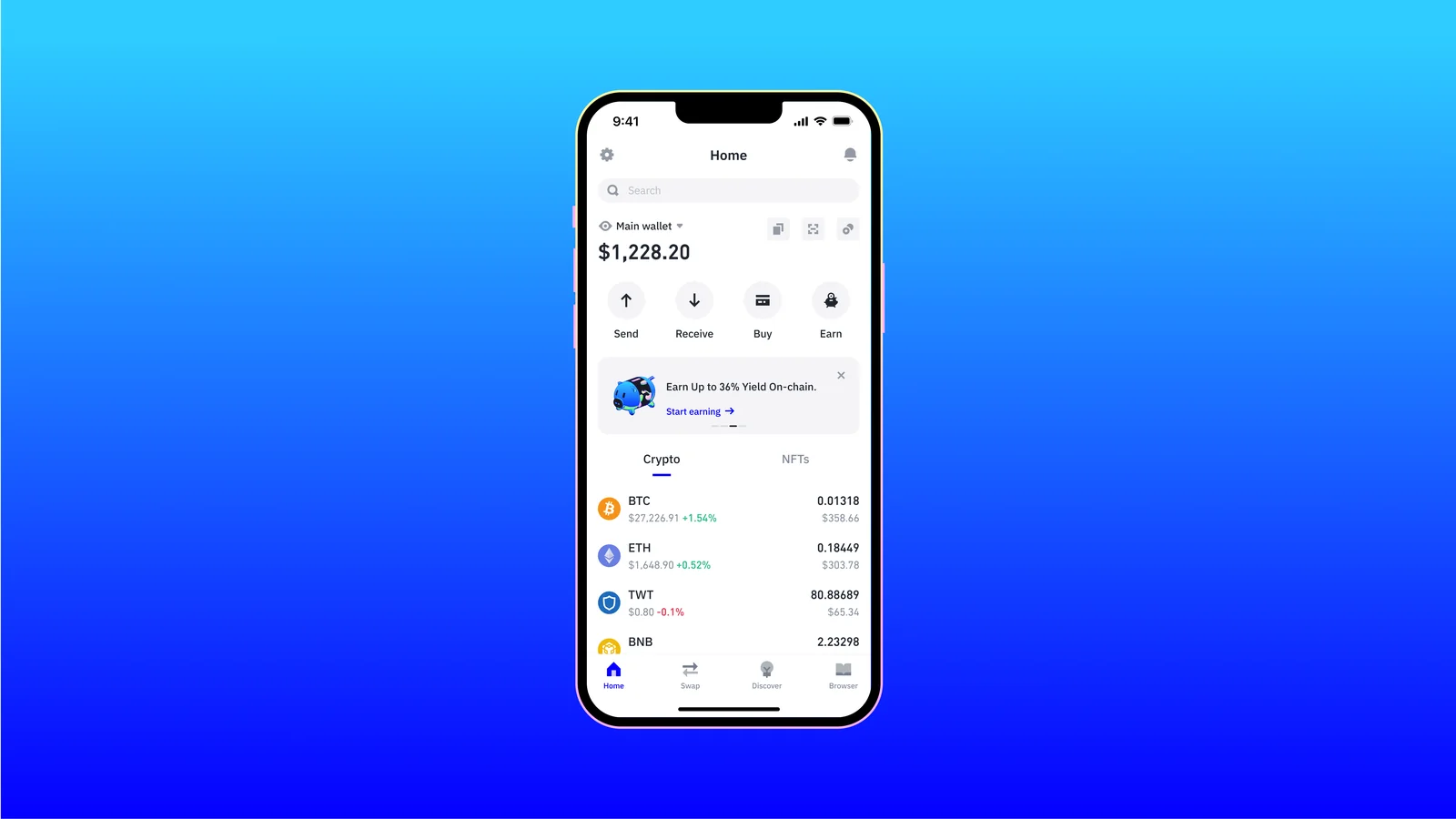
Trust Wallet’s XRP Features
- Holding, sending, receiving, buying and swapping XRP all happen in the one app.
- You can add Encrypted Cloud Backup on top of the secret phrase you write down.
- Before you interact with something, the Security Scanner checks it for you.
- Its wallet library, Wallet Core, is open source.
Holding a spread of coins on your phone? Our best mobile crypto wallets list puts Trust Wallet up against other multi-chain apps.
How We Picked These XRP Wallets
Over September 2026 we worked through each wallet’s official store page, help center and security documentation, then scored it on the six things below.
Where the Keys Live
This is the biggest question of the lot. With hardware wallets and Tangem cards the keys stay on a chip that signs without revealing them, whereas a phone or browser wallet keeps them on a device that’s online most of the day, and on top of that we checked for published audits and any history of incidents.
Tokens, Not Just XRP
XRP alone isn’t enough. Holding tokens on the XRP Ledger means opening trust lines, and every trust line beyond your first two adds 0.2 XRP to the reserve, so wallets that make that cost visible got extra credit from us.
How Easy It Is Day to Day
Destination tags and reserves are the two XRP Ledger ideas we’d most want a beginner to grasp, so we rewarded wallets that put both in plain view instead of burying them in a settings menu.
What It Costs
Every software wallet on the list is free to install where the vendor says so. Hardware starts at $59.90 for Tangem and reaches $129 for the Trezor Safe 5, and both big brands sell pricier models if you want more screen.
Getting Back In After a Loss
We also looked at what happens when a phone dies or a device goes missing: a written word list is the baseline, Trezor offers multi-share backup on top of that, and Tangem lets extra cards act as the backup.
How Much Code You Can Read
Open code lets people outside the company check what a wallet is actually doing. Trezor’s design, Tangem’s app and Ledger’s XRP app are all open source, while Xaman and GemWallet publish their code under custom licenses, which isn’t quite the same thing.
So Which XRP Wallet Should You Get?
New to XRP with a modest balance, start with Xaman, which explains the reserve and deals with tokens properly.
Once losing the balance would genuinely hurt, get a Ledger Nano X or a Trezor Safe 5 and keep the recovery phrase offline. We’d pick Ledger if Bluetooth matters to you and Trezor if open-source design does.
On a tight budget, a Tangem set used with Xaman is the cheapest cold storage on this list.
For XRPL web apps, Crossmark makes a good daily driver, and if XRP is one coin in a bigger pile, Trust Wallet will keep things simpler.
Whichever you choose, send a small test amount first. Any time you move XRP to an exchange, put in the destination tag it gives you; Binance, to take one example, needs both the address and the memo for an XRP deposit. Get the address or the network wrong and the money is gone, with nobody able to reverse it.
XRP Wallet Questions We Get Asked
Which XRP wallet is best?
Xaman, for most people. It’s built for the XRP Ledger and nothing else, and it pairs well with a Ledger Nano X or Trezor Safe 5 once the balance grows.
Why does a new XRP wallet need 1 XRP?
Every XRP Ledger account has to hold a base reserve, which has been 1 XRP since validators voted it down from 10 XRP on 2024-12-02. The first payment into a new address has to be big enough to cover that before the account exists.
What’s a destination tag, and do I need one?
Usually, yes, when you’re sending to an exchange. It’s a number that tells the exchange which customer the deposit belongs to, since lots of users share one address, and without it your XRP can end up waiting for support to sort it out by hand.
Is the reserve gone forever?
Not entirely. If you delete the account, what’s left of the reserve goes to another address, but the AccountDelete transaction always destroys at least 0.2 XRP.
Does my Trezor support XRP?
Yes, if it’s a Safe 3, Safe 5 or Safe 7, going by Trezor’s own coin list.
What does sending XRP cost?
Almost nothing on the ledger itself: the minimum fee is 10 drops, or 0.00001 XRP, and it’s burned rather than paid to anyone. Exchanges add their own withdrawal fee, which at Binance is 0.2 XRP.
Where We Land on XRP Wallets
Most XRP holders should begin with Xaman and keep their savings on a Ledger Nano X or Trezor Safe 5. Tangem is the cheap way to get keys offline, Crossmark handles the browser side, and Trust Wallet makes sense if you hold a lot of different coins.
It’s rare for the XRP Ledger itself to lose anyone’s money. Missing tags, mistyped addresses and recovery phrases left where someone can find them do that, which is why we’d ask you to check every address and tag twice before you hit send.
This article is for general information only and is not financial, legal, or investment advice. Prices and features change; check the vendor’s official page before buying.