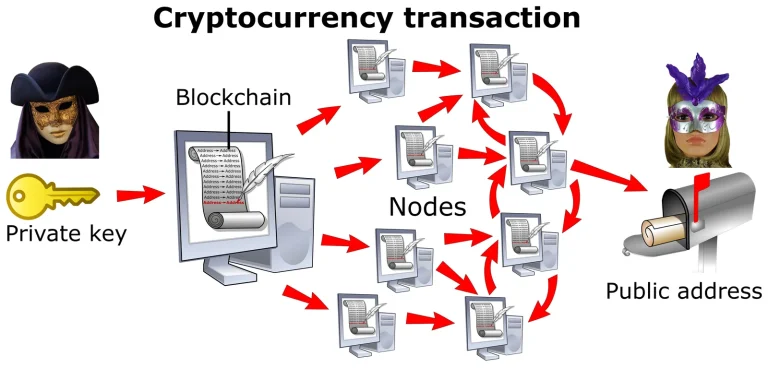
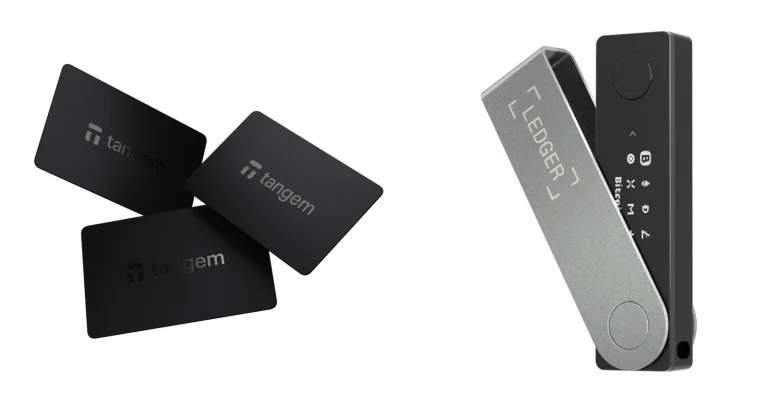
Lose the Ledger and you can buy another one. Lose the 24 words, and there’s nothing to buy your way out of. Those words are the backup behind every private key the little device is holding, which is why typing them into a different Ledger hands you back the exact same accounts, with the exact same balances sitting in them.
We’ve written this one around the labels Ledger actually puts on screen, lifted from its own support pages rather than from memory. Both device families are covered here, the touchscreen ones and the older ones with buttons. Three things need to be in front of you: the Ledger itself, the Recovery Sheet with your words on it, and Ledger Wallet installed on a phone or a laptop.
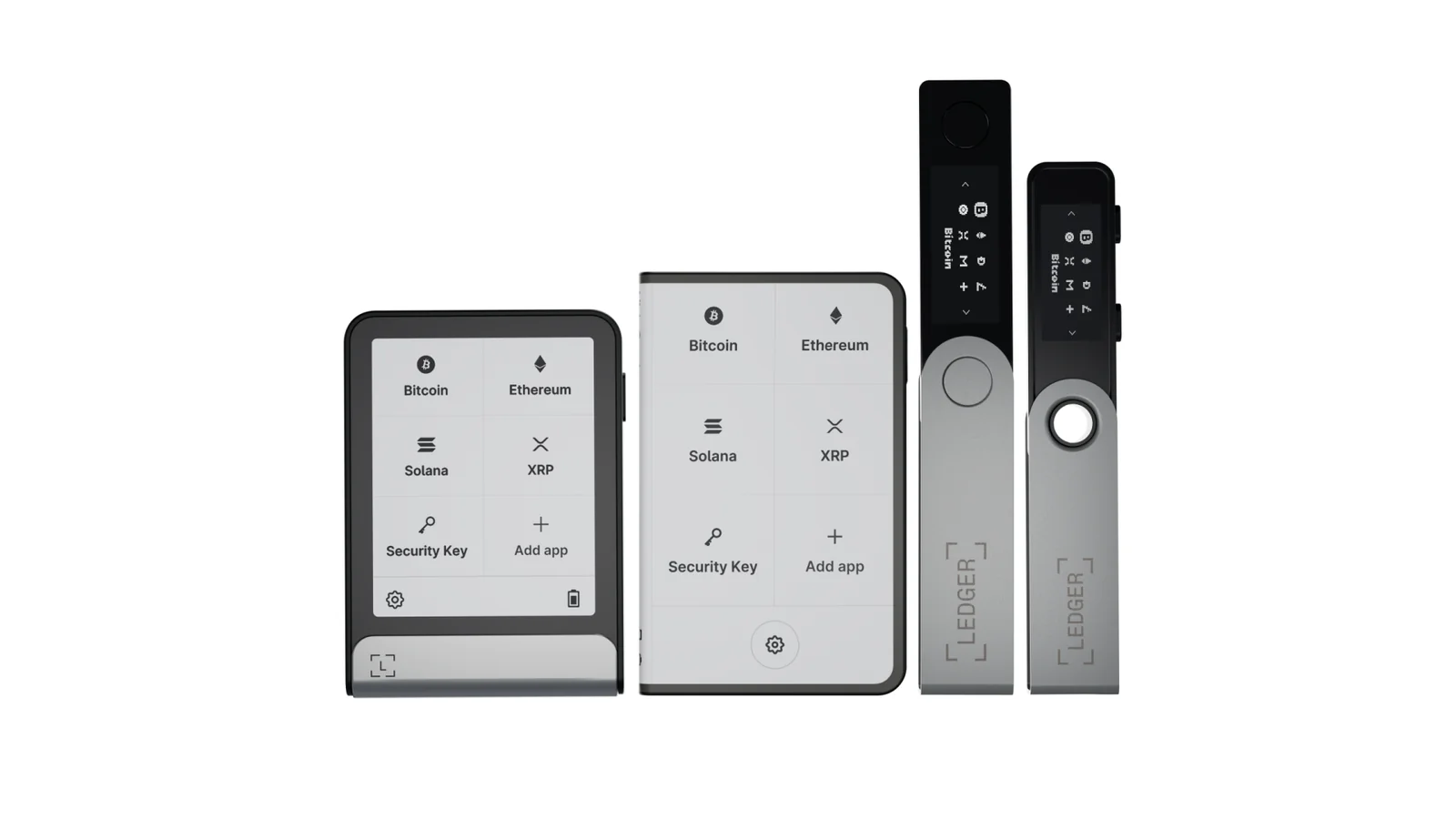
Table of contents
What to Have Ready Before You Restore
Lay it all out before you begin. Half-finished restores are where people start inventing their own shortcuts, and inventing shortcuts around a seed phrase is how savings evaporate.
- Any Ledger will do. Brand new, an old spare, or the one you just wiped.
- The Recovery Sheet, with every one of the 24 words still in sequence. Phrases built to the BIP39 and BIP44 standards are what Ledger accepts.
- An up-to-date copy of Ledger Wallet, the app that used to go by the name Ledger Live.
- Either a computer on Windows 10, macOS 12.0 (64-bit) or Ubuntu 20.04 (64-bit), or a handset running Android 10 or iOS 15 and newer.
- Somewhere private to sit. Ledger’s guidance is to do this away from cameras and away from other people.
- The passphrase, assuming you ever created one. Without it, that whole second set of accounts stays out of reach.
Only the Ledger itself gets to see those words. Ledger doesn’t hedge on this point: your Secret Recovery Phrase should never be typed into Ledger Wallet, into a web page, into an app, or into a computer of any kind. Its help pages add that Ledger Support has no use for the phrase, so whoever’s asking for it is robbing you.
There’s a second warning worth reading twice, and it applies the moment you start shifting coins again. Pick the wrong address or the wrong network and that money is simply gone. A confirmed blockchain transaction can’t be undone by anyone, Ledger included.
How to Recover a Ledger Wallet From a Seed Phrase, Step by Step
The instructions Ledger publishes, revised on 25 August 2026, are split by hardware family. Touchscreen devices give you a keyboard on the glass.
Nano owners do it with two buttons instead. We’ve covered both routes below.
Step 1. Check the phrase before you start typing
Run your eye down the BIP-39 list first, while the device is still switched off. There are 2048 words on it, and a word that isn’t among them won’t be accepted. Ledger notes that the list was built so that the opening four letters pin down each word, which turns out to be a real help when you’re squinting at handwriting you did years ago.
Numbering deserves the same attention. Sequence counts every bit as much as spelling, and Ledger’s warning is that even a slight wander from the original order generates an entirely different set of keys.
Step 2. Switch the Ledger on and choose to restore
Holding the right-side button down for a second wakes up a Ledger Stax, a Ledger Flex or a Ledger Nano Gen5. From there you tap your way through the opening screens.
Owners of a Ledger Nano X, a Nano S Plus or a Nano S get a different routine. Power up, read what’s on the tiny display, and remember that right moves you on while left takes you back. When the screen reaches “Restore from recovery phrase”, press the two buttons at once.

Step 3. Give it a name, then set a PIN
Naming comes first on the touchscreen models. Hit “Set name”, type whatever you like, then hit “Confirm name”.
Then the PIN. You’ll tap “Choose my PIN”, punch in anywhere from 4 to 8 digits, press the check mark to lock it in, and reach for backspace if your thumb slips. Nano owners see “Choose PIN with 4 to 8 digits” instead, and each digit gets confirmed with a press of both buttons.
Nothing ties this PIN to the old one. Reuse it or pick something fresh, because your phrase is indifferent either way. Ledger’s own advice is that eight digits beat four, and that codes like 0000 or 12345678 aren’t worth the effort of typing.
Step 4. Tell the device how many words you have
Touchscreen users tap “Recover access to your existing assets” and then “Use my Secret Recovery Phrase”. Up comes a choice of 24 words, 18 words or 12 words. Those same three options appear on a Nano, selected with the buttons.
Go with 24 whenever a Ledger produced the phrase, since 24 is the only length a Ledger ever creates. Shorter options sit there for phrases that came out of somebody else’s wallet.
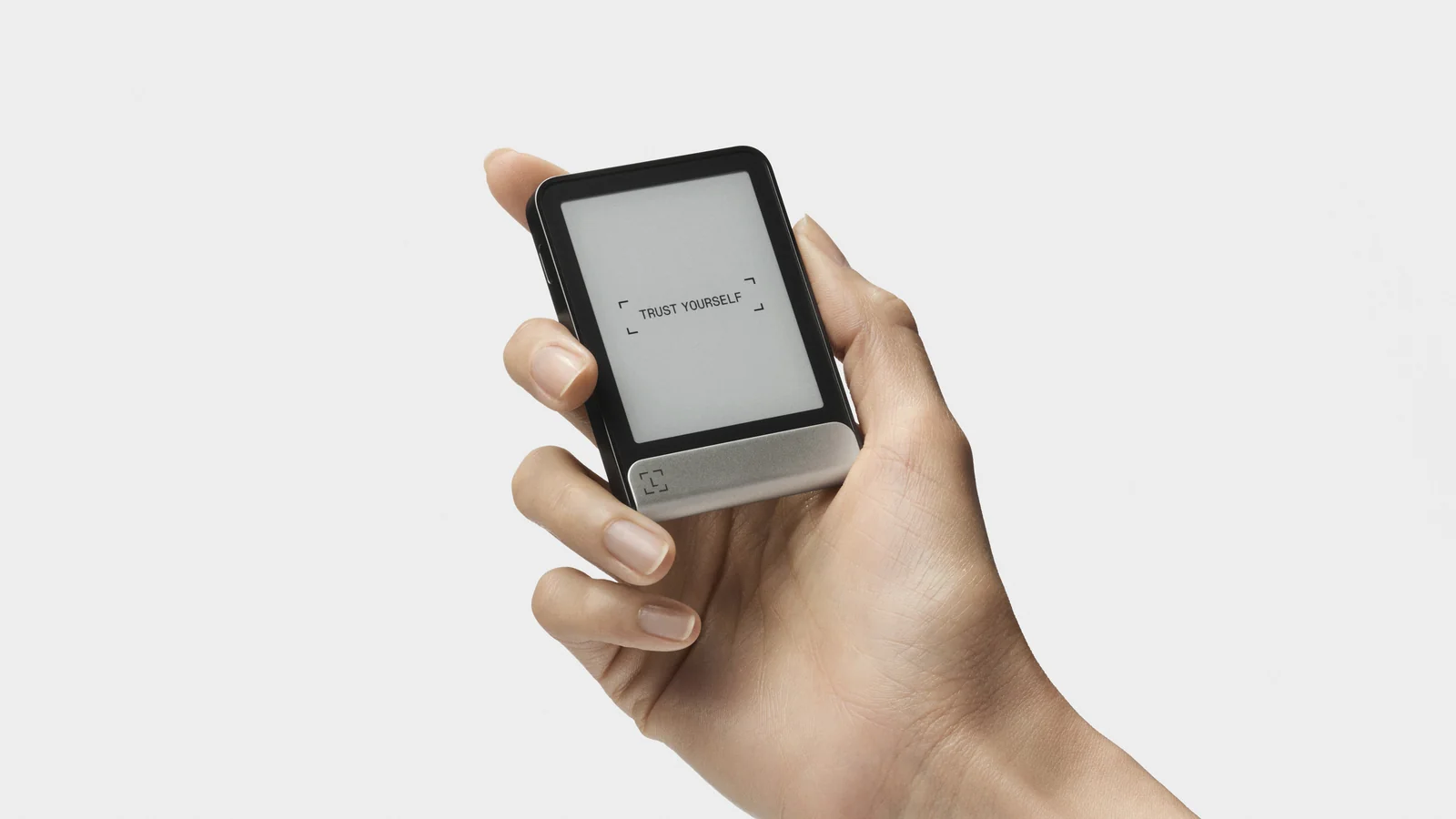
Step 5. Type in all 24 words
Start each word by tapping its opening letters, then choose the complete word from whatever the device suggests. Keep going to the end of the list. A touchscreen model finishes by displaying “Secret Recovery Phrase confirmed”, whereas a Nano puts up “Your device is ready”.
Take it slowly, says Ledger, since mistyped words wreck more restores than anything else.
Step 6. Add your accounts back in Ledger Wallet
Your keys are back on the hardware, yet the app looks as empty as the day you installed it. Don’t panic. Account data lives on your own machine instead of on a Ledger server, so a clean install genuinely has nothing to display until each account gets added again.
Desktop users want the “Accounts” tab down the left-hand side, followed by “Add account”. Choose your coin in the “Select Asset” menu, plug in the device and unlock it, and wait while Ledger Wallet fetches whichever blockchain app is required. A Bitcoin account won’t appear without the Bitcoin app, and ERC20 tokens lean on the Ethereum app.
Once the scan finishes, anything with past transactions turns up under a “We found X accounts” heading. Check the boxes beside the ones you want, then press “Confirm”. Should that Accounts tab look greyed out on a brand new install, head to Home, scroll to the bottom and use “Add crypto account”.
Step 7. Rebuild your passphrase accounts
Never used a passphrase? Move along to the next step. For everyone else, those balances hang off a second seed, and they’ll stay invisible until that seed exists again.
Press and hold both buttons for the “Control Center”, walk through “Settings > Security > Passphrase > Set up Passphrase”, and pick “Attach to PIN”. Choose a PIN for the passphrase, key the passphrase in, read the spelling back off the Secure Screen, then confirm using your device PIN. “Processing” flashes up, followed by “Passphrase set”.
Power the Ledger down, bring it back up, unlock with the passphrase PIN, and pull the accounts in through the “+Add account” button in Ledger Wallet.
Step 8. Check an address, then send a test amount
Generate a receiving address and read it off the hardware screen before anything sizeable goes near it. That screen is what Ledger calls the only source of truth, because malware happily rewrites a copied address into an attacker’s, and the opening and closing characters are often identical.
Try a token amount, let it confirm, and only then move the rest. Curious about how addresses are put together? Our explainer on what a wallet address is covers it.
Every Ledger Model Takes the Same 24 Words
What changes between models is the typing, not the phrase. All of them swallow the same 24 words. Prices in the table were read off Ledger’s store pages on 12 September 2026.
| Ledger model | Getting the restore going | Price (September 2026) |
|---|---|---|
| Ledger Stax | Tap “Recover access to your existing assets” on the glass | $399, on the listing that throws in a Recovery Key |
| Ledger Flex | Identical touchscreen route | $249 |
| Ledger Nano Gen5 | Identical touchscreen route | $179 |
| Ledger Nano X | Press both buttons at “Restore from recovery phrase” | $99 |
| Ledger Nano S Plus | Same two-button routine | $59 |
| Ledger Nano S | Two-button routine again, though Ledger is winding this model down | Gone from shop.ledger.com |
Back in 2016, the first Nano S arrived carrying 320 kB of flash on its secure element. Ledger’s published breakdown hands 182 kB to the operating system, 62 kB to Bitcoin, 42 kB to Ethereum and 28 kB to the Exchange app, and what’s left over is 6 kB. Anyone caught by the wind-down is being steered toward a Nano Gen5, a Flex or a Stax, with the same 24 words used to restore whichever one they pick.
Trying to decide which replacement makes sense? The button-driven model still sitting in most drawers gets the full treatment in our Ledger Nano X review.
So How Long Will This Take?
No official timing exists, so any figure quoted elsewhere is somebody’s estimate. We can at least tell you where the minutes disappear to.
Typing 24 words eats the bulk of it, and on a Nano it drags, since every single letter costs you a button press. Two or three minutes go on the PIN and the name. Downloading Ledger Wallet plus the blockchain apps is down to your connection speed.
After that, the blockchain scan sets the pace for adding accounts. Years of Bitcoin history take noticeably longer than a Solana account created last month. Nothing in this process sits in a support queue or waits on approval, because there’s no company standing between you and your keys.
When the Restore Goes Wrong
- Told that the recovery phrase is invalid? Ledger blames one of three things: a length you didn’t mean to pick, words entered out of sequence, or a word missing from the BIP-39 list.
- A word refuses to show up among the suggestions, which usually means it isn’t a BIP-39 word at all. The example Ledger gives is “pan”, absent from the list, sitting close to “pen”, which is on it.
- Two identical words on one sheet can be perfectly genuine, but they can equally mean you copied something down twice, so swap the repeat for a lookalike from the BIP-39 list and try again.
- Accounts come back showing nothing at all. Odds are the phrase on the device isn’t the one holding your coins, or the app is running behind and needs an update.
- Whole accounts are nowhere to be seen, which happens with passphrase accounts until you rebuild the passphrase precisely as it was.
- A second account for the same coin refuses to appear. BIP32 is the reason, and Ledger Wallet follows it, so the first account has to show some transaction history before you get another.
- The Ledger wiped itself without being asked. Per Ledger, a Welcome screen following an OS update or a bug means the keys have left the device, and your 24 words are the route back in.
- Three bad PIN attempts wipe the thing deliberately. That’s the design working as intended, and the phrase puts everything back.
Where the phrase itself is wrong, Ledger doesn’t soften the news. Its support page states that a phrase the hardware keeps rejecting was written down incorrectly in the first place, and that there’s nothing Ledger can do from its side.
Habits That Keep Your Seed Phrase Safe
- Those words belong in the Ledger and absolutely nowhere else, so keep them out of Ledger Wallet, browsers, spreadsheets and password managers.
- Anybody requesting your 24 words is a thief, and that includes whoever claims to be from Ledger Support.
- Walk away from any device that turns up with a phrase or a PIN already written on it. Sealed boxes ship with blank recovery sheets, according to Ledger.
- The Recovery Check app is worth running afterwards to prove your sheet lines up with the device, though it only handles the 24 words and can’t touch a passphrase.
- Every receiving address deserves a look on the hardware screen before money goes anywhere near it.
- Two copies, two secure locations, written in capitals with a ballpen and numbered as you go.
- Phrases born in a browser wallet such as MetaMask shouldn’t be loaded onto a Ledger, because that phrase was created on a machine with an internet connection.
Paper handles almost everything except flames and flooding, which is the whole argument for metal backups. We took a close look at one in our Cryptotag Zeus review.
Then there’s the Ledger Recovery Key, a card with its own PIN that copies your phrase and restores it by NFC tap. Stax, Flex and Nano Gen5 owners can use one, and it runs $39 for a single card or $99 for a pack of three with no subscription attached. We’d still keep the paper, mind you: three wrong PIN entries erase the card for good, and Ledger itself says the card is no substitute for your sheet.
FAQ
Can I recover a Ledger wallet without the original device?
Yes, provided the 24 words are in your hands. That phrase is BIP39, so a different Ledger will take it, and so will any other hardware wallet built to the same standard. What Ledger pushes back on is putting the words into software instead of hardware.
What if I’ve lost both the seed phrase and the PIN?
Then the assets are unreachable, and there’s no workaround. Ledger says outright that it can’t dig out your Secret Recovery Phrase or your PIN, because no copy of either exists on its side.
Does a restore actually move my coins anywhere?
No. They never leave the blockchain. Restoring the phrase gives the device control of the keys again; the coins themselves haven’t budged.
Will a Ledger accept a 12-word phrase?
It will. Lengths of 12, 18 and 24 all work on the device, even though a Ledger only ever generates 24 of its own. Ledger does warn against feeding in a phrase that came from a hot wallet like MetaMask, Keplr or Phantom.
Why does my balance read zero after restoring?
Nine times out of ten the device is holding a phrase that belongs to different accounts. Double-check you restored the right one, and make sure Ledger Wallet is current. Passphrase accounts behave differently and only reappear once the passphrase is set up again.
Do I have to pick a new PIN during the restore?
You pick one either way, and it can be brand new. Your device is what the PIN guards, while the 24 words guard the accounts, so a different PIN leaves your balances untouched.
Is moving a Ledger phrase onto a Trezor safe?
Ledger says it is, on the grounds that both its phrases and its passphrases follow BIP39. Any wallet built to that standard can take them, and the traffic runs both ways: a phrase and passphrase from a Trezor or a Coldcard will load onto a Ledger too.
The Short Version
Four moves and you’re done: choose the restore option, set yourself a PIN, key in the 24 words in their original order, and rebuild the accounts inside Ledger Wallet. Touchscreens hand you a keyboard while the Nanos hand you two buttons, yet the phrase doing the work is the same one.
Used a passphrase at some point? Set it up again, or the accounts behind it never surface.
Starting a device from nothing is a separate exercise, and we’ve covered it in our guide to setting up a Ledger Nano X. If the bigger question of who actually holds your keys is nagging at you, try custodial versus non-custodial wallets.
Everything above traces back to Ledger’s restore support article, while the word list itself is documented in the BIP-39 specification.
This article is for general information only and is not financial, legal, or investment advice. Prices and features change; check the vendor’s official page before buying.