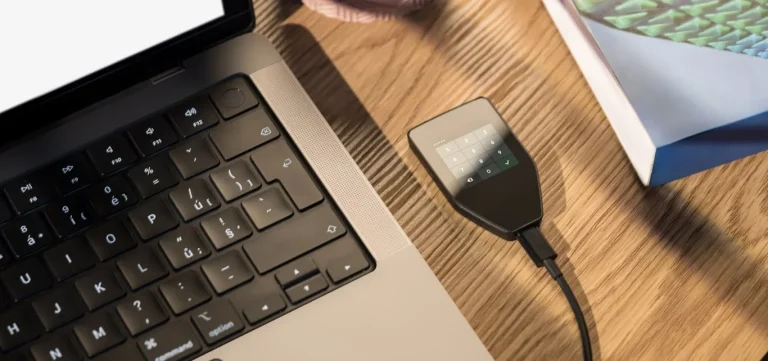
Two wallets, two arguments about what safety means. The Keystone 3 Pro is a slab of touchscreen that refuses to join a network at all. The Ledger Nano X is a keyring stick that chats to your phone over Bluetooth.
As we write this in September 2026, Keystone wants $149 for the 3 Pro and Ledger asks $99 for the Nano X.
No radios, code anyone can read, and a display big enough to show a whole transaction? That’s the Keystone.
Spend less, keep it on your keys, approve things from the sofa? That’s the Nano X.
What follows works through the chips inside each one, the backup choices, the two companion apps, how many coins you can actually hold, and whether that $50 gap buys anything you’ll notice. Every price here came off the vendor’s own store on the date above.
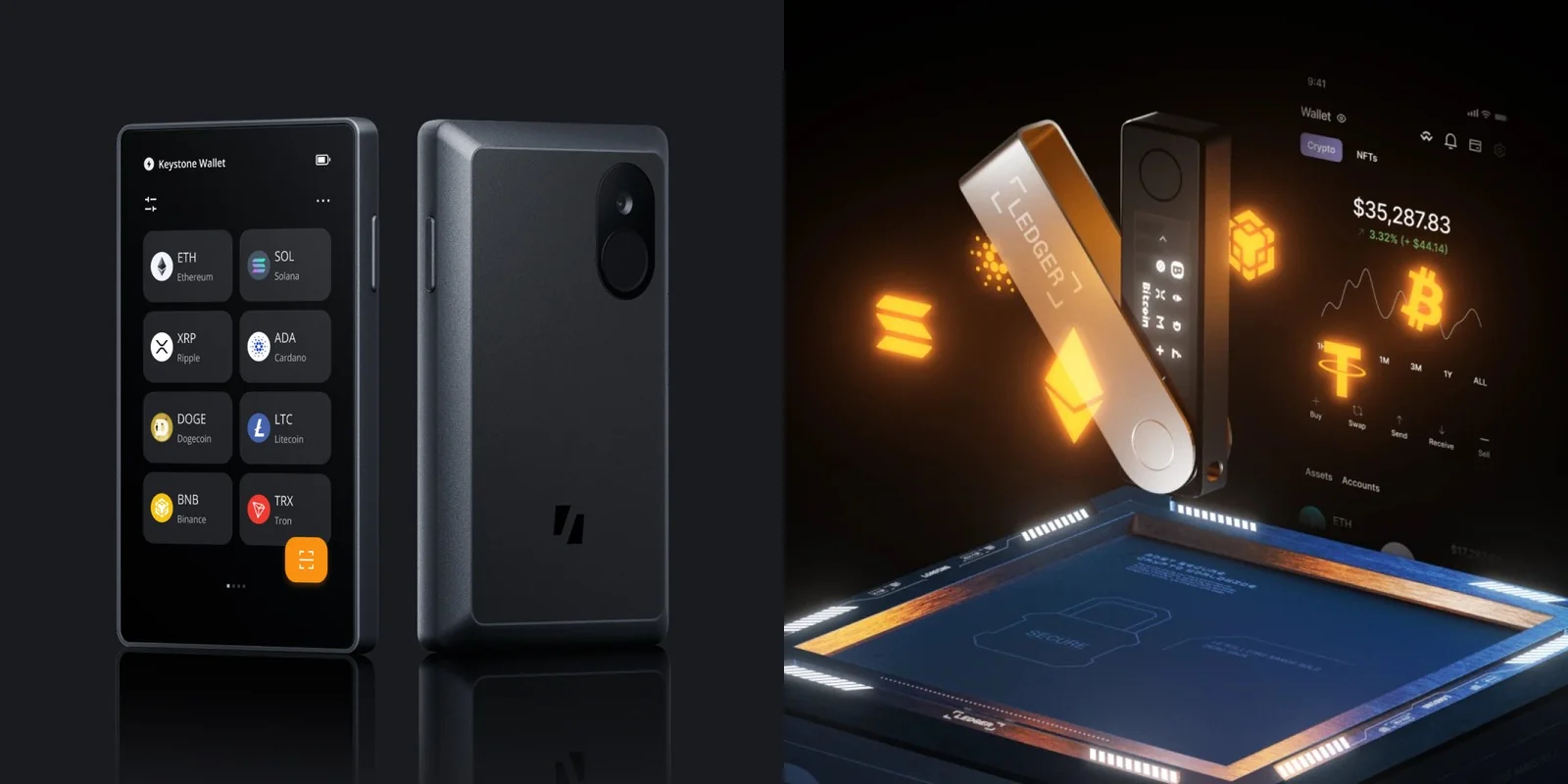
Table of contents
Keystone 3 Pro vs Ledger Nano X at a Glance
Everything we pick apart further down, squeezed into one table. Each row came straight off a maker’s product page this month.
Keystone 3 Pro vs Ledger Nano X: Comparison Chart | |
|---|---|
| <strong>What it costs</strong> | The Keystone 3 Pro is $149. <br> The Nano X is $99. |
| <strong>The screen</strong> | Keystone: 4 inches of LCD touchscreen at 480 x 800. <br> Nano X: 1.1 inches of monochrome OLED at 128 x 64. |
| <strong>How you drive it</strong> | You tap the Keystone, or hold a finger on its sensor. <br> You click two buttons on the Nano X. |
| <strong>How it reaches the outside world</strong> | The Keystone speaks QR code and microSD, nothing else. <br> The Nano X pairs over Bluetooth BLE 5.2 or plugs in with USB-C. |
| <strong>Chips guarding the keys</strong> | Keystone spreads the job across three: ATECC608B, DS28S60, MAX32520. <br> Ledger uses a single ST33J2M0, rated CC EAL5+. |
| <strong>Can you read the code?</strong> | Keystone publishes both firmware and hardware. <br> Ledger puts its own figure at 95% open or reviewable. |
| <strong>Backing it up</strong> | Keystone: 12 or 24 words, Shamir shards, and a passphrase on top. <br> Nano X: 24 words on Recovery Sheets, with Ledger Recover as an optional extra. |
| <strong>Wallets on one device</strong> | The Keystone holds 3 seed phrases together. <br> The Nano X holds one, plus whatever a passphrase opens. |
| <strong>Software you’ll actually use</strong> | Keystone Nexus, or any of 45+ software wallets. <br> Ledger Wallet, on both desktop and phone. |
| <strong>Coins and tokens</strong> | Keystone claims 5500+. <br> Ledger says 500+ inside its own app, thousands more through other wallets. |
| <strong>Power</strong> | A 1000 mAh cell sits in the Keystone. <br> Ledger rates the Nano X at 5 hour battery autonomy. |
| <strong>Size in your pocket</strong> | Keystone: 62.44 x 103.9 x 12.08 mm, 103 g. <br> Nano X: 72 x 18.6 x 11.7 mm, 34 g. |
| <strong>Who it suits</strong> | Keystone: anyone who wants the thing offline and legible. <br> Nano X: anyone signing from a phone without spending much. |
So What Is the Keystone 3 Pro?
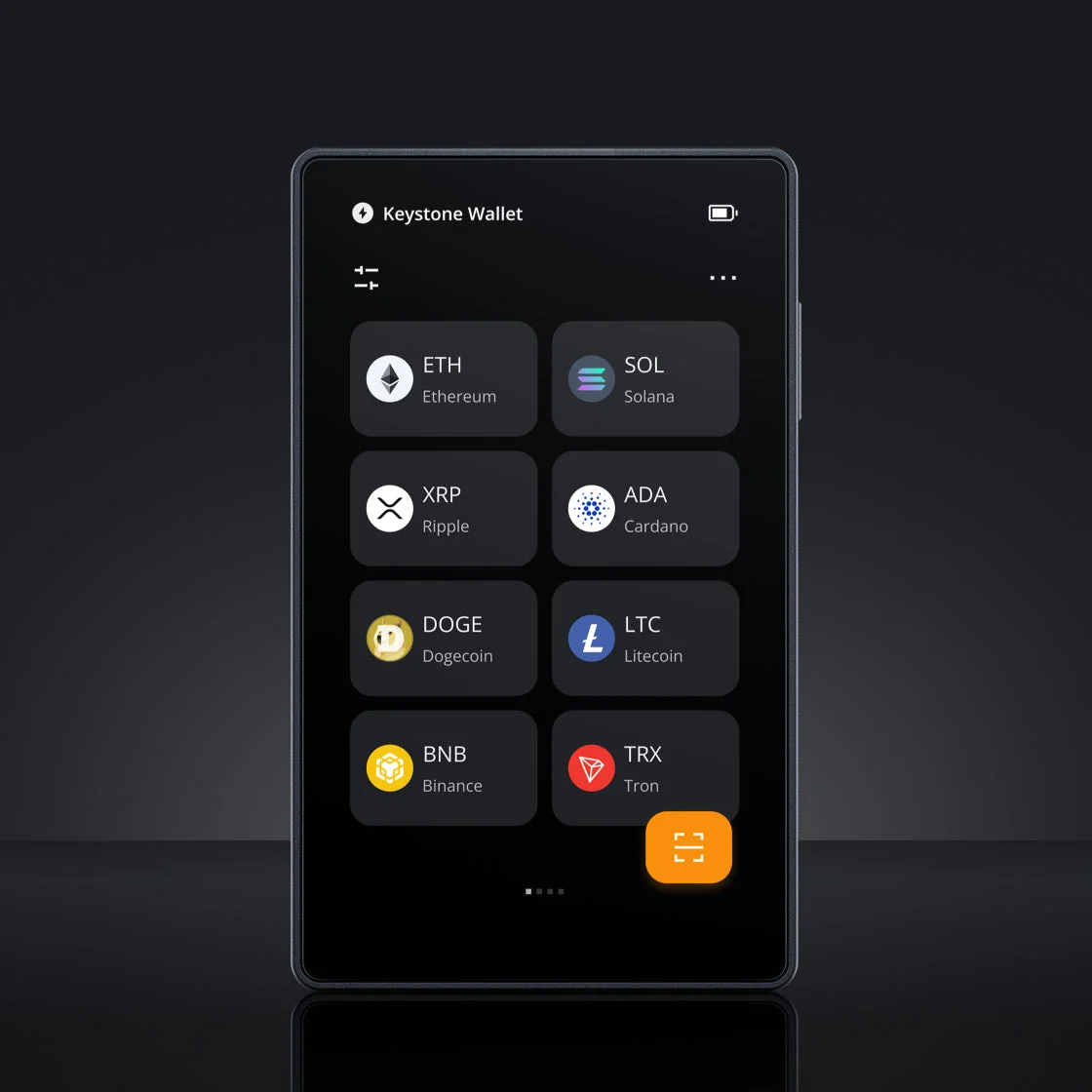
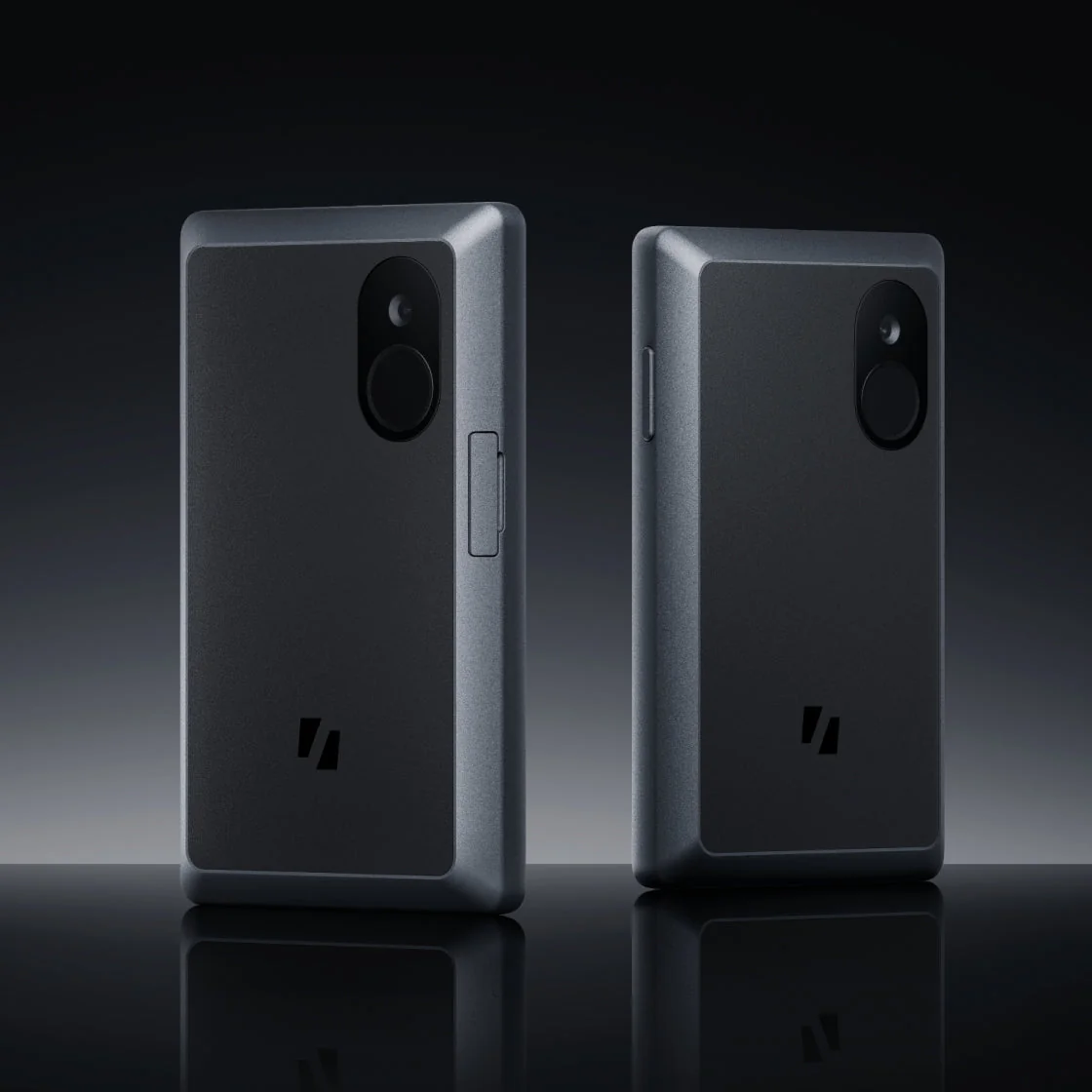
Pick up the Keystone 3 Pro and your hands expect a phone, not a wallet. It runs 62.44 x 103.9 x 12.08 mm, tips the scale at 103 g, and gives you 4 inches of LCD touchscreen at 480 x 800.
Air-gapped is the word Keystone uses, and it means the device has no route to a network. Keystone’s own list of what’s missing reads like a joke at Ledger’s expense: no USB data, no Bluetooth, no WiFi, no NFC. QR codes carry everything, and a microSD slot handles firmware.
Why bother? Because whatever nasty thing is living on your laptop has nothing to connect to. Our Keystone 3 Pro review spends longer on what that’s like day to day.
What You Actually Get With the Keystone 3 Pro
- Three separate secure element chips divide the work between them: Microchip’s ATECC608B, plus the DS28S60 and MAX32520 from Maxim.
- A fingerprint reader opens the thing in 0.5 seconds, and you can insist on it for signing too.
- Both the firmware and the hardware designs are up on GitHub, and each release carries a SHA256 checksum you can check yourself.
- Room for three seed phrases at once, which lets you keep savings apart from the wallet you spend from.
- Your backup can be 12 words, 24 words or Shamir shards, and a passphrase of up to 128 characters sits on top of it.
- Transactions arrive on screen in full, contract data decoded, so nobody is asking you to sign blind.
- Inside there’s a 1000 mAh rechargeable battery, and the USB-C port exists for charging and firmware only.
And Where Does the Ledger Nano X Fit?
Ledger has been selling the Ledger Nano X since May 28th, 2019, and today it sits at $99. The company files it alongside the Nano S Plus under “Classic Ledger Nano”, a rung below the touchscreen models.
Small barely covers it. You’re looking at 72 x 18.6 x 11.7 mm and 34 g, brushed stainless steel wrapped around plastic, with a 1.1-inch monochrome OLED running 128 x 64 pixels and two buttons instead of touch.
Want the longer story? Our Ledger Nano X review pulls it apart properly, and the Ledger Nano X setup guide takes you through first boot.
What You Actually Get With the Ledger Nano X
- Keys live inside an ST33J2M0 secure element carrying CC EAL5+ certification, with Ledger OS running above it.
- Bluetooth BLE 5.2 handles iPhones and Android handsets, while USB-C covers desktops and Android.
- Ledger quotes 5 hour battery autonomy, and that’s the bit that lets you walk away from the computer.
- You can keep as many as 100 coin apps loaded, though big apps eat the space faster.
- First boot writes out a 24-word recovery phrase, and three Recovery Sheets come in the box for it.
- Ledger Wallet runs on desktop and phone, tracking the portfolio while outside providers do the buying, swapping and staking.
- PINs run 4 to 8 digits long, and Ledger would rather you used all 8.
Security: Keystone 3 Pro vs Ledger Nano X
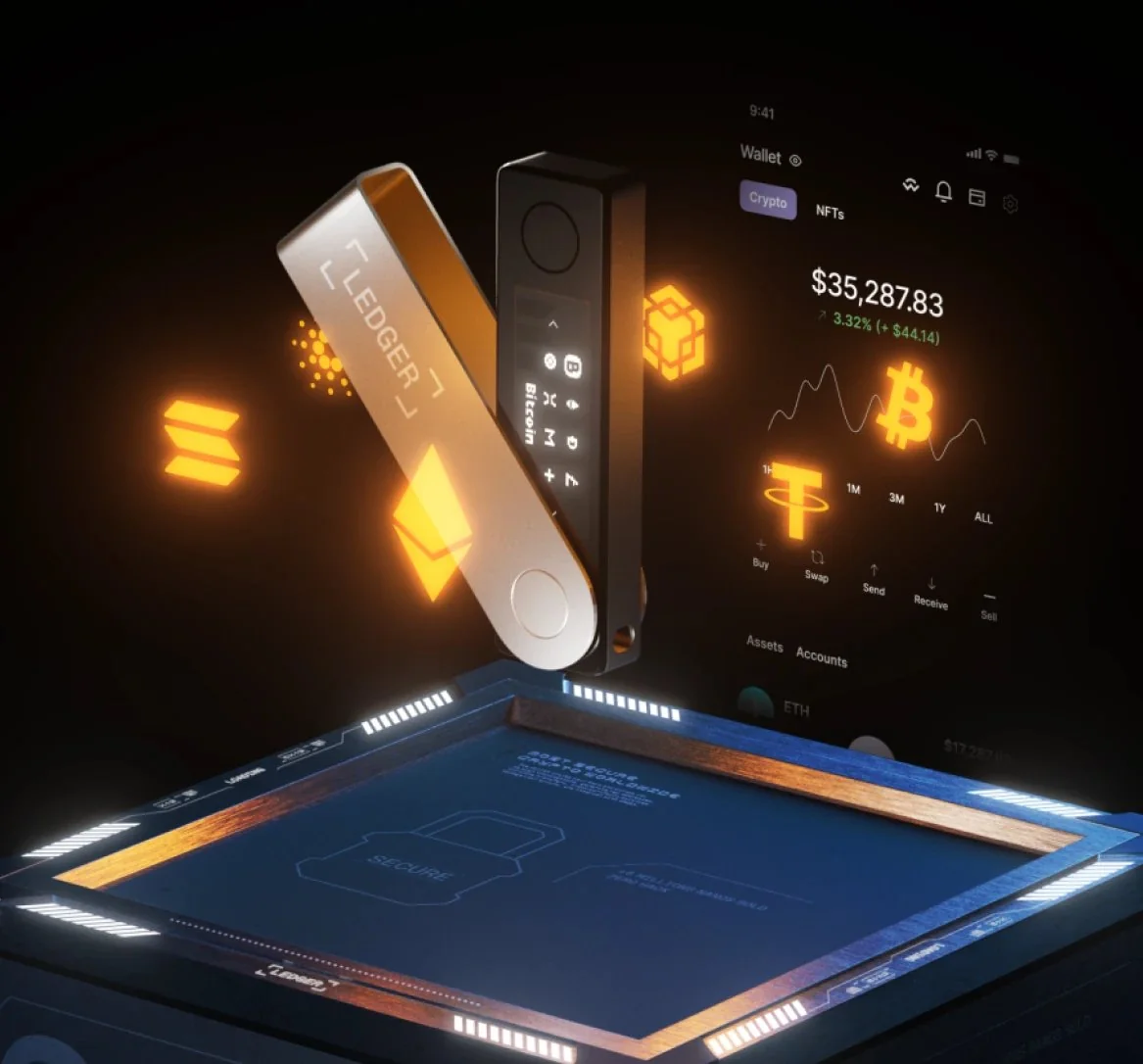
Dedicated security chips hold the private keys in both wallets. If the term is new to you, a secure element is a chip designed to keep its secret even while somebody has the device open on a bench with proper equipment.
Ledger’s approach is one chip, the ST33J2M0, carrying CC EAL5+ certification under Common Criteria. Keystone hands the work to three instead. The ATECC608B guards the recovery phrase, the DS28S60 builds a trusted environment for storing it, and the MAX32520 looks after fingerprint data.
Here’s the awkward part, and it’s worth saying out loud. No Common Criteria grade is published for any of those three Keystone chips, so you can’t hold the two claims up next to each other and declare a winner.
What you can compare is how much surface each device leaves exposed. Ledger’s reply on Bluetooth is reasonable enough: keys stay in the chip, the link is encrypted end to end, and a broken Bluetooth connection still couldn’t drag out a key or force a signature. The radio also switches off from Control Center if it bothers you.
Keystone dodges that whole conversation, since there’s no radio to break into in the first place. It goes further and claims PCI level anti-tamper features, wiping data by itself the moment somebody cracks the case open.
Open Code, or a Closed Chip?
Nothing much stays behind the curtain at Keystone. Out in public you’ll find the firmware, the hardware blueprints, the secure element architecture, the signing logic and the audit reports.
The code itself lives at github.com/KeystoneHQ/keystone3-firmware, written mostly in Rust. SlowMist went over the firmware, Keylabs went over the hardware.
Ledger keeps more to itself. Its number is 95%: that much of the operating system and software is either open or available for review. The reason for the missing slice is spelled out plainly, because the deal with STMicroelectronics “legally prevents us from exposing the low-level code that talks to the hardware blocks of the Secure Element”.
Instead of showing you everything, Ledger points at the Donjon. That’s its in-house crew of attackers, who break the company’s own products, push the fixes out through firmware, and run the bug bounty.
Honestly, we don’t think either philosophy is wrong, and neither one is a promise. Offside Labs turned up a flaw in Keystone’s firmware, which Keystone says it neutralised in the V-1.2.8 update, and it paid a bounty for the tip.
Ledger’s Record With Customer Data
One of these companies has a much longer list of bad days, and none of it involved the hardware. July 2020 is where it starts: an unauthorized third party got into Ledger’s e-commerce database through an API key, exposing around 1 million email addresses along with 9,500 richer customer records. By December 2020 the whole thing was public, with roughly 272,000 customers described in detail.
December 14, 2023 was worse. Somebody phished a former employee’s npm account and pushed poisoned builds of the Ledger Connect Kit, versions 1.1.5, 1.1.6 and 1.1.7. Ledger reckons real draining lasted under two hours, and says its devices and Ledger Live came through untouched.
Then in January 2026 an order-data incident hit Global-e, one of its partners, in much the same shape.
Whichever brand you end up buying, the fallout looks identical: an address that leaks becomes an address on a phishing list. Ledger promises it will never ask you for your 24 words, and Keystone won’t either.
There’s one rule that outlives both devices and every wallet you’ll own after them. Get the address wrong, or pick the wrong network, and that money is gone for good. Nobody can pull it back, which is exactly why the address shown on the wallet’s own screen is the one you trust.
Keystone 3 Pro vs Ledger Nano X: What They’re Like to Live With
Keystone starts you on its get-started page. Switch on, choose a language, then prove the device is genuine: it shows “Verify Your Device”, you press “Scan QR Code”, and an eight-character verification code gets typed into the web page.
According to Keystone, that step “helps detect potential tampering during transportation, prevents supply chain attacks, and ensures that the installed firmware is safe and trustworthy”. Skipping it seems like a bad trade for thirty saved seconds.
Then you’re into “New Wallet”, picking “Create Wallet” or “Import Wallet”, followed by “Set a PIN Code” and “Choose Backup Method” where the options are “Standard Seed Phrase” and “Shamir Backup”. A “Check Your Surroundings” screen lands before any words do, reminding you about onlookers and cameras.
Take that seriously. Those words are your seed phrase, and anyone who sees them owns everything the wallet holds.
Ledger asks for patience with buttons instead. Hold the one next to the USB port until the logo shows, then click both together through “Set up as new device”, “Choose PIN code”, “Write down your recovery phrase” and “Confirm your recovery phrase”, until “Your device is ready” finally appears.
If a wallet ever turns up with a PIN already chosen or a phrase already written on the card, Ledger says don’t use it. Neither should you.
Once you’re past setup, the split follows the hardware. Signing on the Keystone happens through its camera: the software wallet throws up a QR code, the device reads it, and the signature comes back as another QR code. Keystone Nexus, the free app for iOS and Android, does exactly the same dance.
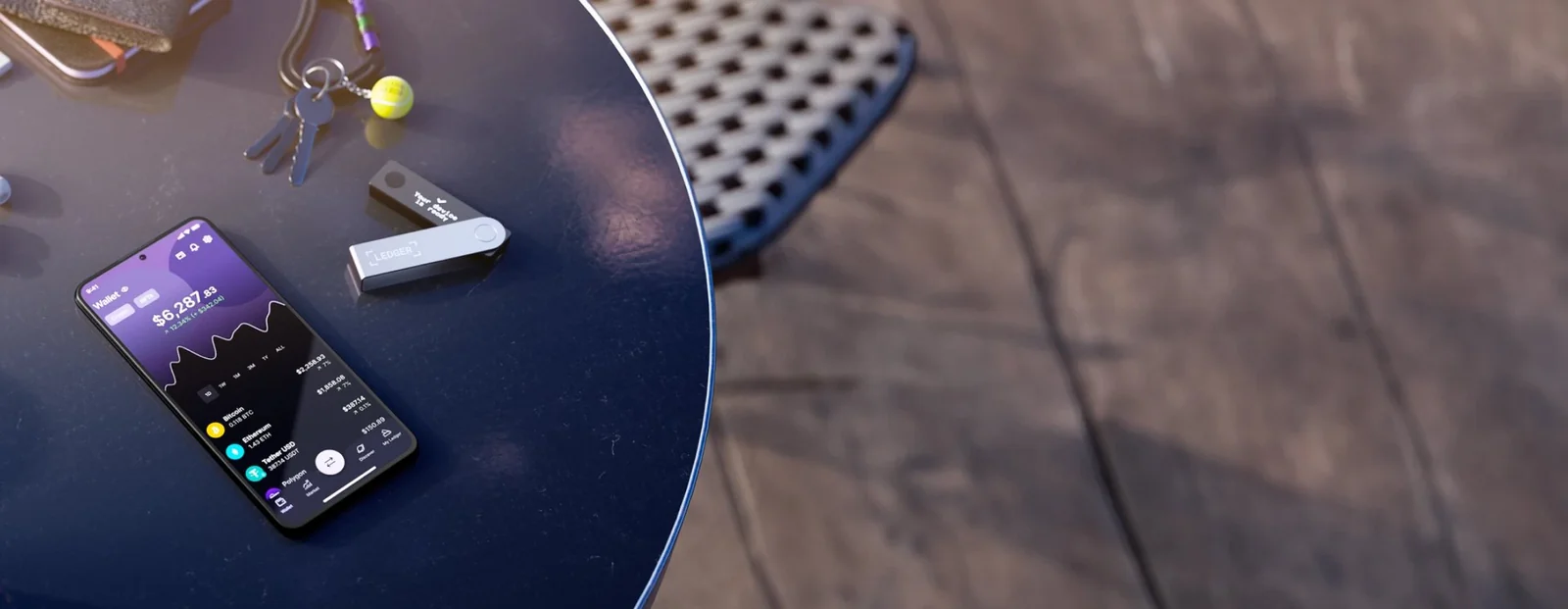
Ledger’s device just pairs and gets on with it. Bluetooth joins it to Ledger Wallet on a phone, USB-C joins it to a computer, and that’s the whole story.
Two limits catch people out, though. Bluetooth only works with phones, so the desktop app always wants a cable, and you can’t hook a Nano X to an iPhone over USB no matter what adapter you own.
Where Keystone wins, and it isn’t close, is the display. Four inches fits a whole transaction, showing Amount, Fee, Network, From and To under a “Confirm Transaction” heading, finished off with a “Swipe to confirm” slider. Reading that same transaction across 1.1 inches and 128 x 64 pixels means clicking through it in pieces, which is precisely when people stop reading.
Coin Coverage: Keystone 3 Pro vs Ledger Nano X
Keystone puts its figures at 5500+ assets and 45+ software wallets. Coin support rides along inside the multi-coin firmware, version 3.0.4 at the moment, so there’s no per-coin app to install and no storage to babysit.
Two other builds sit beside it: a Bitcoin-only version, and a Cypherpunk one covering BTC, ZEC and XMR.
Ledger’s answer changes depending which part of the page you read. The spec sheet offers “500+ crypto supported via the Ledger Wallet app” next to “Thousands of coins, tokens, and NFTs supported via third-party wallets”, while the headline further up shouts about 15,000+ coins and NFTs. Since only 100 coin apps fit at once, a scattered portfolio means adding and deleting apps as you go.
For the long tail, both wallets hand you off to other software. Keystone’s guide lists OKX Wallet, BlueWallet, MetaMask, Rabby, BlockWallet and Safe. Ledger lists Metamask, Phantom, Rabby Wallet and Electrum, then quietly notes that it “does not guarantee such compatibility”.
Living inside MetaMask already? Then our roundup of the best hardware wallets for MetaMask is the next thing to read.
A couple of extras land on Keystone’s side: BIP-129 multisig and ENS names shown on screen. The Nano X, meanwhile, never got Transaction Check, the scam-spotting feature Ledger built for its touchscreen signers, and it can’t work with a Ledger Recovery Key either.
Keystone 3 Pro vs Ledger Nano X: Where the $50 Goes
Today you’ll pay $149 for a Keystone 3 Pro and $99 for a Ledger Nano X. Call it $50, or half as much again.
Shipping is free from Keystone on anything over $30 heading to Europe, the USA or Australia. Open the box and you’ll find the device, a USB-C to USB-C cable, a manual and six seed phrase sheets. There’s no microSD card in there, and the bundle that includes one costs $170.60.
Keystone Care+ stretches from one year to three, which is what turns $149 into $199 or $249 on the store. Ledger’s box is thinner: the Nano X, a USB-C to USB-A cable, three Recovery Sheets, a keychain strap and a leaflet.
Before you buy, know that Ledger sells two extras you may never want. Ledger Recover runs $9.99 a month, breaking an encrypted copy of your phrase between Coincover, Ledger and EscrowTech, and it won’t work without identity verification. The $39 Recovery Key card is worse news here, because it needs NFC, and the Nano X hasn’t got any.
Both companies will happily sell you something cheaper or dearer. Ledger’s ladder climbs from the $59 Nano S Plus through the $179 Nano Gen5 and the $249 Flex up to the $399 Stax.
Owner feedback is lopsided in a way we’d treat carefully. Ledger’s store shows the Nano X at about 4.4 out of 5 across 11,613 reviews, while Keystone’s store publishes no rating whatsoever.
What We Like, and What Bugs Us
Keystone 3 Pro: The Good and the Annoying
Ledger Nano X: The Good and the Annoying
So Which One Should You Buy?
Sitting on a balance that would ruin your year if it vanished? Buy the Keystone 3 Pro. No radios, code that outsiders can audit and a screen you can actually read are precisely what that job asks for.
Trying to spend as little as possible while signing from your phone? Buy the Nano X. Nothing else gets you into Ledger’s ecosystem with Bluetooth for $99.
Approving smart contract transactions regularly? The Keystone again, because decoded contract data across 4 inches beats squinting at 1.1 inches every single time.
One rule holds either way: order from the maker. Both sell directly, and a used hardware wallet is a wallet you can’t trust.
Curious what else never touches a cable? Our guide to the best air-gapped crypto wallets lines up the alternatives.
FAQ: Keystone 3 Pro vs Ledger Nano X
Is the Keystone 3 Pro safer than the Ledger Nano X?
It leaves less exposed. Strip out Bluetooth, WiFi, NFC and USB data, as Keystone has, and there’s simply no radio for anyone to attack, and its code is out in public. Ledger’s counter is a secure element certified CC EAL5+, and Keystone publishes no equivalent grade for its own three chips, so the honest answer is that they’re strong in different ways.
Can I use the Keystone 3 Pro with MetaMask?
Yes. MetaMask sits in Keystone’s own list alongside OKX Wallet, BlueWallet, Rabby, BlockWallet and Safe. Connecting means scanning QR codes, not reaching for a cable.
Will the Ledger Nano X pair with an iPhone?
It will, over Bluetooth, from iOS 14 onward. USB is a dead end between a Nano X and an iPhone, and Bluetooth never reaches the desktop app.
Is the Keystone 3 Pro worth $50 more than the Ledger Nano X?
Depends what you’re guarding. That money buys air-gapping, a 4-inch touchscreen, a fingerprint reader, Shamir Backup and three wallets living on one device. Hold a modest amount and sign from a phone, and the $99 Nano X handles the same core job.
Can I move a Ledger recovery phrase onto a Keystone?
You can. Keystone’s FAQ confirms a Ledger seed phrase imports fine, with Bitcoin paths matching and Ethereum compatible, while warning that other chains may sit on different derivation paths.
Does the Keystone 3 Pro need a microSD card?
No, not for everyday signing, which runs entirely on QR codes. Where a card earns its keep is firmware updates, and Keystone leaves it out of the box.
Which one suits a beginner better?
Probably the Nano X. Ledger Wallet is one app that handles everything, the device costs less, and there’s less to think about. With the Keystone you’re scanning QR codes and choosing a software wallet before a balance shows up anywhere.
The Verdict: Keystone 3 Pro or Ledger Nano X?
If the balance is serious, we’d reach for the Keystone 3 Pro. Cutting out every radio removes a whole category of attack, anyone can read the code it runs, and 4 inches of screen means you’ll actually check what you’re approving instead of guessing. You pay for it, mind: $149, 103 g weighing down a pocket, and a QR scan attached to every single signature.
The Nano X earns its keep on price and sheer convenience. Your $99 buys a CC EAL5+ secure element, Bluetooth, a battery and software that’s been in the wild for years.
Still deciding between Ledger’s own models? Our Ledger Nano S vs Nano X comparison handles that question.
Buying the hardware is only half the job, though. Those recovery words belong offline, written on paper or stamped into metal, somewhere fire and water can’t get to them.
This article is for general information only and is not financial, legal, or investment advice. Prices and features change; check the vendor’s official page before buying.