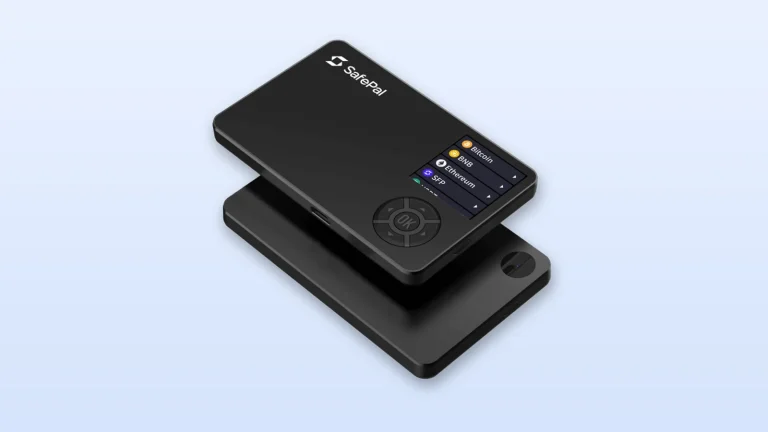
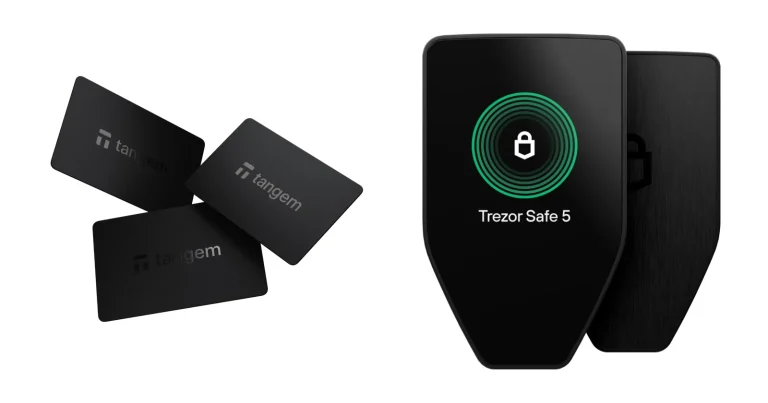
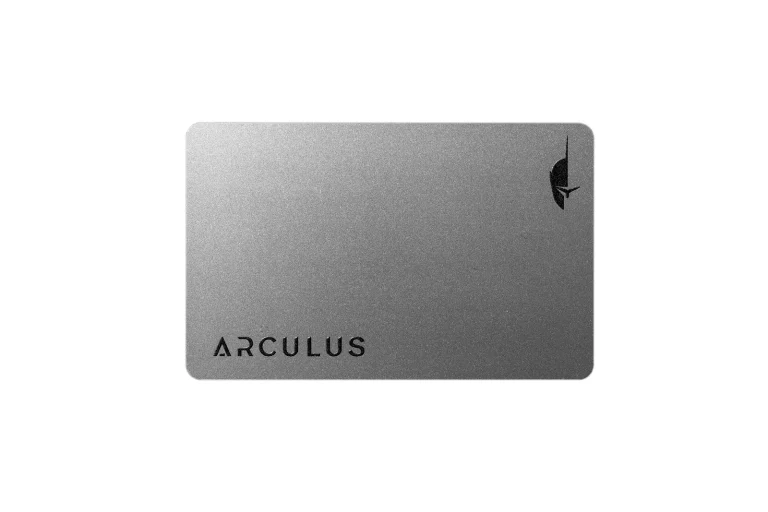
Only two Ledger devices carry a touchscreen that the security chip itself drives, and they are the Flex and the Stax. One of them asks $249 at the time of writing (September 2026). The other asks $399.
Short version, if you’re in a hurry. Buy the Ledger Flex when you want that secure touchscreen and a crisper panel while keeping $150 in your pocket. Buy the Ledger Stax when you want Ledger’s largest display, a spine you can decorate, and a device that charges without a cable.
Neither one protects your keys better than the other. They run identical chips, so what you’re really choosing between is comfort, not safety.
Everything quoted below was pulled from Ledger’s own store listings, academy pages and blog posts during September 2026.
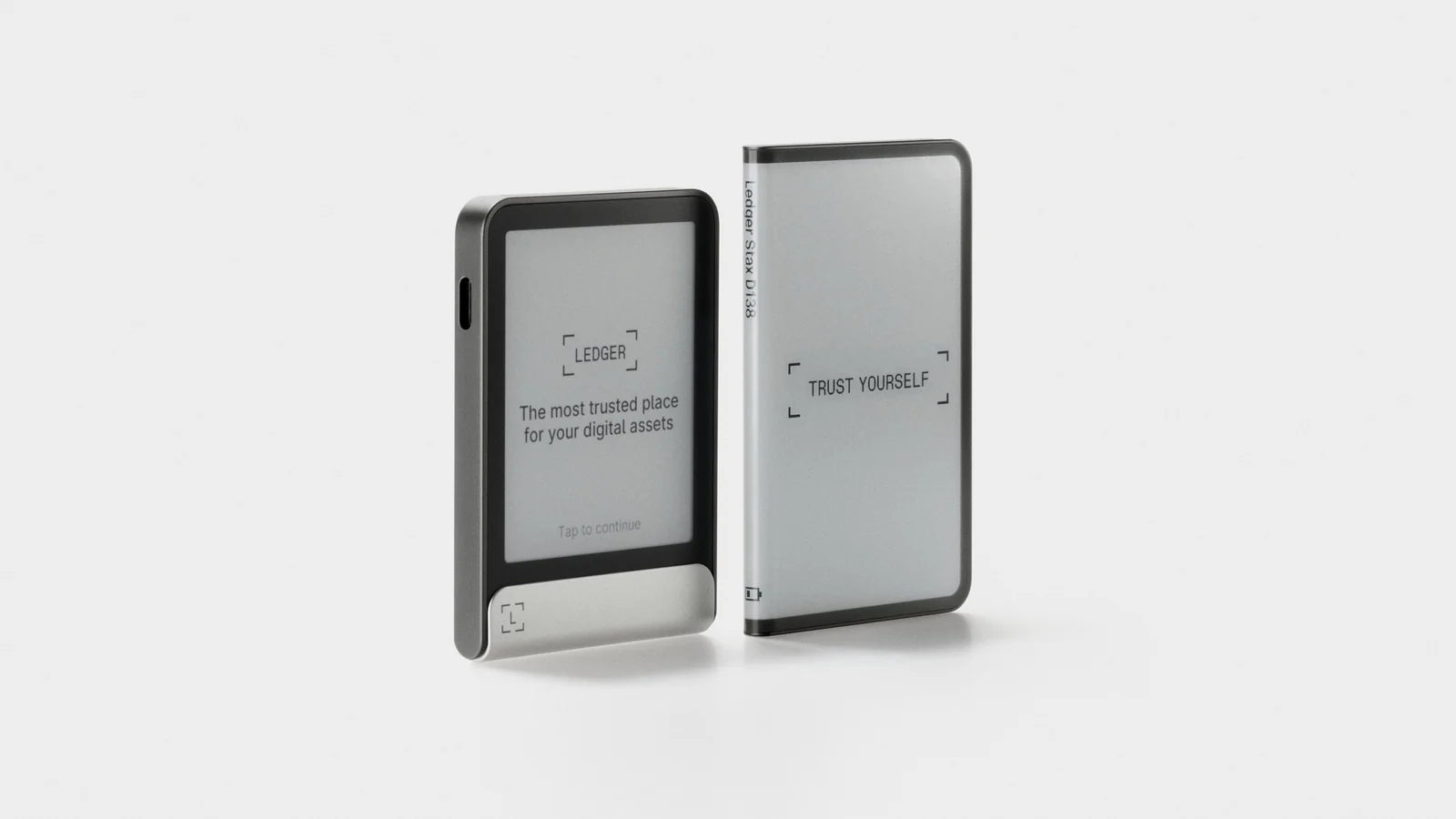
Table of contents
Ledger Flex vs Ledger Stax at a Glance
Chip, operating system and app are shared. The differences all live in the glass and the casing, and that matters more than it sounds, because the screen is where you check an address before you let money leave.
Ledger Flex vs Ledger Stax: Comparison Chart | |
|---|---|
| What it costs | The Flex is $249. The Stax is $399. |
| The display | Flex: a flat 2.8-inch E Ink touchscreen running 480 x 600 px. Stax: a curved 3.7-inch E Ink touchscreen that wraps the spine, running 400 x 670 px. |
| What covers the screen | Flex: Gorilla Glass, treated against glare. Stax: a light, hard-wearing plastic, also treated against glare. |
| The security chip | Flex: an ST33K1M5, rated CC EAL6+. Stax: the very same ST33K1M5, rated CC EAL6+. |
| How it connects | Flex: USB-C, Bluetooth BLE 5.2 and NFC. Stax: USB-C, Bluetooth BLE 5.2 and NFC. |
| How it charges | Flex: cable only, rated at 10 hours of use. Stax: cable or a Qi pad, also rated at 10 hours. |
| How big, how heavy | Flex: 78.4 x 56.5 x 7.7 mm, tipping the scale at 57.5 g. Stax: 85 x 54 x 6 mm and only 44.2 g. |
| Build | Flex: an aluminum frame with a plastic back. Stax: aluminum and plastic, with magnets buried inside so devices stack. |
| Making it yours | Flex: the lock screen, plus a choice of six colors. Stax: the lock screen and the spine, but Graphite is your only color. |
| Coin coverage | Flex: 500+ assets inside the Ledger Wallet app. Stax: the same 500+ assets. |
| What ships with it | Flex: a cable, a single Recovery Sheet and a Ledger Recovery Key. Stax: a cable, three Recovery Sheets, a Magnet Shell and a Ledger Recovery Key. |
| Who it suits | Flex: anyone who wants a secure touchscreen without overpaying. Stax: anyone who wants the roomiest screen and cable-free charging. |
What the Ledger Flex Actually Is
The Ledger Flex sits in the middle of the touchscreen range. It arrived on July 26th, 2024, and the $249 sticker hasn’t moved since.
Behind the Gorilla Glass sits a flat 2.8-inch E Ink touchscreen running at 480 x 600 px. Its shell pairs an aluminum frame with a plastic back, measures 78.4 x 56.5 x 7.7 mm and weighs 57.5 g. E Ink is the same frugal display tech your e-reader uses, which is why Ledger quotes roughly 10 hours of active use instead of the handful of minutes a color screen would give you.
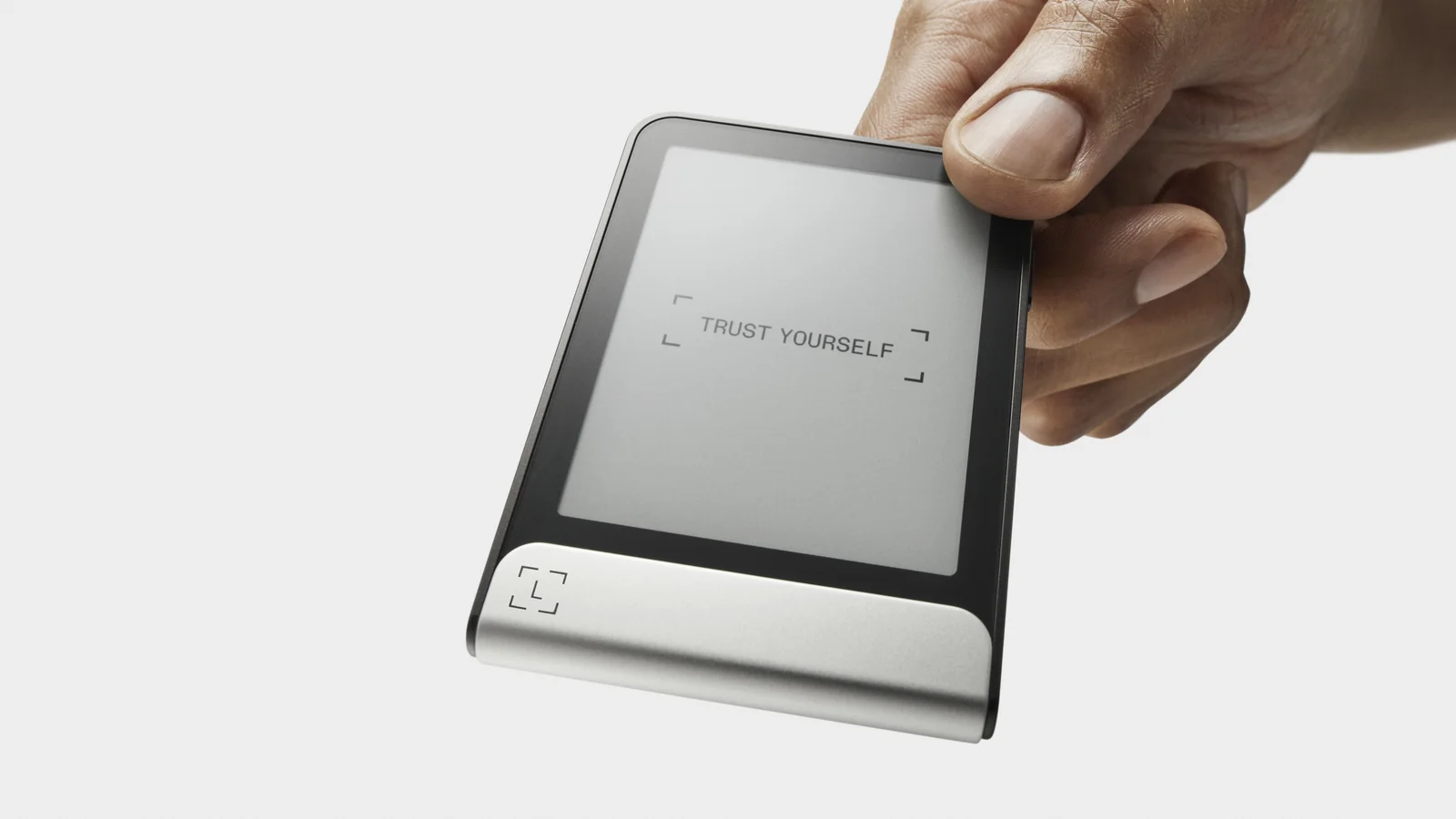
Six finishes are on offer: Graphite, BTC Orange, Ferro Fuchsia, Crimson Magenta, Solana Edition and Oxidate Green. Graphite is all the Stax gets. It’s a trivial thing, we know, and yet it’s one of the rare wins for the cheaper device.
Ledger Flex Key Features
- The 2.8-inch E Ink panel takes its instructions straight from the secure element, so whatever appears on it is genuinely what you’re approving.
- Inside is an ST33K1M5 secure element carrying CC EAL6+ certification, which is the very chip the Stax uses.
- You get Bluetooth BLE 5.2, NFC and USB-C, with Ledger quoting around 10 hours of battery.
- A Ledger Recovery Key comes in the box; it copies your 24-word recovery phrase onto a card locked behind a PIN.
- Magnets grip accessories like the $39 Magnet Folio or the cheaper $29 Protective Case.
And What About the Ledger Stax?
Sitting at the top of the range is the Ledger Stax, priced at $399. It was drawn up by Tony Fadell, a man Ledger happily calls the godfather of the iPod, and the company unveiled it back in 2023 as the world’s first secure touchscreen.
Building the thing proved harder than Ledger expected. Chief executive Pascal Gauthier admitted the display “was much more difficult to bring to mass production than anticipated, and the delivery of Ledger Stax is late as a result.” A Ledger post dated May 28, 2024 confirmed the first units were finally leaving the warehouse, with broader availability following that summer.
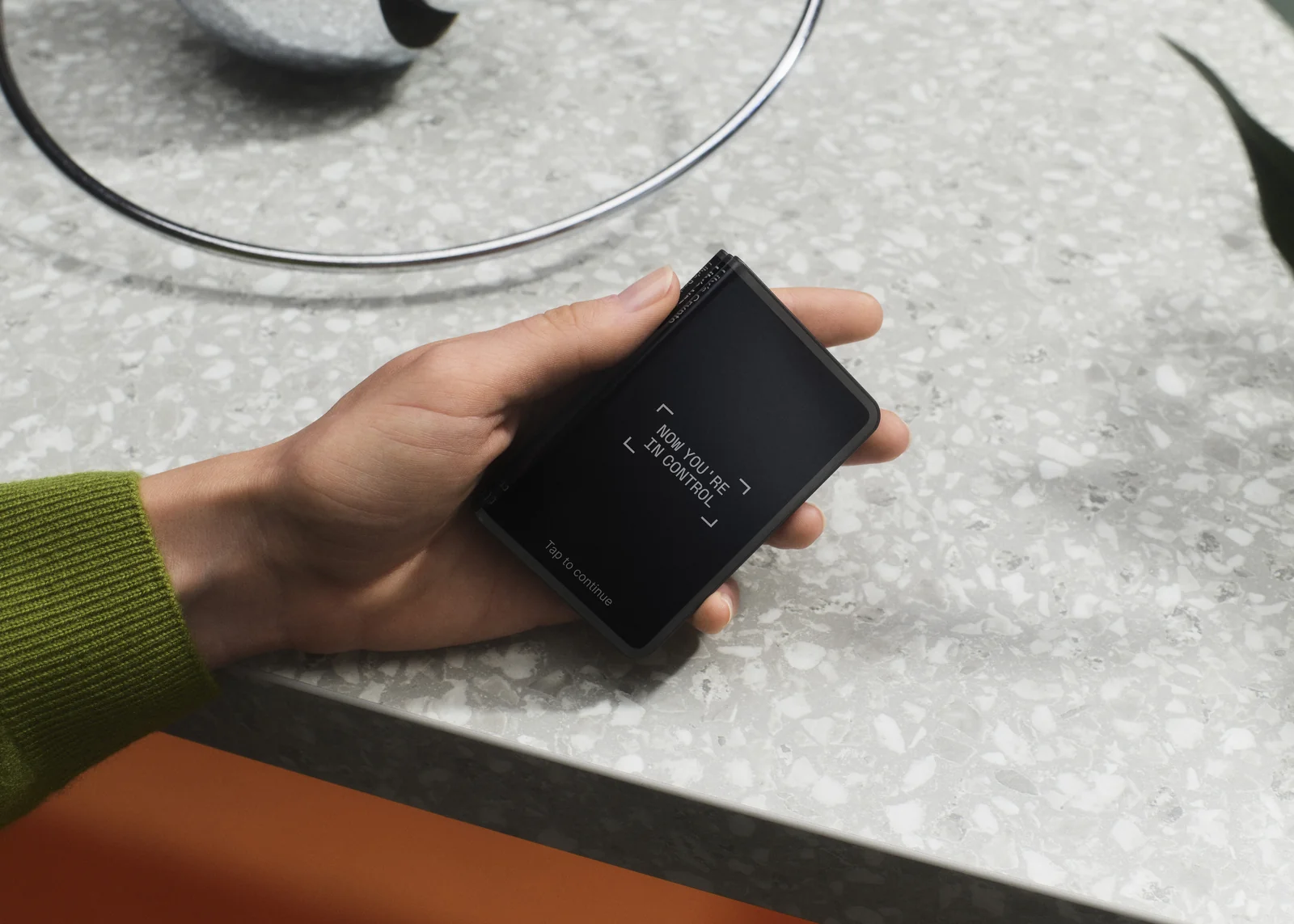
Ledger calls it credit card sized, and the numbers back that up: 85 x 54 x 6 mm, 44.2 g, no thicker than five credit cards stacked together. Around the spine curls a 3.7-inch E Ink panel at 400 x 670 px. Despite being the wider device, it’s noticeably lighter than the Flex, which is the sort of thing you only notice after carrying one around for a week.
Want the long version? Our Ledger Stax review has the full hands-on.
Ledger Stax Key Features
- Its 3.7-inch E Ink screen curves around the spine, so even a device buried in a stack still shows what it’s called.
- Qi wireless charging is here, and it’s the one thing the Flex can’t do.
- Magnets buried in the casing let you clip several devices into a stack.
- Both the lock screen and the spine can be personalized, an NFT included, though everything renders in black and white.
- The box holds a Midnight Black Magnet Shell, three Recovery Sheets and a Ledger Recovery Key.
Security: Ledger Flex vs Ledger Stax, Chip for Chip
Strip away the casing and you’re looking at one product wearing two outfits. Ledger OS runs on an ST33K1M5 secure element rated CC EAL6+ in both. That chip is built to resist tampering, it holds your private keys, and it never passes them to the computer you plug into.
These are also the only two Ledgers whose touchscreen answers to that chip directly. Ledger brands it the Secure Screen and describes it as “controlled directly by the Secure Element of your signer, not your computer or phone.” Should malware on your laptop swap out a destination address, the little screen in your hand still shows the genuine one.
Clear Signing arrives on both, translating a transaction into readable language rather than raw hex code. Transaction Check comes as well, sweeping EVM transactions for known scam patterns and flagging trouble before you tap approve. Get the PIN wrong three times and either device wipes itself back to factory state, which turns a stolen wallet into a lost wallet rather than an emptied one.
Company history is where the real asterisk sits, not the silicon. Someone got into Ledger’s e-commerce and marketing database on June 25, 2020, a researcher flagged it on July 14, 2020, and buyers were told on July 29, 2020. Upwards of a million email addresses walked out along with roughly 9,500 complete customer records, and Ledger’s own statement insists the incident had “no link and no impact whatsoever with our hardware wallets nor Ledger Live security.” Not a satoshi moved, but those leaked addresses fed phishing campaigns for years afterward.
That risk sits in Ledger’s order records rather than in either device, so it doesn’t tip the scales between them. If it’s the company you’re uneasy about rather than the screen size, our Ledger vs Trezor comparison is the piece you actually want.
Living With the Ledger Flex and the Ledger Stax
Getting started plays out exactly the same way on both. Charge it, pick a PIN, copy down the 24-word recovery phrase, then confirm the words on screen. Ledger’s own chart hands the Stax the line “Biggest, clearest screen and optimal ease of use” while the Flex gets “High resolution, large screen and intuitive navigation.”
Day to day, though, the Flex packs its pixels tighter. Squeezing 480 x 600 px into 2.8 inches keeps small type sharp, while the Stax stretches 400 x 670 px over 3.7 inches and goes bigger but a shade softer at the edges. Long addresses read more easily on the Stax; a lengthy contract name is kinder on the eye on the Flex.
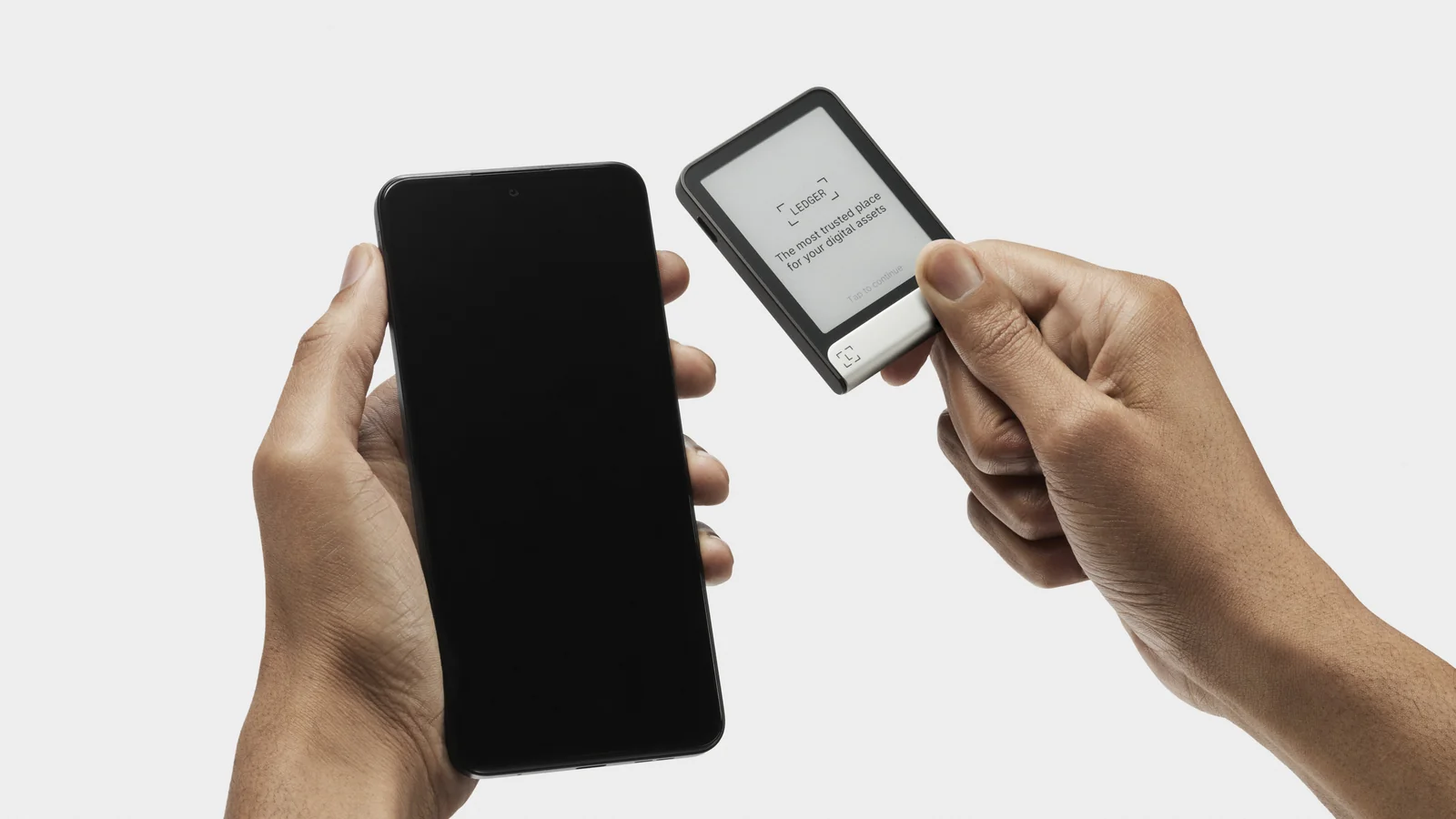
Pairing happens over Bluetooth BLE 5.2 to a phone, or USB-C to a desktop, on either device. Windows 10 and 11 are supported, as are macOS Monterey and Ventura and Ubuntu LTS 20.04 and 22.04, though ARM processors are excluded. Phones need iOS 14 or newer, or Android 10 or newer, and Chromebooks are off the list entirely.
Everyday work happens in the Ledger Wallet app. Ledger switched the name from Ledger Live on 2025-10-23, which is why plenty of tutorials and videos still say the old one.
Coming to Ledger for the first time? Our Ledger setup guide walks the same onboarding path.
Charging is where habits split. Drop the Stax on a Qi pad and it quietly stays full between sessions. Reach for the Flex and you’re reaching for a cable too, which grates if you’re signing every day and means nothing if you open the device twice a month.
Which Coins Work on the Flex and the Stax?
Nothing separates them here. Ledger counts 500+ crypto assets inside the Ledger Wallet app on either device, Bitcoin, Ethereum, Solana, XRP and stablecoins among them. Thousands of further coins, tokens and NFTs are reachable once you bring in a third-party wallet.
Buying, swapping and staking run through 50+ providers spread over 100+ chains in that same app. Ledger has taken to calling these things signers instead of hardware wallets, on the logic that the device signs transactions rather than warehousing coins. Your crypto lives on the chain; the gadget in your drawer simply holds the key that can move it.
NFTs give the Stax one purely cosmetic advantage. Set one as your lock screen and it’ll appear, in black and white, on that E Ink panel. As actual storage the two behave identically, and our roundup of the best NFT hardware wallets spells out why.
Ledger Flex vs Ledger Stax: Where the $150 Goes
You’re weighing $249 against $399 as of September 2026. That leaves a $150 gap, and Ledger’s own comparison article frames the choice in exactly those terms.
Spend it and you’re paying for a larger curved display, Qi charging, magnets that stack, a spine you can customize, a pair of extra Recovery Sheets and a Magnet Shell worth $39 tucked in the box. Stronger cryptography isn’t on that list. Chip, certification and operating system are word-for-word identical.
A Ledger Recovery Key travels with both devices, and on its own it runs $39, or $99 if you buy three. Count that properly when you compare prices, because it’s a PIN-guarded backup card for your 24-word phrase, not a throwaway extra. Shipping is free on both product pages, and Ledger says orders usually go out within 24 hours.
Not sold on touchscreens at all? Ledger’s Nano Gen5 costs $179 with a monochrome E Ink touchscreen at 300 x 400 px, the Nano X is listed at $99, and the Nano S Plus is $59. Our Ledger Nano X review digs into the cheapest Bluetooth option of the lot.
What We Like and What Grates
Neither is a bad buy. They disappoint in different places, though, and those disappointments are what ought to settle it.
Ledger Flex Pros and Cons
Ledger Stax Pros and Cons
So Which One Should You Buy?
Want a secure touchscreen and nothing more? Take the Flex. Same chip, same app, sharper panel, $249.
Read through long transaction details regularly, or like the idea of dropping the device on a charging pad and stacking a few together? Then the Stax makes sense, because at 3.7 inches it’s the roomiest screen Ledger will sell you.
Paying for a touchscreen you’ll barely use is a waste, so skip both in that case. The Nano Gen5 costs $179, runs the same ST33K1M5 secure element and gives you a smaller monochrome E Ink touchscreen at 300 x 400 px. Screen area and the Gorilla Glass front are what you sacrifice, not certification.
FAQ: Ledger Flex vs Ledger Stax
Is the Ledger Stax safer than the Ledger Flex?
No. The ST33K1M5 secure element with CC EAL6+ certification, Ledger OS, and the chip-driven secure touchscreen are shared by both. Your extra $150 pays for screen size, wireless charging and magnets, and not for tougher security.
Can the Ledger Flex charge wirelessly?
No, it needs the USB-C cable. Qi charging belongs to the Stax alone, although Ledger rates both devices at roughly 10 hours of battery.
Whose screen is better, the Flex or the Stax?
Depends what you mean by better. Measured in inches the Stax wins, with 3.7 inches curving around the spine. Judged on sharpness the Flex wins, cramming 480 x 600 px into 2.8 inches behind Gorilla Glass rather than plastic. We’d take the Flex panel for reading and the Stax panel for glancing.
Do both devices handle the same cryptocurrencies?
Yes, no difference at all. Ledger counts 500+ assets inside the Ledger Wallet app for each device, Bitcoin, Ethereum, Solana, XRP and stablecoins included, with thousands more reachable through third-party wallets.
What is actually in the box?
With the Flex you get a USB-C to USB-C cable, one Recovery Sheet, a Ledger Recovery Key and a guide. The Stax throws in two additional Recovery Sheets and a Magnet Shell finished in Midnight Black.
Does the Ledger Stax justify $399?
Only when the screen genuinely matters to you. That $150 premium over the Flex covers a bigger curved display, Qi charging, stacking magnets and a spine you can customize. Because the chip and its certification don’t change, we’d think twice before spending it purely for peace of mind.
Will either device work with my phone?
Yes. Bluetooth BLE 5.2 pairs both with iOS 14 or newer and Android 10 or newer, and USB-C handles the desktop side. Chromebook owners are out of luck.
Our Verdict on the Ledger Flex vs Ledger Stax
For most buyers the Flex is the smarter buy. At $249 it runs the same ST33K1M5 chip and the same Ledger OS as its pricier sibling, and its 480 x 600 px panel behind Gorilla Glass is the sharper of the two by a clear margin.
Comfort is the only ground on which the Stax justifies $399. Its curved 3.7-inch display, the Qi pad, the magnets and that customizable spine are genuine improvements, and they accumulate nicely if signing is part of your daily routine. Sign twice a month and they simply don’t.
Either way, get that recovery phrase onto paper and keep it far away from anything connected. Send to the wrong address or over the wrong network and the money is gone for good, with nobody able to claw it back.
Treat everything above as general information only, not financial, legal, or investment advice. Features and prices shift, so look at the vendor’s official page before you spend anything.
How I review: Reviewed by Andrei B. I buy the hardware wallets I review, test every product myself and score it on security, UI/UX, ease of use, price and supported coins. Before I publish, I also check recent user reviews and any hack reports.
The whole process is explained on the How We Review page. You can read more about me, or contact me with corrections, from the links at the bottom of this page. For general safety advice, see the FTC guide to cryptocurrency scams.