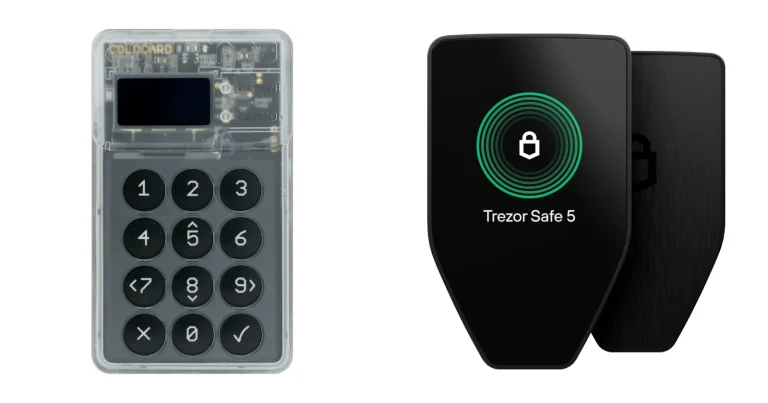
Trezor Suite is the app Trezor builds for its own hardware wallets, and that’s the whole point of it: it exists to drive a Trezor. Your keys live on the device. Suite is simply the place where you send, receive, trade and stake.
Own a Trezor and want one app from the company that made it? Then it’s for you. Skip it if there’s no Trezor in your drawer, if NFTs are your main interest, or if a proper open-source license matters to you.
Below we go through platforms, daily use, the security record, coins, costs, setup and the rival apps. We took every number from Trezor’s pages or its GitHub in September 2026.
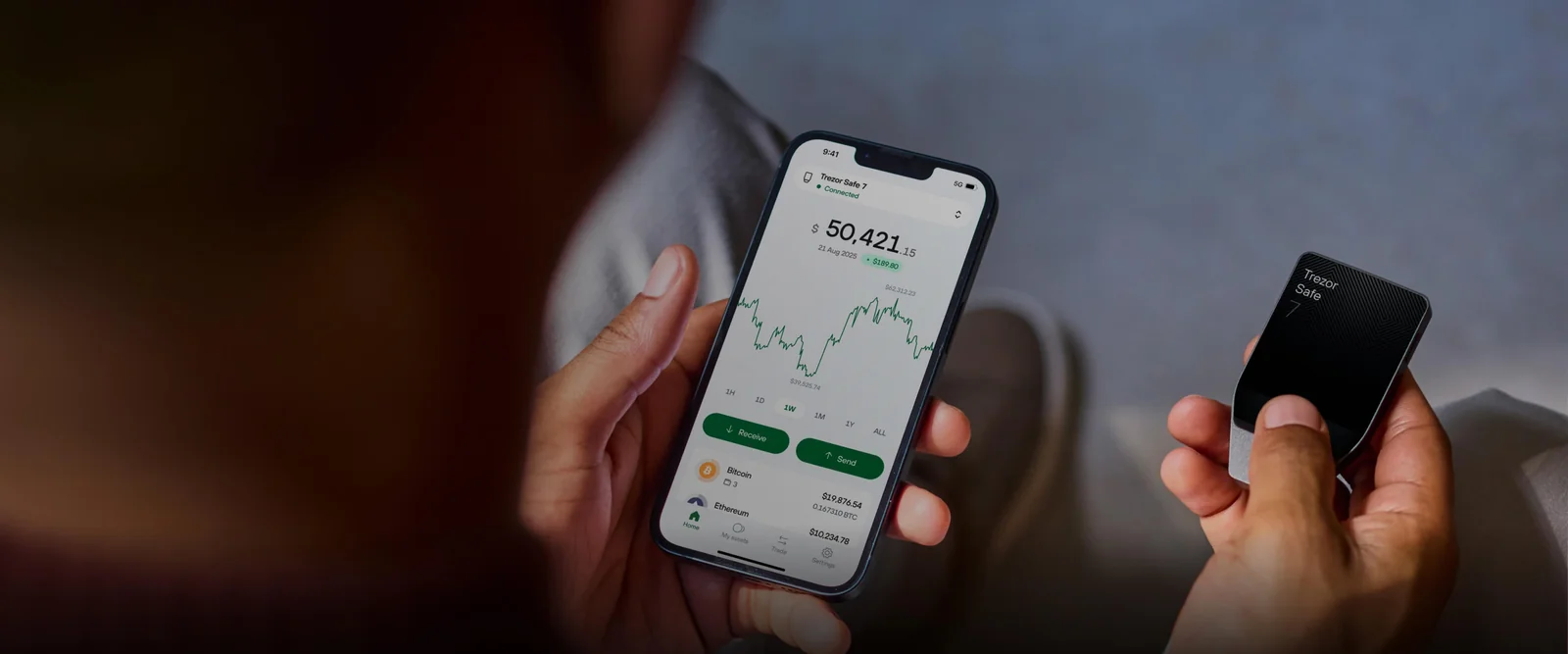
Table of contents
So What Is Trezor Suite, Exactly?
SatoshiLabs, the company behind Trezor, builds Suite as the control panel for its devices. A hardware wallet is a small gadget that keeps private keys offline, and Suite is how you talk to it. Its GitHub repo was opened on September 13, 2018.
You can install it on Windows, macOS or Linux, open it in a browser at suite.trezor.io/web, or grab the Android and iOS apps. When we checked, v26.9.1 was the newest desktop build, out on September 10, 2026.
Competition comes from outside the company. Exodus, Electrum and MetaMask all talk to Trezor devices too, and Suite has absorbed the old standalone Trezor Bridge, which Trezor now wants uninstalled.
Trezor Suite: The Short Version | |
|---|---|
| What it costs | Trezor lists no price for the app itself You’ll need a device: Safe 3 $59, Safe 5 $129, Safe 7 $249 (September 2026) |
| Where it runs | Windows, macOS and Linux desktop app Browser version for Chromium browsers Apps for Android and iOS |
| How it connects | USB works on every version Bluetooth through the desktop and mobile apps, on Trezors that have it |
| Where your keys sit | On the Trezor device, never in the app |
| Is the code open? | Readable on GitHub, but under the Trezor Reference Source License |
| Coins it handles | Bitcoin, Ethereum plus ERC-20 tokens, Solana, Tron, Cardano, Litecoin, XRP, Dogecoin and others |
| Backup choices | 20-word Single-share Backup by default Multi-share Backup An optional passphrase |
| Other apps it plays with | MetaMask, Rabby, Electrum and Exodus, through Trezor Connect or WalletConnect |
| Who it suits | People who own a Trezor and want one official app to send, trade and stake |
The Trezor Suite Features You’ll Use Most
- You put a transaction together in Suite, then approve it on the Trezor itself. The private key never lands on your computer.
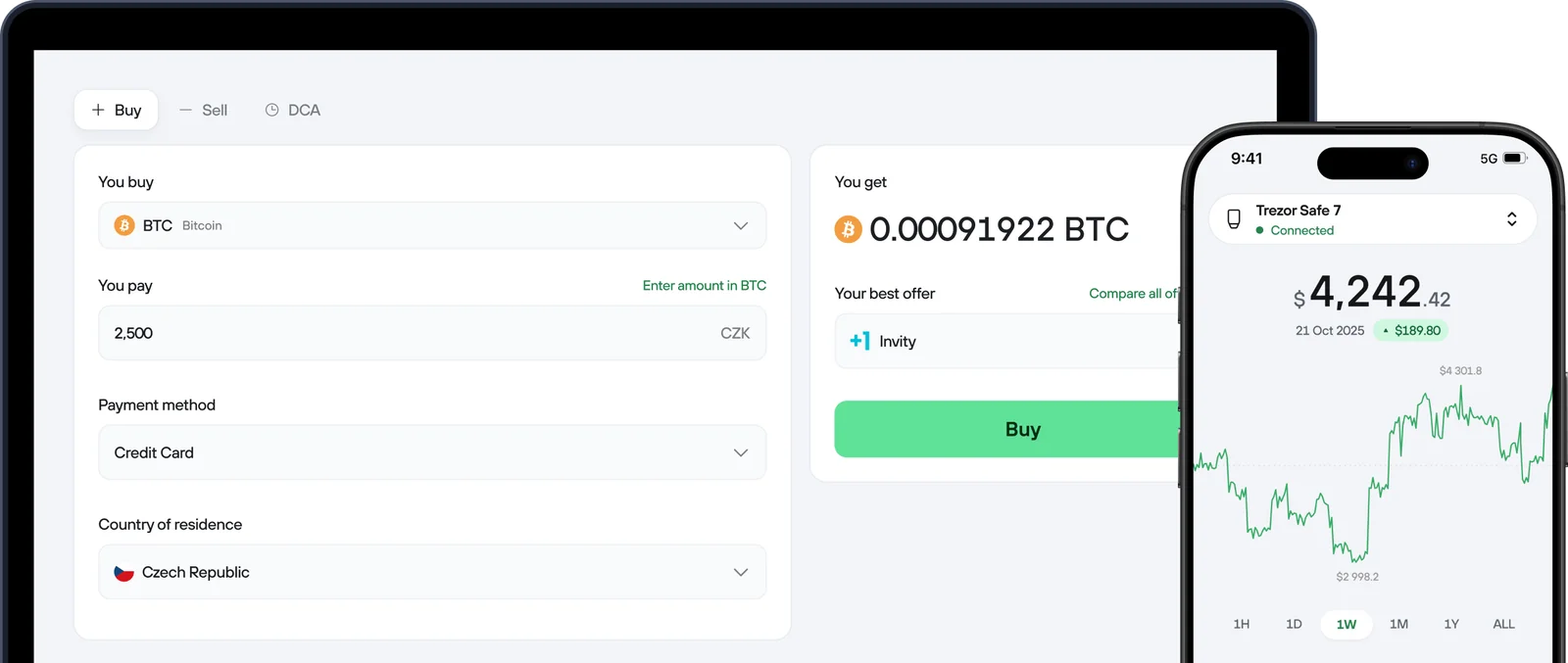
- Buying, selling and swapping happen in the Trade section through outside providers, so your coins don’t have to sit on an exchange first.
- Ethereum, Cardano, Solana and Tron can be staked from inside the app while the coins stay in your own wallet.
- Bitcoin users get coin control for picking which coins to spend, plus a Tor toggle that makes internet activity harder to trace.
- Transactions that look like address poisoning get blurred and tagged unverified. That’s the trick where a scammer plants a lookalike address in your history.
- Discreet mode, passphrase wallets, MEV protection and a filter for scam airdrops ship with the app, so there are no add-ons to track down.
Is Trezor Suite Easy Enough for Beginners?
Trezor puts setup at roughly 15 minutes. You’re led screen by screen through firmware, a genuineness check, the backup and a PIN.
On desktop, settings live in four tabs called Application, Device, Networks and Connected apps. Coins get switched on under Networks, WalletConnect sessions sit in Connected apps, and your PIN and backup check are under Device.
Where it gets fiddly is the platform split. The browser version only runs in Chromium browsers like Chrome, Edge, Brave or Opera, since Firefox and Safari lack WebUSB. It’s USB-only too, and forget about it on an iPhone or iPad.
iPhone owners hit a harder wall. Full iOS support is reserved for the Trezor Safe 7, and with a Safe 5, Safe 3, Model T or Model One you can only track a portfolio, buy and receive on it, which annoys us. Sending needs Android or a computer.
Trading asks for a little attention as well. A fixed-rate swap holds its price for 15 minutes but costs more, a floating-rate one can land a touch away from the quote, and swapping an ERC-20 token on a DEX takes two transactions. Newcomers can manage it if they read every screen before tapping.
How Secure Is Trezor Suite, Really?
Your private keys never sit in Suite. They’re kept on the Trezor, and nothing moves until you approve it there. What’s left to fear is a counterfeit version of the app, or a scammer talking you into typing your recovery words.
According to Trezor, anyone asking for your backup, PIN or codes is running a scam. Get Suite from trezor.io/trezor-suite or the GitHub releases page and nowhere else. If you like to be thorough, GPG will confirm the installer against the “SatoshiLabs 2021 Signing Key”.
The app runs its own checks too. It can confirm your device’s firmware and authenticity, and with a Trezor Safe 7 every command is encrypted by Trezor Host Protocol (THP). Add a passphrase and you get a hidden wallet on top of the backup, but forget it and Trezor can’t get it back for you.
Now the open-source part, which we think deserves a closer look. “Open-source code” is how Trezor’s page sells it, and Suite’s code does sit on GitHub for anyone to read. Its license, though, is the Trezor Reference Source License, granting reference use while ruling out the right to distribute the software.
Most people wouldn’t call that open source. The firmware monorepo is a different story, carrying a GNU GPL version 3 file with some parts under other licenses. Trezor mentions independent security audits as well, yet the Suite page doesn’t say who did them.
Customer data has leaked twice, and keys weren’t involved either time. On January 17, 2024, an intruder got into the outside support ticketing portal Trezor used, where up to 66,000 contacts were stored. That person then wrote to 41 users fishing for recovery seed details.
ShipMonk, Trezor’s shipping partner, was hit next, and Trezor disclosed it on August 13, 2026. The breach reached 80,689 customers and exposed names, phone numbers, emails and addresses, while Trezor says its systems, wallets, private keys and backups were untouched. Both leaks mostly raise the phishing risk, so be wary of any Trezor email that sounds urgent.
Coinjoin didn’t survive. That Bitcoin privacy feature vanished from Suite after its coordinator, zkSNACKs, closed on June 1, 2024. Old coinjoin accounts still open fine; starting a fresh round isn’t possible.
Which Coins Can You Manage in Trezor Suite?
Trezor’s native list for Suite reads Bitcoin, Ethereum with every ERC-20 token, Solana, Tron, Cardano, Litecoin, Ethereum Classic, XRP, Dogecoin and “other assets”. The app’s page talks about “1000s of coins & tokens” without ever giving a hard number.
A few coins your device can handle won’t show up. Monero and Tezos need a third-party wallet, as do networks like Avalanche and Cronos. Base, Optimism and Solana do appear in Suite’s settings, so plenty of popular chains are covered.
NFTs are where Suite falls flat. You can’t view them or do anything with them in the app, and Trezor sends you off to Rabby or MetaMask. Collectors should look at our pick of the best hardware wallets for MetaMask to see how that pairing works.
DeFi fares better, thanks to WalletConnect linking Suite straight to decentralized apps. Just note that DEX swaps are EVM-only, and Solana tokens can’t use them.
What Trezor Suite Actually Costs You
No price for Suite appears on Trezor’s site. You’re paying for hardware. At the time of writing (September 2026), trezor.io charges $59 for the Trezor Safe 3, $129 for the Safe 5 and $249 for the Safe 7.
You can’t buy a Model One or Model T new any more. Trezor promises the Model One maintenance and the Model T software updates until at least 2031, plus critical security fixes until at least 2036, so both still pair with Suite. For more on the older touchscreen device, see our Trezor Model T review.
Sending costs only the network fee, and SatoshiLabs takes none of it. Choose Low, Normal or High, or type in your own. Trading costs move around, set by the providers rather than Trezor, and they shift with congestion, liquidity and how you pay.
Get the hardware from trezor.io only. We’d think twice about any unit from an unknown seller, since it could have been tampered with, and Suite’s authenticity check is a safety net rather than permission to bargain-hunt.
Trezor Suite Pros and Cons
Own a Trezor? Then Suite is where we’d start.
It covers the major coins, lets you stake and trade without an exchange account, and new versions keep coming. Its weak spots are NFTs, older Trezors on an iPhone, and anyone with strict open-source standards.
Setting Up Trezor Suite, Step by Step
We’ve followed Trezor’s own desktop guide for the Safe 5 here. Have the device, a USB-C cable, a pen and the backup cards ready, and set aside around 15 minutes.
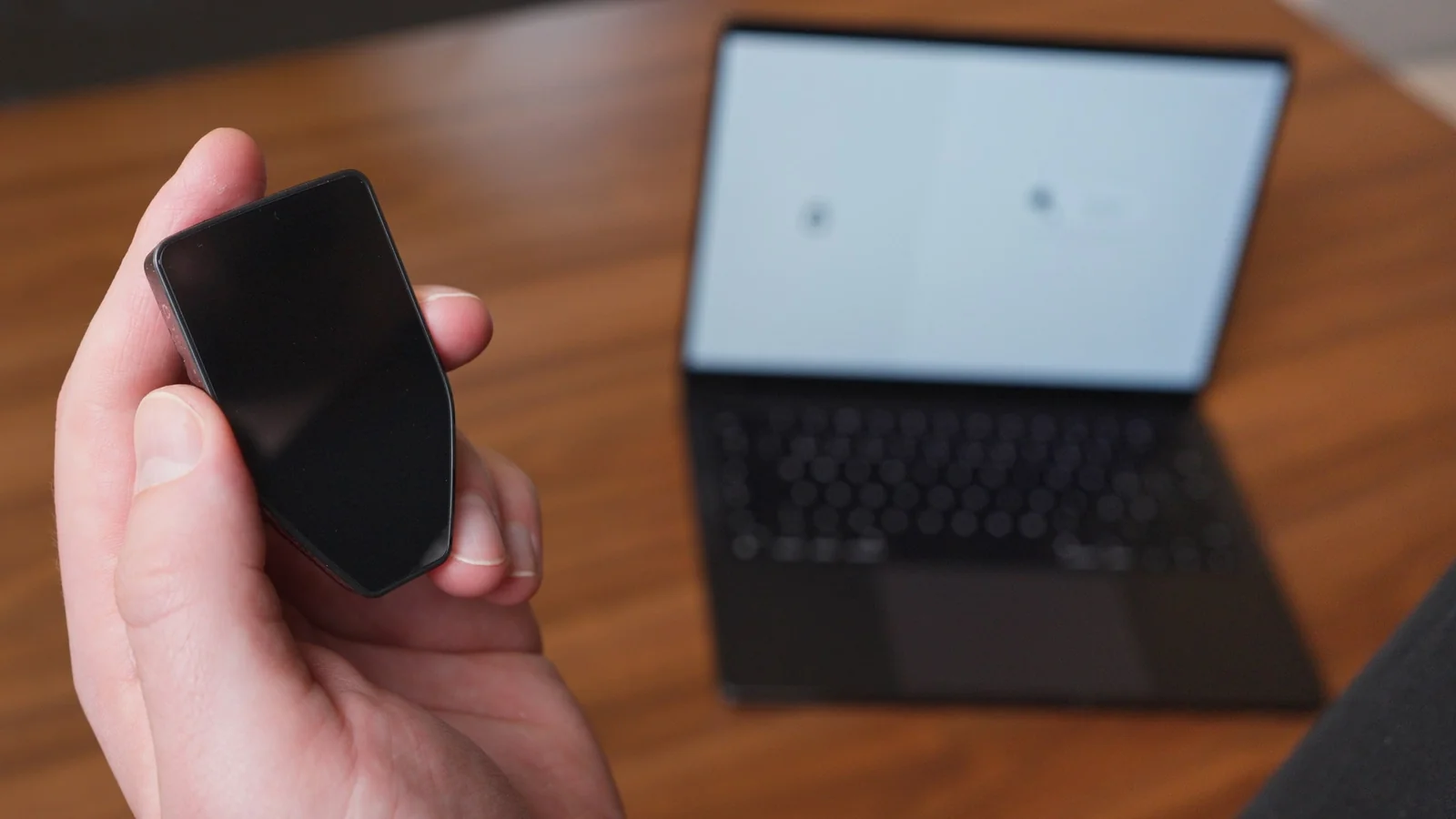
- Head to trezor.io/start, hit “Download for desktop” and install the app. Type that address by hand instead of trusting an ad or a link in an email.
- Connect the Trezor, then click “Set up my Trezor”. Pick “Standard” or “Bitcoin-only” firmware and press “Install firmware”.
- Press “Start” so Suite can run the Secure Element authenticity check. You can work through “Know your Trezor” afterwards, or hit “Skip”.
- Choose “Create a new wallet”. Leave “Single-share Backup” selected (it’s 20 words) and click “Create wallet”.
- Copy the 20 words onto the backup cards, in exactly the order they appear. Don’t photograph them, and don’t type them into any computer, phone or site.
- Hit “Set PIN” and tap in 4 to 50 digits on the Trezor’s touchscreen. Your dashboard opens once that’s done.
- Open the Networks tab before any money arrives and enable just the coins you hold. Check every receive address on the Trezor’s own screen as well as in the app.
Those 20 words are your wallet. Whoever holds them controls the coins, and Trezor will never request them.
Every time you send, confirm the network and the whole address on the device, because if either one is wrong the money’s lost for good and nobody can undo it. New to addresses? Start with our explainer on what a wallet address is.
Trezor Suite Alternatives Worth Knowing
Exodus on Desktop
Exodus desktop will run a Trezor once it’s been set up. Trezor’s list of what works through Exodus is short, though: Bitcoin, Ethereum and ERC-20 tokens, Litecoin, Dash, XRP and XLM. Suite has to be closed while Exodus is using the device.
There’s more detail in our Exodus wallet review.
Electrum for Bitcoin
Electrum sticks to Bitcoin and is released under the MIT license, with multisig and watching-only wallets on offer. Pair it with a Trezor on Windows, macOS or Linux, keeping the device plugged in the whole time. Our Electrum wallet review weighs up what you gain and give up.
MetaMask for EVM Apps
In MetaMask you choose “Hardware Wallet”, then “Connect Trezor”, and that plugs the NFT and dApp holes Suite leaves on EVM networks. Signing still needs the Trezor attached.
Still deciding on the hardware? Our Ledger vs Trezor comparison lays out both sides.
Trezor Suite FAQ
Can you trust Trezor Suite?
Yes, as long as it came from trezor.io or GitHub. Keys stay on the Trezor, and you approve every transaction on the device. The threats worth worrying about are counterfeit versions of Suite and phishing emails that are after your recovery words.
What does Trezor Suite cost?
Trezor doesn’t publish a price for the app. What you buy is the device: $59 for the Safe 3, $129 for the Safe 5 and $249 for the Safe 7 at the time of writing (September 2026). Trading providers set their own fees on top.
What coins work in Trezor Suite?
Bitcoin, Ethereum with ERC-20 tokens, Solana, Tron, Cardano, Litecoin, Ethereum Classic, XRP, Dogecoin and more are native. For Monero or Tezos you’ll need a third-party wallet.
Can Trezor Suite be used with MetaMask?
Yes. Inside MetaMask pick Hardware Wallet, then Connect Trezor. Suite also has WalletConnect built in for decentralized apps.
Does Trezor Suite work on iPhone?
Partly. The Trezor Safe 7 is the only model with full iOS features; the others can track, buy and receive on an iPhone, but sending needs Android or a computer.
I lost my Trezor. Are my coins gone?
Not if you still have the backup. The coins live on the blockchain, so you can restore your 20 words on a replacement Trezor with Recover Wallet in Suite. Lose the backup, or a passphrase you added, and there’s no way back.
Can I manage NFTs in Trezor Suite?
No. For NFTs, Trezor recommends pairing your device with a third-party wallet like Rabby or MetaMask.
Our Final Verdict on Trezor Suite
Got a Trezor? Suite is the app we’d reach for first.
Sending, trading and staking are covered for the big coins, your keys stay on the hardware, and new releases arrive every few weeks. On an iPhone, the Safe 7 is the one to pair it with; otherwise our Trezor Safe 5 review is worth a read.
Go elsewhere if NFTs are a priority, if a standard open-source license is non-negotiable, or if you’re pairing an older Trezor with an iPhone. In short, it’s a well-kept official app with a handful of obvious holes.
This article is for general information only and is not financial, legal, or investment advice. Prices and features change; check the vendor’s official page before buying.