Electrum has been signing Bitcoin transactions since 2011, longer than most exchanges have existed, and it still refuses to do anything else. No altcoins, no built-in exchange, no design awards: just the deepest Bitcoin feature set of any free wallet. This review covers who that ruthless focus serves well, who it will frustrate, and how to run Electrum the safe way.
Electrum Wallet

Discover the Electrum wallet review, a secure, Bitcoin-only wallet trusted since 2011. Fast setup, full key control, & no hidden fees.
Product Brand: Electrum
Product In-Stock: InStock
8.5
Table of contents
What is Electrum Wallet?
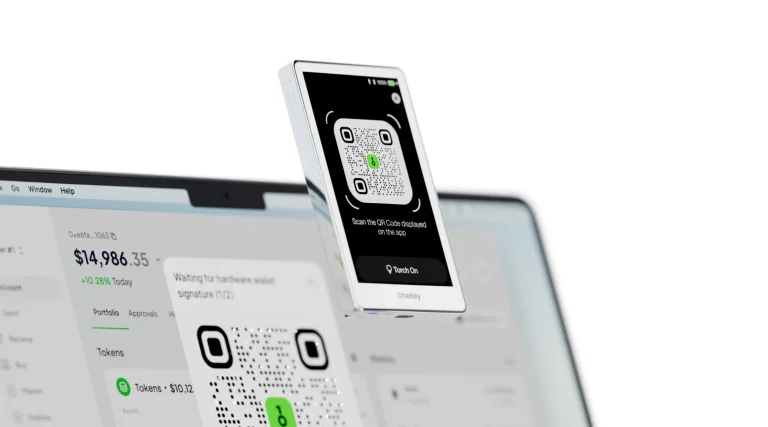
Electrum is a free, open-source, Bitcoin-only wallet for Windows, macOS, Linux, and Android. It runs as a light client: it checks your transactions against Bitcoin block headers instead of downloading the full blockchain, so it opens in seconds. It also packs features casual wallets skip: hardware wallet pairing (Ledger, Trezor, BitBox, Keystone and more), multisignature vaults, watch-only and fully offline cold-storage setups, coin control, replace-by-fee, and Lightning support.
For phone apps built around Lightning first, see the best Lightning Network wallets.
Electrum will not help you with anything but Bitcoin. For everything else, our Coinbase Wallet review covers a multi-chain option.
Fifteen years of public code review make it one of the most battle-tested pieces of software in crypto. Its 1990s-flavored interface makes no apologies about which decade it started in.
Electrum Wallet Key Features
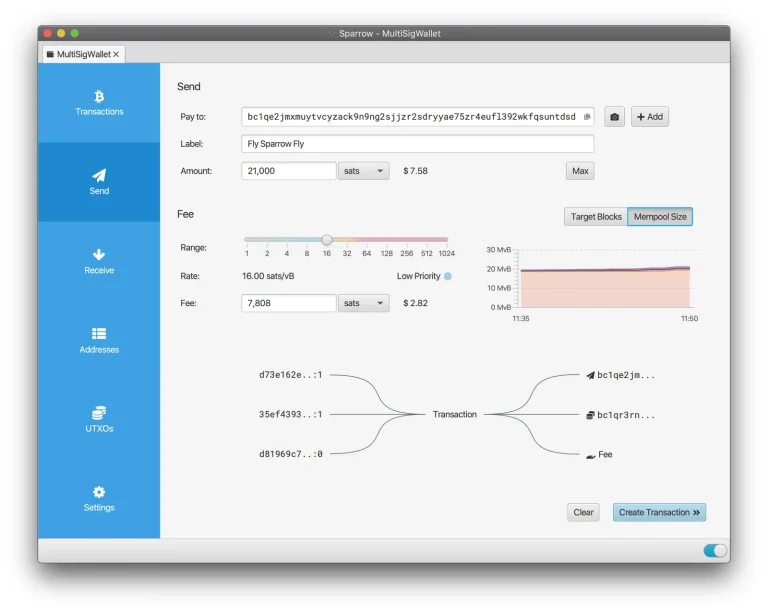
This is the toolkit that keeps professionals on Electrum: multisig (2-of-3 and beyond) without third-party services, coin control for privacy and fee management, RBF fee bumping, hardware wallet integration that turns Electrum into a power console for your Ledger or Trezor, offline signing for air-gapped workflows, and the option to connect to your own server so nobody else sees your addresses.
A separate guide explains how a multisig wallet is set up.
- Safe: Electrum encrypts your private keys, and they never leave your device. A breach at some company’s server cannot touch your coins, because no server ever holds them.
- Forgiving: Lose your laptop or corrupt your wallet file, and your secret recovery phrase restores every coin. Lose the phrase too, and nothing can.
- Instant on: Electrum reads the blockchain through a network of decentralized servers, so the wallet opens and syncs almost at once. No days-long download before you can spend.
- No lock-in: You can export your private keys and use them in any other Bitcoin-compatible wallet. Electrum never holds your coins hostage.
- No downtime: The server network is redundant and decentralized, so there is always a server to connect to. Your wallet is never “offline” because one company had an outage.
- Proof checking: Simplified Payment Verification (SPV) checks every transaction in your history against the blockchain, so you never act on data a server made up.
- Cold storage: A watching-only wallet setup keeps your private keys offline while you monitor balances online. This is the setup for savings you rarely touch.
- Multisig: Split spending authority across several keys, so one stolen device or leaked seed cannot empty the wallet.
- Add-ons: Third-party plugins add support for hardware wallets such as Trezor and Ledger, multisig services, and other advanced features.
Ease of Use: Is Electrum Wallet Beginner-Friendly?
Beginner-friendly it is not. Electrum assumes you know what a change address is and shows you everything, which experts call transparency and newcomers call noise. A first-time Bitcoin buyer will be happier in Exodus or a hardware vendor’s app. Electrum is what you graduate to when the training wheels start feeling like restraints.
Security: How Secure Is Electrum Wallet?
The security model is strong, with one sharp edge. The strengths: open-source code with fifteen years of scrutiny, locally encrypted keys, seed phrases, and first-class hardware and multisig support that can remove the host computer from the trust equation entirely.
The sharp edge comes from history. Because Electrum talks to public servers, attackers once abused that channel to show fake “update” messages that led to malicious downloads. The defect was fixed years ago, but the pattern survives as phishing, and people still lose coins to it. The rules that keep you safe: download only from electrum.org, verify the signature if you can, ignore every update prompt inside the app that points anywhere else, and put real balances behind a paired hardware wallet.
- Cold storage via watching-only wallets, so keys never touch an online machine;
- Multisignature (multisig) wallets that spread transaction approval across several devices;
- Tor support, which hides your IP address from the servers you connect to;
- Server authentication, which checks SSL certificates to block man-in-the-middle attacks.
Supported Assets: What Crypto Can You Store on an Electrum Wallet?
Bitcoin. That is the list, by design rather than limitation. A narrow codebase is easier to audit and leaves fewer places for bugs to hide. If you need altcoins, you need a different wallet, or you run Electrum alongside one.
Pricing: Is Electrum Wallet Free?
Completely free and open-source. No premium tier, no token, no upsell. Development is community- and donation-driven, which is exactly why the interface budget went to features instead of gradients.
Electrum Transaction Fees: What to Expect
You pay only Bitcoin network fees, and Electrum gives you full manual control: set sats/vByte yourself, use the fee slider, or bump a stuck transaction with RBF. When the network is congested, this control is worth real money. It is one of the clearest advantages over simplified wallets that quietly overpay on your behalf.
Pros and Cons of Electrum Wallet
The trade-off in one view. Note that Electrum’s flaws are as openly documented as its features:
Pros of Electrum
- Open-source and in continuous use since 2011;
- Lightweight and fast to set up (no full blockchain download);
- Advanced security: cold storage, multisig, 2FA support via plugins;
- Hierarchical deterministic (HD) wallet structure;
- Full control over private keys and transaction fees;
- Compatible with hardware wallets (Trezor, Ledger);
- Supports offline transactions (watch-only wallets);
- Free to use, no hidden fees.
Cons of Electrum
- Not beginner-friendly; the interface is technical;
- Bitcoin-only, no support for altcoins or tokens;
- No built-in crypto buying or exchange features;
- Requires caution to avoid phishing or fake versions;
- No live customer support.
How to Set Up an Electrum Wallet
Here is the safe setup path, step by step. The first step is the one that matters most:
Step 1. Download Electrum
Only from electrum.org, typed into the address bar, not clicked from an ad or a forum link. Advanced users should verify the release signature. Everyone else should at least check the domain letter by letter. This single habit shuts down Electrum’s most-exploited attack path.
Step 2. Install Electrum
- On desktop: Run the installer or use the standalone/portable version.
- On Linux: Use your package manager or install via Python (pip install Electrum-
.tar.gz). - On Android: Install via Google Play or sideload the APK.
Install it like any other application. On first run, choose your server settings. The defaults are fine to start; connecting to your own server is the privacy upgrade for later.
Step 3. Create Your Wallet
Choose a standard wallet (or multisig/hardware if that is your plan), let Electrum generate its seed on-screen in private, and write it down offline. Note that Electrum uses its own seed format by default, so restore it in Electrum. Keep the words on steel like any other seed. That phrase is the wallet; lose it and no support desk can bring your coins back.
Writing it down is the easy part. Our guide to what a seed phrase is and how to store it covers where it lives afterwards.
Step 4. Receive Bitcoin
The Receive tab issues a fresh address each time. Use each one once for privacy. If you have paired a hardware wallet, verify the address on the device screen before sharing it.
Step 5. Send Bitcoin
Enter the address and amount, set your fee deliberately, and review everything before signing, on the hardware device’s screen if paired. Bitcoin transactions cannot be reversed. If you underpaid the fee, RBF lets you bump it afterward.
Electrum Wallet Alternatives to Try
If Electrum’s trade-offs are not yours, these two picks share its values with gentler edges:
Trezor Safe 5
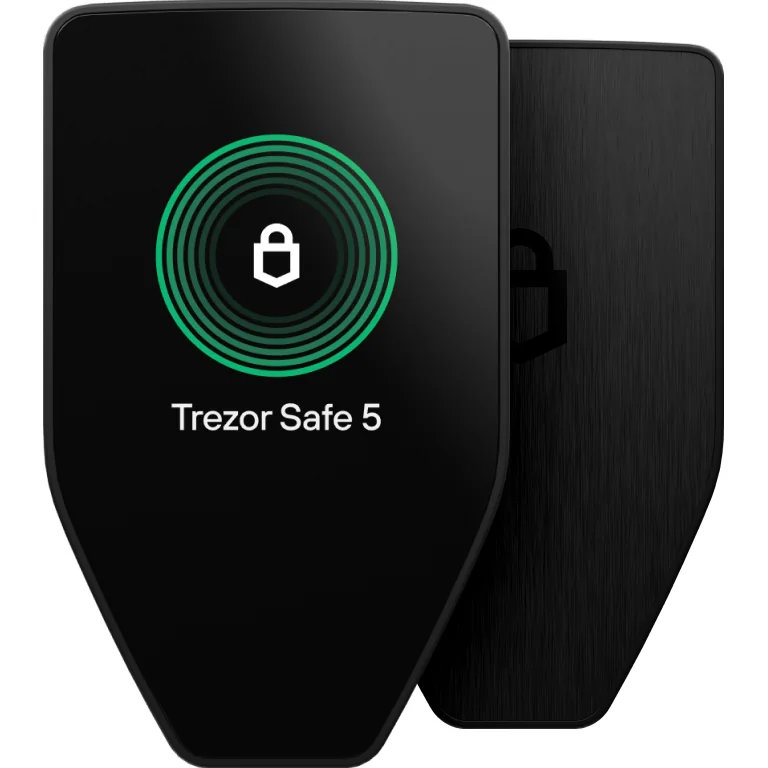
The Trezor Safe 5 is a high-end hardware wallet. It combines serious security, including an EAL 6+ Secure Element and on-device PIN and passphrase entry, with a color touchscreen and haptic feedback that make it easy to use.
The Safe 5 pairs natively with Electrum, or replaces the need for it through Trezor Suite if you want something simpler. Open-source values, hardware security, gentler learning curve.
BitBox02
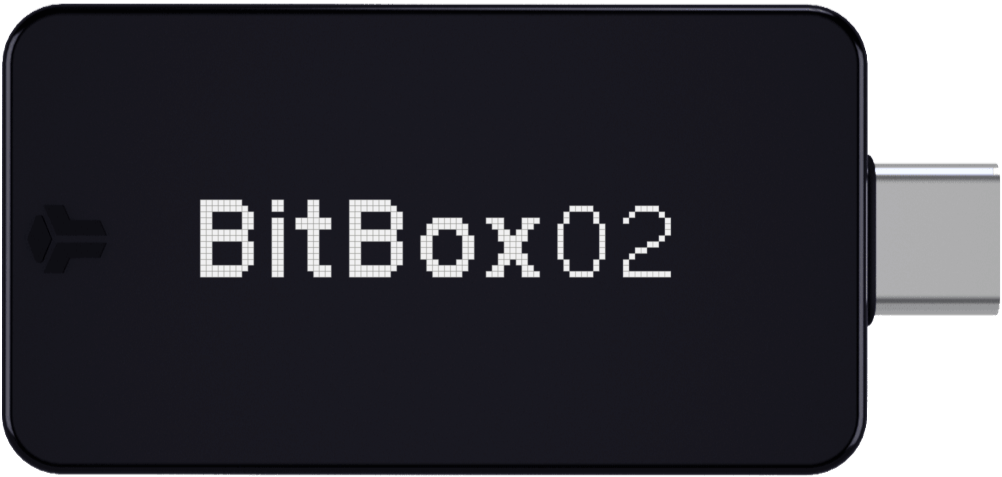
The BitBox02 (especially the Bitcoin-only edition) is Electrum’s minimalist philosophy in hardware form. The two also work together for advanced setups.
Our BitBox02 review goes through both editions and which one to pick.
FAQ
Is Electrum safe?
Yes, if you use it correctly. Electrum itself has never been hacked. But past phishing attacks abused the update mechanism, tricking users into downloading malicious versions that stole funds. Those attacks in 2018 and 2019 affected wallets running versions older than 3.3.4. To stay safe, download Electrum only from electrum.org, verify the GPG signatures, and ignore any update prompts inside the wallet interface. Keep your secret phrase offline and your wallet file backed up. For maximum security, set up a cold wallet.
Can you buy Bitcoin on Electrum?
No. Electrum is strictly a Bitcoin wallet, so you cannot buy or sell crypto inside the app. To fund it, buy BTC on an exchange and send it to your Electrum wallet address.
Which countries support Electrum?
All of them. Electrum is a Bitcoin client, not a service with a sign-up. You can install and run it on any device with a supported operating system.
What does “Electrum server did not answer” mean?
This error means your wallet cannot connect to an Electrum server. If you are using Tor, it may be slowing or blocking the connection. Try switching Tor off, then click the red or green dot in the bottom-right corner to pick a different server by hand.
How do I get a Bitcoin address in Electrum?
Open your wallet, click the “Receive” tab, and then click “Request.” Electrum gives you a new address along with a QR code. Share either one to receive Bitcoin.
Can I use the Electrum wallet for Bitcoin Cash?
No. Electrum is built only for Bitcoin (BTC) and does not support Bitcoin Cash (BCH). If you held Bitcoin before the BCH fork and want to access your BCH, export your private keys or seed phrase from Electrum and import them into a wallet that supports Bitcoin Cash.
What is the difference between Bitcoin Core vs. Electrum?
Bitcoin Core is a full-node client. It downloads the entire blockchain and validates everything itself, which gives you full control. Electrum is lightweight: it connects to Electrum servers and never syncs the full blockchain. Electrum is easier to use and faster to set up, but you must stay alert for fake downloads. Bitcoin Core is safer to install but heavier to run. Know your security comfort level before choosing.
Does Electrum support the Bitcoin Lightning Network?
Yes. Electrum has supported the Lightning Network since version 4.0. You can send and receive Lightning payments and open and manage channels inside the wallet. For small, frequent payments, that means faster and cheaper transactions than the main Bitcoin network.
Final Thoughts and Verdict on Electrum Wallet
Electrum earns its 8.5/10 as the standard against which Bitcoin power tools are measured: unglamorous, uncompromising, and still unmatched at what it does. Beginners should start elsewhere and come back later. Bitcoin-serious users, especially anyone running multisig or hardware setups, will find that nothing else free comes close. Download it from the right domain, pair it with hardware for real balances, and it will quietly outlast another decade of prettier wallets.
How I review: Reviewed by Andrei B. I buy the hardware wallets I review, test every product myself and score it on security, UI/UX, ease of use, price and supported coins. Before I publish, I also check recent user reviews and any hack reports.
The whole process is explained on the How We Review page. You can read more about me, or contact me with corrections, from the links at the bottom of this page. For general safety advice, see the FTC guide to cryptocurrency scams.