Ask around on Solana and the shortlist comes back the same: Phantom or Solflare. Neither costs a penny, neither holds your keys for you, and both ship an extension plus a phone app. The gap only shows once you look at what each one will actually store.
Go with Phantom when your coins are scattered and you’d rather not juggle apps, because it’s the one that holds Ethereum, Base, Polygon, Bitcoin and Sui alongside your SOL. Solflare earns its place when Solana is the whole story for you, when you stake, and when you’d like Keystone or a tap-to-sign card in the mix.
We’ve gone through what each wallet holds, how the two handle a dodgy transaction, what a swap and a stake really cost, and who we’d point at which one. Every number below came off Phantom’s or Solflare’s own pages in September 2026.
Phantom is a multi-chain wallet that started on Solana, and Solflare is a wallet built for Solana alone.

Table of contents
Phantom vs Solflare at a Glance
Here’s the whole argument in one table.
Phantom vs Solflare: Comparison Chart | |
|---|---|
| What you pay to install | Phantom asks nothing. Solflare asks nothing either. |
| Chains it will hold | Phantom takes Solana, Ethereum, Base, Polygon, Robinhood Chain, Bitcoin, HyperEVM and Sui. Solflare stops at Solana. |
| Where it runs | Phantom is fully behind Chrome, iOS and Android; Brave, Opera and Edge run it unofficially. Solflare covers Chrome, Firefox, Brave, Edge, Opera and Arc, and there’s a web app too. |
| Its cut on a swap | Phantom takes 0.85% on select pairs. Solflare names no platform fee anywhere on its swap pages. |
| Who finds the price | Phantom leans on Jupiter for Solana, 0x for Ethereum and Polygon, and Li.Fi between chains. Solflare hands the job to the Jupiter Aggregator. |
| Moving between chains | Phantom bridges from inside the wallet, charging 0.85% on top of bridge fees it puts at 0.1 to 0.5%. Solflare only brings assets in, never out. |
| Earning on your SOL | Phantom does native staking and a liquid version called PSOL, which skims 4% of rewards. Solflare does native staking and takes no cut of its own. |
| Cold storage it talks to | Phantom pairs with Ledger and nothing else. Solflare pairs with Ledger and Keystone, and sells its own Shield card. |
| Catching a bad transaction | Phantom runs scam detection built on Blowfish and keeps its blocklist in public. Solflare shows you a preview, with no comparable public blocklist we could find. |
| Everything bolted on | Phantom adds a Cash account, a card, perps, prediction markets and Terminal. Solflare adds a card, perps on Phoenix Trade, an AI assistant called Magic and bulk NFT tools. |
| How big it claims to be | Phantom says 20+ million users. Solflare says 4M+ active users. |
| Who we’d send to it | Phantom suits anyone holding coins on several chains at once. Solflare suits a Solana regular who stakes and wants Keystone or Shield. |
So What Is Phantom Now?
Phantom began life on Solana and now stretches across eight networks, with your private keys staying on your device. Those keys are the secret numbers that move coins, and holding them yourself has an obvious sting in the tail: nobody can spend your money, and nobody can hand it back either.
The app gets a fuller treatment in the Phantom wallet review.
The wording on its own site: “Self-custodial means you control your funds. We never have access.”
More than 20 million people use it, according to the figure on Phantom’s home page.
Calling it a wallet is starting to feel out of date. The home page bills Phantom as “The money app that’ll take you places”, and what you get now includes prediction markets, perpetual futures, a desktop trading screen named Terminal, and a Cash account with a card attached.
You’ll find it as a browser extension and as an iOS or Android app. Wondering whether a wallet beats leaving coins on an exchange in the first place? That question gets its own piece in our guide to crypto wallet vs exchange.
What Phantom Does Well
- Eight networks live in a single account, and you turn any of them off under Settings and then Active Networks.
- The scam warnings come from Blowfish, a transaction-security outfit Phantom incubated first and then bought.
- Anyone can read the phishing blocklist on GitHub, since that repository is what the extension actually checks a URL against.
- Cross-chain swaps happen without leaving the wallet, with Li.Fi picking the route, 0x pricing Ethereum and Polygon, and Jupiter pricing Solana.
- Two flavours of staking are on offer: delegate SOL straight to a validator, or take PSOL back and keep something you can trade.
- Stablecoins can sit in a Cash account behind a virtual card that spends wherever Apple Pay, Google Pay or VISA works.
And What Is Solflare?
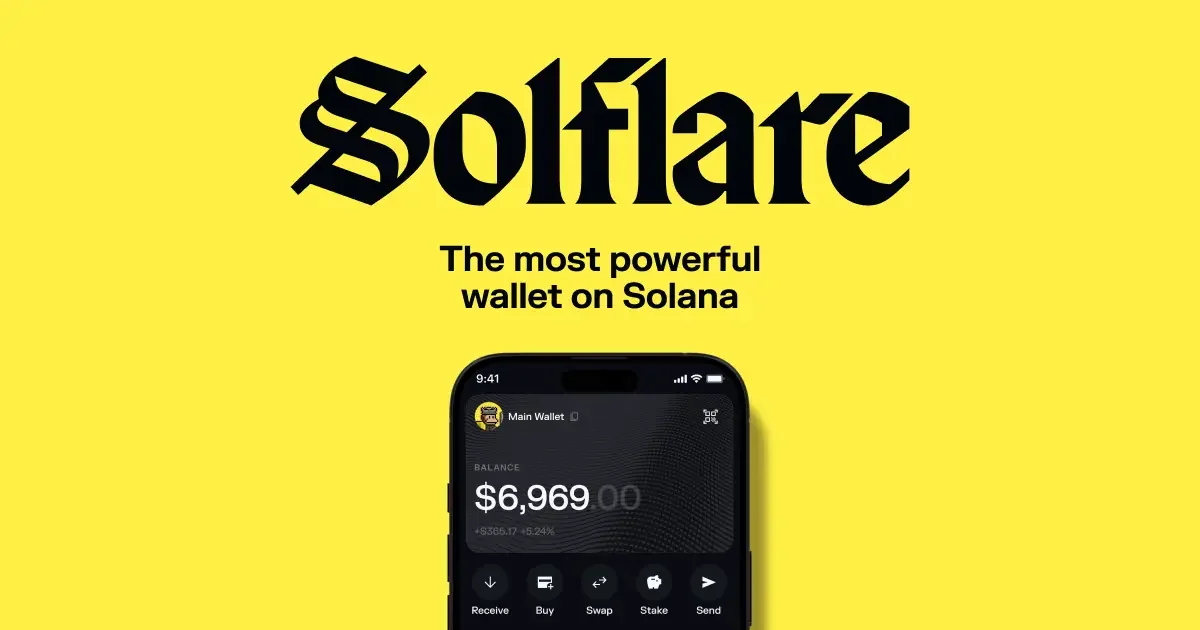
Solflare has never pretended to be anything but a Solana wallet, and it keeps your keys on your device the same way Phantom does. Its documentation calls it a non-custodial wallet giving universal access to the Solana blockchain and the apps built on it. Marketing puts that more briefly: “your all-access pass to Solana”.
The standalone Solflare wallet review looks at the app in more depth on its own.
The wallet dates back to 2021 by Solflare’s own account, which also claims over 4 million active users, a 4.84 App Store score across 51k ratings, and $15,454,795,145 sitting in wallets it manages. It comes as an extension, a web app, an iOS app and an Android app.
Sticking to one chain is a choice Solflare makes openly, and its own comparison pages say as much. Curious about how Solana stacks up against the networks people usually weigh it against? Our Polygon vs Solana piece digs into fees and speed.
What Solflare Does Well
- Native SOL staking gets a validator dropdown, a floor of 1 SOL, and a one-time 0.002 SOL account fee that comes back when you close the stake account.
- Jupiter Aggregator handles the swaps, and slippage defaults to 0.5%, meaning the gap Solflare will tolerate between the quote and the fill.
- Both Ledger and Keystone plug in, and there’s Shield, an NFC card Solflare builds itself.
- Clearing out junk NFTs is quick thanks to bulk send and bulk burn, and mobile refreshes them at 60 frames per second.
- Perpetual futures on SOL, BTC and ETH run over Phoenix Trade’s orderbook while your USDC stays put in the wallet.
- Magic, the in-app AI assistant, will line up conditional swaps for you, though it’s alpha software and can’t move anything without your say-so.
Security: Where Phantom and Solflare Differ
Custody isn’t a difference here, because neither company touches your coins. Both admit what that means.
Phantom says it never has access to your funds, and Solflare’s FAQ doesn’t dress it up: “there’s no way to recover access. That’s the trade-off with full ownership: we can’t reset or recover anything for you.”
We unpack what you’re really signing up for in our explainer on custodial vs non-custodial wallets.
Screening what you’re about to sign is Phantom’s strongest card, and it has receipts. Buying Blowfish outright gave it the team behind its transaction previews, and the figures it quotes for that team are 2.8 million scams prevented, 1.3 billion transactions scanned and over $18 billion in assets protected. Its phishing blocklist sits in public on GitHub, so the list of domains the extension refuses is something you can read or add to yourself.
There’s a bug bounty too, paying as much as $50,000 for a hole that could cost users their funds, and Phantom says it never tracks personally identifiable information or asset balances. Nothing comparable turned up on Solflare’s side when we looked: no public blocklist, no bounty figure, no acquired security team.
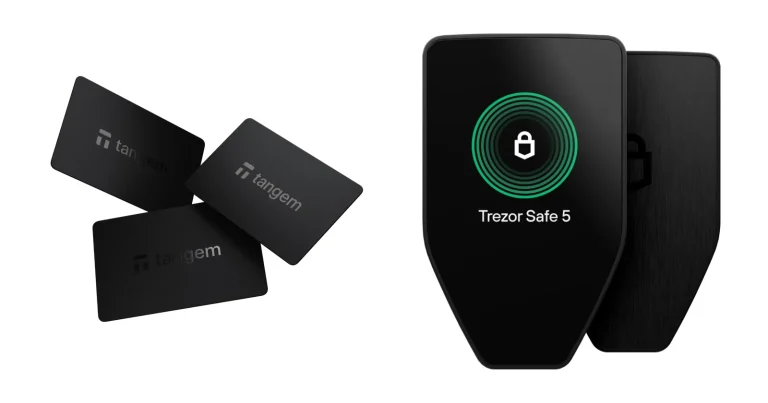
Hardware is where the scoreline flips. Ledger is the only brand Phantom talks to, using the Nano X, Stax and Flex over Bluetooth on the phone, and the Nano S, Nano S Plus, Stax and Flex over a cable on the extension. Left out entirely are the Ledger Nano Gen5, every Trezor and every Tangem.
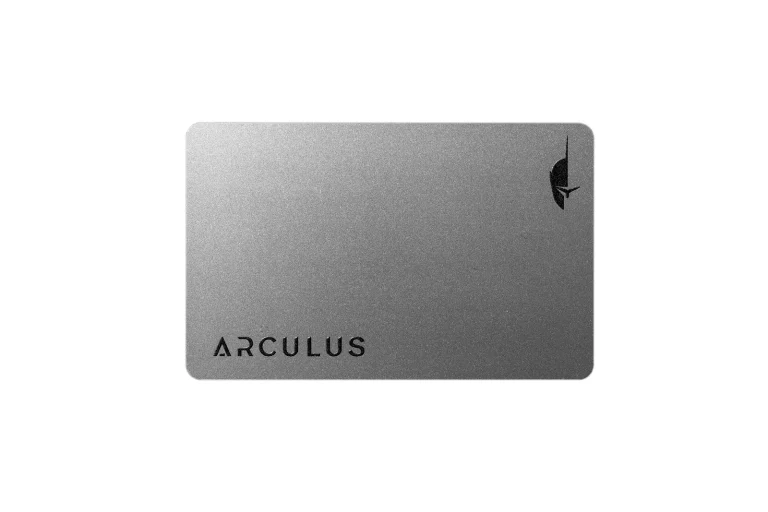
Solflare takes Ledger and Keystone, then adds Shield, a card-shaped NFC device running an EAL6+ certified secure chip with no screen, no buttons, no battery and no Bluetooth. A PIN guards it and three wrong attempts lock it. Annoyingly, Shield pairs with the Solflare mobile app and nothing else.
Want cold storage that covers more than Solana? Start with our roundup of the best crypto hardware wallets, and the Keystone 3 Pro review covers the air-gapped device Solflare happens to support.
Each wallet hands you a recovery phrase, and neither can bring it back. Twelve words is what Phantom generates, and it states outright that it keeps no copy. Solflare talks about phrases of 12 to 24 words and repeats the same warning, so put the words on paper, keep them off your phone, and never type them into a website.
Living With Phantom vs Solflare Day to Day
Getting started looks much the same in both. Phantom’s extension takes you through “Create a New Wallet”, then “Create a Recovery Phrase Wallet”, a password of eight characters or more, “I saved my Recovery Phrase”, a username, and finally “Continue” and “Get Started”. One quirk catches people out: a brand new recovery-phrase wallet can only be made in the extension, never the app.
Browsers are Solflare’s win. Its download page runs through Chrome, Firefox, Brave, Edge, Opera and Arc, and there’s a web app if you’d rather install nothing at all.
Chrome, iOS and Android are the three Phantom fully backs. Brave, Opera and Edge will run it, but Phantom doesn’t publish to those stores and won’t promise the same stability. Firefox is worse again, because that extension stopped getting updates, and Safari and Tor aren’t offered.
What Phantom saves you every day is the wallet switch. Coins on eight networks sit in one list, and the network toggles live under Settings and then Active Networks.
Depth on its single chain is Solflare’s answer. Slippage gets set from the top right of the Swap tab, saved with “SAVE” and then “Confirm” on desktop, or approved with a slide on mobile. Staking gets a tab of its own with the validator dropdown right there, whereas Phantom buries it behind “More” and then “Stake SOL”.
Keep a little SOL spare either way. Solflare suggests at least 0.05 SOL when a swap routes through several pools.
Doing most of this on a phone? Both wallets show up in our list of the best mobile crypto wallets next to the rest of the field.
Which Coins Phantom and Solflare Will Hold
Nothing else separates these two as cleanly. Solana, Ethereum, Base, Polygon, Robinhood Chain, Bitcoin over Native Segwit and Taproot, HyperEVM and Sui all work in Phantom. Missing from that list are BSC, Arbitrum, Optimism, Avalanche, Unichain and Linea, which stings if your Layer 2 habit goes beyond Base.
Only Solana works in Solflare, and its own comparison page says the focus is exclusive by design. Bridging exists, but it pulls assets into Solana rather than letting you park them elsewhere. Keep ETH or BTC and you’re running a second wallet regardless.
| Network | Phantom | Solflare |
|---|---|---|
| Solana | Held | Held |
| Ethereum, Base, Polygon | Held | Not held |
| Bitcoin | Held | Not held |
| Sui | Held | Not held |
| Arbitrum, Optimism, BSC | Neither wallet takes them | Neither wallet takes them |
Whichever you pick, one warning covers both. Get the address wrong, or pick the wrong network, and the money is gone with nobody able to reverse it. Read the wallet address and the network again before you hit send.
What Phantom and Solflare Actually Cost
Installing either is free. Swapping, staking and spending are where the money goes.
Phantom’s swap cut is 0.85% on select pairs at the time of writing (September 2026), and cross-chain swaps carry the same 0.85% before bridge fees, which Phantom puts at 0.1 to 0.5%. Liquid staking costs you 4% of the rewards plus a 0.1% exit fee whenever you unstake or sell PSOL.
Then there’s the Cash account. Moving stablecoins into it is free and pulling funds back to your main wallet is free, but other token swaps run at 0.85%, debit card funding at 1.75%, credit card funding at 3.50%, ACH direct deposit at 0.30% and wires at 1.00%.
Solflare, by contrast, names no platform fee anywhere on its swap pages. What its guide lists is the Solana network fee, usually under $0.01 in SOL, and whatever the underlying routing costs. Staking reads the same way, with the only charges being that refundable 0.002 SOL account fee and the validator’s commission, which Solflare says usually falls between 0% and 10%.
If you switch from one wallet to the other, the basics of a transfer are laid out in sending SOL between wallets.
| Cost | Phantom | Solflare |
|---|---|---|
| The wallet itself | Nothing | Nothing |
| Its cut on a swap | 0.85% on select pairs | None it names |
| Swapping across chains | 0.85% before bridge fees | You can’t |
| Liquid staking | 4% of rewards, then 0.1% to exit | Not on offer |
| Native staking | No platform fee stated | 0.002 SOL up front, refunded later |
| Cold storage | Buy a Ledger separately | Shield starts at $49 |
Shield pricing works out at $49 for the Origin edition at the time of writing (September 2026), a limited-time cut from a standard $69. Signature editions run $59, and the customizable Unique is also $59 on that same offer against a standard $79. Euro shoppers see EUR 44.00 for the Origin, EUR 64.00 for the Origin Duo, EUR 54.00 for a Signature and EUR 74.00 for the Unique.
A USDC debit card on Mastercard rails is Solflare’s other hardware product, good at 110M+ merchants and open to residents of the EEA, the UK and other countries case by case. Worth knowing before you get excited: the card page was carrying a notice at the time of writing saying cards are paused while Solflare switches issuing partner.
The Good and the Irritating
Where each wallet earns its keep, and where it doesn’t.
Phantom: Pros and Cons
Solflare: Pros and Cons
So Which One Should You Install?
Holding coins on Solana plus at least one other chain? Phantom, easily. It’s the only one of the pair that stores Ethereum, Base, Polygon, Bitcoin and Sui, and having the bridge built in spares you a separate tool.
Everything you own sitting on Solana, and staked? We’d hand you Solflare. No platform fee on swaps, staking that costs the validator’s cut and a 0.002 SOL deposit you get back, and a staking tab that doesn’t make you go hunting.
Already own a Keystone, or fancy signing by tapping a card against your phone? Solflare is your only option of the two, because Phantom’s hardware list ends at Ledger.
Phantom vs Solflare FAQ
Which is safer, Phantom or Solflare?
Phantom, on published evidence. It bought Blowfish and quotes that team’s record as 2.8 million scams prevented and 1.3 billion transactions scanned, it leaves its phishing blocklist open on GitHub, and it pays up to $50,000 in bug bounties. Solflare’s reply is broader hardware support, Keystone included, plus its own EAL6+ Shield card. We found no disclosed breach at either company, for what that’s worth.
Will Solflare hold my ETH or BTC?
No. Solana is the only chain it handles, and Solflare’s own pages call that focus exclusive. Bridging brings assets into Solana rather than letting you keep them elsewhere. Phantom, meanwhile, takes Solana, Ethereum, Base, Polygon, Robinhood Chain, Bitcoin, HyperEVM and Sui.
Whose swaps cost less?
Solflare’s, going by what each one publishes. Phantom skims 0.85% on select pairs; Solflare names no platform fee at all and lists only the Solana network fee, usually under $0.01 in SOL. Both send Solana orders through Jupiter, so you’re fishing in the same liquidity either way.
Can one recovery phrase run both wallets?
For Solana, yes. Each derives its Solana addresses from a standard recovery phrase, so feeding your phrase into the other wallet gives you the same addresses and the same balances. Do it on a machine you trust, and don’t type those words into a website.
Is there a working Phantom build for Firefox?
Not really, no. Phantom’s Firefox extension has stopped receiving updates and the company tells you to move to Chrome. Chrome, iOS and Android are what it fully supports, while Brave, Opera and Edge run it without Phantom publishing there or guaranteeing anything. Solflare covers Chrome, Firefox, Brave, Edge, Opera and Arc.
Which one stakes SOL better?
Depends what you want. Solflare wins on native staking, charging nothing itself beyond that one-time 0.002 SOL account fee, refunded when you close the account, on top of a validator commission it says usually sits between 0% and 10%. Phantom’s answer is PSOL, which keeps your stake tradeable while taking 4% of rewards and 0.1% when you leave.
Do both of them pair with a Ledger?
They do. Phantom connects the Nano X, Stax and Flex over Bluetooth on mobile, and the Nano S, Nano S Plus, Stax and Flex over cable on the extension. Solflare handles Ledger too, then adds Keystone and its own Shield. One catch on Phantom’s side: the Ledger Nano Gen5, Trezor and Tangem are all unsupported.
Our Verdict: Phantom or Solflare?
Reach and transaction safety belong to Phantom. Eight networks under one roof, bridging that never asks you to leave, a security team it acquired rather than rented, and a blocklist anyone can audit make it the sensible default for anyone whose coins are spread thin. That comes at 0.85% a swap and 4% of whatever your staking earns.
Cost and cold storage belong to Solflare. No swap fee of its own, staking that leaves you paying a refundable 0.002 SOL and the validator’s cut, Keystone in the list, and a $49 NFC card it makes in house. You give up every chain except Solana to get that.
Honestly, we’d keep both. Import the same recovery phrase into each, let Solflare handle staking and cheap Solana swaps, and open Phantom whenever another chain is involved. If you’d rather see the wider field first, our guide to the best decentralized crypto wallets is the place to look.
None of the above is financial, legal, or investment advice; treat it as general information. Features and prices move around, so check the vendor’s own page before you buy anything.
How I review: Reviewed by Andrei B. I buy the hardware wallets I review, test every product myself and score it on security, UI/UX, ease of use, price and supported coins. Before I publish, I also check recent user reviews and any hack reports.
The whole process is explained on the How We Review page. You can read more about me, or contact me with corrections, from the links at the bottom of this page. For general safety advice, see the FTC guide to cryptocurrency scams.