If you’ve bought a Ledger, you’ve met Ledger Live, the free app that pairs with the device, and you may have noticed it isn’t called that anymore. Ledger renamed it Ledger Wallet in a post dated October 23, 2025, and by November 3, 2025 the new name had reached both the desktop and mobile apps. It’s still the place you add coin apps to the hardware, watch your balances, and push buys, swaps and stakes through to the signer for approval.
I’d point this review at current Ledger owners and anyone about to become one. Want a wallet that needs no device? This isn’t it.
Everything here assumes a Ledger sitting next to your phone or laptop, since that’s where the keys are. I’ll go through the rename, day-to-day use, security, asset support, cost, and the apps I’d look at instead.
Table of contents
So what exactly is Ledger Live, now that it’s Ledger Wallet?
Ledger Live (Ledger Wallet) at a glance | |
|---|---|
| What it costs | The app’s free, but you’ll need a signer, and those run $59 to $249 at the time of writing (September 2026) |
| Where it runs | A desktop app plus a mobile app |
| How it connects | Desktop is USB only, while mobile uses Bluetooth or USB depending on your device |
| Where keys live | On the Ledger signer, never inside the app |
| Is the code public? | Yes, the app sits on GitHub under the MIT licence, and Ledger puts its OS and software at 95% open or reviewable |
| Assets | The app page claims 15,000+ crypto |
| Backups | A written recovery phrase, a Ledger Recovery Key card, or Ledger Recover for $9.99 a month |
| Platforms | Windows, macOS, Linux, iOS and Android |
| Who it suits | Ledger owners who’d like tracking, buying, swapping and staking in one place |
Think of it as the software half of owning a Ledger. Back in 2018, Ledger explains, it existed mostly to load apps onto the device and update its operating system, and it has since turned into a proper wallet for tracking, buying, swapping and staking.
On iPhone, it landed in the App Store on January 28, 2019. Ledger SAS is the publisher and you pay nothing for it. You’ll find installers for Windows, macOS, Linux, iOS and Android on the official Ledger Wallet page.
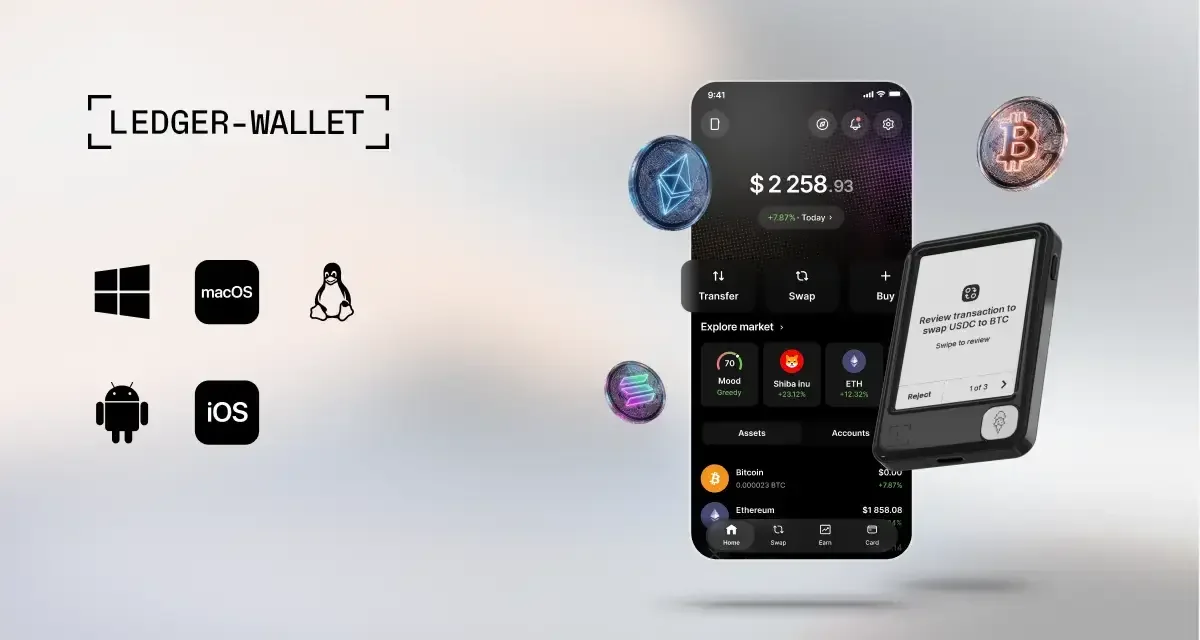
Ledger’s devices were relabeled as well. They’re “signers” now, meaning the physical gadget that keeps your private keys and asks you to okay every transaction on its own display.
What Ledger Live actually does for you
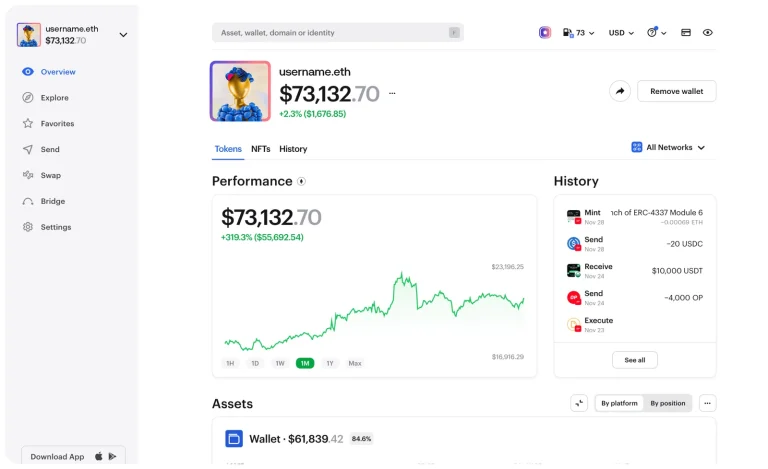
- A single dashboard pulls together balances and history from every address you hold, and it shows profit and loss too.
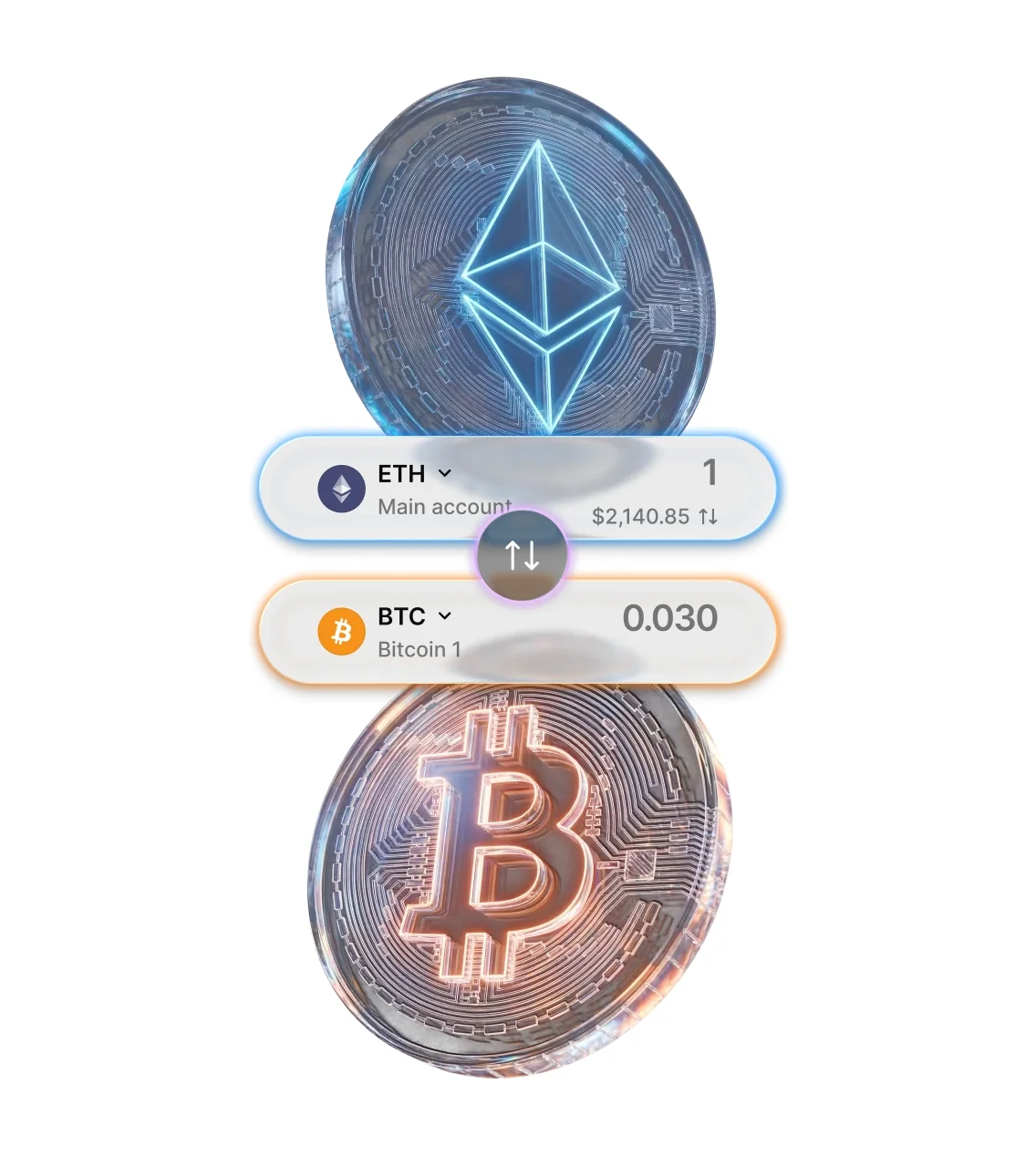
- Buying or swapping triggers a comparison of 50+ providers across 100+ chains. You get to pick the rate.
- ETH, SOL and stablecoins can all be staked, and Ledger’s Academy counts more than 30 networks for staking.
- Clear Signing puts the transaction into plain words on the device screen, and I think that’s the single most useful thing here, because it’s much harder to approve something nasty when you can read it.
- Before you approve, Transaction Check runs a simulation and warns about likely threats.
- Ledger Sync keeps your desktop and mobile accounts lined up.
- Deposit USD or EUR through Noah’s Cash-to-Stablecoin option and it arrives as USDC on Ethereum or Base.
Is Ledger Live easy enough for a beginner?
Device setup happens inside the app, and Ledger wants it that way: the app confirms the hardware is genuine, brings Ledger OS up to date, shows security tips, and adds coin apps once you’re done. Bitcoin and Ethereum get suggested the first time you open it.
Everyday use isn’t complicated. You pick a coin app in “My Ledger”, then tap “+Add account” on the “Accounts” tab.
Sending or swapping? The app builds it, and your device asks for a yes.
Now the annoyances. There’s no Bluetooth pairing on desktop, so you’re plugging in a cable every time, which bugs me on a device that has Bluetooth. Your computer has to run Windows 10 or macOS 12.0 or later, and Android wants location services switched on for Bluetooth (Ledger says the app never keeps your location).
Nothing about your accounts sits on a Ledger server. They’re stored per phone or computer, so a new machine means adding them again unless you use Ledger Sync. Tablets aren’t a priority either; Ledger says the app isn’t optimized for them.
Here’s a rule that confuses a lot of people. Because Ledger Wallet follows the BIP32 standard, you can’t add a second account for a coin until the first one has some transaction history.
Ratings are strong. The iPhone app sits at 4.85 from 15,148 ratings in the US store, and version 4.18 came out on August 31, 2026.
How secure is Ledger Live, really?
Your private keys never touch the app. They stay put on the signer, and nothing moves until you approve it on the device, which is the big split from software-only wallets like Exodus that keep keys on your phone or computer.
The source is out in the open. You can browse the LedgerHQ/ledger-live repository, licensed MIT, where desktop version 4.20.0 went up on September 11, 2026. By Ledger’s count, 95% of its operating system and software can be read by anyone or reviewed.
That leaves 5% shut. It’s the low-level code for the secure element chip, and Ledger blames its STMicroelectronics agreement for keeping it private.
Care a lot about fully open code? Our Ledger vs Trezor comparison gets into that.
Clear Signing and Transaction Check do most of the heavy lifting. Owners of classic Nano signers should know Ledger’s Academy says those don’t get Transaction Check, which I find a bit stingy. Inside the Discover tab, Ledger says dApps use Clear Signing, so you won’t need blind signing there.
A few safety nets are built in. You can pull up a receive address with the device unplugged, yet Ledger itself labels that address unverified and not secure enough, so read it off the device screen instead.
New to addresses? Our wallet address guide covers it.
Should you ever see “Mismatch between the copied address and the one in the clipboard”, stop the transaction and run a scan on your computer. Pick the wrong address or the wrong network and your crypto’s gone for good, with nobody able to undo it.
Ledger’s track record has blemishes, but none of them got into the app:
- December 14, 2023 was the Ledger Connect Kit attack. Someone phished a former employee’s NPMJS account and swapped versions 1.1.5, 1.1.6 and 1.1.7 for malicious code, and dApps built on it fooled people into signing draining transactions for under two hours. Ledger’s hardware and Ledger Live weren’t hit, according to Ledger.
- Back on June 25, 2020, an outsider got into part of Ledger’s e-commerce and marketing database using an API key. Roughly 1 million email addresses were exposed, along with names, postal addresses and phone numbers for 9,500 customers, and in December 2020 a public dump included details on about 272,000 customers. Ledger said Ledger Live security wasn’t touched.
- January 2026 brought trouble at Global-e, a payment partner handling some Ledger.com orders, where order data was accessed. Devices and Ledger Wallet were fine, Ledger said.
Why care about leaks that didn’t touch the app? Phishers use them. Ledger’s rule is simple: your recovery phrase goes into the hardware device and nowhere else, not Ledger Wallet, not a website, not a computer.
On top of the phrase itself, Ledger sells backup options. Ledger Recover is an opt-in subscription costing $9.99 a month at the time of writing (September 2026), which encrypts your seed, breaks it into three pieces kept by Coincover, Ledger and Escrowtech, and asks for ID plus a selfie via Onfido. Stax, Flex, Nano Gen5 and Nano X can use it on desktop and mobile; Nano S Plus owners are limited to desktop.
Which coins can you actually keep in Ledger Live?
This part’s messy, because Ledger quotes different totals on different pages. On the app page it’s 15,000+ crypto across 100+ chains. Its Academy article from July 8, 2026 says 15,000+ crypto assets, but across more than 50 blockchains.
Go back to the October 2025 rename post and the claim was the top 10,000 coins and tokens.
Spec sheets for the devices are the most careful of the lot, listing 500+ crypto in the Ledger Wallet app and thousands more via third-party wallets. Per the rename post, those bigger numbers take in thousands of tokens on Ethereum, Solana, Cosmos and other networks, which I’d keep in mind before trusting the headline figure. If the app can’t handle something, Ledger points to MetaMask, Phantom, Rabby Wallet and Electrum as compatible options, and our roundup of the best hardware wallets for MetaMask goes down that road.
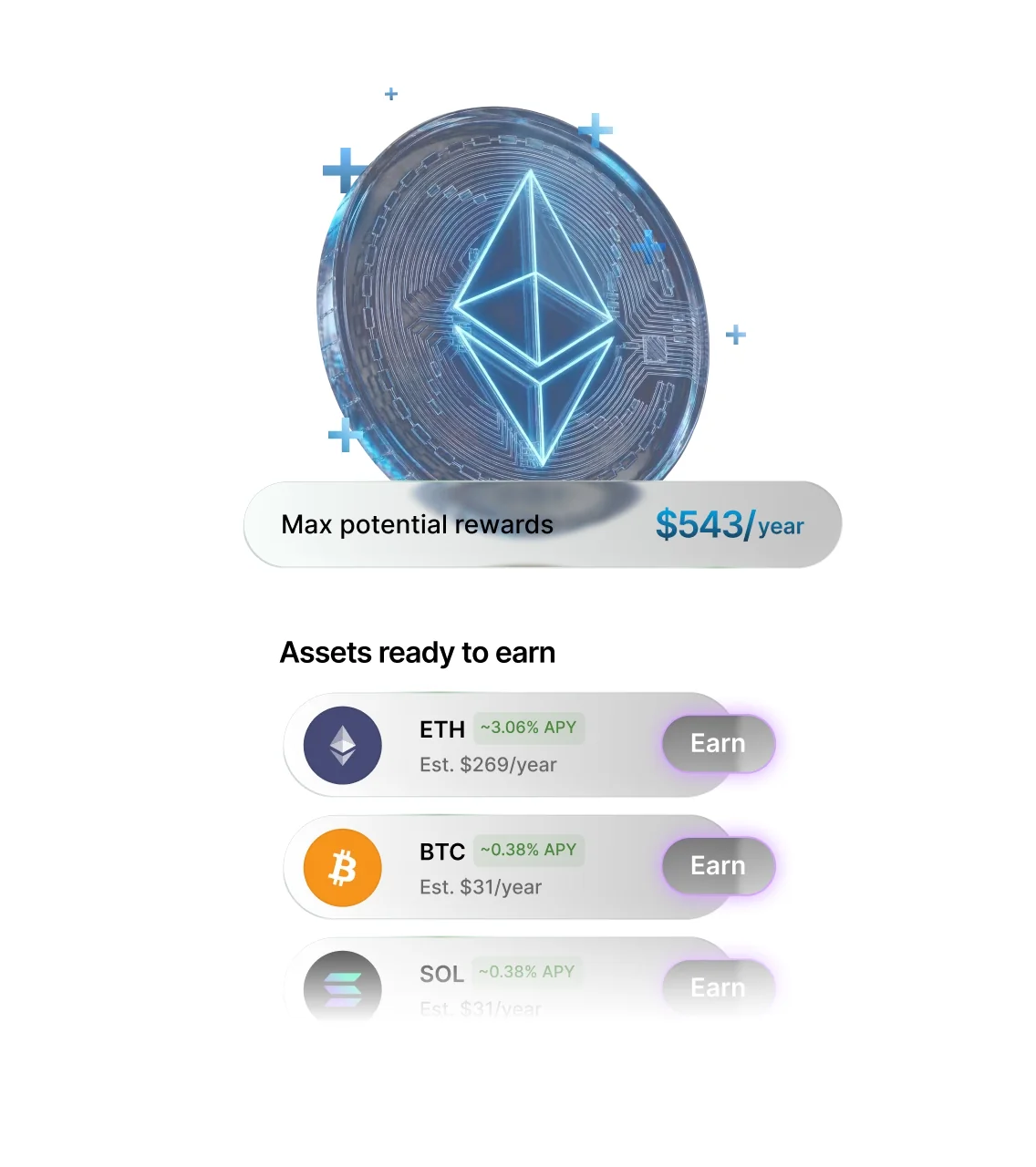
Staking’s broad. The Academy names more than 30 networks, among them ETH, SOL, ADA, DOT, BNB, AVAX, TRX and POL, and adds USDC, USDT, DAI and USDS via DeFi lending. Sui buying, swapping and staking arrived with the rename post.
You reach DeFi from the Discover tab, or through a direct connection that lets dApps talk to Ledger Wallet with no extension in between. There’s even perpetual trading, run by Yield.xyz and settled on Hyperliquid.
What does Ledger Live cost you?
Nothing, for the software. The signer’s where your money goes, and at the time of writing (September 2026) Ledger’s store has the Nano S Plus at $59, the Nano X at $99, the Nano Gen5 at $179 and the Flex at $249.
Third parties handle the buying and swapping. Ledger’s swap page spells out that outside providers run these services and that Ledger offers no advice about them.
Rates differ by provider, so check the quotes before confirming. I couldn’t find any Ledger page listing a Ledger fee on buys or swaps, and I’m not going to guess at one.
Backups are extra, and you can skip them. Ledger Recover runs $9.99 a month, while a Ledger Recovery Key card is $39 on its own or $99 for a 3-pack.
Get the app from Ledger’s official page and your signer from Ledger’s own store; that way you know what’s going onto your computer and into its USB port.
Ledger Live pros and cons
Own a Ledger and you’ll end up in this app anyway. I don’t think that’s a bad deal: setup and everyday use are smooth, and the security tools are worth having, but I’d keep an eye on the shifting asset totals and on what third-party providers charge.
Setting up Ledger Live, step by step
- Grab Ledger Wallet from Ledger’s official page. Your computer needs Windows 10 or macOS 12.0 or later, and your phone needs iOS 15 or Android 7.
- Launch it and connect the device. A Nano Gen5 asks you to tap “Set up with Ledger Wallet mobile” or “Set up with Ledger Wallet desktop”, and you then check the pairing code and tap “Yes, they match”.
- Give the device a name using “Set name” and “Confirm name”, and then tap “Choose my PIN” to create one.
- Choose “Set it up as a new Ledger” and “I understand”, and copy down the recovery phrase that appears. Keep it off any computer, never enter it in the app or on a website, and remember that whoever holds those words holds your money.
- Wait while the app checks the device is genuine and updates Ledger OS.
- Head to “My Ledger” and add coin apps. Bitcoin and Ethereum are the suggested first two.
- Tap “+Add account” on the “Accounts” tab, and before sending your first deposit, compare the receive address on the device screen.
Got a Nano X instead? Our walkthrough on how to set up the Ledger Nano X handles that one.
Good alternatives to Ledger Live
Trezor Suite
Trezor’s own companion app lets you buy, sell, stake, swap and send on desktop. Mobile is patchier, since most Trezor models are fully supported on Android but limited on iOS, with the Safe 7 the exception that works fully on both.
The firmware is published under GPL-3.0. If you need a device for it, there’s our Trezor Safe 5 review.
Exodus
It’s a self-custody wallet that runs on desktop, on mobile and in the browser, and it pairs with Ledger and Trezor hardware. Exodus says it adds no transaction fee of its own, although you’ll still pay network fees.
Parts of the code aren’t public, which I count against it. The rest is in our Exodus wallet review.
MetaMask With a Ledger
Ethereum dApp users can plug the Ledger into MetaMask rather than use Ledger Wallet. Inside MetaMask, go to “Add Wallet”, pick “Add a Hardware Wallet”, and select “Ledger”.
Close Ledger Wallet before you start, since Ledger warns the two can clash. You can’t shift an existing MetaMask account onto the Ledger, though; the funds have to be sent over to the Ledger account.
Ledger Live FAQ
Are Ledger Live and Ledger Wallet the same app?
Yes. The rename happened in October 2025 and the apps had switched names by November 3, 2025.
Does Ledger Live cost anything?
No. You can download it free on Windows, macOS, Linux, iOS and Android, but you’ll need a Ledger signer, which starts at $59 at the time of writing (September 2026).
Can I trust Ledger Live with my crypto?
Mostly, yes. Keys stay on the Ledger device and every transaction waits for your approval on its screen, and Ledger says neither the December 2023 Connect Kit incident nor the 2020 data breach affected Ledger Live.
How many coins will Ledger Live handle?
That depends which Ledger page you believe. It’s 15,000+ crypto on the app page, but device spec sheets say 500+ inside the app, with thousands more via third-party wallets.
Can I use Ledger Live with MetaMask?
Sort of. It’s your Ledger device that connects, through “Add a Hardware Wallet” in MetaMask, and Ledger advises closing Ledger Wallet before you do it.
Is the Ledger Live code open source?
Yes, under the MIT licence on GitHub.
I lost my phone. Is my crypto gone?
No. It was never on the phone, so put Ledger Wallet on another device, connect the signer, and add your accounts back or restore them with Ledger Sync.
My final verdict on Ledger Live
For anyone with a Ledger, Ledger Wallet (plenty of people still say Ledger Live) is the app to use. It handles device setup, leaves the keys on the signer, and throws in Clear Signing, Transaction Check and staking across more than 30 networks without charging a cent. If you’d rather not own hardware, or you want every chain in a single app, pass on it, because some assets still send you to a third-party wallet.
In short, I rate it a dependable free companion for Ledger devices that loses points for USB-only desktop use and asset numbers that don’t agree. Haven’t bought the hardware? Our Ledger Nano X review is a sensible place to begin.
This article is for general information only and is not financial, legal, or investment advice. Prices and features change; check the vendor’s official page before buying.