USDT isn’t one token on one chain. Tether issues it on Ethereum, Tron, Solana, BNB Smart Chain, Ton, Avalanche and a handful of other networks, and each copy is a separate token. So the wallet you pick decides two things: which of those networks you can use, and how much it costs you to move your dollars around.
I wrote this for anyone who keeps USDT off an exchange, whether it’s your first withdrawal or money you plan to sit on for years. I compared wallets on six points: USDT network coverage, how they deal with Tron’s fees, security history, backups, price and how much of their code is public. Every claim below comes from the vendor’s own pages or official network docs.
My top pick for most people is Trust Wallet, since one free app covers Tron, Ethereum, BNB Smart Chain and Solana. If the balance is big enough to worry about, I’d put it on a Ledger Nano X or Trezor Safe 5 and keep a phone wallet for spending.

Table of contents
Top 6 USDT Wallets at a Glance
The 6 Best USDT Wallets Compared (2026) | |
|---|---|
| Trust Wallet | A good fit if your USDT sits on several networks and you want one app for all of it. It costs nothing on iPhone, Android or as a browser extension. The Wallet Core library is public, but the apps themselves aren’t. |
| TronLink | Made for people who move a lot of TRC20 USDT. It’s free, lets you stake TRX for energy, and has a GasFree mode that takes the fee in the token you’re sending. Its core libraries are published as open source. |
| Exodus | The one I’d pick if you’d rather manage USDT on a computer, on Tron or Ethereum. Free for Windows, Mac, Linux, iOS and Android. Some parts are open source and some aren’t. |
| Ledger Nano X | A hardware wallet that handles USDT on Ethereum, Tron and Polygon in one app. $99 at the time of writing (September 2026). The secure element firmware is closed. |
| Trezor Safe 5 | The hardware option for people who care about open code. $129 at the time of writing (September 2026). Firmware is open source, and Tron support runs on desktop. |
| Tangem | The cheapest way to get USDT into cold storage. Packs start at $59.90 at the time of writing (September 2026). You can read the app’s code, not the firmware. |
One thing matters more than any feature on this list. A TRC20 address starts with T and an ERC20 address starts with 0x, and they aren’t interchangeable. Pick the wrong network or paste the wrong address, and the funds are gone for good, because nobody can reverse a blockchain transfer.
Fees follow the network and not the app. You pay Ethereum gas in ETH, Solana fees in SOL, and Tron fees in energy, bandwidth or TRX. In practice that means every USDT wallet needs a small float of the chain’s own coin.
1. Trust Wallet: The Best USDT Wallet for Several Networks at Once
Trust Wallet is a free self-custody app for iPhone, Android and desktop browsers. “Self-custody” just means the keys are yours and the company can’t touch them. On its USDT page it calls itself “trusted by over 220M users”, and the homepage lists 100+ blockchains and 10M+ assets.
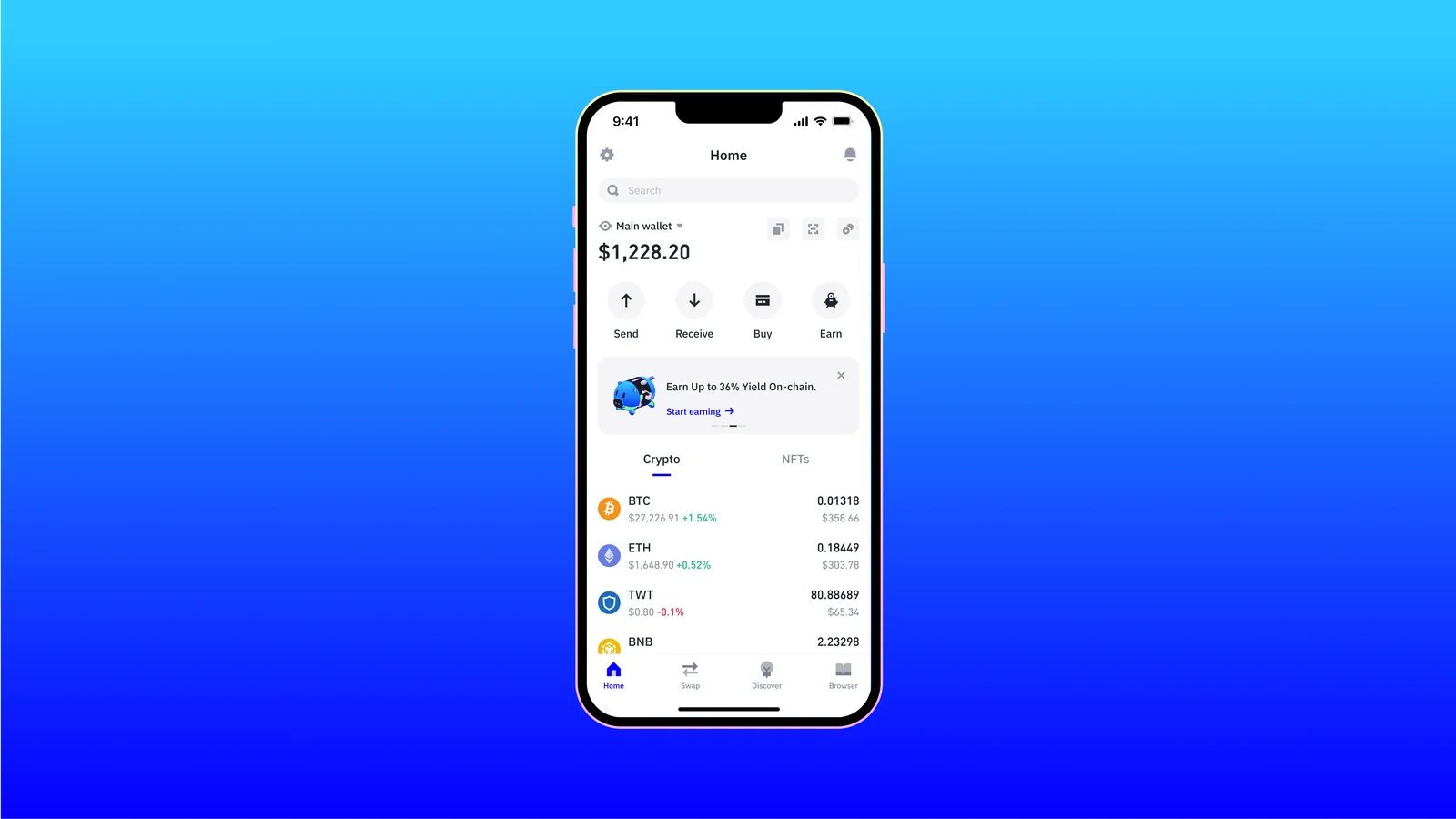
It’s at the top because it covers the USDT networks most people actually receive on in one place. Tron and TRC20 tokens are supported, and so are Ethereum, BNB Chain, Solana and TON. You back up a single recovery phrase, and it generates a different address for each network.
What Trust Wallet Gets Right for USDT
- You can hold, send, receive, buy and swap USDT without leaving the app.
- Buying works with USD, EUR, GBP and 100+ other fiat currencies, paid by card, bank transfer or Apple Pay.
- FlexGas lets you cover gas on Ethereum and BNB Chain with USDT, USDC or TWT rather than the chain’s own coin.
- There’s a Security Scanner that warns you about risky addresses and dApp connections.
- If you want one, an Encrypted Cloud Backup is there next to the usual written phrase.
That incident was limited to browser extension version 2.68 and 2,520 wallet addresses. Trust Wallet says it’s reimbursing affected users of its own accord, and version 2.69 replaced the bad release.
I’d still use the phone app for USDT rather than the extension, which is my preference, not a rule. My full Trust Wallet review goes deeper, and MetaMask vs Trust Wallet shows how it compares.
2. TronLink: The One to Use if Your USDT Lives on Tron (TRC20)
Most USDT moves on Tron. Tron’s own documentation calls TRC20 USDT the biggest stablecoin network in crypto, and Trezor puts Tron’s share at close to half of all USDT in circulation. TronLink is the wallet built specifically for that chain.
What earns it a spot is how well it copes with Tron’s fee system, which general-purpose wallets tend to treat as an afterthought. The company claims over 10 million users across 200+ countries and 100,000+ tokens. It comes as an Android app, an iOS app and a browser extension.
Why TronLink Suits TRC20 USDT
- It handles TRX along with TRC-10, TRC-20 and TRC-721 tokens.
- You can stake TRX to earn the energy and bandwidth that pay for USDT transfers.
- Its GasFree wallet takes the fee in whatever token you’re sending, USDT included.
- Multisig accounts are supported, and a Ledger can sign over Bluetooth.
- On the extension you also get Ethereum, BSC and BTTC.
To get GasFree you’ll need TronLink App v4.15.0 or newer, or v4.2.0 or newer of the extension. Keep in mind that Tron uses up resources even when a transaction fails, and if you’re short on energy or bandwidth it burns TRX to make up the gap. If you want to see more Tron wallets side by side, my best TRC20 wallet guide has them.
3. Exodus: A USDT Wallet That Works Best on Desktop
Exodus runs on Windows, Mac, Linux, iOS and Android and you hold your own keys. Exodus Movement, Inc. is the company behind it and trades on the NYSE under EXOD. TRX and TRC20 tokens work in both the desktop and phone apps.
I like how plainly it shows Tron fees on desktop. When you send USDT on Tron, you see a “TRON Max Network Fee”, and you’re charged only what the transfer actually needs. If you’ve frozen TRX for energy, that fee can drop to 0 TRX.
How Exodus Handles USDT
- There are desktop builds for Windows, Mac (Intel and Apple Silicon) and Linux.
- You can freeze TRX for bandwidth or energy, starting at 1 TRX.
- Exodus doesn’t add its own charge when you send, and the network fee goes to the network.
- A Ledger Nano X or Ledger Flex works with Exodus Mobile, TRC20 tokens included.
- Support is available around the clock.
One catch when buying: TRC20 tokens only show up for purchase once you already hold some TRX. Swaps can include a spread, and Exodus advertises rates from 0.5%. There’s more on swaps, staking and backups in my Exodus wallet review.
4. Ledger Nano X: My Hardware Pick for Holding USDT
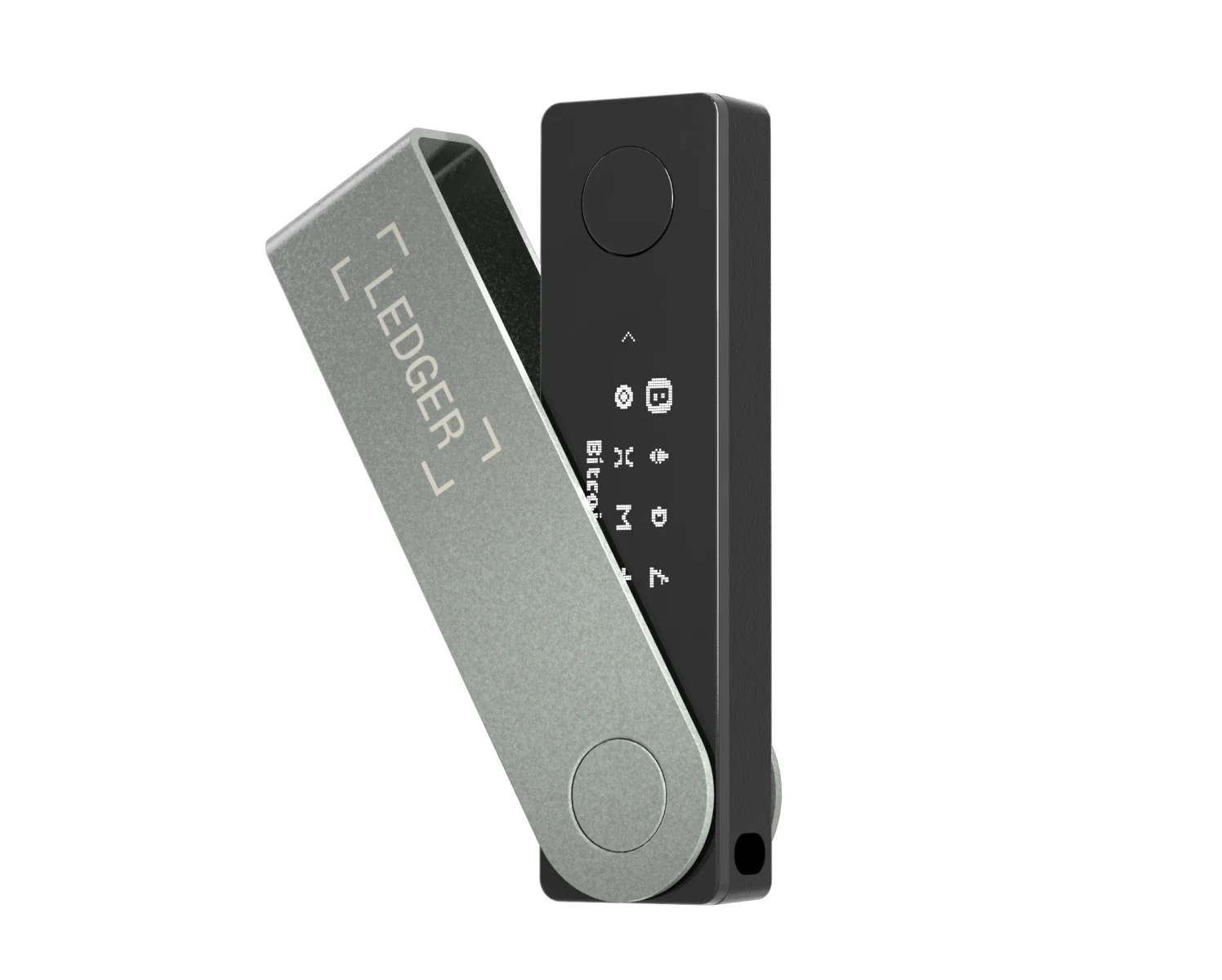
At $99 at the time of writing (September 2026), the Ledger Nano X is a Bluetooth hardware wallet. A hardware wallet is a small device that holds your keys and signs transactions itself, so the keys never touch your phone or laptop. Inside is an ST33J2M0 secure element with CC EAL5+ certification.
For USDT the draw is simple. Ledger’s app manages it on Ethereum, Tron and Polygon, so you’d create an Ethereum account for ERC20 USDT and a Tron account for TRC20 USDT. Nothing leaves without you pressing approve on the device.
What the Nano X Brings to USDT
- Ledger Wallet shows your USDT on Ethereum (ERC20), Tron (TRC20) and Polygon.
- It connects to phones over Bluetooth (BLE 5.2) and to computers over USB-C.
- TronLink and Exodus Mobile can both use it as the signer.
- Ledger rates the battery at 5 hours.
- You can turn Bluetooth off and stick to the cable.
That activation rule trips up a lot of people. If USDT already landed in a fresh Ledger Tron account, it isn’t lost; send 0.1 TRX and the balance shows up. Everything else about the device is in my Ledger Nano X review.
5. Trezor Safe 5: The Open-Source Hardware Wallet for USDT
Priced at $129 at the time of writing (September 2026), the Trezor Safe 5 has a 1.54-inch color touchscreen and an EAL6+ certified chip, and its firmware is open source under GPL-3.0. Trezor Suite handles Tron now, along with every TRC-20 token.
If you care about being able to inspect the code, this is the one I’d choose for USDT on Tron and Ethereum. Tron runs on the Safe 7, Safe 5, Safe 3 and Model T. The Model One is left out.
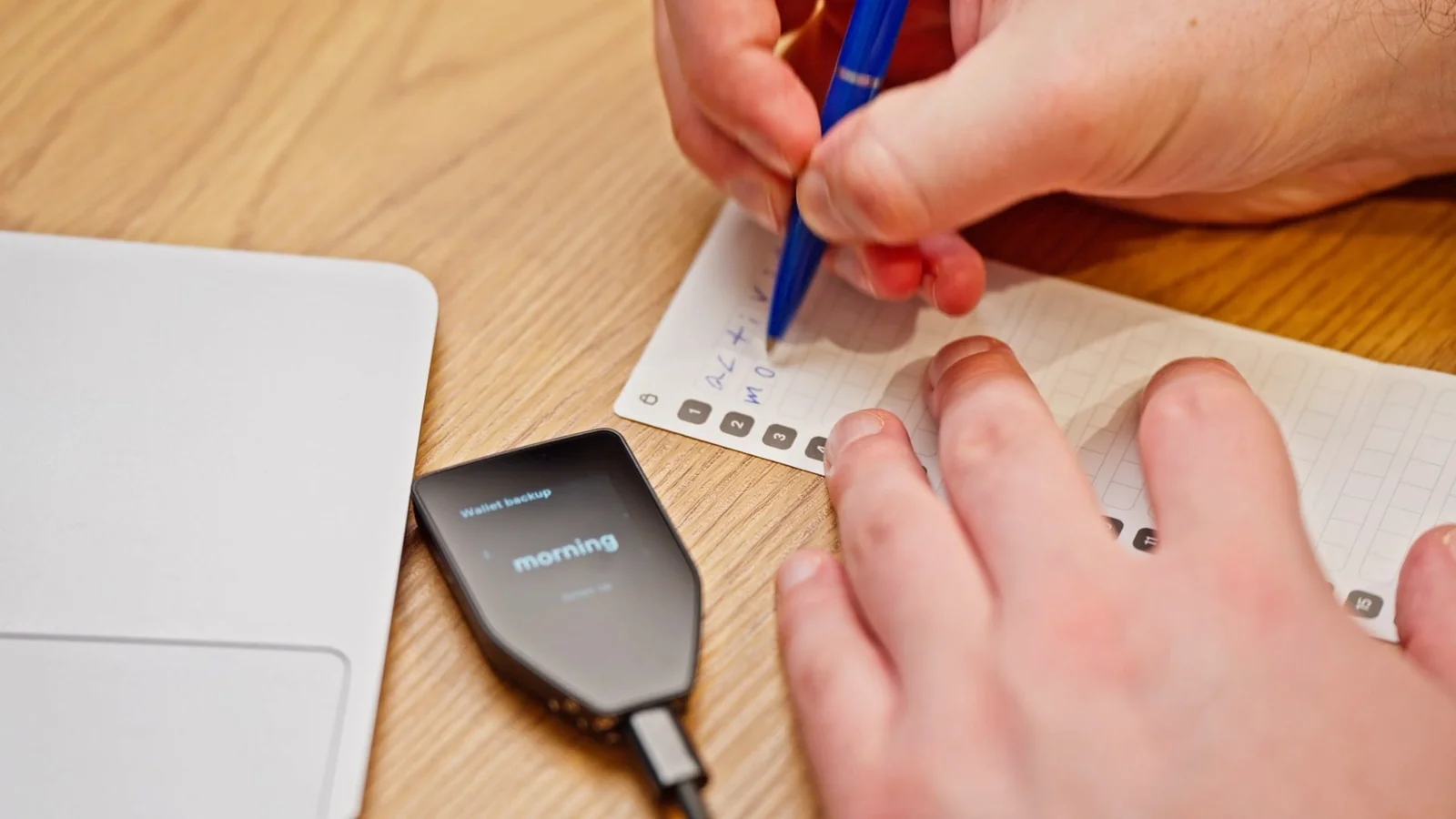
Want to spend less? The Safe 3 is $59 and gets the same Tron support.
Where the Safe 5 Helps With USDT
- On desktop, Trezor Suite lets you send, receive, buy, sell and swap TRC-20 USDT.
- You can stake TRX inside Suite to earn resources and vote for Super Representatives.
- Backups come as 12, 20 or 24 words, and Multi-share Backup is also available.
- The color touchscreen has haptic feedback and sits under Gorilla Glass 3.
- Third-party apps connect through WalletConnect.
Trezor’s guide is refreshingly specific about what a USDT send costs. Expect about 64,000 energy when the recipient already holds USDT and around 130,000 when their balance is zero.
On top of that, the first transfer to a brand-new Tron address carries a one-time fee of about 1 TRX (September 2026), which I wish more wallets would warn about up front. My Trezor Safe 5 review has the rest, and Ledger vs Trezor compares the two brands.
6. Tangem: Cheap Cold Storage for Your USDT
Tangem’s hardware wallet is a card. You tap it against your phone and the two talk over NFC. At the time of writing (September 2026), the 2-card set is $59.90, the 3-card set is $69.90, and the Tangem Ring with 2 cards is $160.00.

Nothing else here gets USDT into cold storage on this many networks for less. Tangem supports USDT on Ethereum, Solana, Tron, Ton, Avalanche, Kava and Shibarium. Your keys are created inside an EAL6+ secure element and stay on the card.
Why Tangem Works for USDT on a Budget
- Each pack has at least two cards, so you have a backup from day one.
- You don’t have to use a seed phrase, but if you do, you choose 12 or 24 words.
- The cards are rated IP69K for water and dust.
- Sending carries no extra commission from Tangem.
- USDT and other Tron tokens can be swapped in the app through DEX providers.
Tangem also warns that funds sent over a different network from the one your receiving address was made for may be lost permanently. More offline options are in my list of the best crypto hardware wallets.
How I Picked the Best USDT Wallets
Security and Track Record
I first looked at where each wallet keeps its keys and what’s on its public incident record. For the hardware wallets, I noted how each chip is certified. Incidents are named where they exist, Trust Wallet’s December 2025 extension breach being the obvious one.
Which USDT Networks It Covers
No two wallets support the same mix of chains. I took the USDT network list for each wallet from its own pages. Every wallet here handles Tron, because that’s where the most USDT sits.
How Easy the Fees Are to Live With
Tron’s energy model confuses a lot of newcomers, and I don’t blame them. Wallets scored better if they show the fee before you send, display your energy balance, or let you stake TRX without leaving the app.
What It Costs
All three software wallets are free. The hardware prices come straight from each vendor’s store, and I’ve dated them September 2026 because they do change.
Backups and Recovery
Recovery phrases, cloud backups, multi-share backups and spare cards all showed up here. None of them is perfect, and I’ve called out the weak spots in each product section.
How Much of the Code Is Open
When code is public, outside researchers can check what the wallet really does. Trezor goes furthest on that front. Trust Wallet, TronLink and Tangem each publish part of their code, and Exodus is open in places.
Which USDT Wallet Fits You?
Do you get paid in USDT on Tron week after week? Then TronLink or a Trezor Safe 5 with staking can bring your fees down over time, since both let you stake TRX for energy.
Spread across several chains? Trust Wallet keeps all of it in one app, though you’ll still need each network’s gas coin wherever FlexGas doesn’t apply.
Sitting on a large balance is a different situation. That money belongs on a hardware wallet: the Ledger Nano X and Trezor Safe 5 keep your keys offline, and Tangem does the same job for less.
New to all of this? It’s worth reading custodial vs non-custodial wallets before you move anything.
Whichever wallet you land on, check that the network matches on both the sending and receiving side every time. My guide on how to send USDT covers each network step by step.
USDT Wallet FAQ
Which wallet is best for holding USDT?
Trust Wallet, for most people. One free app covers USDT on Tron, Ethereum, BNB Chain and Solana. Once the balance gets larger, I’d move it to a Ledger Nano X or Trezor Safe 5.
Is TRX required to send USDT on Tron?
Usually. TRC20 transfers use energy, and energy has no free allowance, so you either burn TRX or stake it. TronLink’s GasFree wallet is the main way around that.
My USDT isn’t showing in my Ledger Tron account. What’s wrong?
The account probably isn’t activated yet. Send it at least 0.1 TRX and the USDT, which is safe, will appear.
Can TRC20 USDT go to an ERC20 address?
No. Ledger, Trust Wallet and Tangem all warn that using the wrong network can lose the funds for good.
Do I need a hardware wallet just for USDT?
If you’re holding more than you’d be comfortable keeping in a phone app, I think so. Tangem packs start at $59.90, and the Ledger Nano X is $99.
On which networks does Tether still issue USDT?
Plenty. Tether lists Ethereum, Tron, Solana, Avalanche, BNB Smart Chain, Ton, Aptos and more. It has stopped issuing and redeeming USDT on Kusama, Bitcoin Cash SLP, Omni Layer, EOS and Algorand.
Final Thoughts on the Best USDT Wallets
For everyday USDT across several chains, Trust Wallet is the easiest to live with, while TronLink is the specialist if Tron is where your money arrives. Exodus makes the most sense if you’d rather work from a desktop.
Savings are another matter, and I’d keep them on hardware. Pick the Trezor Safe 5 if open code matters to you, the Ledger Nano X if you want a solid all-rounder, or Tangem if price comes first.
This article is for general information only and is not financial, legal, or investment advice. Prices and features change; check the vendor’s official page before buying.