Instead of one recovery phrase, a Shamir backup gives you several separate shares, and only a set number of them, never the whole pile, is needed to bring the wallet back. It replaces the habit most of us start with, which is copying one phrase onto one card and hoping nothing ever happens to that card.
That’s a single point of failure. A fire takes the wallet with it, and a burglar who spots the card walks off owning everything on it. Below we cover what a Shamir backup is, how the SLIP-39 standard underneath it behaves, the ways it can go wrong, and how Trezor, Keystone and Ledger Recover each put the idea to work.
Table of contents
So What Is a Shamir Backup, Exactly?
When you set up a wallet it normally hands you a recovery phrase, which you’ll also hear called a seed phrase. Trezor describes that standard single backup as 12, 18 or 24 words, and whoever reads them can rebuild the wallet and move every coin in it.
With a Shamir backup, that one phrase becomes several shares, each a word list of its own. You also pick a threshold, meaning how many shares it takes to recover. Trezor illustrates it with a 3-of-5 scheme, where five shares exist and any three of them will rebuild the wallet.
The name belongs to Adi Shamir, the cryptographer who described the method in “How to share a secret”, a paper in the November 1979 issue of Communications of the ACM. Crypto wallets use a version called SLIP-39, whose full title is “Shamir’s Secret-Sharing for Mnemonic Codes”, and a SatoshiLabs team (the people behind Trezor) created it on December 18, 2017.
What makes it worth the bother is one line in the spec, which reads: “Knowledge of fewer than the required number of parts does not leak information about the master secret.” In a 3-of-5 setup, then, somebody who turns up two of your shares has learned nothing they can use.
Trezor’s site now says Multi-share Backup for this and Single-share Backup for the one-phrase option. You’ll run into “Shamir backup” on its pages too, and it means the same feature.
How a Shamir Backup Splits and Rebuilds Your Wallet
There’s clever math under the hood, yet the steps a SLIP-39 device walks you through are short.
- First the wallet creates a master secret; a 128-bit one produces 20-word shares, while a 256-bit one produces 33-word shares.
- You decide how many shares you want and what the threshold is, anywhere from 1 to 16 shares on a Trezor.
- The device then divides the secret and displays the shares one after another so you can copy each down.
- Each share goes somewhere different, whether that’s a separate location or a person you trust.
- When it’s time to recover, you keep entering shares on the device until the threshold is met, and the wallet comes back.
Imagine a vault that won’t open unless three of its five managers turn their keys at once. One manager alone gets nowhere, and it doesn’t matter if two of them are away on vacation that week.
What the 20 Words on a Share Mean
Trezor has published how a 20-word share is laid out, and it’s more structured than it looks. The first two words are random yet repeat on every share of the same backup, while words 3 and 4 record the group and threshold details.
Words 5 to 17 hold the share data itself. The last three are the checksum.
Every word is drawn from a SLIP-39 list of 1,024 words, none under 4 letters or over 8, and no two of them share their first 4 letters. That’s why a Trezor finishes the word for you once you’ve typed four letters, a small touch we like a lot.
According to the spec, the three-word checksum “is guaranteed to detect any 3 or fewer errors”. There’s also a random 15-bit identifier on every share, which is how the device notices when shares from two different backups get mixed together.
Groups, for When One Threshold Isn’t Enough
On top of all that, SLIP-39 has a second layer called groups. The secret is first divided into groups with a group threshold, and each group is then divided again into member shares that carry their own threshold, with room for up to 16 groups of up to 16 shares each.
Families and small companies are the natural fit. You might, say, require one group that you hold and a second group held by relatives.
Most people holding their own coins will never touch this.
Where a Shamir Backup Can Lock You Out
Getting rid of one single point of failure is the whole appeal, but the scheme brings a few new ways to lock yourself out of your own coins.
Losing Too Many Shares
Trezor doesn’t soften this one at all, writing that “If you can’t meet the required threshold, your wallet will become unrecoverable.” A 3-of-5 backup survives the loss of two shares.
Lose a third and the coins are gone for good, and nobody can reverse that, Trezor included.
The Old Card That Still Opens Everything
Since June 2024 Trezor has let you begin with a Single-share Backup and upgrade later, which is handy. Its guide also spells out the catch in its own words: “Upgrading to a Multi-share backup does not invalidate your original Single-share Backup.”
So the old card keeps working. If someone stumbles on it, your funds are exposed no matter how carefully you’ve hidden the new shares, and Trezor’s advice is to destroy that original only after confirming the Multi-share Backup works and opens your funds.
Shamir Shares Won’t Work Where BIP-39 Does
Most wallets are built on BIP-39, the standard behind 12- and 24-word phrases, and the SLIP-39 spec states flatly that the two are “not compatible”. Converting a BIP-39 seed would stretch every share to 59 words. You’d normally start a fresh Shamir wallet instead and move your coins across.
Fewer apps can restore from your shares, too. Trezor names Rabby, Electrum, Sparrow, BlueWallet, Wasabi, NuFi, OneKey and Keystone as supporting its Multi-share Backup, which is a useful list, though it’s far shorter than the one for 24-word phrases and that bothers us a little.
Five Shares, Five Hiding Places
With five shares you’ve got five hiding spots to keep track of and keep safe. Forget one, or have a relative clear out a drawer during a move, and your margin shrinks without anyone telling you.
Shamir Backup on Trezor, Keystone and Ledger
Trezor’s Multi-share Backup
No one shipped SLIP-39 before Trezor. In the company’s words, “The Trezor Model T was the first hardware wallet in the world to implement the fully functional SLIP39 security standard.”
That Model T is discontinued now. Trezor says it’s no longer sold and sends buyers to the Trezor Safe 5, though the older device still gets security updates, and if you’ve got one in a drawer our Trezor Model T review goes through it.
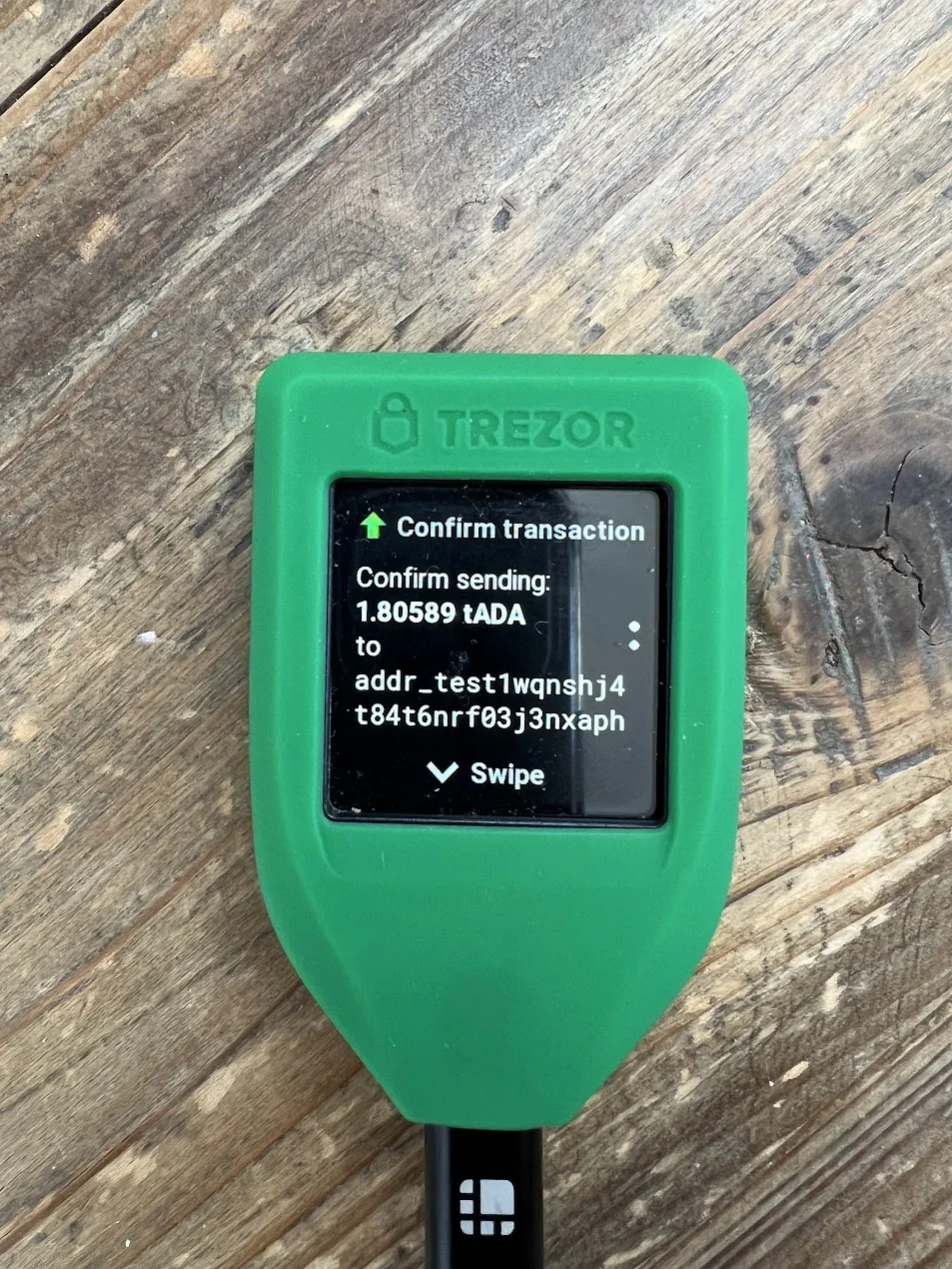
On its current multi-share page, Trezor lists support for the Trezor Safe 7, Safe 5, Safe 3 and Model T. Prices on trezor.io at the time of writing (September 2026) are $59 for the Safe 3, $129 for the Safe 5 and $249 for the Safe 7, and the Safe 3 and Safe 5 pages both mention 12-, 20- and 24-word backups alongside the Advanced Multi-share Backup.
The newest of those devices is covered in the Trezor Safe 7 review.
Shamir backup has been the default on Trezor Safe devices since June 2024, and Trezor Suite goes with 20-word shares unless you pick 33. Already have a Single-share wallet? Open Trezor Suite, head to “Settings > Device”, choose “Create Multi-share Backup”, and then do what the device asks.
Recovering happens in Trezor Suite as well. Click “Recover wallet” and then “Start recovery”, confirm on the Trezor, press “Select” to set the word count per share, and press “Enter share” to type one in on the device itself.
Order doesn’t matter, since Trezor says “Recovery shares can be entered in any order”. Better still, the device holds on to correct shares if you stop halfway and pick things up later in a different place.
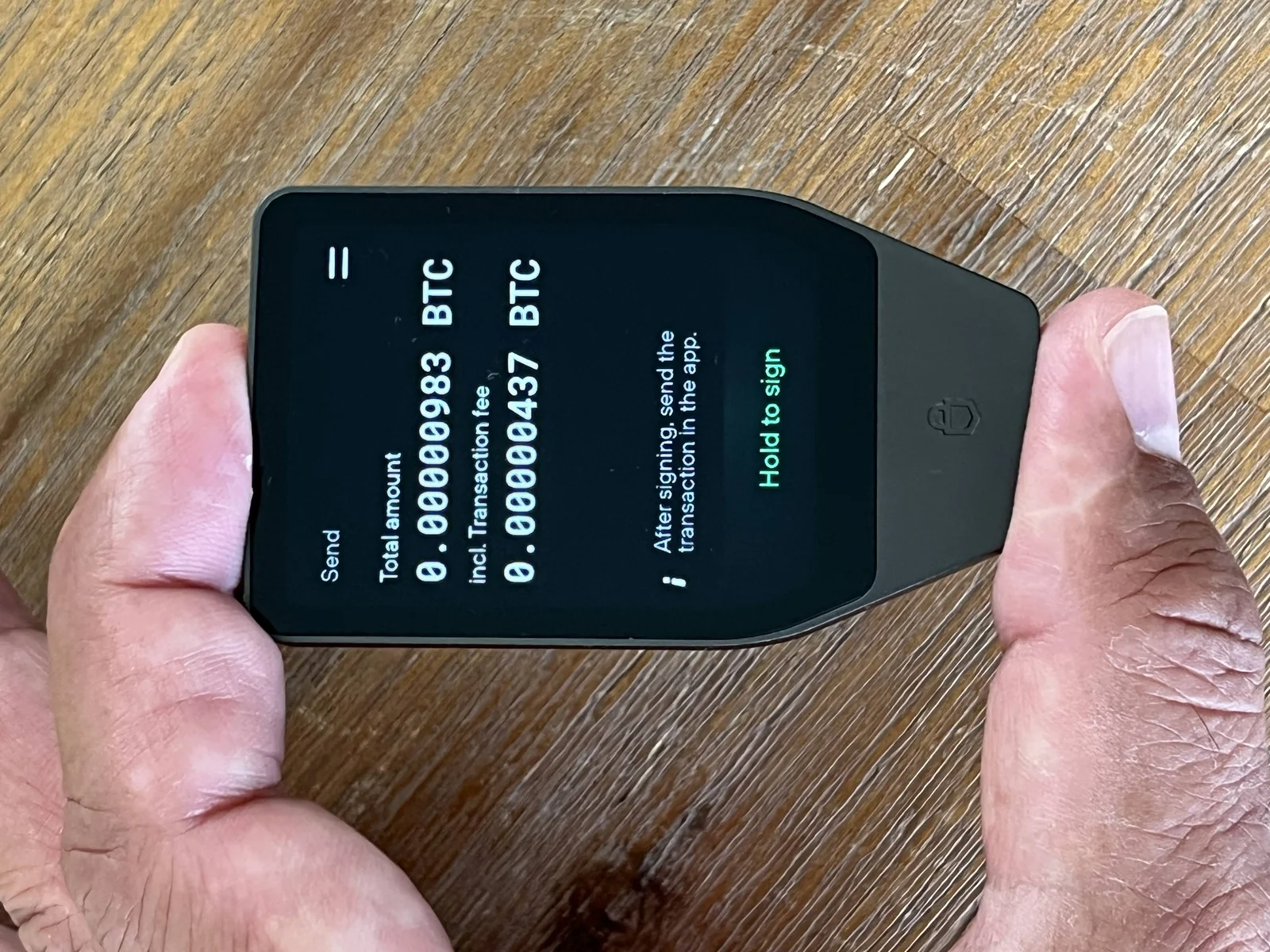
Paper isn’t the only option. Trezor’s Keep Metal 20-word plate is $89 at the time of writing (September 2026), and our Trezor Safe 5 review covers the device most buyers will pair it with.
Keystone 3 Pro’s Shamir Option
On the Keystone 3 Pro, Shamir Backup sits next to 12 and 24 words as one of three choices when you create a wallet. You choose the share count and the threshold yourself.
Keystone’s guide walks through a 2-of-3 example in which “any two of them are sufficient to access the wallet,” and the device imports shares of 20 or 33 words. Everything else about the hardware is in our Keystone 3 Pro review.
Ledger Recover, a Hosted Cousin
Ledger goes another way with Ledger Recover, a paid service that takes the same idea and hosts the backup for you. According to Ledger, the service “uses a variation of Shamir Secret Sharing, called Pedersen Verifiable Secret Sharing”, set up as 2-of-3.
The service is examined in more detail in Ledger Recover explained.
What changes is who’s holding the pieces. Your device encrypts the backup and splits it into three fragments kept by Coincover, Ledger and EscrowTech, and any two of those can restore it.
It’s $9.99 a month at the time of writing (September 2026), a recurring bill that shares written on your own paper don’t come with. Comparing the two brands more broadly? Our Ledger vs Trezor piece covers backups and plenty besides.
A Seed Phrase, Shamir Shares and Ledger Recover Side by Side
| Kind of backup | What you keep | What a thief gets from one piece | What losing one piece means |
|---|---|---|---|
| One recovery phrase (BIP-39) | A single list of 12 or 24 words | Your entire wallet | Your entire wallet is gone unless copies exist |
| Shamir backup (SLIP-39) | Several shares of 20 or 33 words | Nothing at all while below the threshold | Nothing, provided you can still meet the threshold |
| Ledger Recover | Three encrypted fragments, kept by three separate companies | One fragment is useless on its own | Any two of the three fragments still restore it, for $9.99 a month |
Keep in mind that a Shamir backup covers the backup of a single wallet. A multisig wallet is something else, since it needs several keys to sign each transaction, and our roundup of the best multisig wallets explains how that works.
How We’d Set Up a Shamir Backup
- Choose a threshold with slack in it, like 2-of-3 or 3-of-5, so a lost share isn’t a disaster, and don’t set the threshold equal to the total number of shares.
- Keep shares in separate places. Two shares in one drawer behave like a single share when there’s a fire or a break-in.
- While the balance is still small, rehearse a recovery using exactly the threshold number of shares.
- After an upgrade, destroy the old Single-share card, but only once the new shares are verified, which is what Trezor recommends too.
- Type shares on the hardware wallet and nowhere else, because Trezor tells you never to enter them into a computer.
- If you add a passphrase, give it its own offline backup; SLIP-39 supports one, and Trezor asks for a separate offline copy.
- Write the threshold on every share so an heir knows how many to go looking for.
Shamir Backup Mistakes Worth Avoiding
- Hanging on to the old Single-share card after upgrading is the big one. That card still opens the wallet by itself, which cancels out the protection, so get rid of it once the new shares check out.
- A threshold that matches the share count, 3-of-3 for example, means one lost share locks you out for good. Leave yourself a margin.
- Some people hand shares to relatives who live under the same roof. If those relatives can pool enough shares, they can take the wallet, so spread shares among people who wouldn’t team up.
- Shares from two different backups can end up in the same envelope. The 15-bit identifier lets the device catch it, but it still stalls a recovery right when you’re stressed, so label each set clearly.
- It’s easy to assume any wallet will restore your shares. SLIP-39 isn’t BIP-39, so confirm your fallback wallet appears on the supported list before you count on it.
Quick Answers About Shamir Backup
Is a Shamir backup more secure than a plain seed phrase?
Usually, yes, because it gets rid of the single point of failure. A thief has to collect the threshold number of shares, while you can misplace a few and still recover. That only holds if the shares are stored well and you keep enough of them within reach.
I’ve lost one share. Is my wallet gone?
No. You’re fine while you can still reach the threshold, so a 3-of-5 backup can lose two shares. Drop below it and Trezor says the wallet becomes unrecoverable.
Do shares need to go in a particular order?
No. Any order works, per Trezor, as long as the words within each share stay in sequence.
Can my 24-word phrase become a set of Shamir shares?
Not directly, since the SLIP-39 spec calls itself not compatible with BIP-39. Trezor’s upgrade route is for wallets that began with a Single-share Backup, which is the 20-word format.
Does a passphrase work with a Shamir backup?
Yes. SLIP-39 supports one, and typing a different passphrase simply opens a different wallet without any error. Trezor wants the passphrase backed up offline as well.
Does Ledger Recover count as a Shamir backup?
Sort of. It uses a variation named Pedersen Verifiable Secret Sharing, splitting the backup into three fragments held by Coincover, Ledger and EscrowTech, and any two of them restore the wallet for $9.99 a month.
Is a Shamir Backup Worth It? Our Take
Split the recovery into shares, let a threshold of them rebuild the wallet, and one stolen or burned backup stops being fatal. For us, that deals with the biggest weakness of a single recovery phrase.
You pay for it in complexity, since you need a sensible threshold, separate hiding spots and a wallet that can read SLIP-39. If you’re already holding a meaningful amount on a Trezor or Keystone, we’d set it up.
Just starting out? Store one recovery phrase properly first and come back to this later.
This article is for general information only and is not financial, legal, or investment advice. Prices and features change; check the vendor’s official page before buying.