Searching for the best Polkadot wallets in 2026? Most options look great until you realize they weren’t built for the Polkadot network.
Some are missing key features, such as staking or crowdloan support. Others don’t connect well with parachains or ignore how the Polkadot ecosystem works. They’re general-purpose wallets trying to fit a network they weren’t designed for.
Real Polkadot wallets speak the same language as the network. Once you try one, the whole experience changes.
Table of contents
Top Polkadot Wallets: Quick Comparison | |
|---|---|
| Ledger Nano X | Best for: Overall Hardware wallet for Polkadot Type: Hardware Wallet Supported Assets: DOT, Polkadot assets, NFTs Security Level: Very High User Friendliness: Moderate |
| SubWallet | Best for: Browser Extension for Multi-Network DOT Type: Browser + Mobile App Supported Assets: DOT, Parachains, cross-chain Security Level: High User Friendliness: High |
| Nova Wallet | Best for: Mobile Wallet for Polkadot Type: Mobile App Supported Assets: DOT, NFTs, Parachains Security Level: High User Friendliness: Very High |
| Talisman Wallet | Best for: Polkadot & Ethereum Combo Wallet Type: Browser Extension Supported Assets: DOT, ETH, Polkadot EVM Chains Security Level: Medium-high User Friendliness: High. |
| Polkadot Vault (ex-Parity Signer) | Best for: Air Gapped Wallet for Maximum Security Type: Air Grapped Mobile App Supported Assets: DOT (offline signing) Security Level: Very High (offline) User Friendliness: Low-Moderate |
1. Ledger Nano X, Best Overall Hardware Wallet for Polkadot
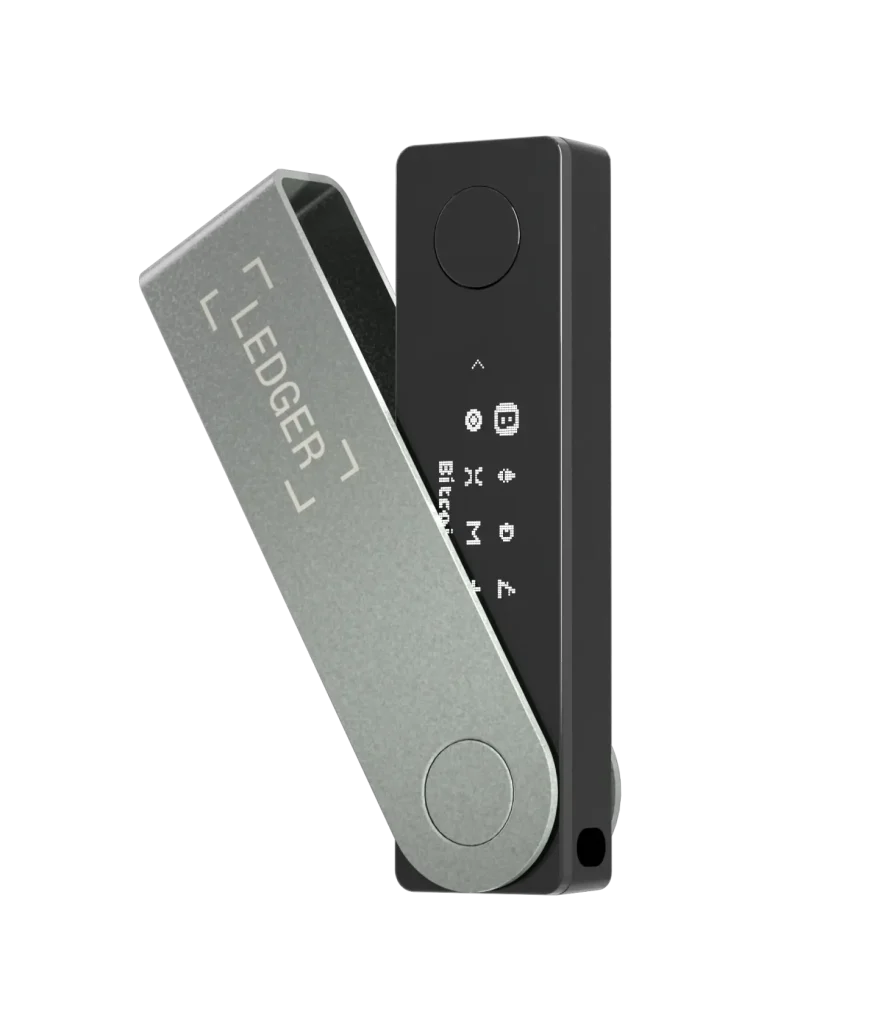
Ledger Nano X isn’t loud, flashy, or overloaded with features. It works. It’s built for people who want to hold their DOT without leaving anything to chance: your keys stay offline, and only you decide when and how your assets move.
It pairs with trusted Polkadot wallet apps such as Nova Wallet and SubWallet, so you can stake DOT or use Polkadot tools while the device does the signing.
Key Features | |
|---|---|
| Offline Key Storage | Keeps private keys fully offline, away from online threats. |
| Staking Access | Connects to apps that let users stake DOT. |
| Cold Storage Ready | Built for long-term safety as one of the top cold storage wallets. |
| Ecosystem Compatibility | Works with known wallets like Nova Wallet or SubWallet. |
| Simple Bluetooth Setup | Easy to pair with the mobile apps for convenience. |
Why We Chose It
We looked at how Ledger Nano X fits real Polkadot use cases. Here’s what stands out, good and bad.
The upfront cost is the trade-off. A software wallet is free; a hardware wallet is a one-time purchase. In return, your keys never touch an internet-connected device, and if the Nano X is lost or broken, you can restore everything in any compatible wallet from your recovery phrase.
If free software is where you want to start, our Trust Wallet review covers a widely used option.
2. SubWallet, Best Browser Extension for Multi-Network DOT Use
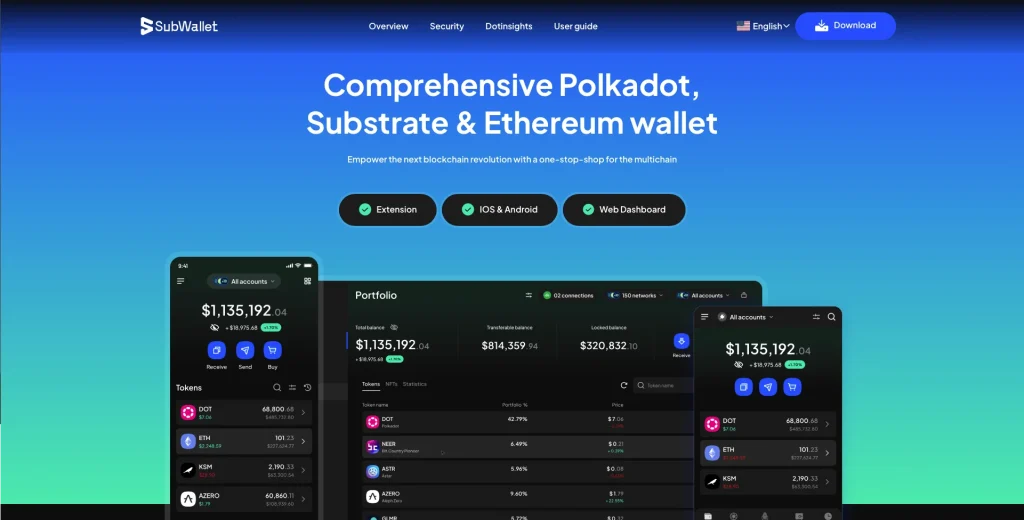
SubWallet lets you manage activity across several networks from one place. Staking, transfers, and voting all sit in the same interface, so you’re not switching tools or hopping between platforms.
With smooth cross-chain access and a layout built around the Polkadot network, it’s a strong match for people who move between parachains often.
Key Features | |
|---|---|
| Multi-Network | Let users interact across chains with strong cross-chain functionality. |
| Native Polkadot Tools | Built with direct access to the Polkadot staking dashboard integration. |
| Browser+Mobile Sync | It works across devices in a mobile browser and a Polkadot setup. |
| Governance and Staking | Allows users to vote and stake directly from the extension. |
| App Ecosystem Support | Designed to integrate with the full Polkadot network toolset. |
Why We Chose It
We judged SubWallet on how well it fits real cross-chain use and how easy it is for active users to live in every day.
3. Nova Wallet, Best Wallet for Polkadot Ecosystem
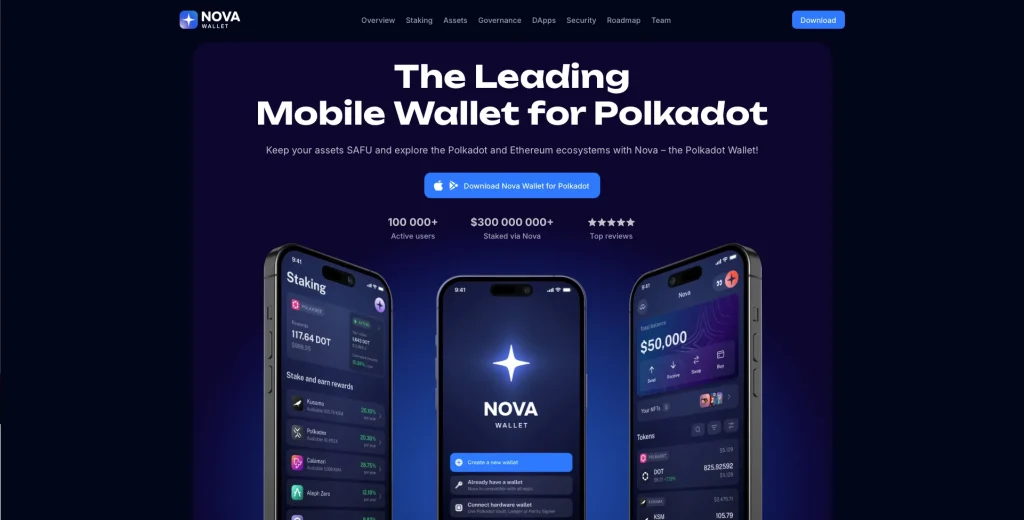
Nova Wallet is for people who want to stay close to Polkadot without a desktop. Staking, governance, and balances are all on your phone.
It stands out among the best mobile wallets for 2026 because it was built around usability and full support for the Polkadot and Kusama ecosystems.
Key Features | |
|---|---|
| Built for Polkadot | Fully integrated with the Polkadot network and relay chain tools. |
| Staking & Governance | Let users vote and stake directly from their phone. |
| Cross-Chain Ready | Designed to support cross-chain actions without friction. |
| Non-Custodial Control | A leading name among non-custodial Polkadot wallets. |
| Asset Management | Supports dot tokens, NFTs, and native tools like Polkadot JS. |
| App Ecosystem Integration | Work alongside fearless wallet, substrate wallets, and more. |
Why We Chose It
We included Nova because it puts full Polkadot access in your hand, without cutting corners.
4. Talisman Wallet, Best Polkadot & Ethereum Combo Wallet
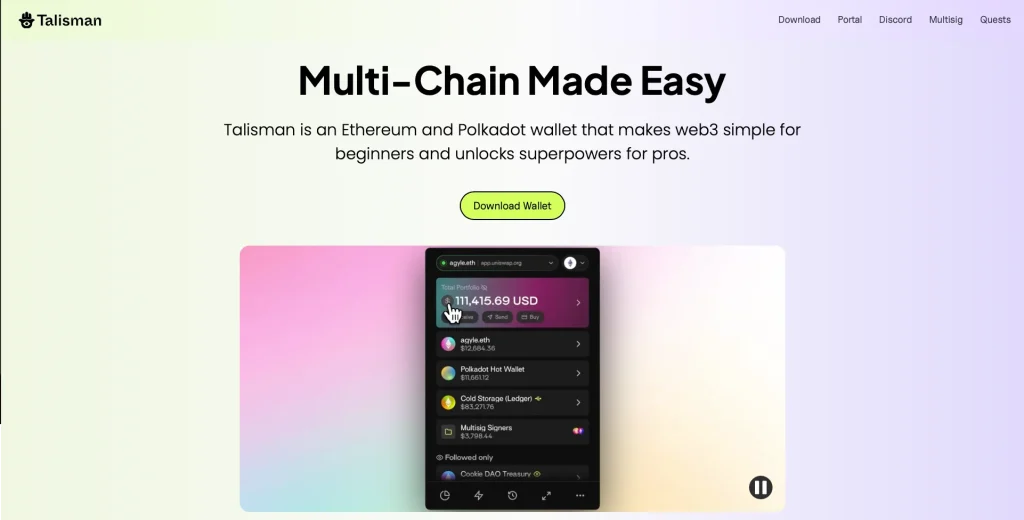
Talisman bridges two worlds: Polkadot and Ethereum. It’s a browser wallet that feels familiar, yet gives you parachains, staking, and DeFi tools without switching platforms.
It earns its place among the top Polkadot wallets because it behaves like an Ethereum-style wallet, supports DOT, and connects to hardware wallets when you want extra security.
Key Features | |
|---|---|
| Dual-Ecosystem Ready | Designed for both Polkadot and Ethereum style wallets. |
| DOT Support | Manages dot tokens, parachain access, and governance tools. |
| Interface Familiarity | Easy switch for users of other EVM wallets. |
| Secure Structure | Built with a focus on secure transactions and simple flow. |
| Relay Chain Access | Connects directly with tools across the relay chain and parachains. |
Why We Chose It
We included Talisman because it brings two networks under one roof without losing clarity or control.
5. Polkadot Vault, Best Air-Gapped Wallet for Maximum Security
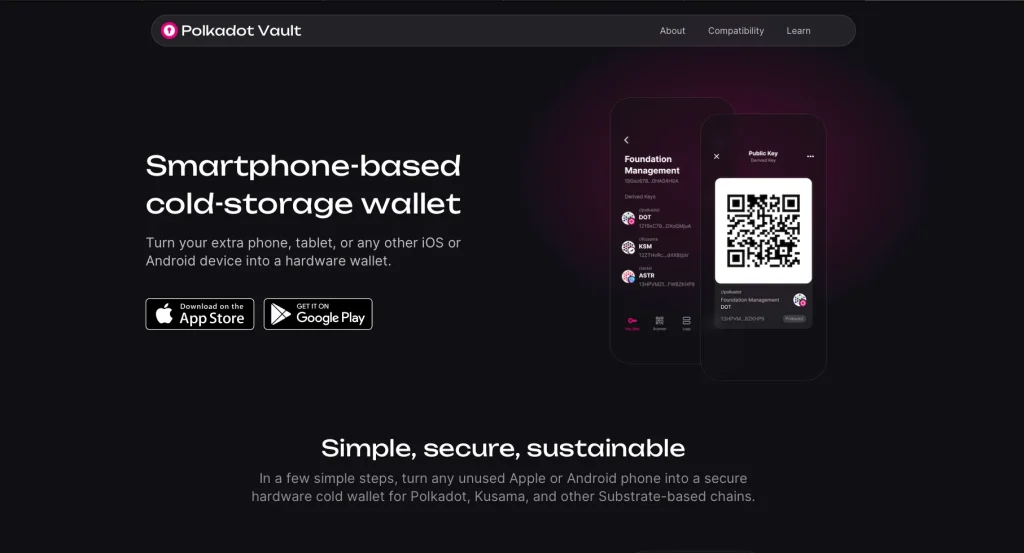
Polkadot Vault is a cold wallet app that runs on a phone you keep permanently offline, so your keys stay isolated from the internet. It’s ideal for storing DOT when long-term safety matters more than convenience.
What makes it different is how it talks to the outside world. Instead of a network connection, it signs transactions through QR codes, so nothing sensitive ever crosses the internet.
Key Features | |
|---|---|
| Air-Gapped Architecture | Keeps keys offline with camera-based transfers using its own address system. |
| Non-Custodial by Default | Designed as a non-custodial wallet, with no third-party access. |
| Polkadot-Focused | Built specifically for Polkadot Vault and Dot asset storage. |
| Multi-Chain Compatibility | Works across networks with strong multi-chain support. |
| Private and Isolated | No internet, no syncs- just complete control from a cold device. |
Why We Chose It
We chose Polkadot Vault because not everyone wants daily access. Some people want lasting peace of mind.
How to Choose the Best Polkadot Wallets
The right Polkadot wallet depends on how you use the network, which features you need, and how much control you want. Not every wallet is built for Polkadot, so here’s what matters:
1. Security: Do You Control Your Keys?
Start with security. Non-custodial wallets let you hold your own private keys. For stronger protection, hardware wallets keep everything offline.
Different chain, same questions. Our best Base wallets guide applies the same checklist to Base.
Look for:
- Recovery phrases (seed backups)
- Hardware compatibility
- Clear privacy practices
A secure wallet should never leave you guessing about who holds your keys.
2. Asset Compatibility: Just DOT, or More?
If you only use DOT, most Polkadot wallets will do. If you want to manage parachain tokens, NFTs, or EVM accounts, asset support becomes essential. A good wallet should handle DOT and parachains and play nicely with other tools across the Polkadot network. If you’re weighing cross-chain options or other ecosystems, see how Polkadot compares to Solana.
Make sure it supports the assets you use, or plan to use soon.
3. Usability: Can You Rely On It Every Day?
Some wallets are made for fast, everyday use. Others are built for offline storage and long-term holding. Pick the one that fits your routine. A user-friendly wallet feels intuitive even when you’re staking or voting on governance.
You want something that works, whatever your skill level.
4. Flexibility: Does the Wallet Fit Your Style?
The wallet should fit your habits, whether you prefer mobile, desktop, or offline tools. The right one supports your flow through a polished app, a browser extension, or a fully air-gapped setup.
Bonus points if it works across multiple chains or multiple devices.
5. Extra Tools: What Else Can It Do?
Polkadot wallets aren’t only for holding funds. The best ones also offer:
- Staking directly from the app
- Integration with other wallets
- Support for governance, dApps, and Polkadot’s own address formats
A wallet that grows with you in the ecosystem is worth keeping. Still unsure whether Polkadot is right for you? Read our comparison of Polkadot vs Cardano.
FAQ
1. Can I use the same wallet to claim crowdloan rewards?
Only if the wallet supports parachain crowdloans and connects to Polkadot’s crowdloan system. Not every wallet does, so check before you contribute.
2. What’s the risk of using browser extensions as wallets?
They’re convenient, but more exposed to phishing and malware than a hardware wallet. For larger balances, pair the extension with a hardware wallet, keep your browser updated, and never type your seed phrase into a website.
3. Are fees the same across all Polkadot wallets?
No. Fees depend on the network and how the wallet is built. Some wallets optimize transactions or let you adjust fees; others don’t.
4. Can I manage multiple accounts in one Polkadot wallet?
Yes. Many wallets let you create or import several addresses. Some also offer custom names or contact lists, so switching between accounts is easier.
Final Thoughts
Most wallets look the same on the surface, but only a few are built with Polkadot in mind. The difference shows the moment you try to stake, join a crowdloan, or send DOT without a hitch.
What matters is picking a wallet that works with the network, not around it. If you use Polkadot often, non-custodial control, cross-chain support, and hardware pairing aren’t extras. They’re must-haves.
Find the one that fits how you use DOT, and the rest falls into place.
How I review: Reviewed by Andrei B. I buy the hardware wallets I review, test every product myself and score it on security, UI/UX, ease of use, price and supported coins. Before I publish, I also check recent user reviews and any hack reports.
The whole process is explained on the How We Review page. You can read more about me, or contact me with corrections, from the links at the bottom of this page. For general safety advice, see the FTC guide to cryptocurrency scams.