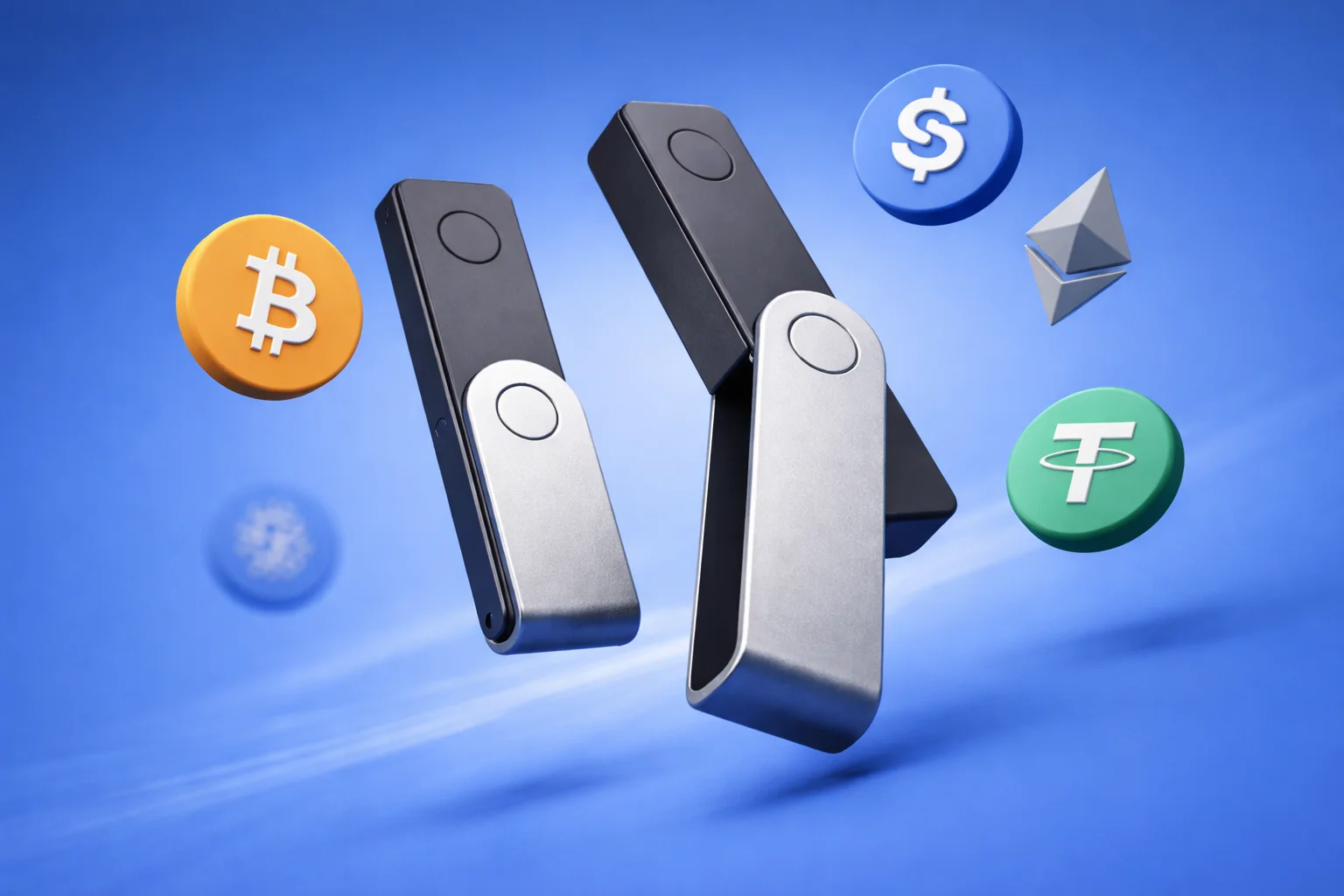
“Nano S vs Nano X” is still one of the most-searched wallet comparisons, and in 2026 it needs a translation. Ledger discontinued the original Nano S in 2022, so the real choice today is between its successor, the Nano S Plus ($59), and the Nano X ($99). This guide covers both honestly, plus the case where neither is the right answer and the touchscreen Nano Gen5 is.
Ledger has moved the line on again since, which we cover in Ledger Nano Gen5 vs Nano X.
The Nano S Plus is Ledger’s cable-only entry model, and the Nano X is the same idea with a battery and Bluetooth for use with your phone.
Table of Contents
Ledger Nano S vs Nano X at a Glance
The sixty-second version: security is identical. Both use the same certified secure element family, run the same Ledger Live software, and support the same 5,500+ assets. The Nano X adds Bluetooth, a battery, and mobile freedom for roughly $40 more. If you manage crypto at a desk, keep the money. If you manage it from your phone, the extra is worth paying.
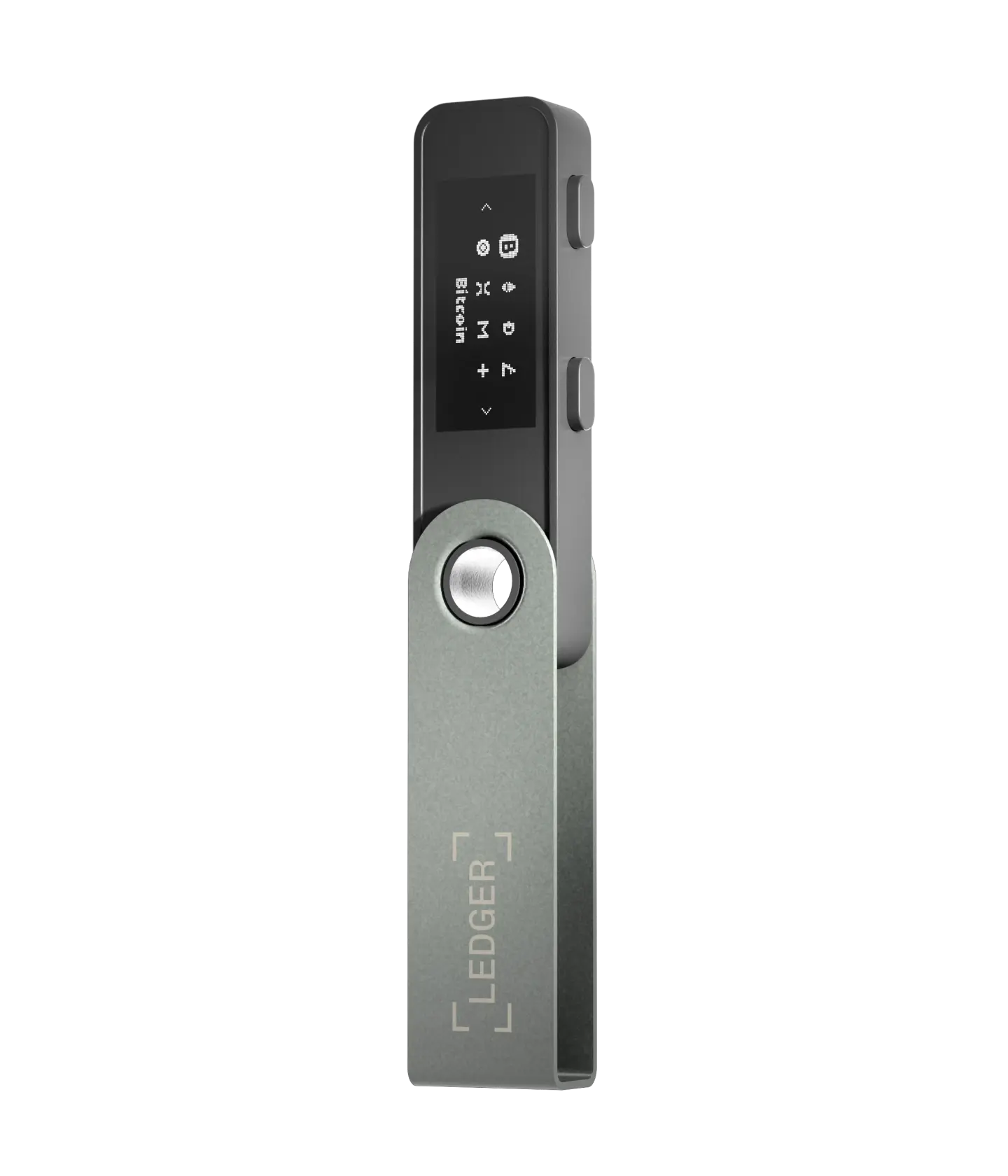 Ledger Nano S | 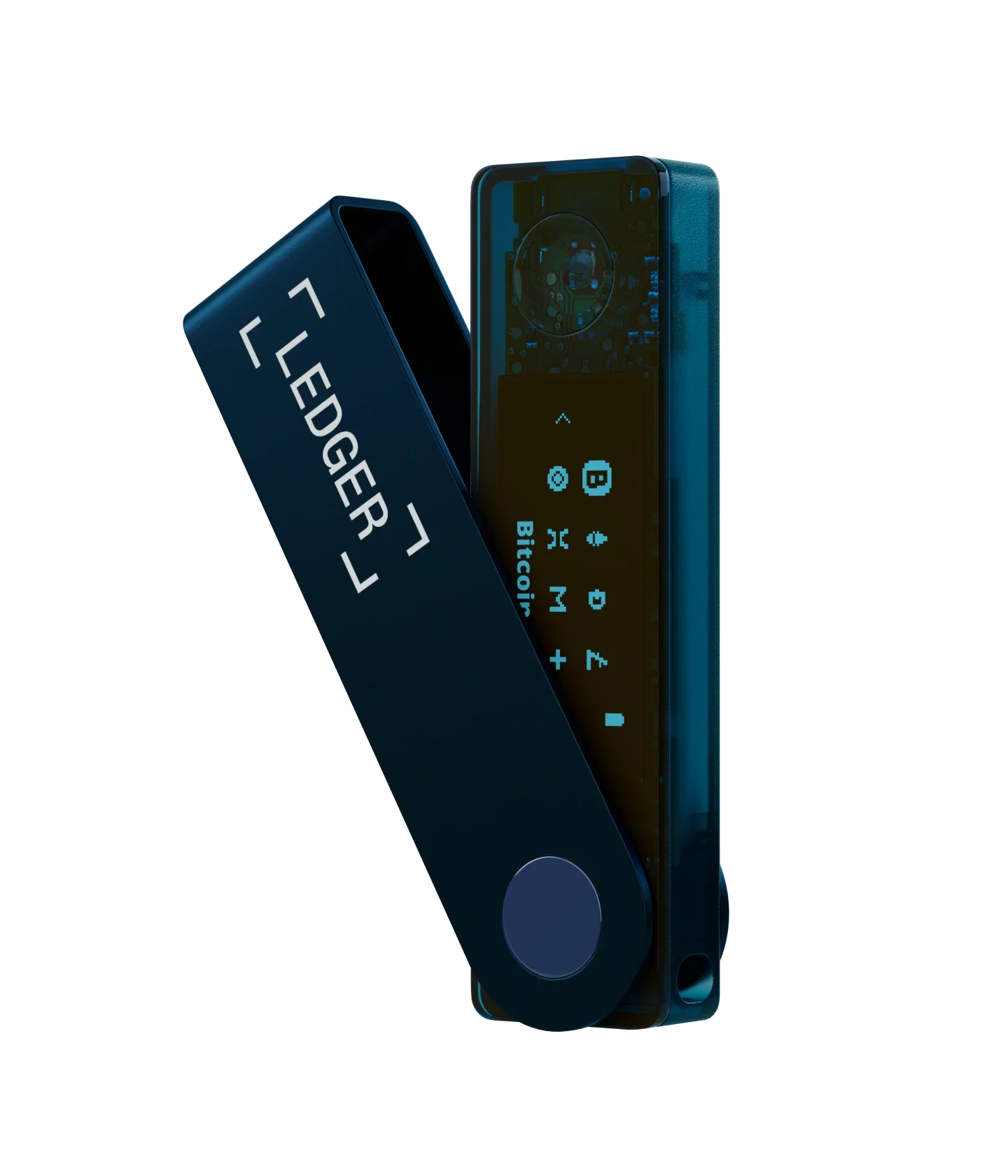 Ledger Nano X | |
|---|---|---|
| Security | CC EAL5+ secure element; same core protection as the Nano X | CC EAL5+ secure element; same security level as S Plus |
| Connectivity | USB-C only; no Bluetooth support | USB-C + Bluetooth; designed for wireless mobile use |
| App Storage | Large app capacity; enough for most multi-chain users managing multiple cryptocurrencies | Largest storage of all Ledger wallets; ideal for heavy DeFi, NFT, and staking users |
| Screen | Larger screen than the original Nano S for more straightforward navigation | Clear, easy-to-read display suited for frequent daily use |
| Mobile Support | Works with Android and iOS via cable; best for desktop-first users | Full wireless experience with Bluetooth; perfect for on-the-go management using the Ledger live mobile app |
What Are Ledger Hardware Wallets?
Both the Nano S line and the Nano X are physical devices that keep your cryptocurrency offline, which is one of the safest ways to protect it. Instead of leaving your private keys on an internet-connected phone, computer, or exchange account, a Ledger keeps them inside a secure element chip, cut off from online threats.
That chip is the same class of hardware used in passports and bank cards. It runs Ledger’s own BOLOS operating system, certified by France’s ANSSI. Keys never leave the chip; your computer or phone only ever sees signed transactions. The trade-off across the whole family: the firmware is closed-source, and Ledger’s 2020 and 2025 customer-data leaks (buyer details, never keys) make shipping to a pickup point a wise habit.
- Cold storage: your keys stay offline, out of reach of hacks & malware.
- Full control: you hold the private keys, not an exchange.
- Wide compatibility: cryptocurrencies, DeFi apps, and NFTs.
Ledger Nano S (Legacy): What It Was and Why It’s Discontinued
The Ledger Nano S was Ledger’s original entry-level hardware wallet and one of the most widely used devices in crypto. It earned that place by offering strong security at a low price.
What does the Ledger Nano S offer?
If you still run one: the original S gives you the same secure element protection and Ledger Live compatibility it always did, limited to a handful of installed apps and a small screen. It is still safe to use. It is just tedious for multi-chain portfolios, and no longer sold new.
- Secure cold storage for crypto assets;
- CC EAL5+ secure element, the same security standard used in current Ledger devices;
- Simple two-button interface;
- Support for thousands of cryptocurrencies.
Why the Nano S Became Limiting
The pain point was memory. It held roughly three to five apps at once, so multi-chain users lived in an uninstall-reinstall loop. That loop was safe, since your keys are not stored in the apps, but it was tiresome. Add a micro-USB port and a cramped screen, and by 2021 the S felt like a device from a simpler crypto era, because it was.
- Minimal app storage (often only 3–5 apps at once);
- Small display that makes navigation harder;
- Old micro-USB port that needs adapters with modern devices;
- Poor fit for DeFi, NFTs, or multi-chain use.
Ledger Nano S Plus: The True Successor to Nano S
The Nano S Plus (2022, $59) fixed everything that dated the original without moving up a price tier: the same larger screen as the Nano X, room for about 100 apps, USB-C, and a newer-generation secure element. If your search started at “Nano S,” this is the device you are actually buying today.
Nano S Plus Improvements Over Nano S
Three upgrades did the work:
1. More Memory
From “three apps and juggling” to “about a hundred and forgetting.” Install every chain you touch once, and the device stops being a bottleneck.
2. Bigger Screen
The 128×64 display doubles the original’s resolution. It is still not a touchscreen, but address verification goes from squinting to merely small.
3. Modern USB-C Port
USB-C replaced micro-USB, which means one cable for your laptop, phone, and wallet, and direct Android use without adapters.
Who Should Choose the Nano S Plus?
Buy the S Plus if your crypto life happens at a desk. It is the cheapest device with Ledger’s full security stack and asset coverage, and the only things you give up are wireless and a battery. For pure cold storage it is arguably the most sensible device Ledger sells.
- Beginners: a full-strength hardware wallet without paying extra for the Nano X.
- Users who don’t need Bluetooth: if you manage crypto on a desktop, or a cable to your phone is fine, the S Plus covers everything.
- Desktop-first users: ideal if you prefer Ledger Live on Windows or macOS over a smartphone app.
Ledger Nano X: Ledger’s Premium Wallet Explained
The Nano X (2019) is the S Plus’s mobile twin: same security architecture, same Ledger Live software, plus Bluetooth Low Energy, a battery, and iOS support. Since the touchscreen Nano Gen5 arrived above it, Ledger has cut the list price to $99, which quietly made the X better value than at any point in its life.
The Ledger Nano X is Ledger’s premium two-button wallet. Where the Nano S Plus focuses on price, the Nano X focuses on flexibility and a mobile-first experience, which makes it the stronger choice if you touch your crypto daily.
Ledger’s touchscreen models are a different conversation, covered in our Ledger Flex vs Ledger Stax comparison.
Standout Features of Ledger Nano X
1. Bluetooth Connectivity
Encrypted Bluetooth Low Energy pairing with Ledger Live mobile lets you sign from your phone with no cable. Keys never cross the radio; only transaction data does, and every transaction still needs physical confirmation on the device. If you would rather not use Bluetooth at all, turn it off and use USB-C.
2. Large App Capacity
Around 100 apps at once, matching the S Plus. The old argument that “the X has more room” was true against the original S, but it no longer separates the current pair. Either device comfortably serves:
- Multi-chain wallets;
- DeFi users;
- NFT collectors;
- Staking enthusiasts.
3. Best Mobile Performance
Battery plus Bluetooth makes the X the only current Nano that works as a truly portable wallet: check balances, receive, and sign from a phone anywhere. iPhone users take note: this is the Ledger that fully supports iOS.
Who Is the Ledger Nano X Best For?
Buy the X if you will actually use the mobile freedom: travelers, phone-first users, iPhone owners, and anyone who signs often enough that cables annoy. If the Bluetooth would sit disabled, you are paying for a feature you have opted out of.
- Multi-chain active users: if you switch between networks often (Ethereum, BNB Chain, Polygon, Solana, and so on), the Nano X handles multi-app workflows without fuss.
- DeFi and NFT power users: the storage and Bluetooth support make the Nano X a good fit for DeFi platforms, NFT marketplaces, staking dashboards, and Web3 tools, straight from your phone.
- People who manage crypto on mobile: the Nano X is the Ledger to buy for smartphone users, with a fully wireless experience the Nano S Plus cannot match.
If you’re setting up a Ledger Nano X for the first time, this step-by-step guide explains how to set up Ledger Nano X securely from start to finish.
Ledger Nano S Plus vs Ledger Nano X: Side-by-Side Breakdown
Head to head on the five points that decide it:
1. Security Comparison
A dead heat, by design. Both use Ledger’s certified secure element architecture, both run BOLOS, both require on-device confirmation, both support passphrases. Bluetooth on the X does not weaken key security, because keys never touch the radio, though buyers who dislike radios can reasonably prefer the S Plus’s physical simplicity. Nothing about this choice changes how safe your keys are.
2. Supported Blockchains & Assets
Identical: 5,500+ assets across 70+ chains through the same Ledger Live, with the same third-party wallet pairings for the long tail. Asset support should not influence this decision at all.
3. App Storage & Device Memory
Effectively tied at about 100 apps each. Memory only matters against the discontinued original S, which is exactly why the S Plus exists.
- Ledger Nano S Plus: ample storage, with many blockchain apps installed at once. Great for moderate multi-chain activity.
- Ledger Nano X: the same capacity, so you can keep networks, DeFi protocols, and NFT apps installed without constantly uninstalling.
4. Connectivity: USB vs Bluetooth
The real fork in the road. S Plus: USB-C only, no battery to age, nothing to charge, nothing to pair. It is cold storage at its most appliance-like. Nano X: Bluetooth and a battery buy mobility at the cost of one more thing to charge and a slightly higher price. This single row decides the purchase for most people.
- Nano S Plus: works over USB-C only. Excellent for desktop-first users and anyone who prefers a wired, predictable connection.
- Nano X: adds Bluetooth for wireless management through Ledger Live on iOS and Android. That makes it the more flexible wallet for travel, mobile use, and quick transactions on the go.
5. Ease of Use & Interface
Identical screens, identical two-button navigation, identical Ledger Live software. The daily experience only diverges when the X goes wireless. Both share the same honest weakness: verifying long addresses two lines at a time, which is the touchscreen Gen5’s whole sales pitch.
Price & Value
S Plus: $59. Nano X: $99. The $20–$40 gap buys Bluetooth, a battery, and iOS support, nothing else. Buy either only from Ledger’s official store (that is where the buttons above go), never second-hand, so you know nobody has handled the device before you. Given Ledger’s customer-data leaks, shipping to a pickup point is worth the small hassle. Either way, you set the device up yourself, generate your own recovery phrase, and keep full control of your keys. And the honest third option: if you are stretching toward $149+, the Nano Gen5 at $179 adds the touchscreen that fixes both devices’ verification weakness. Sometimes the right answer to “S Plus or X” is “neither.”
FAQ
Can I transfer my assets from a Nano S to a Nano S Plus or Nano X?
Yes. Your assets are tied to your 24-word recovery phrase, not the device. Enter that phrase on your Nano S Plus or Nano X (on the device itself, never into a computer or phone) and all your crypto accounts restore automatically.
Does the Nano X battery affect long-term security?
No. The battery has no effect on private key security. Your keys stay locked inside the secure element even if the battery degrades or the device runs flat. A dead battery just means you plug the device in to use it.
Do Ledger wallets support staking directly from the device?
Yes. Ledger devices support staking through Ledger Live for assets such as Ethereum, Polkadot, and Solana, depending on the network’s support. You can also stake other assets through third-party apps connected to your Ledger.
Final Verdict: Ledger Nano S vs Nano X?
Choose by where you sign. At a desk, the Nano S Plus is the sensible pick and the savings are real. On the move, the Nano X earns its premium the first time you sign from a phone in an airport. Security is a tie by design. And if the small screen bothers you at either price, that is the Gen5 talking. Listen to it.
How I review: Reviewed by Andrei B. I buy the hardware wallets I review, test every product myself and score it on security, UI/UX, ease of use, price and supported coins. Before I publish, I also check recent user reviews and any hack reports.
The whole process is explained on the How We Review page. You can read more about me, or contact me with corrections, from the links at the bottom of this page. For general safety advice, see the FTC guide to cryptocurrency scams.